Password Log Template Word: Free Printable Alternative
Looking for a password log template Word file? See why a plain document is risky, what to track instead and a free printable account log (PDF).
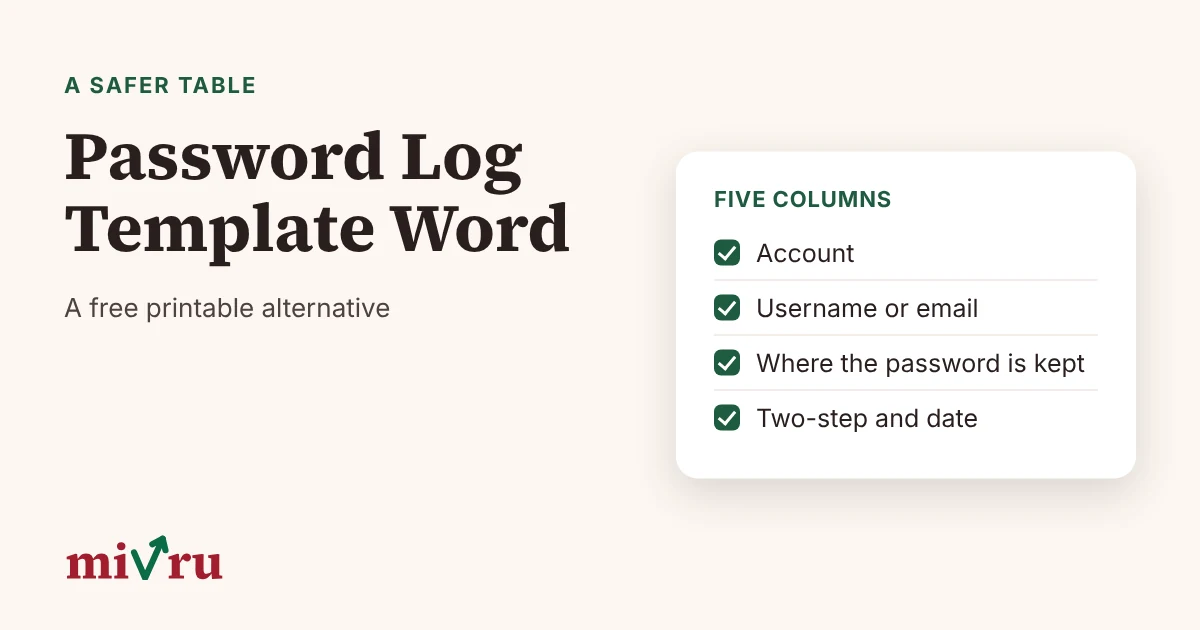
A password log template Word file is easy to find and easy to make, and it is also the riskiest way to keep a list. A document full of passwords sits on your computer, in your backups and in your cloud storage, where one mistake exposes everything. This guide explains what a Word table can safely hold, how to make one in five minutes and a free printable alternative.
The sample rows are made up. If you want the printable now, download the free printable password log.
Why a Word file is risky
Documents get emailed, synced, copied to a USB stick and forgotten in a downloads folder. The US Cybersecurity and Infrastructure Security Agency says to use a password manager so you only have to remember one strong master password, and to use a different password for every account. The Federal Trade Commission says the same thing and points out that free password managers are built into most browsers.
A Word file does not generate strong passwords, does not warn you about reuse and is not encrypted by default. That is why it should hold the status of your accounts and not the passwords.
A safe five-column table
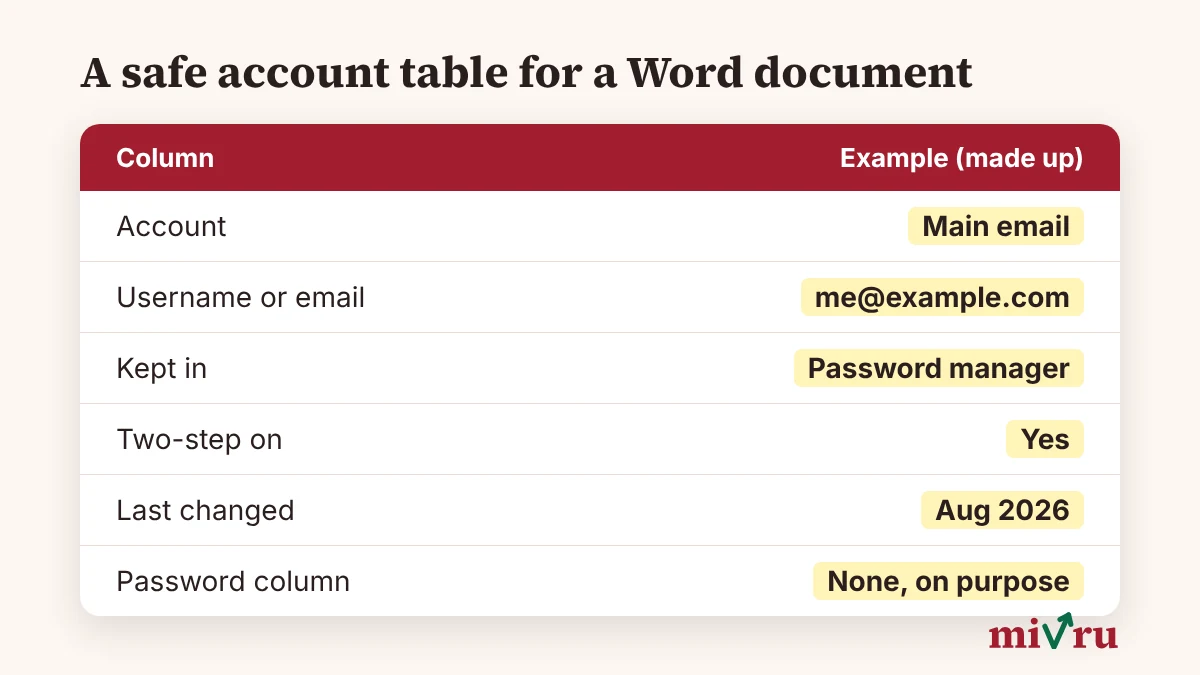
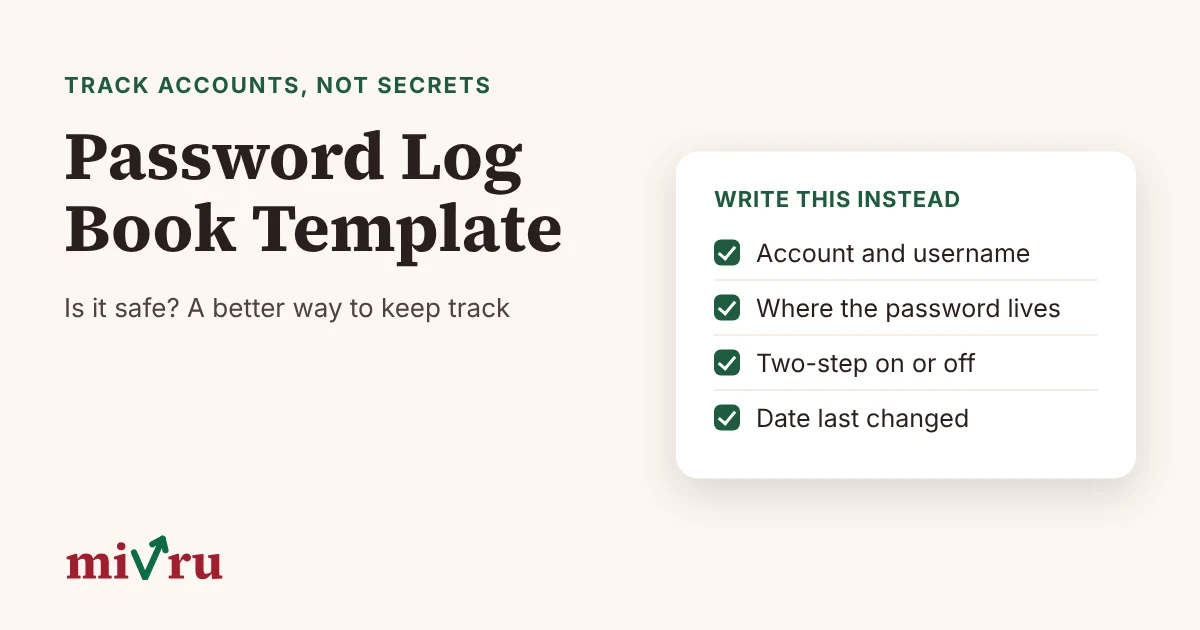
In Word, choose Insert > Table and make a table with five columns and about 20 rows. Use these headings:
- Account: Main email, Online store, Phone carrier.
- Username or email
- Where the password is kept: Password manager, Browser, Memorized or Paper in a safe.
- Two-step on: Yes, No or Not offered.
- Last changed: a date.
There is deliberately no password column.
Example (made up): Main email | [email protected] | Password manager | Yes | Aug 2026. Online store | [email protected] | Browser | No | Nov 2024. The second row tells you what to fix.
Make it easier to use
- Shade the "No" cells in the two-step column red, so gaps stand out. Select the cell, then Table Design > Shading.
- Sort by last changed (Layout > Sort) to see the oldest passwords first.
- Add a header row that repeats so a printed copy has headings on every page: Layout > Repeat Header Rows.
- Save a printable copy as PDF (File > Save As > PDF) and print it for your household papers.
What a Word file should never contain
- Passwords and PINs.
- Recovery codes and security answers.
- The master password for your email, bank or password manager.
- Full card numbers.
If you do decide to protect the file, use File > Info > Protect Document > Encrypt with Password, and know that if you forget that password it cannot be recovered. It is a thin extra layer, not a safe.
What to do instead
- Pick a reputable password manager and move your accounts in, starting with email and banking.
- Turn on two-step sign-in, starting with email. The FTC explains two-factor authentication in plain language.
- Keep an account log with the five columns above, as a Word table, a spreadsheet or a printed page.
- Review it twice a year.
The free printable alternative
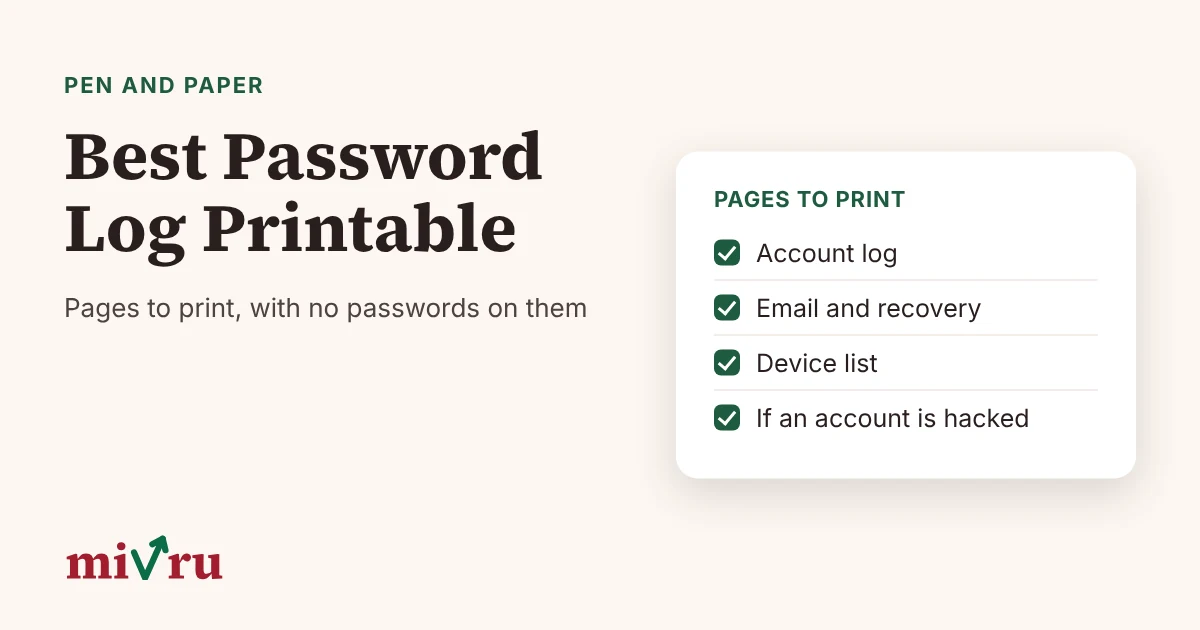
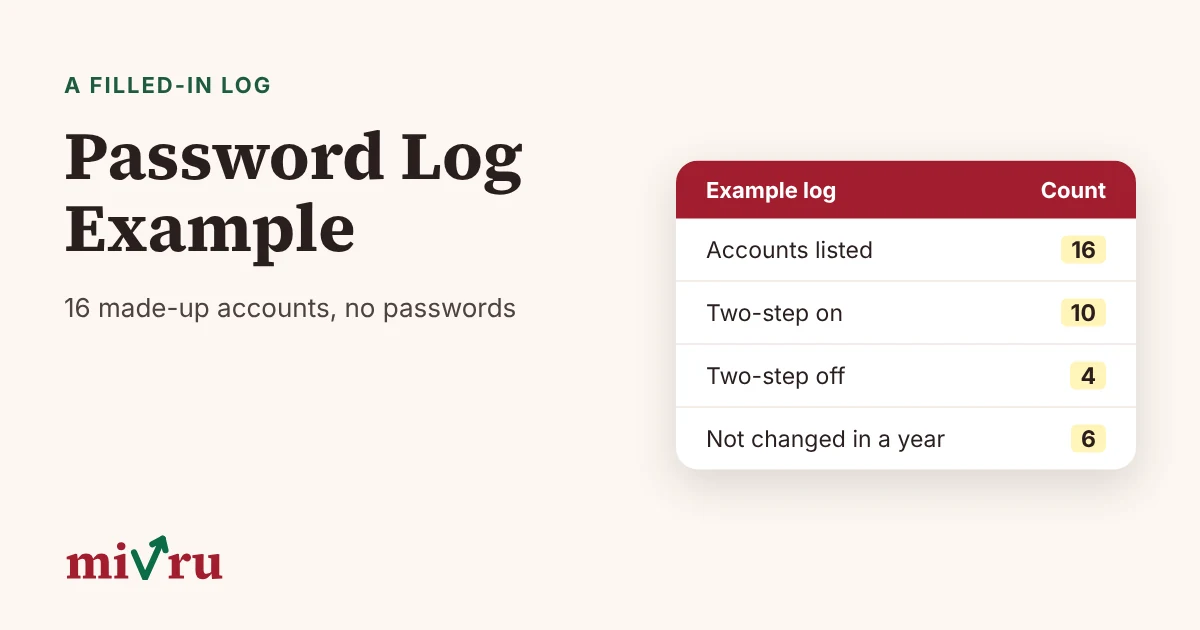
The free printable password log is a one-page PDF with the same five columns and 17 lines, plus boxes for accounts to fix first and notes. It prints on US Letter paper and has no password column. See the best password log printable guide for the other pages worth printing, and the password log example to see the counts a filled-in log gives you.
Keep it with the rest of your records
Account lists belong next to your other household papers. Our household binder printables guide shows how to organize them, and the guide on how to keep track of bills pairs well with an account list. This is general information, not personal security advice.
The five-column table
| Account | Username or email | Where the password is kept | Two-step on? | Last changed |
|---|---|---|---|---|
| Main email (example) | [email protected] | Password manager | Yes | Aug 2026 |
| Online store (example) | [email protected] | Browser | No | Nov 2024 |
There is no password column. The table says where to look, not what to type.
How to set it up in five minutes
- Open a new document and insert a table with five columns.
- Type the headings above in the first row.
- Add one row for each account, starting with your email and bank.
- Format the table with a header row, so it repeats on each page.
- Save the file in a private folder and print a copy for a safe place.
If you must keep the file on a computer
- Do not store it in a shared folder.
- Do not email it to yourself or anyone else.
- Use a strong password on the file if your word processor allows it, and keep that password in your manager.
- Back it up to a place only you can open.
What the table is for
Once a year, read down the "Two-step on?" column. Every "No" is a job. Read down "Last changed". Every date older than a year is another job. That short list is more useful than a long book of passwords.
Updating the table
Add a row when you open an account, and fill in the date. When you change a password, update only the "Last changed" cell. The table never holds the password itself.
Want the counting done for you?
The Mivru Password Log & Account Organizer replaces the Word table with a spreadsheet that counts accounts without two-step sign-in and passwords not changed in a year, adds a devices list and gives you an 10-page printable. It never stores passwords. See the Password Log & Account Organizer.
Frequently asked questions
Can I use a Word document as a password log?
You can, but a plain document is not a safe place for passwords. Use it only as an account list with where each password is kept and whether two-step sign-in is on, and keep the passwords in a password manager.
Is there a free password log template for Word?
You can make one with a table of five columns, or download the free printable password log from Mivru as a PDF to fill in by hand.
What columns should the table have?
Account, username or email, where the password is kept, two-step on or off and the date last changed.
Should I password-protect the Word file?
It adds a layer, but it is not a replacement for a password manager. If you forget the file password it cannot be recovered.
What is safer than a Word file?
A reputable password manager, unique passwords for every account and two-step sign-in. A printed account log with no passwords is a safe companion.