Password Log Book Template: Is It Safe? A Better Way
A password log book template is risky if it holds passwords. Learn what to write in an account log instead, and why a password manager does the rest.
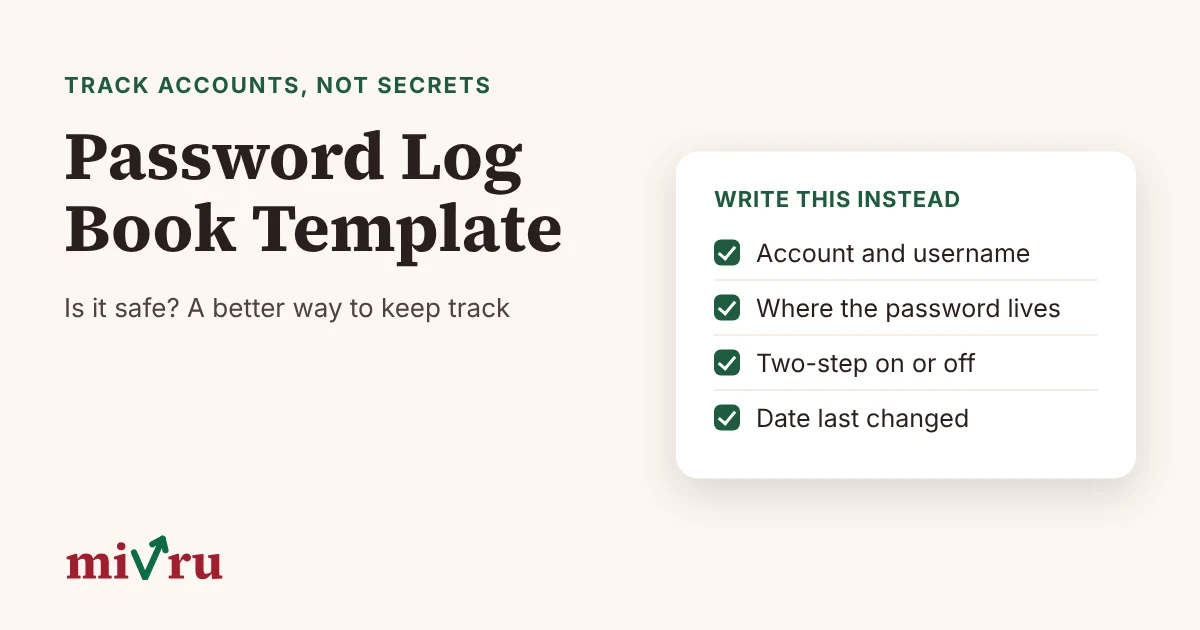
A password log book template looks like a simple solution: a table with a column for the site, the username and the password. The trouble is the last column. A book full of passwords is a single thing that, if lost or found, opens every account you own. This guide explains what to write in a log instead, and how to keep the useful parts of the idea without the risk.
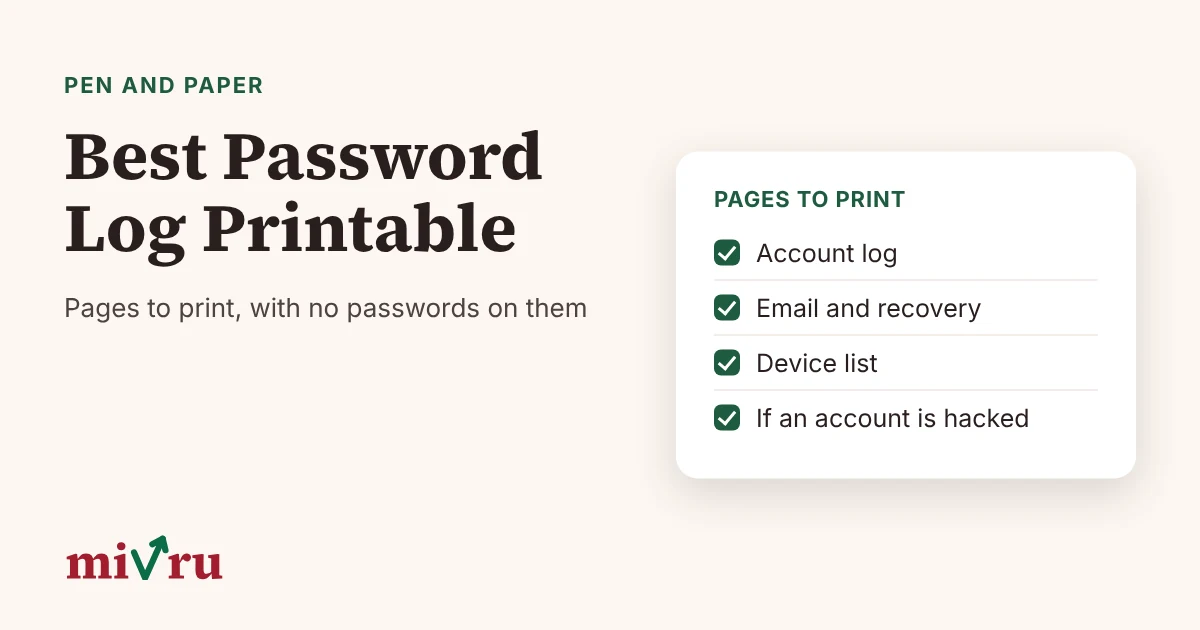
The examples are made up. If you want a printable page that never asks for a password, see our free printable password log.
Why writing passwords down is risky
The US Cybersecurity and Infrastructure Security Agency recommends a different strong password for every account, at least 16 characters long, and a password manager to generate and remember them. The Federal Trade Commission says that a password manager can create and store strong passwords, and that you should use a different one for each account, with two-factor authentication where it is offered, in its guide to creating strong passwords and protecting your accounts.
A paper book breaks both rules: people write short, memorable passwords so the book is easier to use, and they reuse them. And a book can be lost, photographed or read by anyone in the house.
What a safe account log records
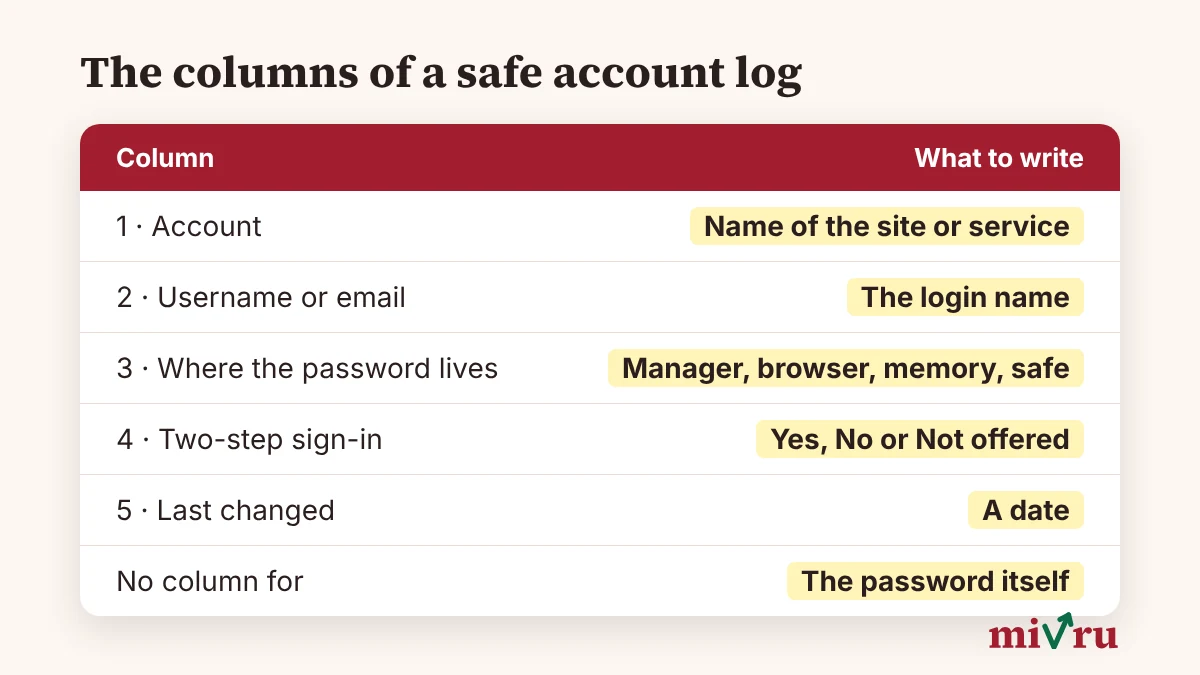
An account log is still useful. You just record the map, not the treasure:
- Account. The name of the site or service.
- Username or email. The login name. This is less sensitive than the password, but keep the log somewhere private.
- Where the password lives. Password manager, browser, memory or a locked safe.
- Two-step sign-in. Yes, No or not offered.
- Last changed. The date, so old passwords stand out.
- Notes. Which recovery phone or email is set, who shares it, and what to check.
With those columns you can answer the questions that matter: which accounts have no second step, which passwords are old and which are still outside the password manager.
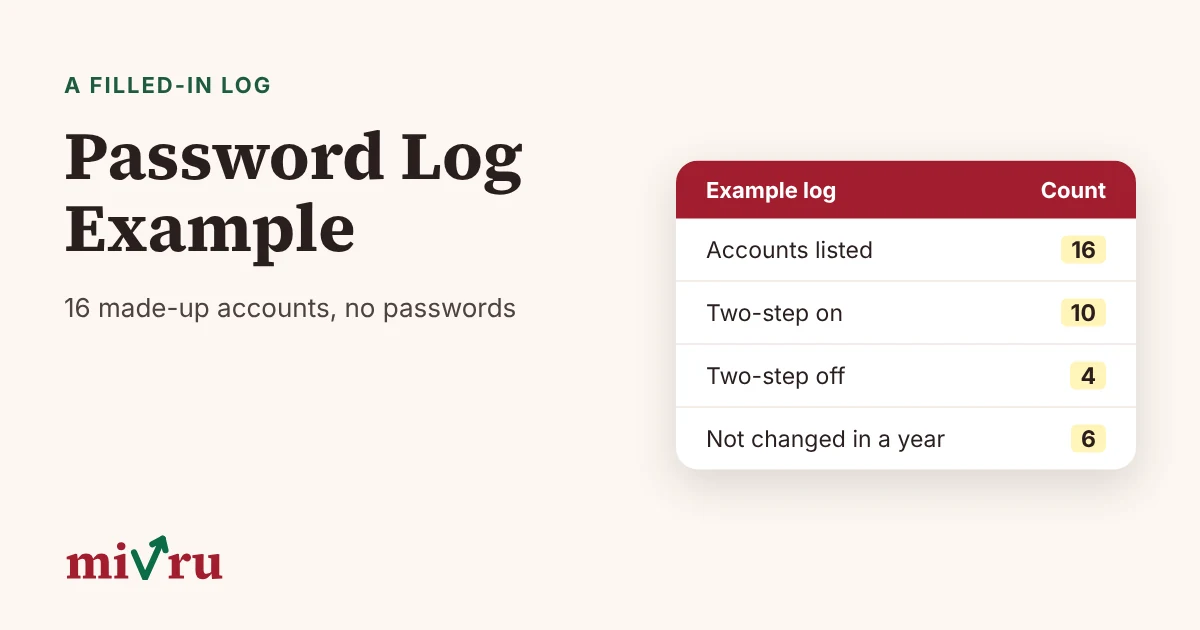
Example (made up): A person lists 16 accounts. Ten have two-step sign-in on, four do not and two do not offer it. Ten passwords live in a password manager, four in a browser and two in memory. Six were last changed more than a year ago.
What never goes in the log
- Passwords and PINs.
- Recovery codes and security answers.
- The master password for your email, bank or password manager. Make it a long passphrase you can remember, as CISA suggests, and do not write it on paper that anyone could find.
- Full card or account numbers.
The better way, in four steps
- Pick a reputable password manager. The FTC says to read expert reviews, and notes that free ones are built into most browsers.
- Move your accounts in, starting with email, banking and social media. Let it generate a new long password for each.
- Turn on two-step sign-in on email first, because email can reset the others, then money and social accounts.
- Keep an account log that records the status of each account, so the work is visible and you can check it twice a year.
Paper, spreadsheet or both
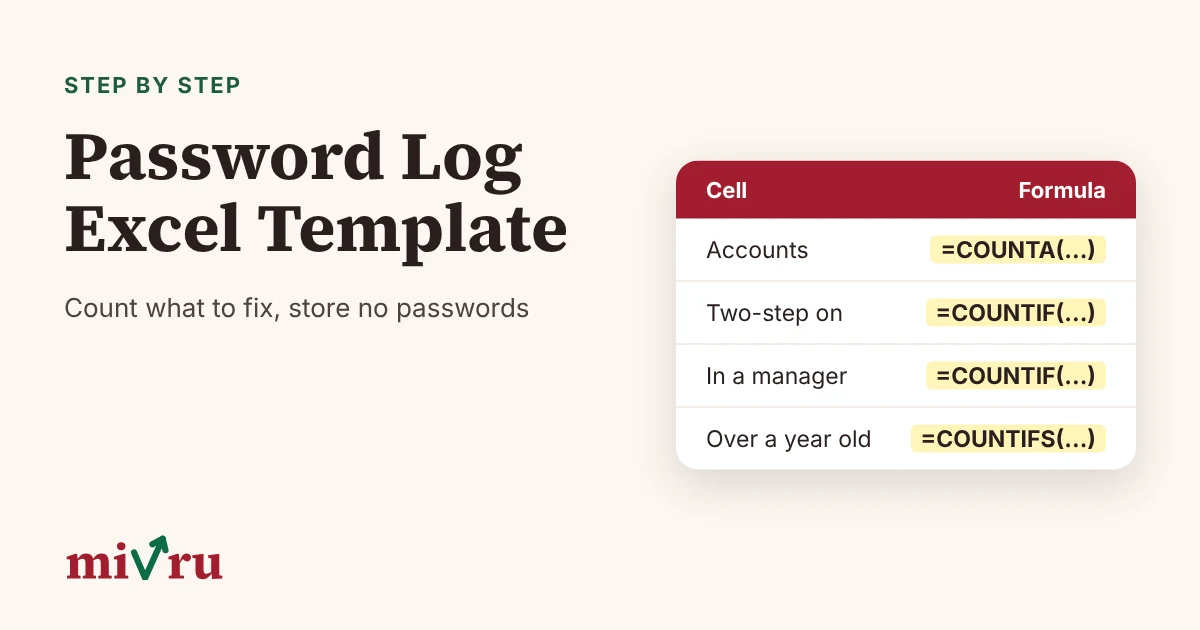
A paper log is easy to read at a glance. A spreadsheet can count the accounts that still lack a second step and highlight old passwords. If you build your own, follow our password log in Excel guide, and see our password log example for what a filled-in one looks like. Many people keep a printed copy with other household papers; our household binder printables guide shows how.
What to do this week
- List your ten most important accounts.
- Check that each has a unique password and two-step sign-in.
- Fix the email account first.
- Put the date you last changed each password in your log.
A safe log in one table
Here is what a good account log holds, using made-up examples. There is no password column.
| Account | Username type | Password kept in | Two-step sign-in | Last changed |
|---|---|---|---|---|
| Email (example) | Email address | Password manager | On | Within a year |
| Online store (example) | Email address | Browser | Off | Over a year ago |
| Bank (example) | Customer ID | Password manager | On | Within a year |
Example: In the made-up log of 16 accounts, 10 have two-step on, 4 do not and 2 do not offer it. Ten passwords live in a password manager, four in a browser and two in memory. Six were last changed more than a year ago, so those six go to the top of the to-do list.
Why this works better than a book of passwords
A log of where passwords are kept, and which accounts are protected, tells you what to fix. If someone finds it, they learn very little. If you lose it, nothing is lost that you cannot reset. The only secrets you carry are the ones in your head or in your password manager.
A first-week plan
- List your accounts. Start with email, banking and anything that holds payment details.
- Mark where each password lives. If the answer is "my head" for an important account, move it to a manager.
- Turn on two-step sign-in for the accounts that offer it, starting with email.
- Change the oldest passwords on the most important accounts.
- Write the date so you know when you last looked.
Want the log and the checking built in?
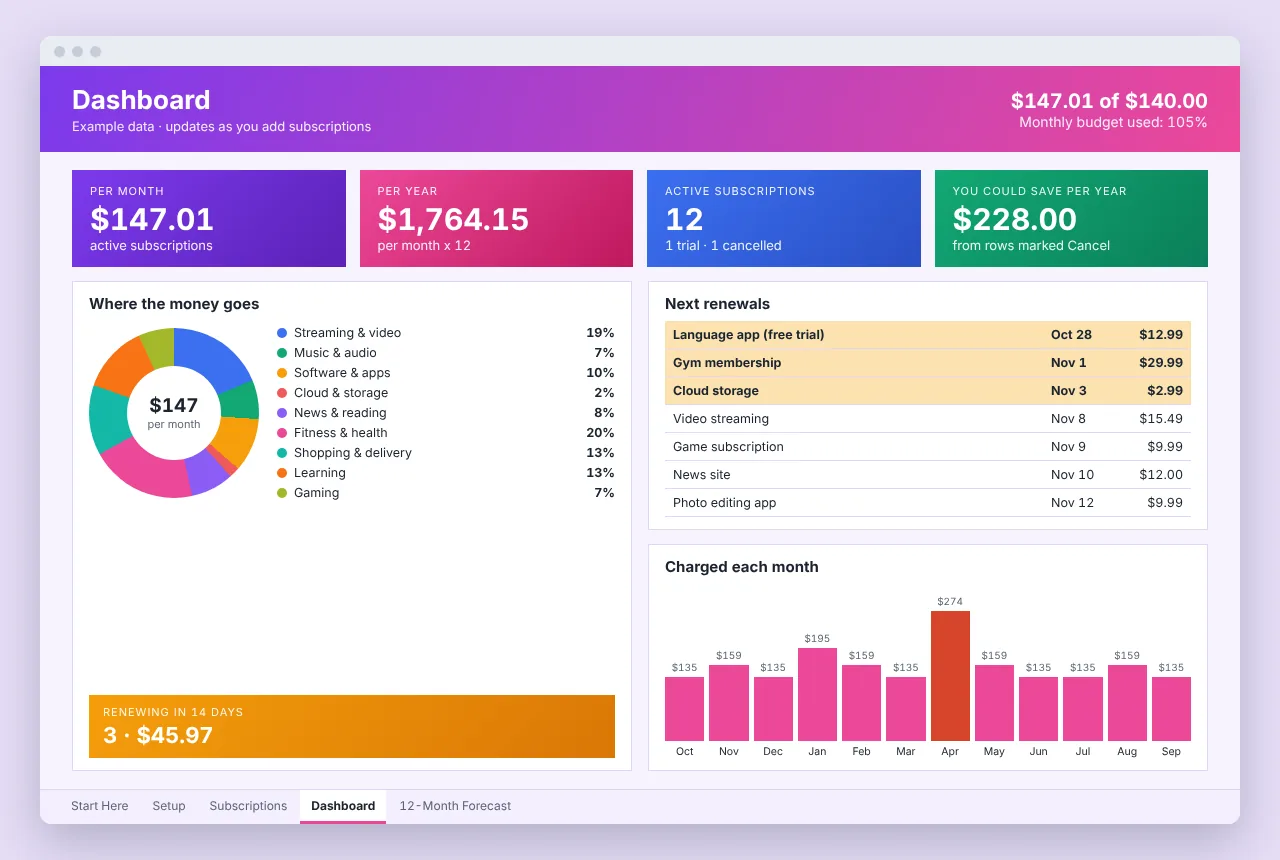
The Mivru Password Log & Account Organizer records accounts, where each password is kept, two-step status and devices, with a dashboard that counts what to fix first. It never stores passwords. It has 5 sheets in five color themes for Excel and Google Sheets and an 10-page printable. See the Password Log & Account Organizer. This is general information, not security advice for your specific situation.
Frequently asked questions
Is a password log book safe?
A paper log book that holds your passwords is only as safe as the place it is kept. If someone finds it, they get everything. A safer habit is to record where each password lives, and keep the passwords in a password manager.
What should I write in a password log instead of passwords?
Write the account name, the username or email, where the password is kept, whether two-step sign-in is on and the date you last changed it. Do not write the password.
Should I write my master password down?
Do not write the master password of your email, bank or password manager on paper that someone could find. Make it a long passphrase you can remember.
How long should a password be?
The US cybersecurity agency CISA says to aim for 16 or more characters, and the FTC says at least 15 if you create your own. A long passphrase of unrelated words works well.
What is the best alternative to a password log book?
A reputable password manager, a different password for every account and two-step sign-in on important accounts. A paper account log can map the rest.