Best Password Log Printable Free PDF: Pages to Print
The best password log printable free PDF is one that stores no passwords. See the pages to print: account log, devices, checkup and a hacked-account plan.
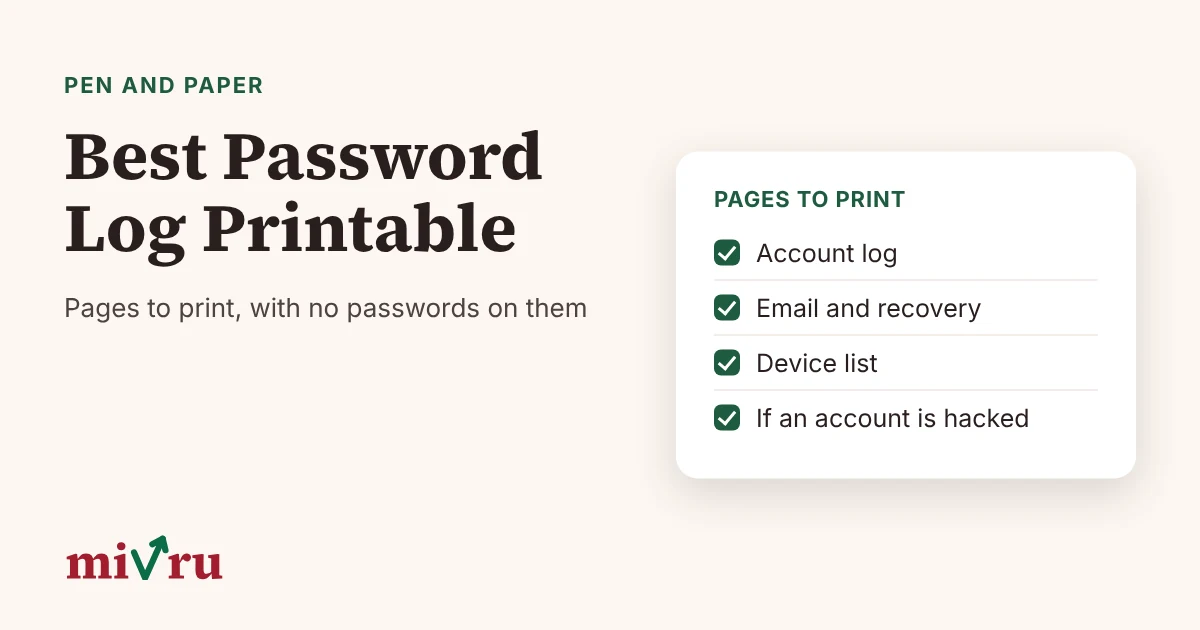
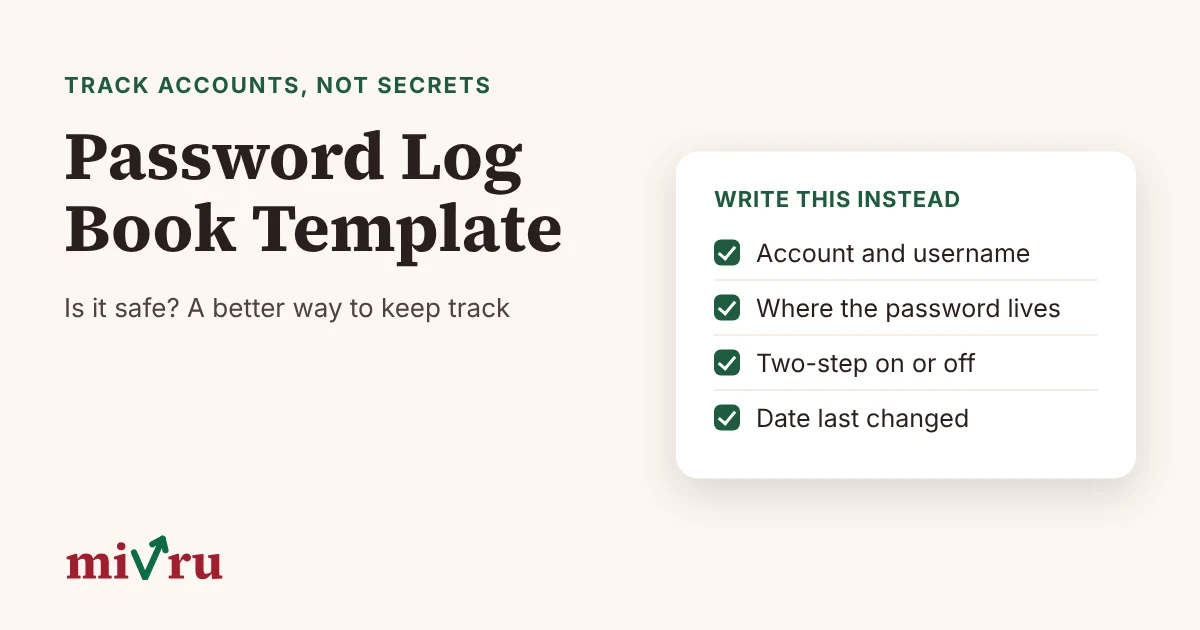
The best password log printable free PDF is the one that does not ask for your passwords. It gives you a place to list accounts, note where each password lives and whether two-step sign-in is on, and a few pages for devices, a checkup and a plan if something goes wrong. This guide shows the pages worth printing and how to use each one.
Our free printable password log is the one-page start. The examples below are made up.
What makes a password log "best"
A password log gets a good score on three things:
- It stores no passwords. If it is lost, the finder learns the names of your accounts at most.
- It shows what to fix. Columns for two-step sign-in and last changed turn it into a to-do list.
- It is easy to keep current. A page you can fill in with a pen in ten minutes gets used.
The US Cybersecurity and Infrastructure Security Agency recommends a different strong password for every account, kept in a password manager. A printable log supports that habit by tracking which accounts are already protected.
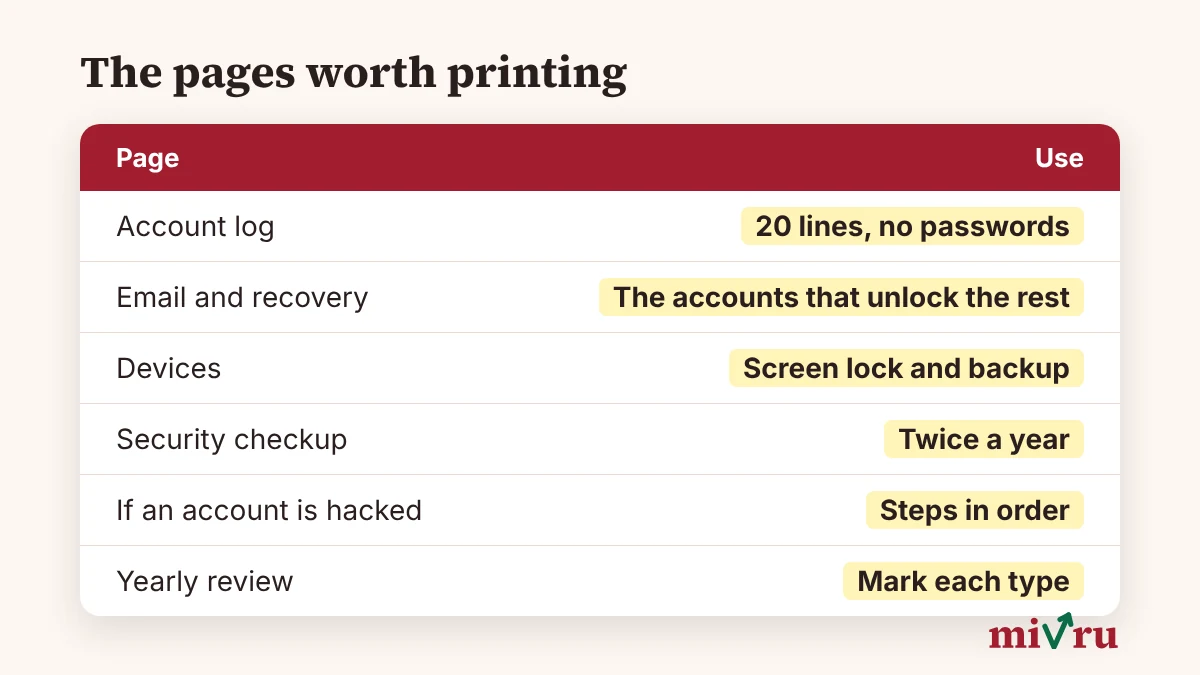
Page 1: Account log
Columns: account, username or email, where the password is kept, two-step on, last changed. Twenty lines fit on one page. Start with email, banking, social media and shopping accounts.
Example (made up): Main email, [email protected], Password manager, Yes, Aug 2026. Online store, [email protected], Browser, No, Nov 2024. The second line is the one to fix first.
Page 2: Email and recovery
Your email accounts reset all the others, so give them a page of their own: the address, whether two-step is on and whether the recovery phone and email are set. The Federal Trade Commission explains two-factor authentication and why it matters most for email.
Page 3: Devices
A table with device, whose it is, whether the screen lock is on and whether a backup is working. Include phones, laptops, tablets and the router. A phone with no lock is an open door to every account that is signed in on it.
Page 4: Security checkup
A tick-box list to do twice a year: two-step on for email, bank and cards; no reused passwords; old accounts closed; screen locks and updates on; backups working; the family knows the plan.
Page 5: If an account is hacked
Write down in advance what to do, in order, so you are not guessing when you are stressed:
- Change the password from a device you trust.
- Sign out of other sessions.
- Turn on two-step sign-in.
- Check recovery email and phone numbers.
- Change any other account that used the same password.
- Tell your bank or the company if money is involved.
- Update your log.
What never to write
- Passwords and PINs.
- Recovery codes.
- The master password of your email, bank or password manager.
- Full card or account numbers.
If you want the passwords kept somewhere, use a password manager. The FTC notes that free ones are built into most browsers, and that you should protect its master password like your other important ones.
Where to keep the pages
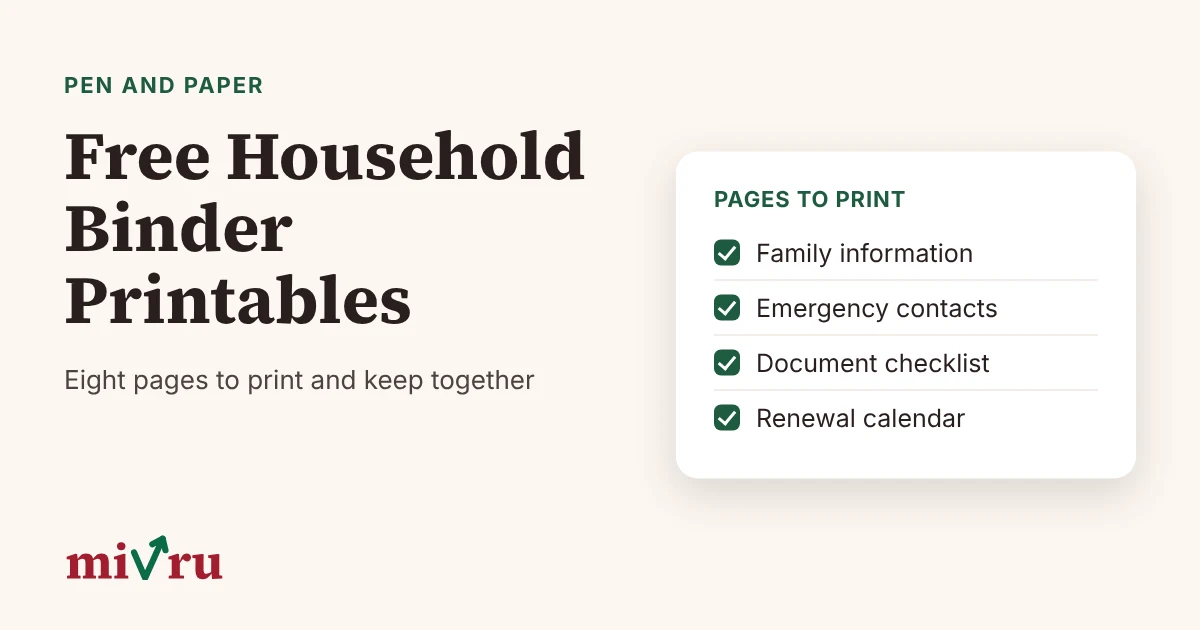
Put them with your other household papers. Our printable household binder guide shows how to organize contacts, documents and accounts together. For recurring charges, see the printable subscription tracker.
Print, then count
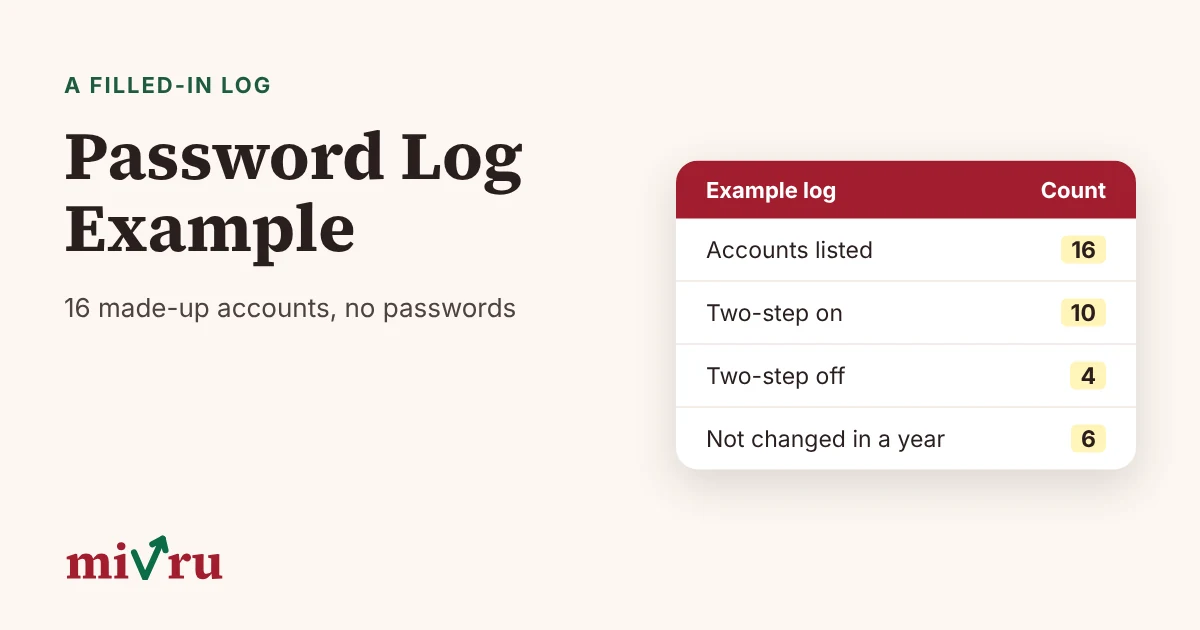
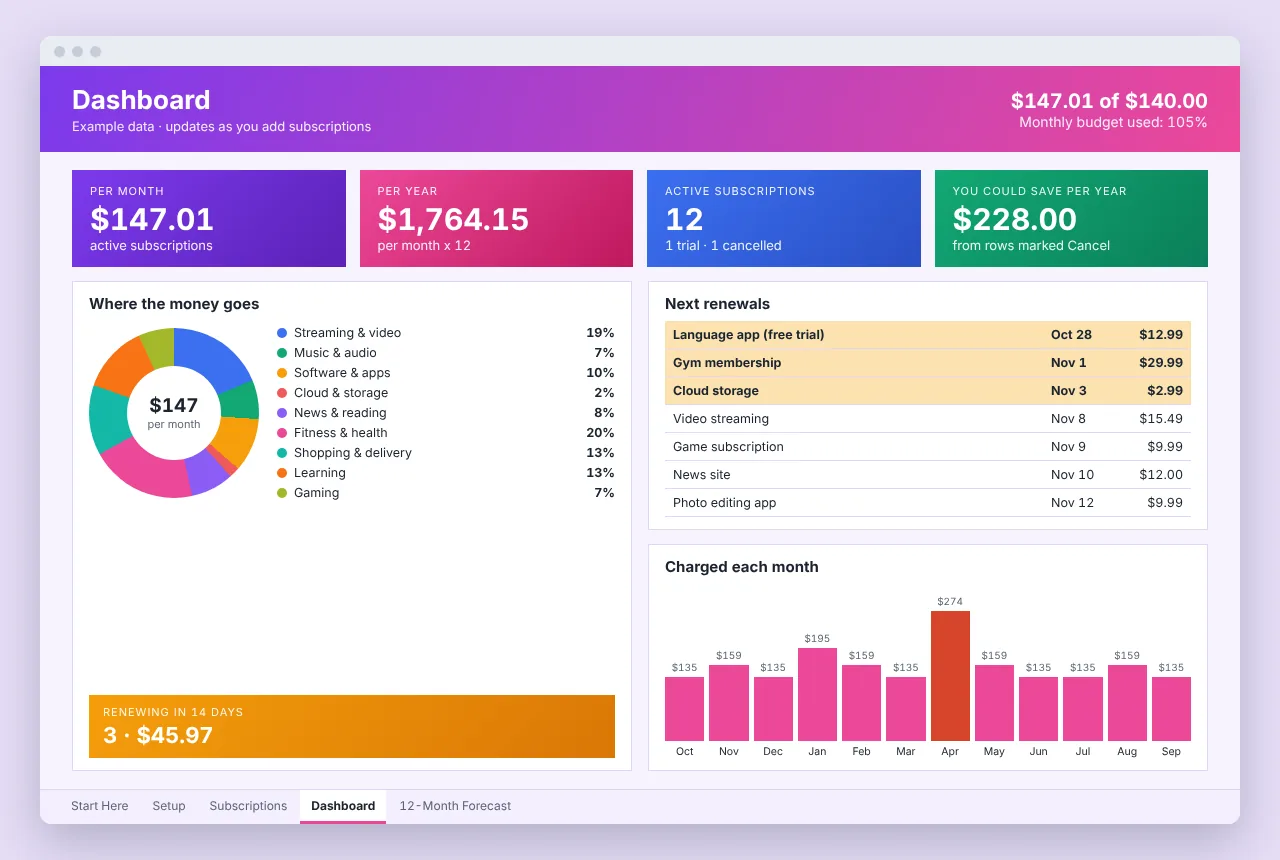
A printed log cannot count for you. If you have many accounts, a spreadsheet can total the ones with two-step on and highlight old passwords. See our password log example for what the counts look like. This is general information, not personal security advice.
The five pages and what each is for
| Page | What it holds | Use it when |
|---|---|---|
| Account log | Each account, where its password lives, whether two-step is on | Once a year, and when you open an account |
| Email and recovery | Which email and phone recover each account | When you change an email or number |
| Devices | Your phones, computers and tablets and their lock settings | When you buy or sell a device |
| Security checkup | A tick list of things to check | Twice a year |
| If an account is hacked | The steps to take, in order | The day something goes wrong |
How to use the log in an hour
- List your ten most important accounts. Start with email, banking and anything with a card on file.
- Mark where each password is kept. A password manager is safer than a browser, and both are safer than a sticky note.
- Turn on two-step sign-in for each account that offers it.
- Write the date of the last change.
- Put the page somewhere safe, such as a locked drawer or a fireproof box, and tell one trusted person where it is.
Print, then count
When the page is full, count the accounts with two-step off and the passwords older than a year. Those two numbers are your to-do list. Fix a few each week and count again next month.
One rule
The log is for where things are, never for the secrets themselves. If you find yourself writing a password on the page, stop and move it to a password manager.
Keeping the printed log safe
Store the pages somewhere that you can reach and others cannot, and tell one trusted person where they are. Replace the pages when they get messy, and shred the old ones.
Get the whole set
The Mivru Password Log & Account Organizer has an 11-page printable in color and black and white (two account log pages, an email and recovery page, a device list, a security checkup, a hacked-account plan and a yearly review) plus a spreadsheet for Excel and Google Sheets in five color themes. It never stores passwords. See the Password Log & Account Organizer.
Frequently asked questions
What is the best password log printable?
One that records where each password is kept and whether two-step sign-in is on, but never the password itself. A one-page account log plus a device list covers most households.
Is there a free password log printable PDF?
Yes. Mivru has a free one-page printable password log. It has no password column. You get the download link when you join the email list.
Where should I keep a printed account log?
With your household papers, in a drawer or binder that is not visible to guests. It should not contain passwords, so a lost copy is a small risk.
Should I write my master password on it?
No. Do not write the master password for your email, bank or password manager on paper that could be found. Make it a long passphrase you remember.
What else should I print?
A security checkup list, a device list and a short plan for what to do if an account is hacked.