 Launch price
Excel · Google Sheets · Printable
Bill Tracker Spreadsheet & Printable
17 tabs + 20-page printable planner. Excel & Google Sheets.
$9.90Regular price $16.90See details →


A household binder you can fill in tonight. Keep emergency contacts, a list of where every important document is kept, and the accounts you pay, with a dashboard that shows what is missing and what is about to expire.
Your download appears on the next page. Bookmark it to come back anytime.
Download the Excel file, make your own copy in Google Sheets, or print the PDF.
Fill in your own numbers. Everything works on a phone, a laptop or on paper.
For personal use only. Please don’t resell, share or redistribute these files. Every file carries mivru.com in its footer.
Year plus contact, document, place and account types.
Who to call and how.
What you own, where it is kept and when it expires.
Companies you deal with, last 4 digits only.
Documents listed, have, still needed and expiring in 90 days.
Documents by type and by place.
The next dates in order, with days left.
Records where things are, not the secrets.
Ocean, Sunset, Berry, Mint and dark Midnight.
Works in both. Google Sheets needs a free account.
Type in the yellow cells. Every formula is built in.
Color and black-and-white. Family info, emergency contacts and renewal calendar.
Ready.gov tells families to gather important financial, personal, household and medical information and to keep copies where they can reach them in a disaster, such as a safe deposit box, an external drive or cloud storage. It also warns to be careful about sharing bank account, Social Security and credit card numbers. This binder follows that idea: it records where things are, not the secrets themselves.
The spreadsheet has 6 sheets. Start Here explains the steps. On Setup you pick the year and edit four short lists: contact types, document types, where documents are kept, and account types. Then you fill in three logs: Contacts (who to call and how), Documents (what you own, where it is kept, whether you have it, and when it expires or renews) and Accounts (the companies you deal with, with only the last 4 digits of any account number).
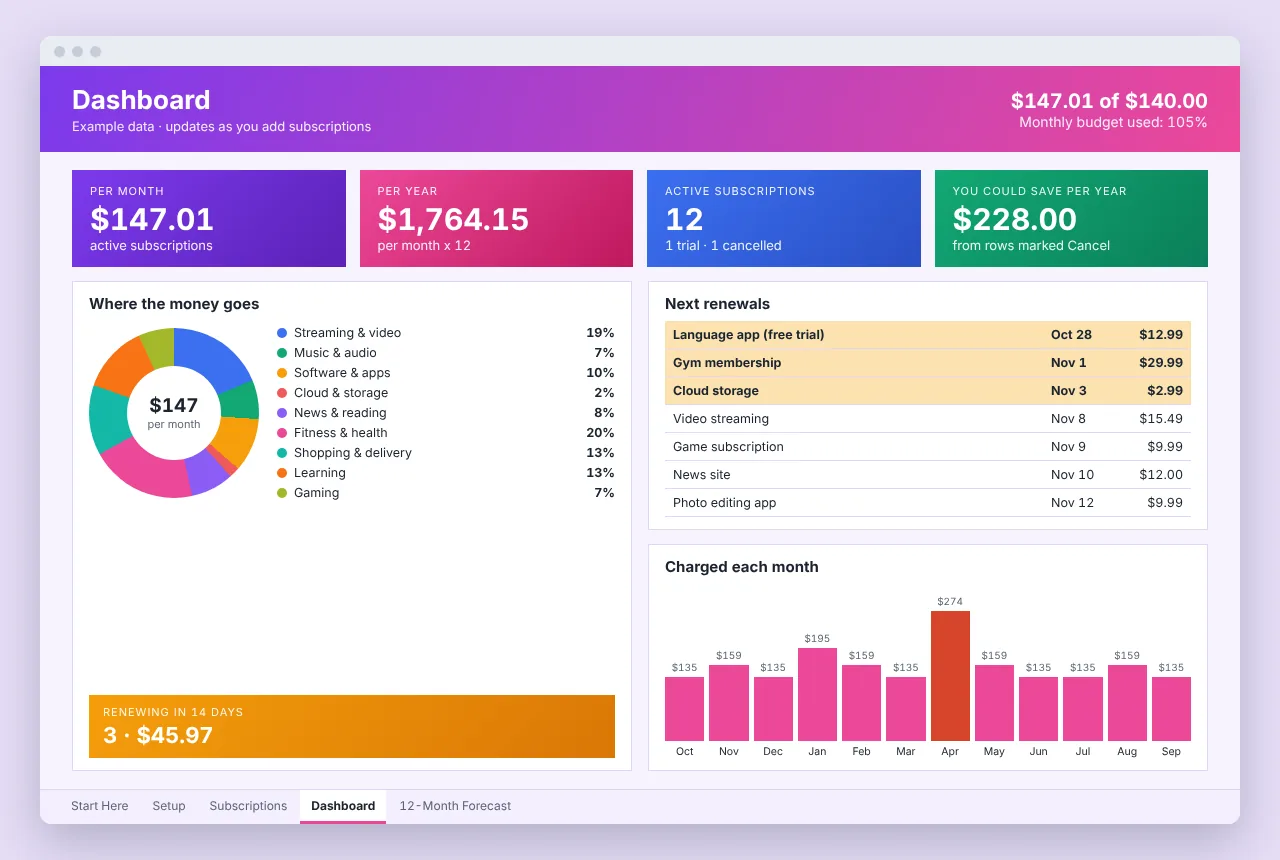
The Dashboard adds it up for you. Color tiles show how many documents you list, how many you have, how many you still need to get or update, and how many expire in the next 90 days. Two tables show documents by type and by place, and a Coming up list shows the next dates in order with the days left.
The download has the same binder in five color themes: Ocean, Sunset, Berry, Mint and a dark Midnight version. It works in Microsoft Excel and in Google Sheets with a free Google account. You type only in the yellow cells. If you like a real binder, the 11-page printable comes in color and in black and white, with a family information page, an emergency contacts page, a document log, a document checklist, an accounts page, a "if we have to leave" checklist, a home and vehicle page and a renewal calendar.
Ready.gov tells families to gather important financial, personal, household and medical information and to keep copies where they can reach them in a disaster, such as a safe deposit box, an external drive or cloud storage. It also warns to be careful about sharing bank account, Social Security and credit card numbers. This binder follows that idea: it records where things are, not the secrets themselves.
It suits families, renters and homeowners, new parents, people who just moved, and anyone who has ever hunted for a passport or an insurance card. The example contacts, documents and dates are made up so you can see how it works; clear them and enter your own.
Want a taste first? Try the free printable emergency contacts and key documents checklist.
Launch price17 tabs + 20-page printable planner. Excel & Google Sheets.
 Launch price
5 tabs in 5 colors + 12-page printable planner. Excel & Google Sheets.
 Launch price
17 tabs in 5 colors + 20-page printable planner. Excel & Google Sheets.
Yes. Upload the .xlsx file to Google Drive and open it with Google Sheets, or open it in Microsoft Excel. The drop-downs and formulas work in both.
No. The binder stores where things are kept and the last 4 digits of an account, not full numbers or passwords. Use a password manager for logins.
The spreadsheet adds things up and shows what is missing or expiring. The printable has the same pages to write on by hand. Both are in the same download.
On the Contacts, Documents and Accounts sheets, select the yellow cells under the headings and press Delete. The made-up examples are the only thing to remove.
An instant download: the spreadsheet in 5 color themes and the 11-page printable in color and black and white, plus access any time from My downloads with the email you used at checkout.