
Free Printable Password Log
This free printable password log lists your accounts, where each password is kept and whether two-step sign-in is on, without writing a single password on the page.
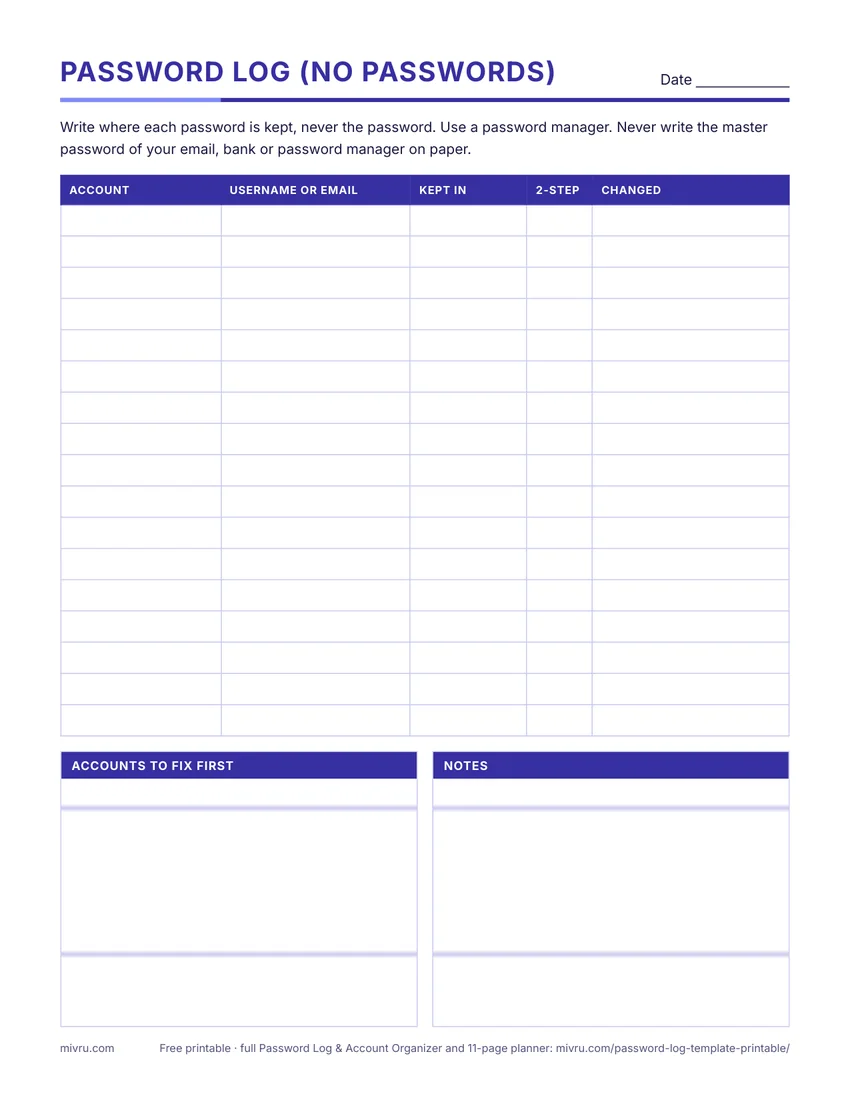
Sixteen account lines
Account, username or email, where the password is kept and a two-step column.
No passwords on paper
The page records where passwords live, such as a password manager, not the passwords themselves.
US Letter, print at home
A simple PDF that prints cleanly on any home printer. Keep it with your household papers.
How to use the password log
Write each account on a line with the username or email. In the "kept in" column write where the password lives: a password manager, your browser, memory or a locked safe. Tick the two-step box if sign-in needs a second proof such as a text code. Never write a password on this page, and never write the master password of your email, bank or password manager on paper that could be found.
The US Cybersecurity and Infrastructure Security Agency recommends a different strong password for every account, kept in a password manager, and multifactor authentication on email, social media and financial accounts. The Federal Trade Commission gives similar advice in its guide to strong passwords.
When paper is not enough
If you have more than a few accounts, the Password Log & Account Organizer counts accounts without two-step sign-in and old passwords for you in Excel or Google Sheets, adds a devices list and gives you an 10-page printable.
Password Log & Account Organizer
5 sheets for Excel and Google Sheets in 5 colors: accounts, devices and a dashboard that shows what to fix first. No passwords stored. Plus an 10-page printable.
Rate this printable
Used Printable One-Page Password Log? Tell us how it worked for you.