Password Log Google Sheets: Track Accounts, Not Passwords
Build a password log in Google Sheets that tracks accounts, two-step status and password age without storing passwords. Free setup guide and printable.
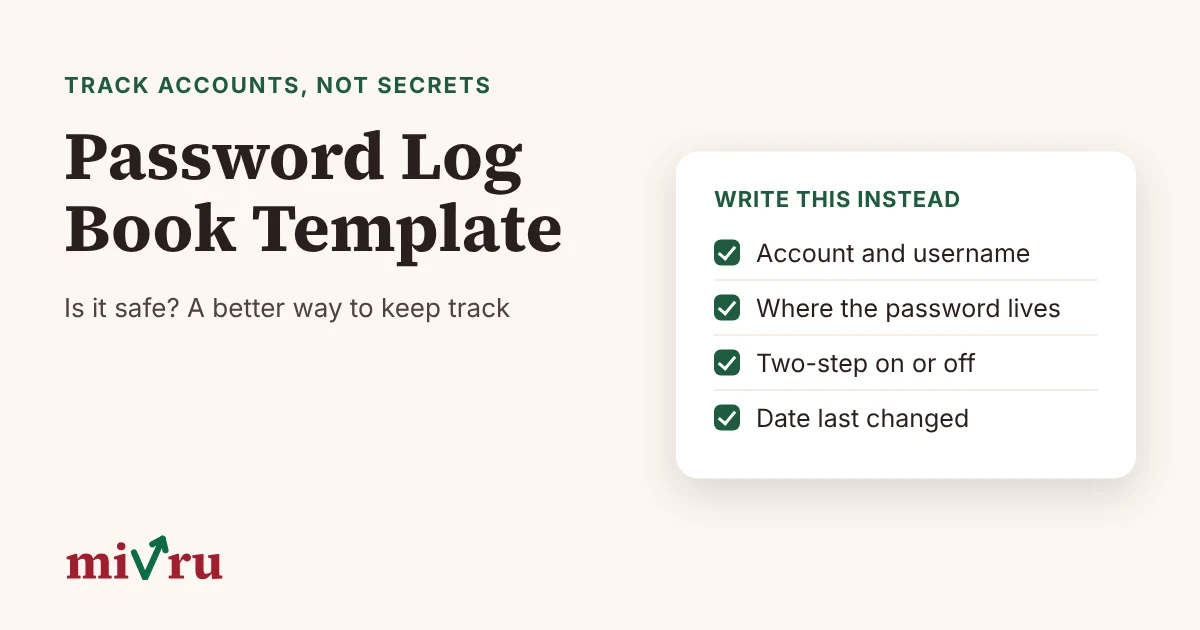
A password log in Google Sheets is useful only when it tracks accounts and their status, not the passwords. This guide builds a small account log in about 30 minutes that tells you which accounts lack two-step sign-in and which passwords are old, using free tools and no secrets.
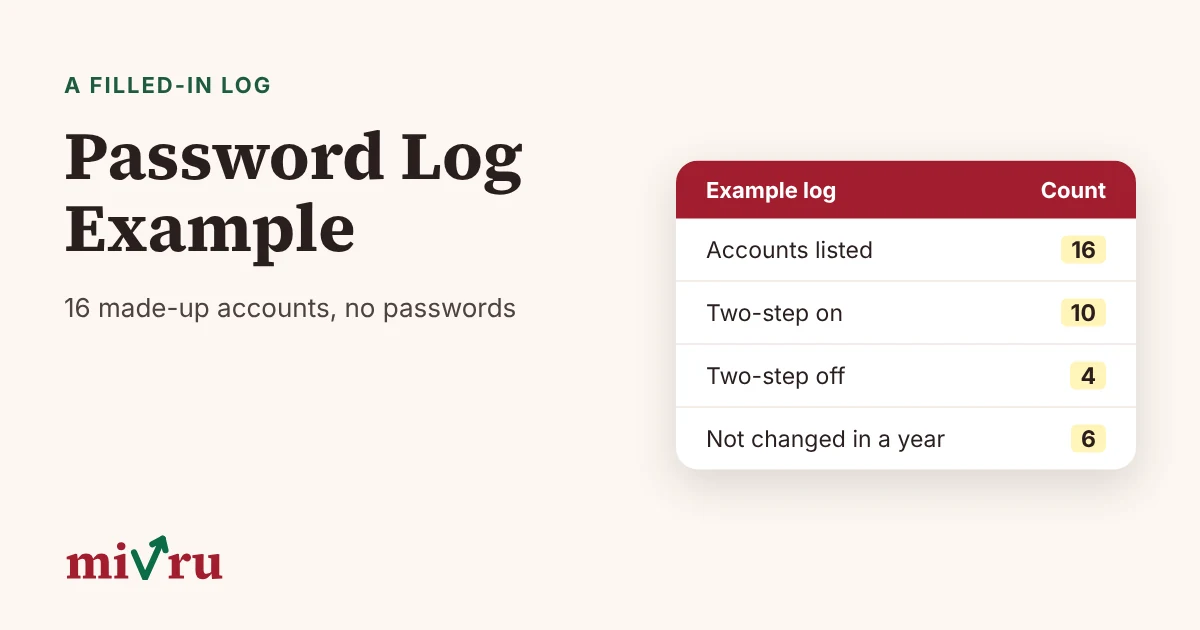
The numbers are made up and match our password log example. For the reasoning behind leaving passwords out, read the password log book template guide.
Why not store passwords in a sheet
A spreadsheet can be shared with the wrong person, synced to a device you forgot about or screenshotted. The US Cybersecurity and Infrastructure Security Agency recommends using a password manager with a different strong password for every account and turning on multifactor authentication for email, social media and financial accounts. Let the manager hold the passwords. Let the sheet hold the status.
Step 1: Create the sheets
Start a blank spreadsheet. Name the first tab Accounts and add Lists and Dashboard.
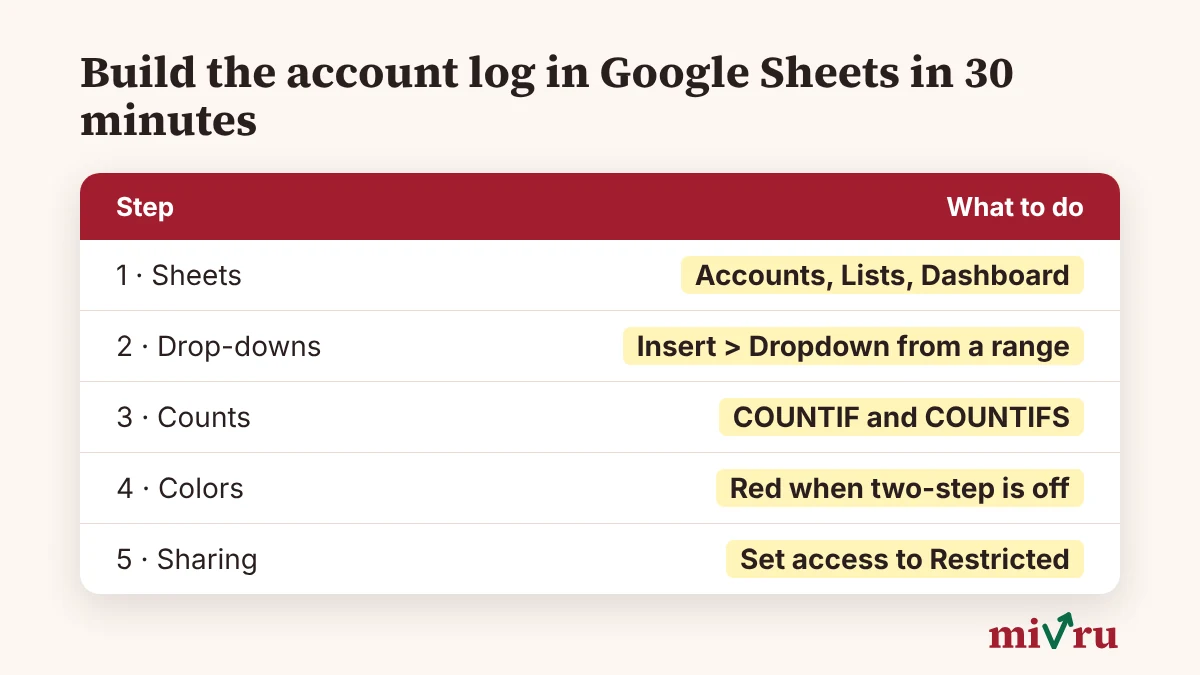
On Accounts type in row 1: Account, Category, Username or email, Password kept in, Two-step on, Last changed, Notes. On Lists put the places in column A (Password manager, Browser, Memorized, Paper in a safe) and Yes, No and Not offered in column B.
Step 2: Drop-downs
Select Password kept in, choose Insert > Dropdown, set the option to Dropdown (from a range) and enter Lists!A2:A5. Do the same for Two-step on with Lists!B2:B4. Google explains the steps in its page on creating dropdown lists. Give Yes a green chip and No a red one so the gaps are easy to see on a phone.
Step 3: Example rows
Example: Main email, Email, [email protected], Password manager, Yes, 8/14/2026. Online store, Shopping, [email protected], Browser, No, 11/6/2024.
Step 4: Dashboard counts
On Dashboard put labels in column A and formulas in column B:
| Label | Formula |
|---|---|
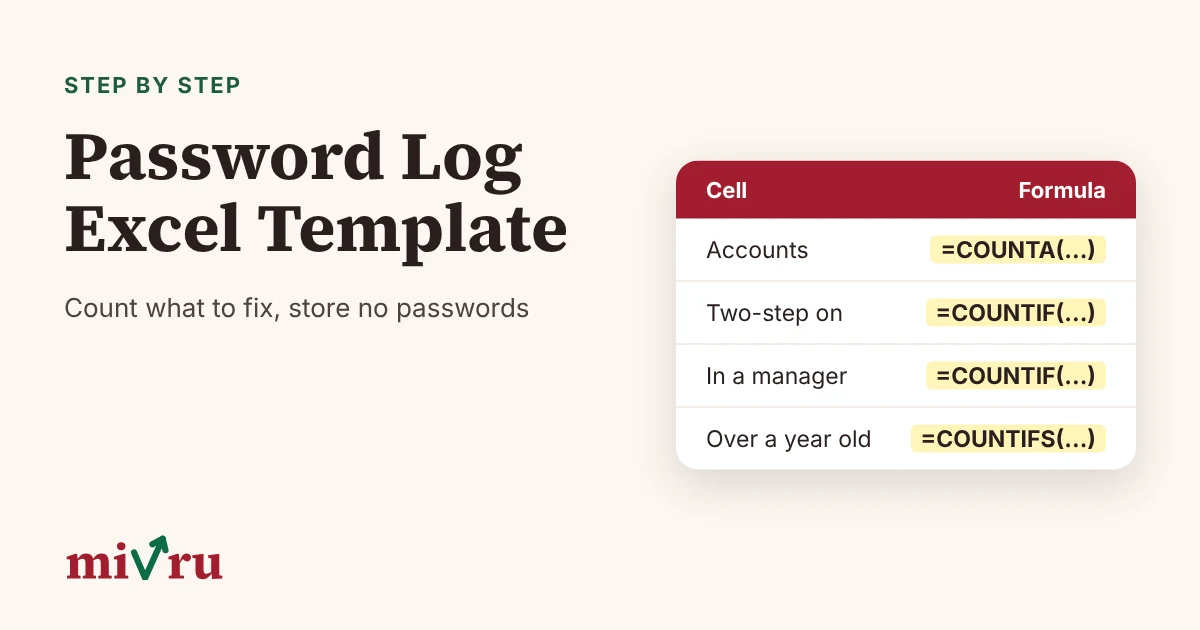
| Accounts listed | =COUNTA(Accounts!A2:A300) |
| Two-step is on | =COUNTIF(Accounts!E2:E300,"Yes") |
| Two-step is off | =COUNTIF(Accounts!E2:E300,"No") |
| In a password manager | =COUNTIF(Accounts!D2:D300,"Password manager") |
| Not changed in 12 months | =COUNTIFS(Accounts!F2:F300,">0",Accounts!F2:F300,"<"&(TODAY()-365)) |
Google's help page for COUNTIF shows how the criteria work. With the made-up data the numbers are 16, 10, 4, 10 and 6 on October 23, 2026. TODAY() recalculates each time the file opens.
Step 5: Color the problems
Select the Two-step column and choose Format > Conditional formatting > Custom formula is. Enter =E2="No" and choose a red fill. Add a rule for the Last changed column: =AND(ISNUMBER(F2),F2<TODAY()-365) with an orange fill. Google explains the dialog in its page on conditional formatting.
Step 6: Lock down sharing
Click Share and check who has access. Set general access to Restricted. If you share with a partner, give Viewer unless they need to edit. Do not turn on "anyone with the link".
Step 7: Check twice a year
Put two reminders in your calendar. When one arrives, look at the dashboard: first fix accounts with two-step off, starting with email, money and social accounts, then accounts whose password is old or lives only in a browser. The Federal Trade Commission explains two-factor authentication in plain language if you need a refresher on why it matters.
Related guides
See the same idea for household papers in our household binder in Google Sheets guide and for bills in the bill tracker in Google Sheets. To use Excel, read the password log in Excel guide. This is general information, not personal security advice.
What the dashboard should count
| Count | What it tells you |
|---|---|
| Accounts | How many you have listed |
| Two-step sign-in on | How many are protected |
| Two-step sign-in off | The first jobs to do |
| Kept in a password manager | How many are stored safely |
| Not changed in 12 months | Which passwords are old |
In the made-up example of 16 accounts, 10 have two-step on, 4 do not, 10 are in a password manager and 6 have not been changed in a year.
Who should see the sheet
Google Drive lets you give each person a role, as the guide to sharing files from Google Drive explains. The log holds no passwords, but it does say where your accounts are, so share it with as few people as you can. Use Viewer for anyone who only needs to read it, and Editor only for someone who will keep it up to date.
If something does not work
- A drop-down is missing. Select the cells and check Data > Data validation.
- A count is zero. Check that the words in the sheet match the formula exactly, with no extra spaces.
- The old-password count is wrong. Check that the date column holds real dates.
- The color rule does not appear. Open Format > Conditional formatting and check the range and the formula.
What to do with the list
Pick one account a week. Turn on two-step sign-in, move the password to a manager and change it if it is old. After a month you will have fixed the four accounts that matter most, and the counts will show it.
A yearly review
Once a year, open the sheet, sort by "Last changed" and work through the oldest rows first. Update the date after each change, so the next review starts from a clean list.
Skip the setup
The Mivru Password Log & Account Organizer works in Google Sheets and Excel. Upload the file to Google Drive, open it with Sheets and type in the yellow cells. It has Accounts and Devices sheets, a dashboard of what to fix and an 10-page printable, and it never stores passwords. See the Password Log & Account Organizer.
Frequently asked questions
Is it safe to keep passwords in Google Sheets?
It is not a good idea. A sheet can be shared by mistake and is not built to protect secrets. Use a password manager for passwords and use the sheet only to track accounts and status.
What should a password log in Google Sheets contain?
The account name, a category, the username or email, where the password is kept, whether two-step sign-in is on and the date it was last changed.
How do I add drop-downs in Google Sheets?
Select the cells, choose Insert > Dropdown, pick Dropdown (from a range) and select the list on your Lists sheet.
Can I share the log with my partner?
You can, but share carefully. Give access only to people you trust, and remember the sheet holds usernames and account names.
Can I use the Mivru organizer in Google Sheets?
Yes. Upload the .xlsx file to Google Drive and open it with Google Sheets. The drop-downs and formulas keep working.