Printable Subscription Tracker: Free Audit Sheet and Pages
What a printable subscription tracker should include, how to fill in the list, renewal calendar and audit, plus a free one-page PDF you can print.
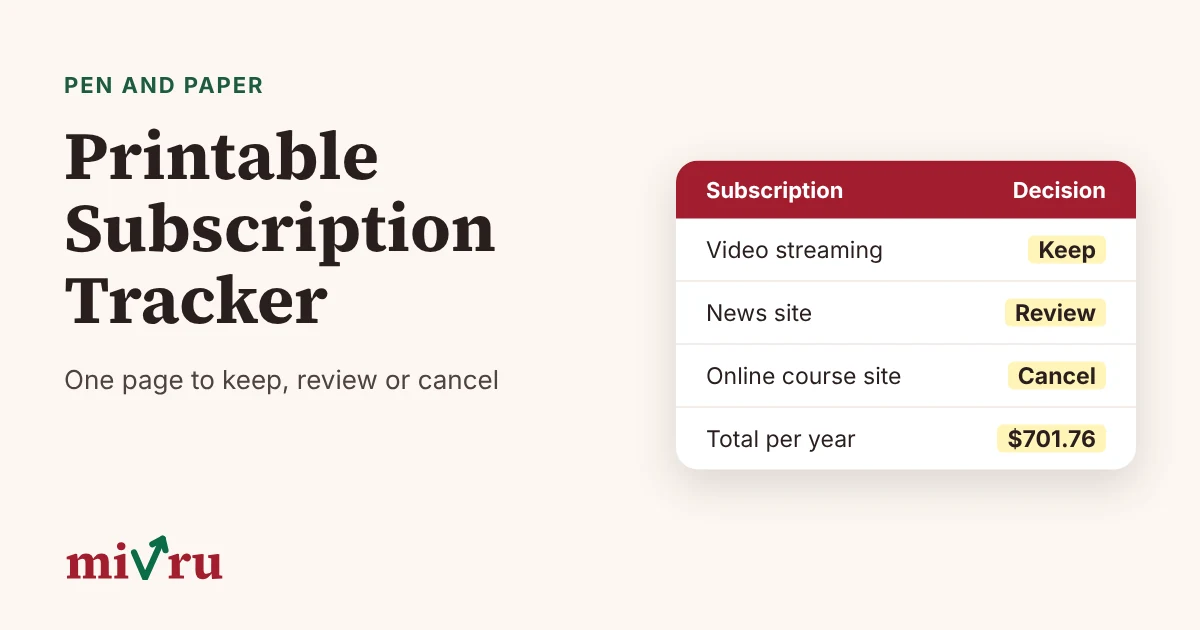
A printable subscription tracker is the simplest way to see what you pay for: one page that lists every subscription, what it costs and whether you still want it. It needs no app and no login, and a pen is enough.
This guide shows what a good printable subscription tracker includes and how to fill it in. You can also download our free one-page Subscription Audit Sheet.
What a printable subscription tracker should include
Keep it to the facts that help you decide:
- The name of the subscription.
- The cost and how often it charges: weekly, monthly, quarterly or yearly.
- The renewal date.
- When you last used it.
- A decision: Keep, Review or Cancel.
At the bottom, add the total per month and the total per year. The yearly figure is the monthly total x 12.
How to fill it in
Start with your statements. Look through two or three months of bank and card charges, your phone's app store subscriptions and your email. Write each subscription on its own line, even the small ones.
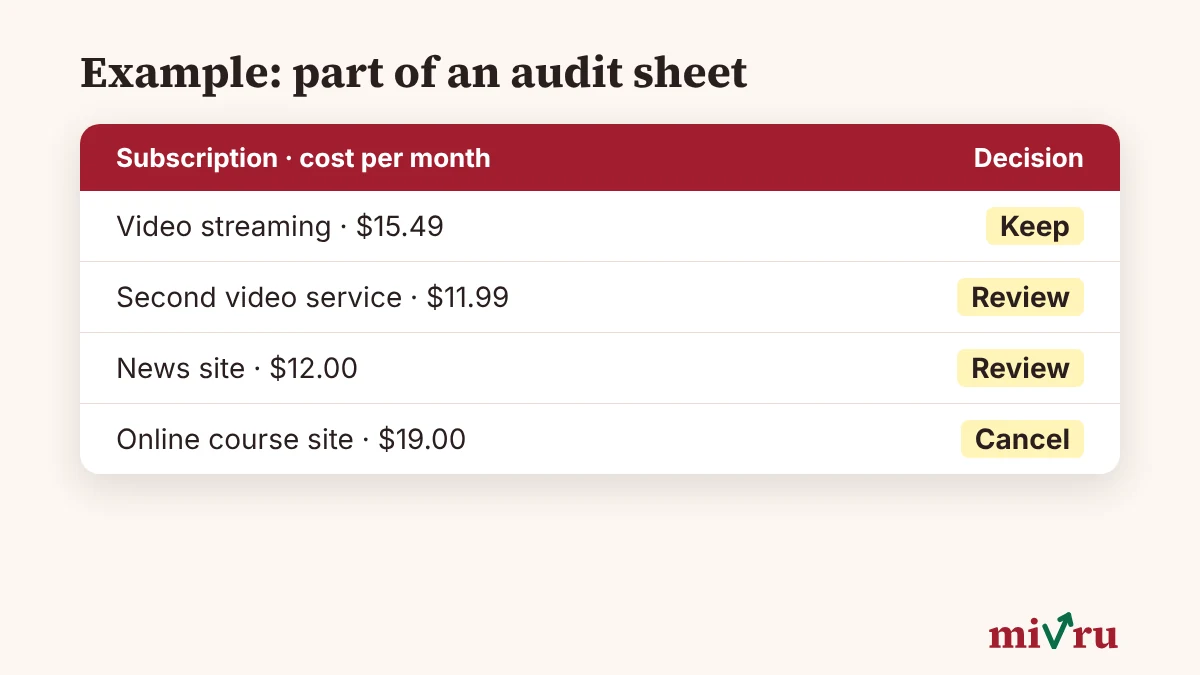
Example: A made-up sheet lists a video service at $15.49 a month (Keep), a second video service at $11.99 (Review), a news site at $12.00 (Review) and an online course site at $19.00 (Cancel). The four add up to $58.48 a month, or $701.76 a year.
The cost worksheet
Prices are in different cycles, so convert them: weekly x 52, monthly x 12 and quarterly x 4 give the yearly cost. A yearly price is already the yearly cost. Divide by 12 for the monthly number. Seeing a $12 charge as $144 a year is often the moment you decide.
The renewal calendar
Write each subscription under the month it renews and mark yearly renewals with a star. Yearly and quarterly ones are the easiest to forget. A 12-month calendar shows the expensive months ahead of time.
The free trial tracker
Free trials often turn into paid plans when they end. The U.S. Federal Trade Commission advises you to mark the cancellation deadline on your calendar. On your sheet, write the day the trial ends and a cancel-by date one or two days before. The FTC's alert on free trial offers also suggests checking your statements for charges you did not expect.
The audit
For each subscription ask four questions: did I use it in the last 30 days, is it worth the price, is there a cheaper plan, and do I already pay for something similar? Two or more "no" answers means it is time to cancel, pause or switch plans.
The cancel log
When you cancel, write the date, the confirmation number and the last charge. The FTC advises you to keep a copy of your cancellation request and, if you are charged afterward, to dispute the charge with your card company. A log on paper keeps the proof in one place.
Printing tips
- Print on US Letter at 100%, with no "fit to page" shrinking.
- Use the black-and-white version to save ink, and the color version if you like color.
- Keep the sheet next to your bills or on the fridge so it is easy to update.
The sample sheet in one table
| Subscription | Cost a month | Cost a year | Decision |
|---|---|---|---|
| Video service | $15.49 | $185.88 | Keep |
| Second video service | $11.99 | $143.88 | Review |
| News site | $12.00 | $144.00 | Review |
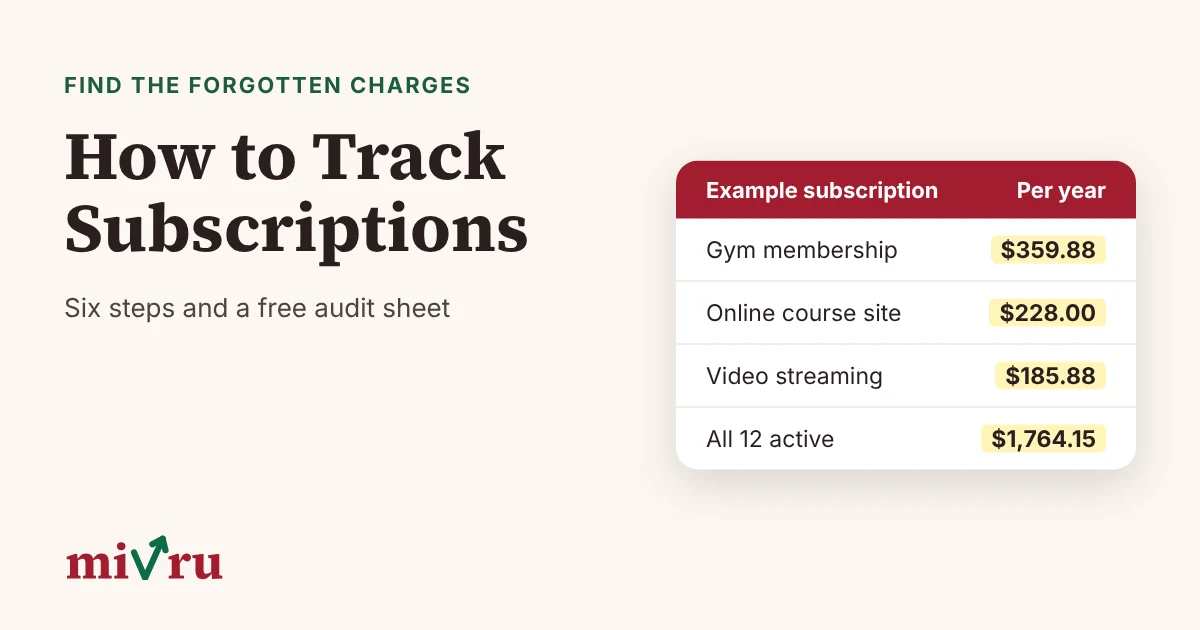
| Online course site | $19.00 | $228.00 | Cancel |
| Total | $58.48 | $701.76 |
Example: Cancelling the course site saves $228.00 a year. If the two Review lines also go, the four lines drop from $701.76 to $185.88 a year.
A quarterly routine on paper
- Print a fresh sheet and copy over the subscriptions you still have.
- Check your statements for charges that are not on the list.
- Write the cost a year for each line, by multiplying monthly costs by 12.
- Mark Keep, Review or Cancel. Use the four questions: did I use it, is it worth the price, is there a cheaper plan, and do I have it elsewhere?
- Fill in the cancel log when you cancel, with the date and any confirmation number.
What a good audit leaves you with
After an audit you should have three things: a shorter list, a lower yearly total and a date for the next review. If you only have the first, you will drift back. Write the next review date at the top of the sheet.
Common mistakes
- Only writing the monthly cost. The yearly cost is what makes you stop and think.
- Forgetting yearly renewals. Write them on the renewal calendar by month.
- Leaving the free trial tracker empty. Write the end date on the day you start.
- Never checking the sheet again. Put the quarterly audit on your calendar.
When to add a spreadsheet
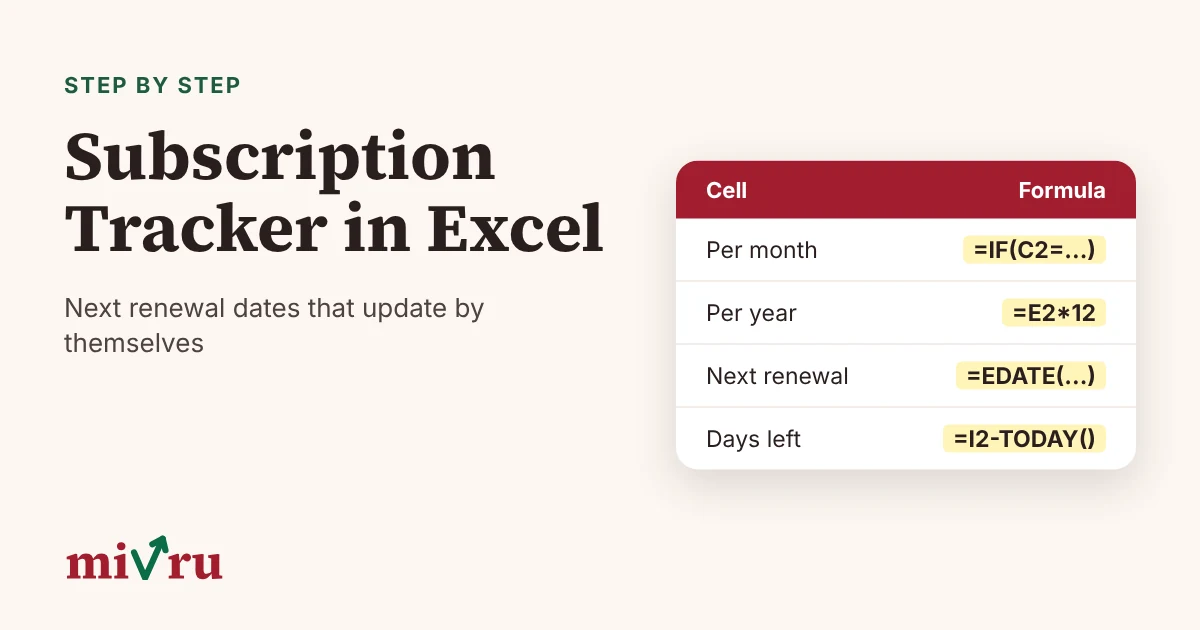
Paper is good for the audit. It is slower at working out dates. If you want the next renewal worked out for you, totals that add themselves and a 12-month forecast, use a spreadsheet. You can build one in Excel or Google Sheets. For the whole method, read how to track subscriptions, and for the rest of your money see our printable bill tracker and printable expense tracker.
The Mivru Subscription Tracker gives you both: a spreadsheet for Excel and Google Sheets with a dashboard and forecast, and a 12-page printable planner in color and in black and white. The planner has a subscription list, a cost worksheet, a renewal calendar, a free trial tracker, an audit page, a cancel log, a yearly renewals page and a savings page. See the Subscription Tracker Spreadsheet & Printable.
Frequently asked questions
Is there a free printable subscription tracker?
Yes. Our free Subscription Audit Sheet is a one-page US Letter PDF where you list each subscription with its monthly cost, when you last used it and a Keep, Review or Cancel choice, with totals for the month and year.
What should a printable subscription tracker include?
A list with the name, cost, billing cycle and renewal date of each subscription, a place to work out the monthly and yearly cost, a renewal calendar, a free trial tracker, an audit page and a cancel log.
How do I find subscriptions to put on the sheet?
Go through two or three months of bank and card statements, your phone's app store subscriptions and your email for words like receipt and renewal.
How often should I fill in a new sheet?
Print a fresh audit sheet every three months and compare it with the last one. Update the renewal calendar whenever you sign up or cancel.
Paper or spreadsheet for subscriptions?
Paper is quick and needs no login. A spreadsheet works out the next renewal date and totals for you. Many people audit on paper once a quarter and keep the list in a spreadsheet.