Printable Expense Tracker: Monthly and Yearly Pages
What a printable expense tracker should include, how to fill in the monthly log, category totals and yearly page, and how to keep it up. Free one-page PDF.
A printable expense tracker is the simplest way to see where your money goes: one page for the month, a line for every purchase, and a total at the bottom. It needs no app and no login, and you can keep it in a binder, a bag or on the fridge.
This guide shows what a good printable expense tracker includes, how to fill in the monthly, category and yearly pages, and how to keep the habit going. You can also download our free one-page Monthly Expense Log.
What a printable expense tracker should include
The best trackers are plain. Every purchase gets the same four things:
- The date.
- What you bought, in a few words.
- The category, such as Groceries or Transport.
- The amount.
At the bottom, add three lines: income, total spent and left. That is all you need for a monthly page. A category summary and a yearly page turn the monthly pages into a full picture.
How to fill in the monthly log
Write each purchase the same day. A pen on a string next to the page, or the log inside your bag, makes this easier than it sounds. If you pay by card, check your phone's last notifications at night and add anything you missed.
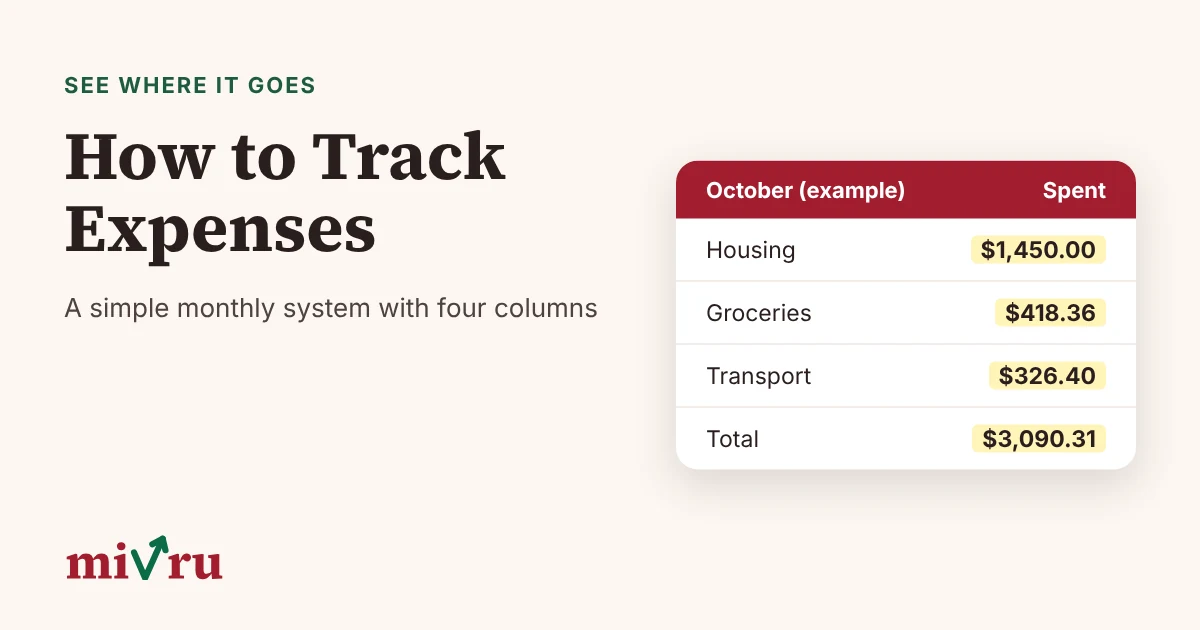
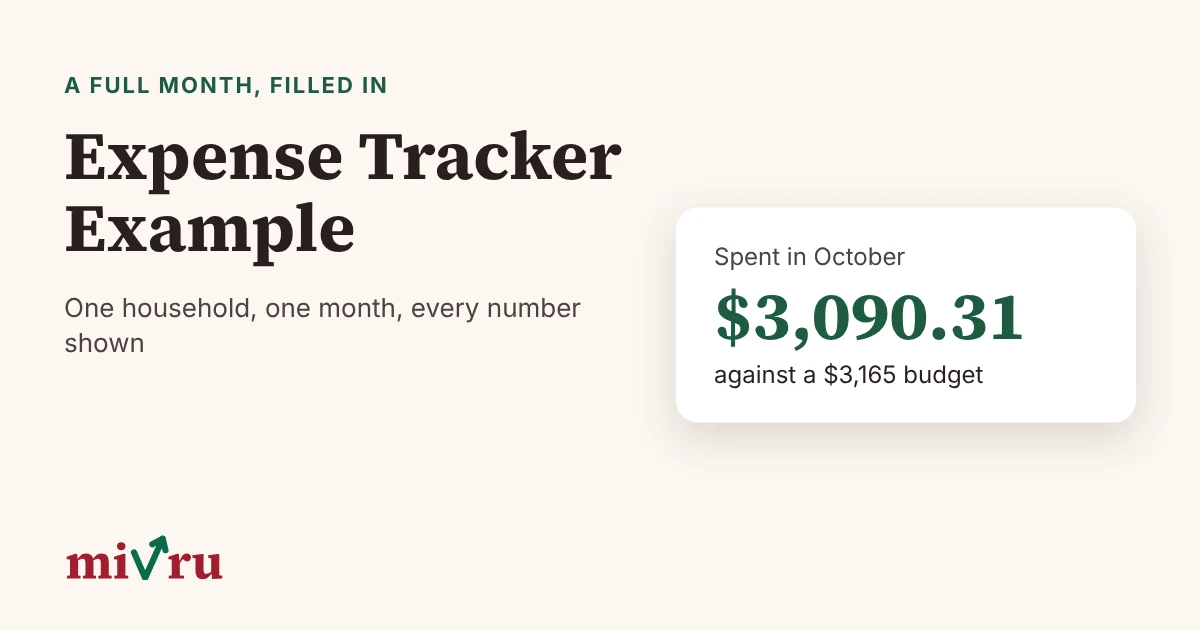
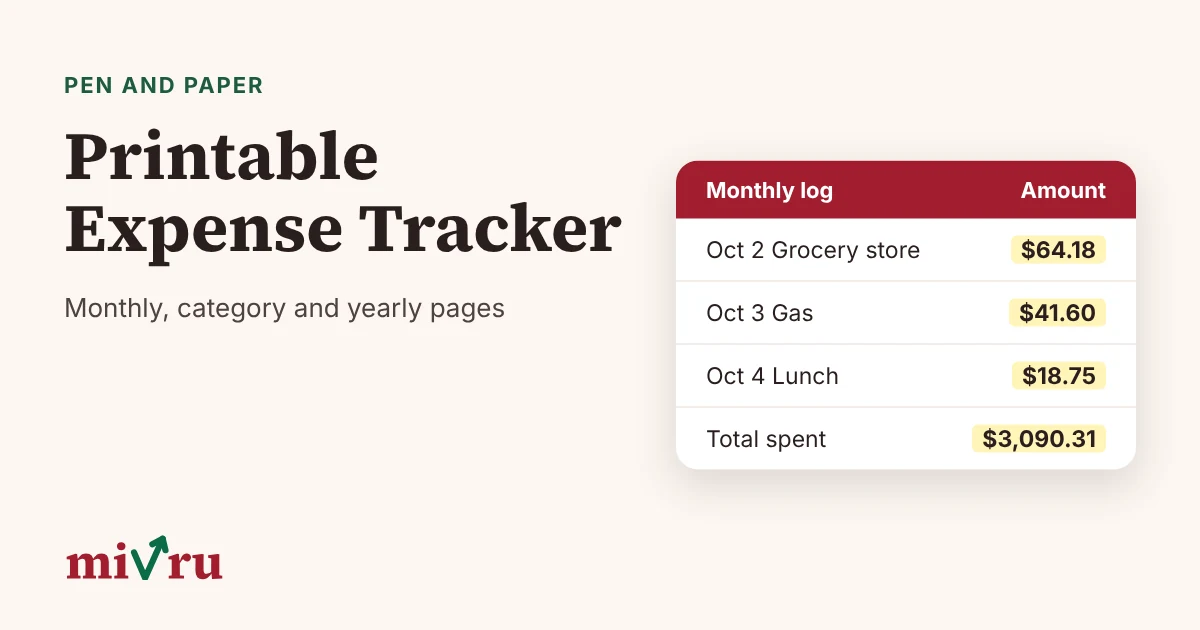
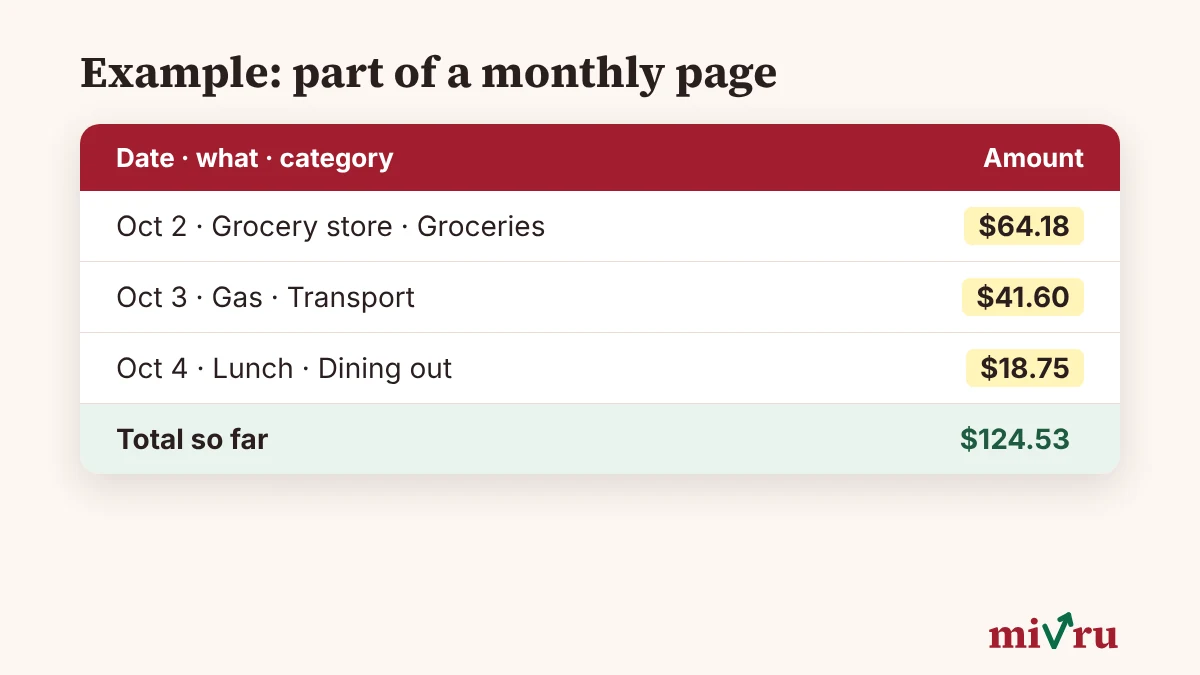
Example: On October 2 the household writes "Grocery store, Groceries, $64.18". On October 3 they add "Gas, Transport, $41.60" and on October 4 "Lunch, Dining out, $18.75". By October 31 the page holds the whole month, and the total reads $3,090.31.
The category summary
At the end of the month, add up each category from the log. A short list of categories makes this quick: housing, groceries, transport, dining out, utilities, fun, health, shopping, personal care, kids and pets, and other. Write the totals in the box on the page, and next to each one write what you planned to spend.
Example: Groceries $418.36 against a plan of $450, transport $326.40 against $300 and dining out $187.25 against $150. Transport and dining out are over, so the household circles both for next month.
The yearly page
A yearly page has one line per category and one column per month. Every month you copy the category totals across. After a few months you can see which categories stay steady and which ones jump. The page also tells you your most expensive month and your cheapest one, which is useful when you plan the next year's budget.
Make receipts easy
The U.S. Consumer Financial Protection Bureau suggests keeping a container or envelope for every receipt and sorting them into categories each week in its spending tracker worksheet. A paper log and an envelope together are all you need. Tape the envelope to the inside of a cupboard door or keep it next to the log. For a sense of how big categories compare nationally, the U.S. Bureau of Labor Statistics publishes spending by category such as housing, food and transportation through its Consumer Expenditure Surveys.
Printing tips
- Print on US Letter at 100%, with no "fit to page" shrinking, so the lines stay easy to write on.
- Use the black-and-white version to save ink, and the color version if you like to see categories at a glance.
- Use a pencil for amounts you are not sure about, and ink once you have the receipt.
- Keep the pages in a binder with the month's receipts.
Reading the category page
At the end of the month, write each category's total next to its plan. The difference shows where to look.
| Category | Plan | Actual | Difference |
|---|---|---|---|
| Groceries | $450.00 | $418.36 | $31.64 under |
| Transport | $300.00 | $326.40 | $26.40 over |
| Dining out | $150.00 | $187.25 | $37.25 over |
The three lines are part of the example month, which totals $3,090.31. Over is not a verdict. It is a prompt to ask why.
A five-minute weekly routine
- Put every receipt on the page or write the purchase from memory.
- Add up the week's lines at the bottom.
- Look at the biggest category and ask whether it matches your plan.
- Circle anything you want to change and write one action.
- Clip the page back in the binder where you will find it next week.
Common mistakes
- Writing the total but not the category. Without the category you cannot see where the money went.
- Waiting until the end of the month. A week of purchases is easy to remember. A month is not.
- Using one page for two months. Start a new page on the first of the month, so each month stands alone.
- Skipping cash. Cash purchases are the ones most likely to be left out.
When to add a spreadsheet
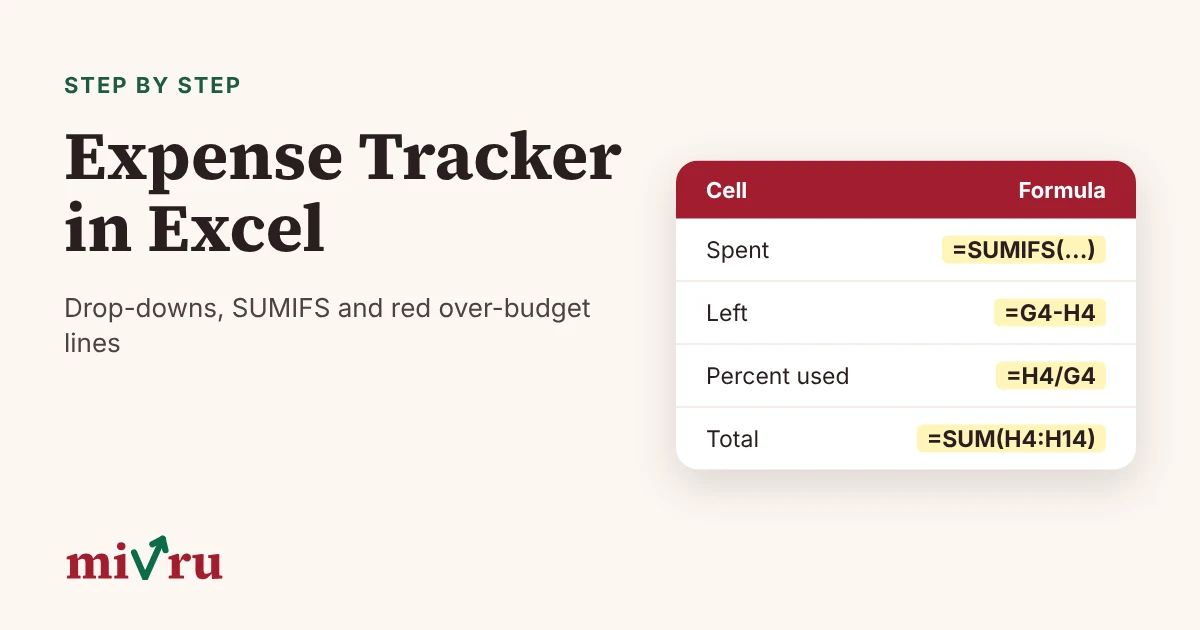
Paper is perfect for writing things down. It is slower at adding up. If you want totals by day, month and category, charts, and a yearly view that fills itself in, a spreadsheet is the next step. You can build one in Excel or Google Sheets, or start with a ready-made one. If your bills are the part you struggle with, our printable bill tracker guide shows the matching pages.
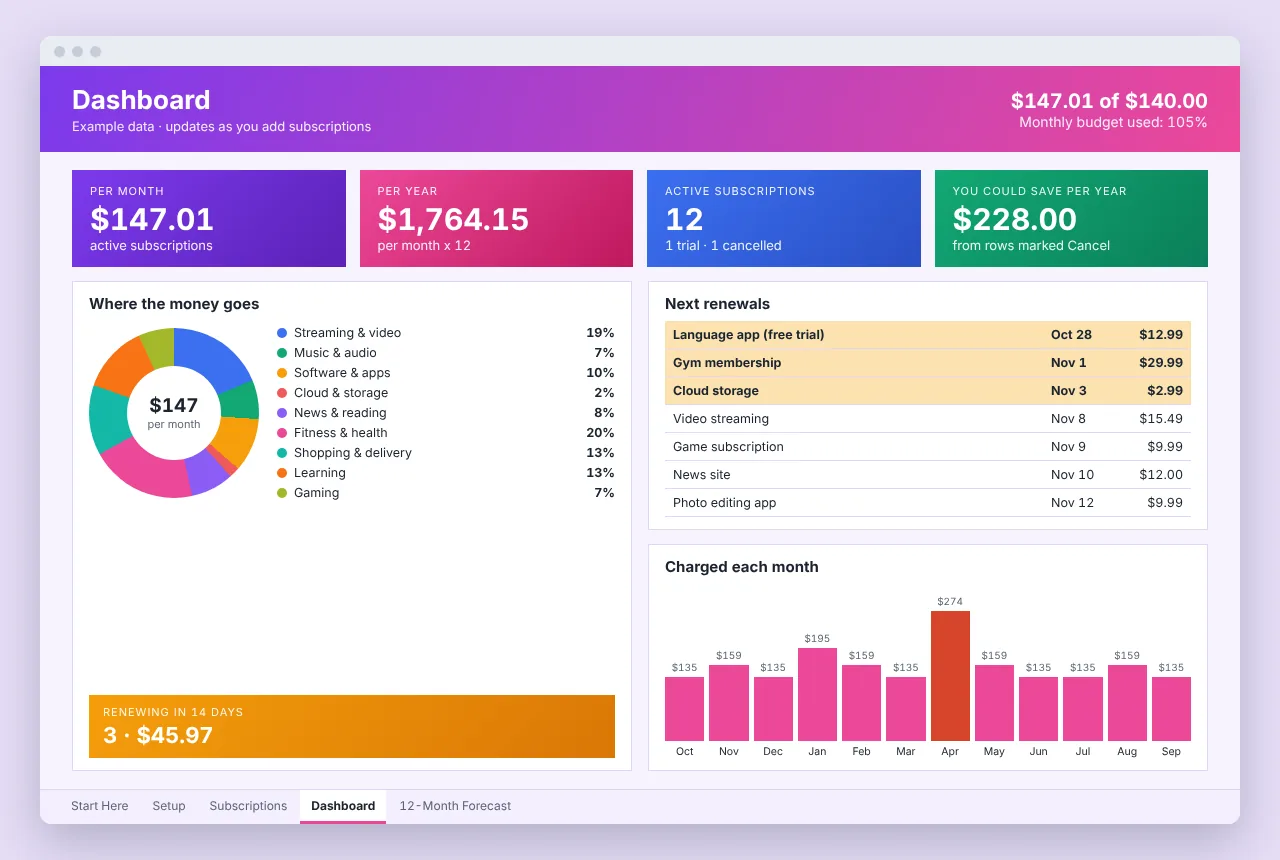
The Mivru Expense Tracker gives you both sides: a spreadsheet for Excel and Google Sheets with a dashboard, 12 month tabs and a color yearly overview, and a 20-page printable planner in color and in black and white (see the Expense Tracker Spreadsheet & Printable). The planner has a budget setup page, 12 monthly expense logs with category totals, a budget-vs-actual page, a yearly summary, a daily spending page and a savings page.
Frequently asked questions
Is there a free printable expense tracker?
Yes. Our free Monthly Expense Log is a one-page US Letter PDF with columns for the date, what you bought, the category and the amount for 22 purchases, plus lines for your income, total spent and what is left. Print a fresh copy every month.
What should a printable expense tracker include?
A monthly log with date, what, category and amount; a place for income and the month's total; a summary of each category against its budget; and a yearly page that shows all twelve months. A notes area helps you decide what to change next month.
How do I save ink when I print an expense tracker?
Print in black and white or draft mode, and choose a version designed for it. The Mivru planner comes in a color version and a black-and-white version that uses light grey instead of solid color fills.
How many pages do I need per month?
One page holds about 16 to 22 purchases. If you log a lot of small purchases, print two pages for busy months, or log each day's total on a daily spending page instead.
Paper or spreadsheet for tracking expenses?
Paper is quick and visible and needs no login. A spreadsheet adds up totals and draws charts for you. Many people write purchases on paper during the month and type the category totals into a spreadsheet at the end.