Subscription Tracker Google Sheets: Free Step-by-Step Guide
Make a free subscription tracker in Google Sheets with drop-downs, the next renewal date, yearly cost and alerts for what is due soon. Formulas explained.
A subscription tracker in Google Sheets is free, works on your phone and laptop, and keeps itself up to date. You type each subscription once, and the sheet works out the cost per month and per year and the next renewal date. It also highlights anything that renews soon.
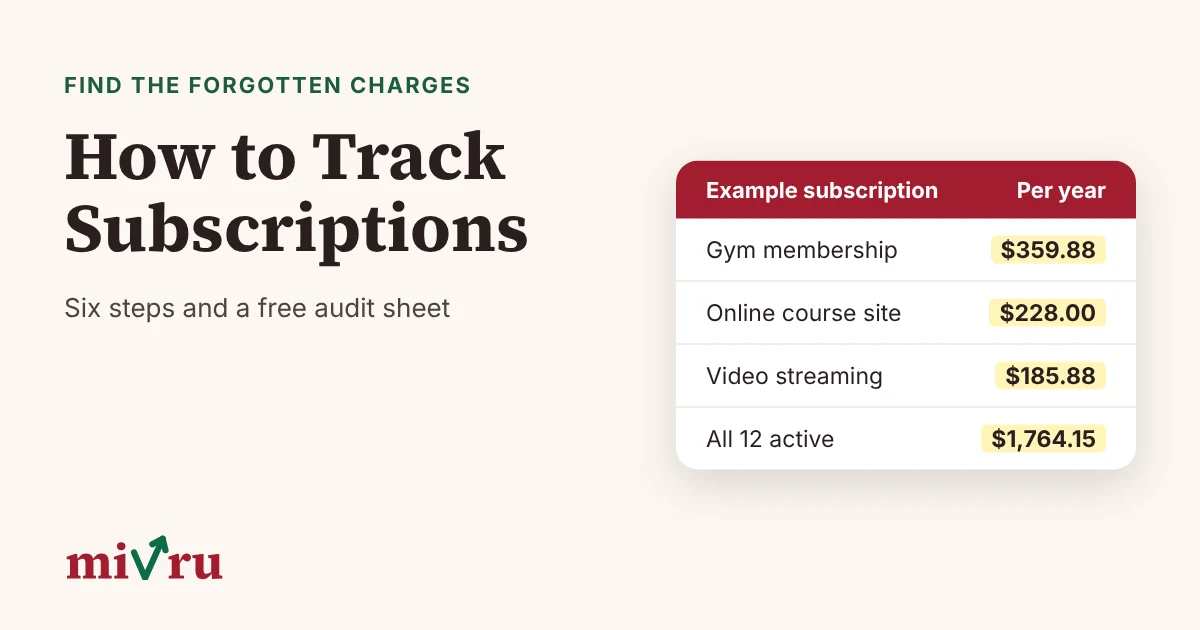
This guide builds one in about 30 minutes. It uses the same made-up household as our subscription tracker example, whose 12 active subscriptions cost $147.01 a month.
What the finished tracker looks like
The sheet has one row per subscription. Columns A to D and K are yours: Service, Cost, Billing, Started and Decision. Columns E to J calculate: per month, per year, months per cycle, months passed, next renewal and days left.
Step 1: Type the headings and your list
In row 1, type: Service, Cost, Billing, Started, Per month, Per year, Months per cycle, Months passed, Next renewal, Days left, Decision. Format B as currency and D and I as dates (Format > Number). Then add your subscriptions from row 2 down.
Example: Row 2 is Video streaming, 15.49, Monthly, 11/8/2025. Row 3 is Antivirus, 59.99, Yearly, 1/18/2026. Row 4 is a Pet treat box, 24.00, Quarterly, 8/25/2026.
Step 2: Add drop-downs
- Select C2:C100, then choose Data > Data validation > Add rule.
- Set the criteria to Dropdown and type the items: Weekly, Monthly, Quarterly, Yearly.
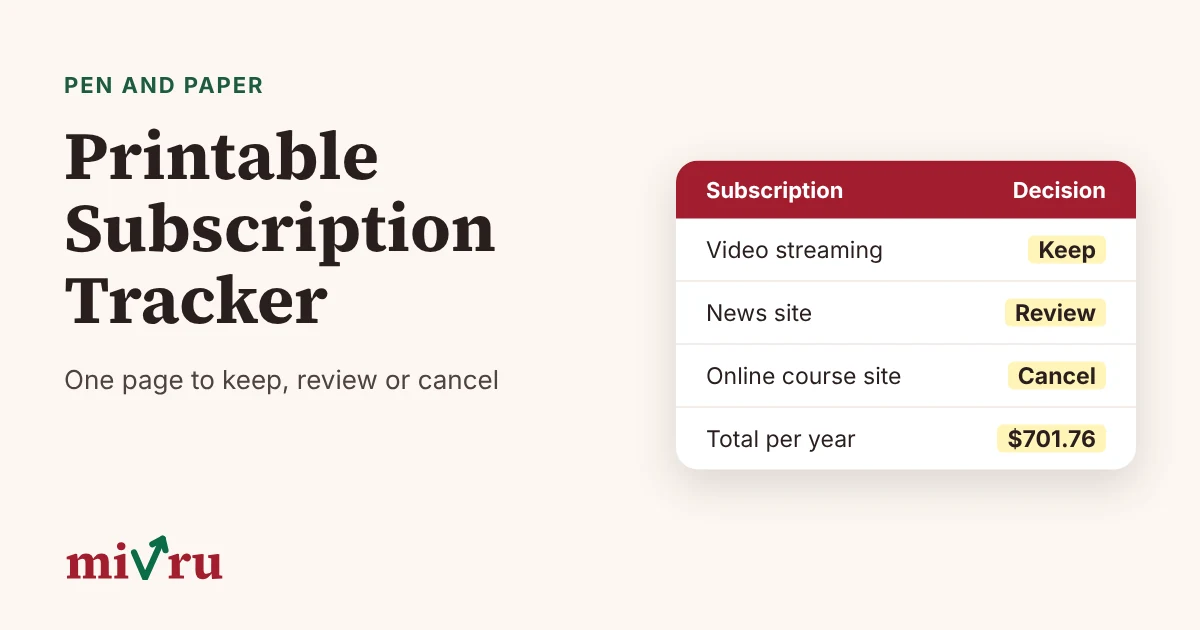
- Repeat for K2:K100 with Keep, Review, Cancel.
Google's guide to creating dropdown lists shows these steps with screenshots.
Step 3: Cost per month and per year
In E2:
=IF(C2="Yearly",B2/12,IF(C2="Quarterly",B2/3,IF(C2="Weekly",B2*52/12,B2)))
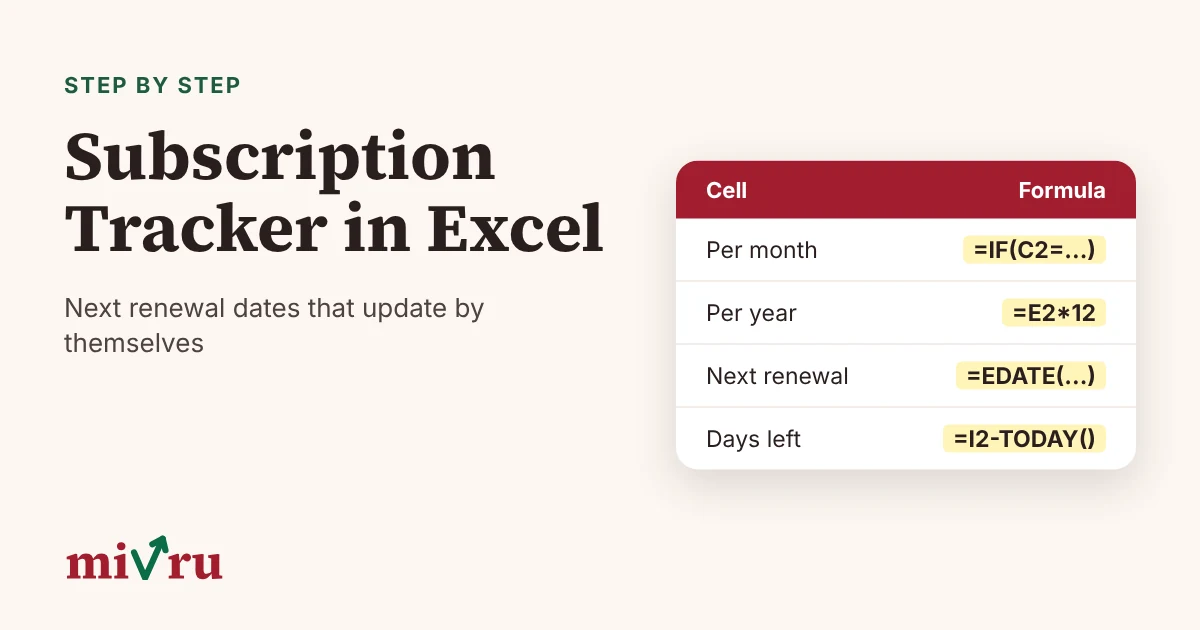
In F2: =E2*12. Copy both down.
Example: The antivirus at $59.99 a year shows $5.00 per month. The pet treat box at $24.00 a quarter shows $8.00 per month and $96.00 per year.
Step 4: Next renewal date and days left
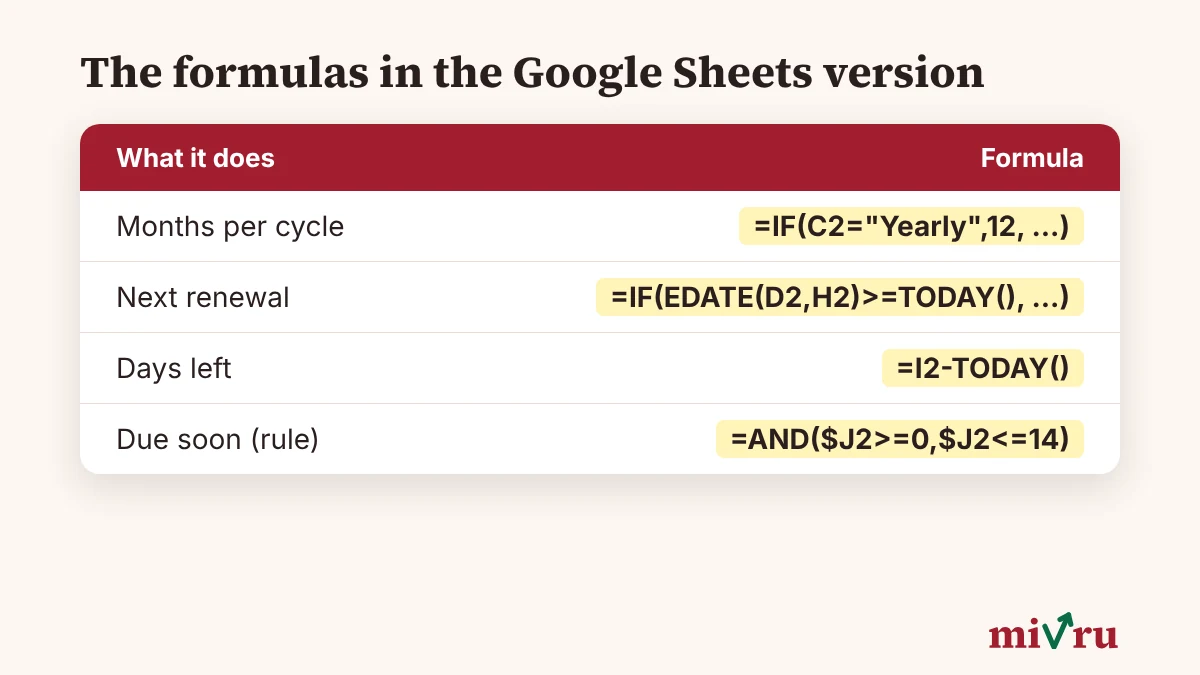
In G2: =IF(C2="Yearly",12,IF(C2="Quarterly",3,1))
In H2: =IF(D2>TODAY(),0,INT(DATEDIF(D2,TODAY(),"m")/G2)*G2)
In I2:
=IF(D2>TODAY(),D2,IF(C2="Weekly",D2+7*ROUNDUP((TODAY()-D2)/7,0),IF(EDATE(D2,H2)>=TODAY(),EDATE(D2,H2),EDATE(D2,H2+G2))))
In J2: =I2-TODAY() (format as a number).
If the start date is still ahead, that date is the next renewal. Otherwise the sheet takes the start date plus the months already passed in full cycles, and adds one more cycle if that date is already behind you. Google's help page for the EDATE function explains how months are added to a date. Because the formulas use TODAY(), the dates stay correct every day.
Example: On October 23, 2026, Video streaming shows a next renewal of November 8, 2026 with 16 days left, and Antivirus shows January 18, 2027.
Step 5: Totals and savings
Under the list, type =SUM(E2:E100) for the monthly total and =SUM(F2:F100) for the yearly total. To see what cancelling would save in a year, type =SUMIFS(F2:F100,K2:K100,"Cancel").
Step 6: Highlight what is due soon
- Select A2:K100 and choose Format > Conditional formatting.
- Under Format rules, choose Custom formula is and type
=AND($J2>=0,$J2<=14). - Pick an orange fill and select Done.
Rows that renew within 14 days now stand out. Google's guide to conditional formatting rules shows more options.
Step 7: Use it on your phone and share it
Install the Google Sheets app, open the tracker and add a row as soon as you sign up for something. If you share services with a partner, use the Share button and give them edit access. Add important renewal dates to Google Calendar too, so you get a reminder.
Ideas to make it better
- A Status column (Active, Trial, Paused, Cancelled) so cancelled rows stop counting.
- Categories with their own drop-down and a total for each.
- A 12-month forecast with one column per month.
- Bills and spending on other tabs. See our guides to a bill tracker in Google Sheets and an expense tracker in Google Sheets.
What the example rows show
| Subscription | Price | Billing | Per month | Per year | Next renewal |
|---|---|---|---|---|---|
| Video streaming | $15.49 | Monthly | $15.49 | $185.88 | November 8, 2026 (16 days) |
| Antivirus | $59.99 | Yearly | $5.00 | $59.99 | January 18, 2027 |
| Pet treat box | $24.00 | Quarterly | $8.00 | $96.00 | November 25, 2026 |
The three rows show why a tracker converts everything to a monthly and a yearly figure: the prices are in three different cycles, and without the conversion they cannot be compared.
If something does not work
- The date shows as a number. Format the column as a date from the Format menu.
- A drop-down is missing. Select the cells and check Data > Data validation.
- The days-left cell shows an error. Check that the start date is a real date and that the billing cycle is filled in.
- The highlight does not appear. Open Format > Conditional formatting and check that the range and the formula start on the same row.
Keep the sheet honest
Compare the total on the sheet with the charges on your card statement once a month. If a charge appears that is not on the sheet, add it. If a line on the sheet no longer appears on your statement, mark it cancelled so the totals stay true.
Using it on your phone
Open the file in the Sheets app. Add a row on the day you sign up for something new, with the price, the cycle and the start date. Check the renewals due in the next two weeks once a week, and cancel before the charge if you no longer want the service.
Prefer a ready-made version?
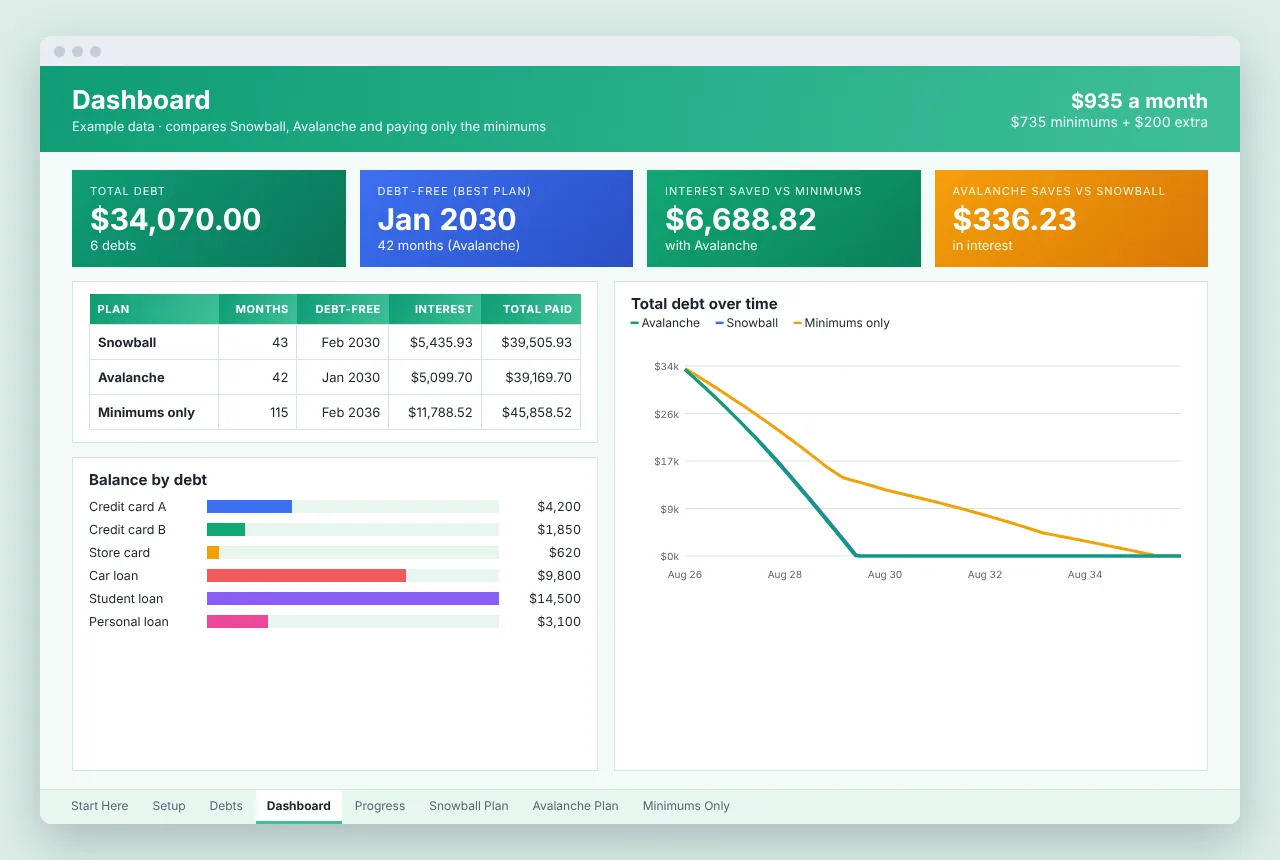
The Mivru Subscription Tracker works in Google Sheets and Excel. Upload the .xlsx file to Google Drive and open it with Sheets. It has drop-downs, colored tags, alerts, a dashboard, a 12-month forecast and a 12-page printable planner. For the method behind it, read how to track subscriptions, or see the Subscription Tracker Spreadsheet.
Frequently asked questions
Is there a free subscription tracker for Google Sheets?
Yes. With a free Google account you can build one in about 30 minutes using this guide, or upload a ready-made .xlsx file to Google Drive and open it with Google Sheets.
How do I get Google Sheets to show the next renewal date?
Type the start date and the billing cycle, then use EDATE with DATEDIF to find the next date on or after today. The formulas in step 4 do this, and the date updates every day.
Can Google Sheets remind me before a subscription renews?
The tracker can highlight rows that renew within a number of days using conditional formatting. For a reminder, add the date to Google Calendar or your phone.
Can I use the tracker on my phone?
Yes. The Google Sheets app lets you add a row and see the totals on your phone, and every device shows the same sheet.
Can I share the tracker with my partner?
Yes. Use the Share button and give your partner edit access. You will both see the same list and totals, which suits shared subscriptions.