How to Track Subscriptions: A Simple Method (With Free Audit Sheet)
Find every subscription you pay for, see the yearly cost, spot the ones you no longer use and cancel them properly. Six steps with a worked example.
Knowing how to track subscriptions is one of the quickest ways to find money you did not know you were spending. Small monthly charges are easy to forget, and a yearly renewal can arrive months after you signed up. A single list with the cost of each one is all it takes.
This guide shows six steps: find every subscription, write down what each one costs, turn it into a yearly number, note the renewal dates, decide what to keep and cancel properly. At the end there is a worked example and a free sheet to print.
Why track subscriptions at all
A subscription charges you again and again until you stop it. That is useful for things you use every week, and costly for things you forgot. Seeing the price once a month hides the total; seeing the yearly number does not. A $12 charge is $144 a year.
The U.S. Federal Trade Commission points out that free trials often continue as paid plans, and advises you to mark the cancellation deadline on your calendar and to keep records of your cancellation. A tracker is the place to keep both.
Step 1: Find every subscription
Collect them from four places:
- Bank and credit card statements for the last two or three months. Look for charges that repeat.
- Your phone's app store subscriptions. Apps often bill through the store, so they do not show the app's own name on your card.
- Your email. Search for "receipt", "renewal", "trial" and "your subscription".
- Shared accounts and family plans. Add the ones you pay for others.
Write each one on a list. Do not decide anything yet.
Step 2: Write down what each one costs
For every subscription, write the price, the billing cycle (weekly, monthly, quarterly or yearly) and how you pay. Add the date you signed up or were last charged. That date lets you work out the next renewal.
Step 3: Turn every price into a monthly and a yearly cost
Prices come in different cycles, which makes them hard to compare. Convert them:
- Weekly: price x 52 gives the year. Divide by 12 for the month.
- Monthly: price x 12 gives the year.
- Quarterly: price x 4 gives the year.
- Yearly: the price is the year. Divide by 12 for the month.
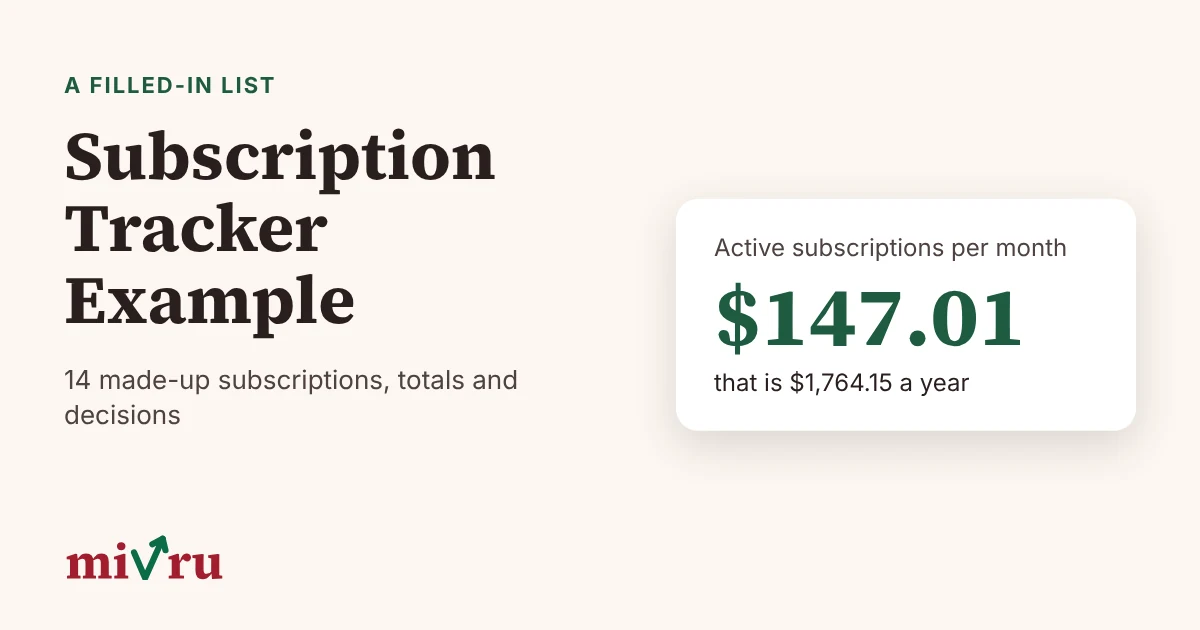
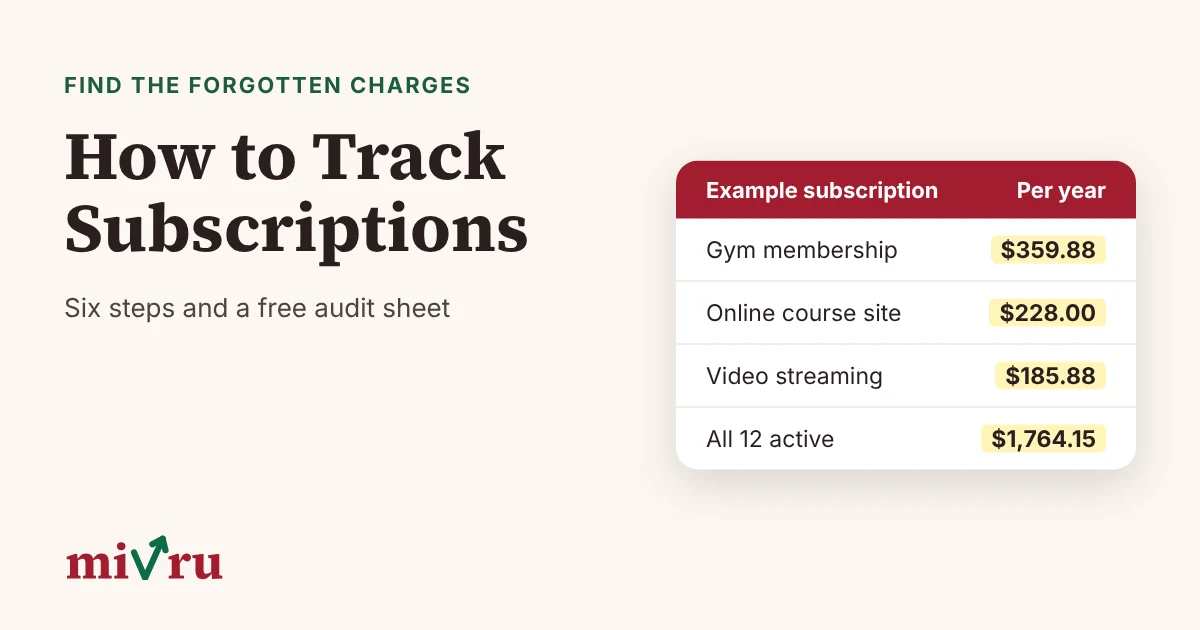
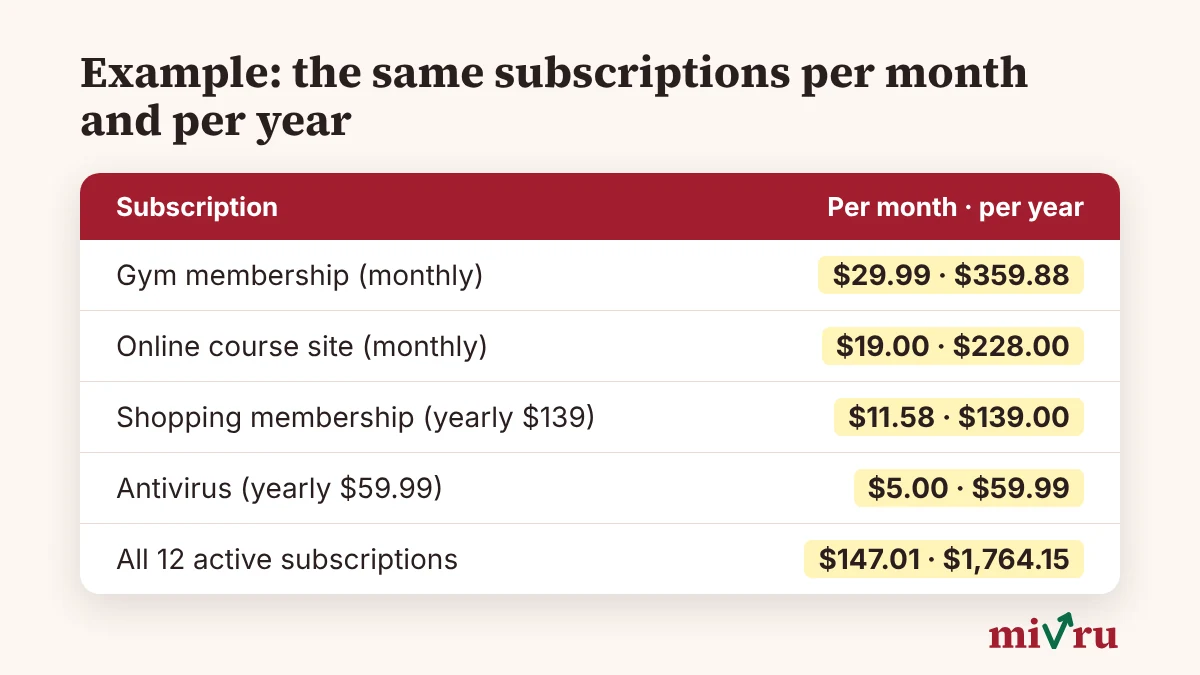
Example: A made-up household lists 14 subscriptions: 12 active, 1 free trial and 1 already cancelled. Added up, the active ones cost $147.01 a month, or $1,764.15 a year. The biggest single cost is a gym membership at $29.99 a month ($359.88 a year).
Step 4: Note the renewal dates
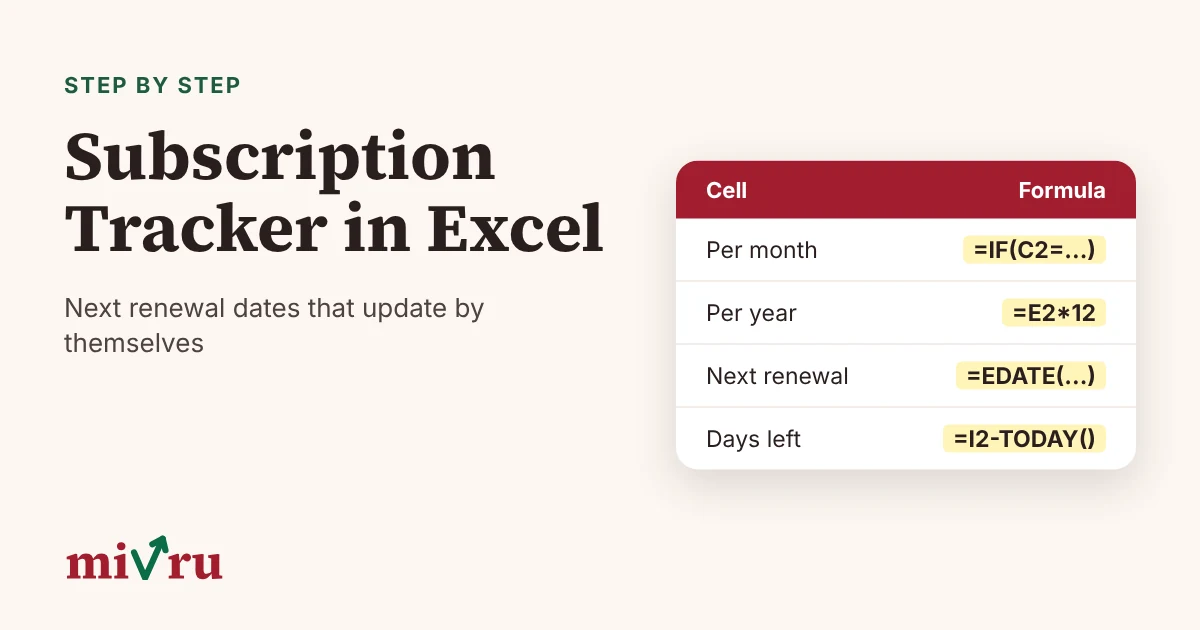
Next to each one, write the next renewal date. Yearly and quarterly ones matter most because they are the easiest to forget. If you track on paper, write them on a calendar by month. In a spreadsheet, the next date can be worked out for you. See our guide to a subscription tracker in Excel.
For free trials, write the day the trial ends and a cancel-by date one or two days earlier. The FTC's consumer alert on free trials advises you to note when the trial ends and check your statements for charges you did not expect.
Step 5: Audit: keep, review or cancel
Ask four questions about each subscription:
- Did I use it in the last 30 days?
- Is it worth the price?
- Is there a cheaper plan?
- Am I paying for something I already have somewhere else?
Mark each one Keep, Review or Cancel. Two or more "no" answers is a good reason to cancel or switch to a cheaper plan.
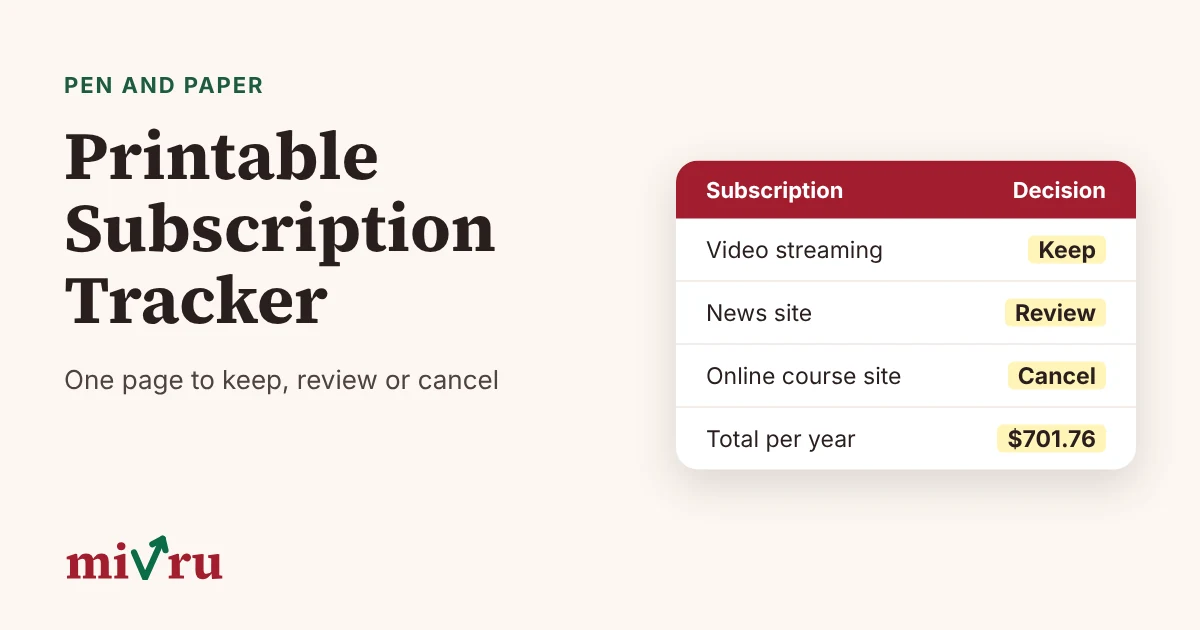
Example: In the made-up list, an online course site ($19 a month) is marked Cancel because the course is finished. Three more are marked Review: a second video service ($11.99), a news site ($12.00) and a photo app ($9.99). Cancelling the course alone saves $228 a year. If all four went, it would save $635.76 a year.
Step 6: Cancel properly
Look up the company's cancellation instructions and follow them before the renewal date. The FTC advises you to keep a copy of your cancellation request and notes on any conversations, and, if you are charged after you cancel, to dispute the charge with your credit or debit card company. Write down the date and any confirmation number. Check your next statement to make sure the charge stopped.
Keep it up
Do the audit every three months. Put a repeating reminder in your phone. When you sign up for something new, add it to the list the same day, with its renewal date.
Subscriptions are only part of your spending. For fixed monthly payments see our guide on how to keep track of bills, and for everything else see how to track expenses.
Converting prices: a quick table
| Billing cycle | Price (made up) | Cost per month | Cost per year |
|---|---|---|---|
| Weekly | $5.00 | $21.67 | $260.00 |
| Monthly | $12.00 | $12.00 | $144.00 |
| Quarterly | $24.00 | $8.00 | $96.00 |
| Yearly | $60.00 | $5.00 | $60.00 |
The yearly column is the fair way to compare. A weekly $5 charge feels smaller than a monthly $12 one, but it costs more over a year.
Where subscriptions like to hide
- Add-ons inside a plan. Extra storage, an ad-free tier or a premium upgrade can be billed separately.
- Trials started and forgotten. The trial's end date is the date that matters.
- Services paid by someone else's card. If a family member pays, note who and why, so it is not counted twice.
- Annual renewals. They show once a year and are easy to miss in a monthly statement scan.
Questions to ask before you sign up for a new one
- What does it cost per year, not per month?
- When does the trial end, and what will it charge after that?
- How do I cancel, and can I do it online?
- Which subscription could I drop to make room for it?
Writing the answers on your list before you subscribe takes a minute and stops the list from growing back.
Let a spreadsheet do the work
If you would rather not keep the list by hand, the Mivru Subscription Tracker works out the next renewal date, the cost per month and per year, and what is due soon. It adds a dashboard, a 12-month forecast and a Keep, Review, Cancel column that adds up your savings. It works in Excel and Google Sheets and includes a 12-page printable planner. See the Subscription Tracker Spreadsheet.
Frequently asked questions
How do I find all my subscriptions?
Look through the last two or three months of bank and credit card statements for repeating charges, check the subscriptions section of your phone's app store account, and search your email for words like receipt, renewal and trial. Write every one on a single list.
What is the best way to keep track of subscriptions?
Use one list with the name, cost, billing cycle and renewal date of each subscription, plus a yearly cost and a keep, review or cancel decision. A spreadsheet works well because it adds the totals and works out the next renewal date for you. A printed sheet works too.
How often should I review my subscriptions?
Every three months is a good rhythm. Put a repeating reminder in your phone and spend 15 minutes going through the list.
How do I cancel a subscription properly?
Follow the company's cancellation instructions, keep a copy of your cancellation request, cancel before the renewal date and check your next statement to confirm the charge stopped. If you are still charged, dispute it with your card company.
Should I track free trials too?
Yes. Free trials often turn into paid plans when they end. Write down the day the trial ends and a cancel-by date one or two days earlier.