Subscription Tracker Example: One Household's List, Filled In
See a filled-in subscription tracker: 14 example subscriptions, the cost per month and year, renewals and what cancelling would save. Free audit sheet.
This subscription tracker example shows one complete list, filled in, so you can see how the pieces fit together: the costs, the renewal dates and the decisions. The names and prices are made up. Use them as a pattern for your own list.
The list
Each row holds one subscription. The category is a label, the billing cycle says how often it charges, and the start date is the date of the first or the most recent charge.
Example: The example household has 14 subscriptions. One is already cancelled (an old magazine, $7.99 a month) and one is a free trial (a language app, $12.99 a month after the trial). The other 12 are active.
The totals
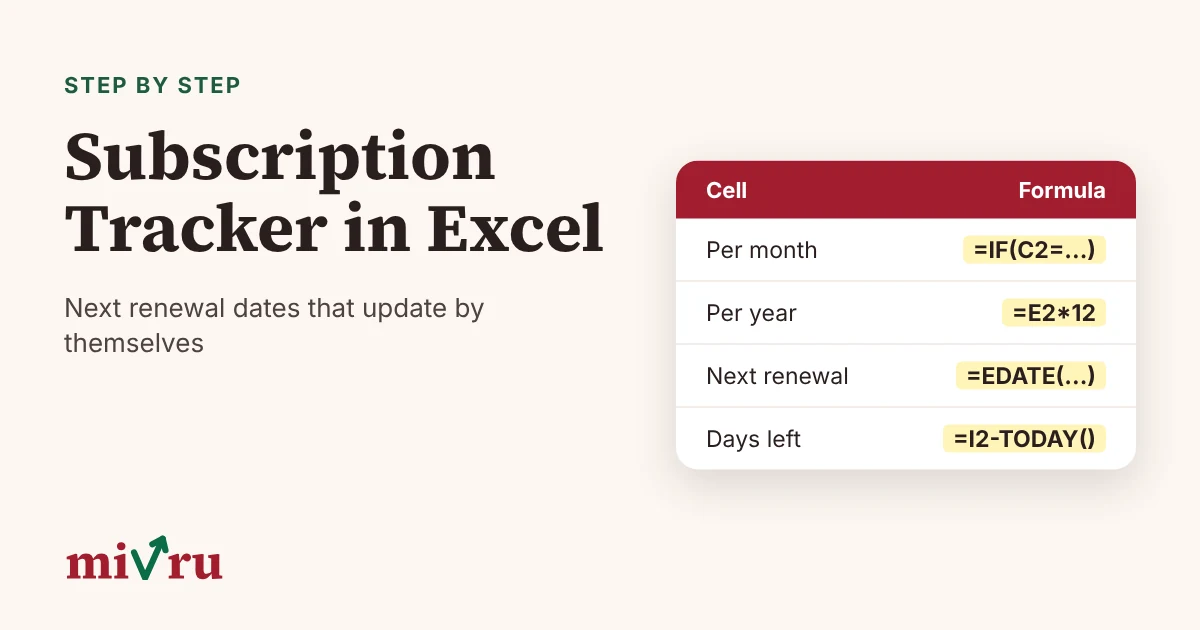
Everything is converted to a monthly cost so it can be added up. Yearly and quarterly prices are divided down; the yearly cost is the monthly cost x 12.
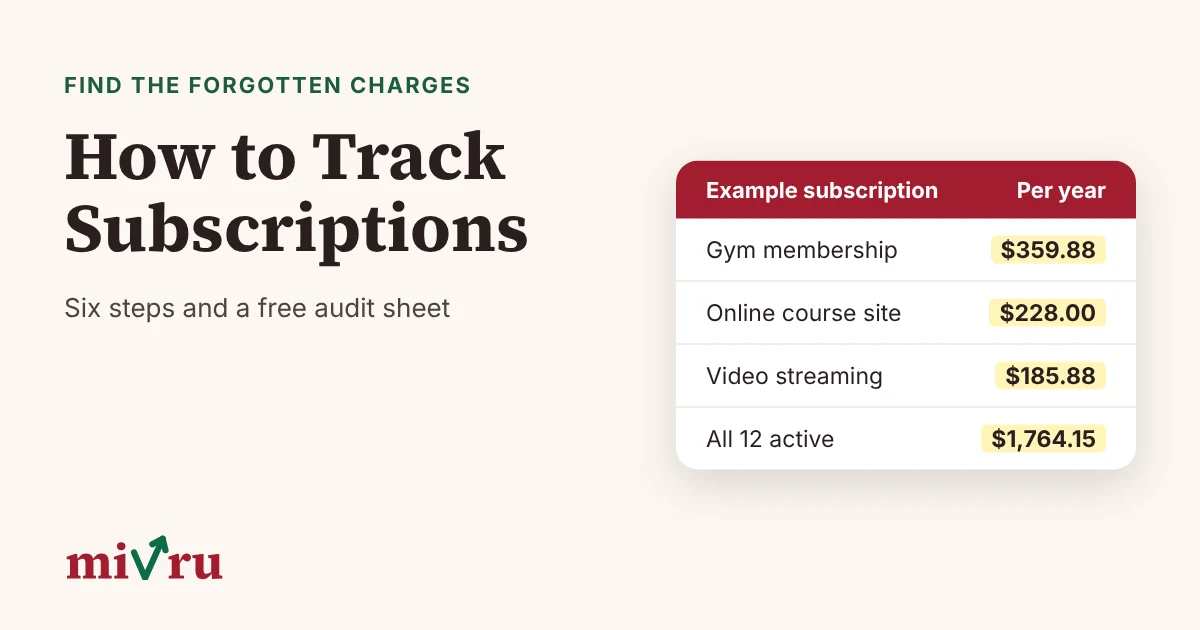
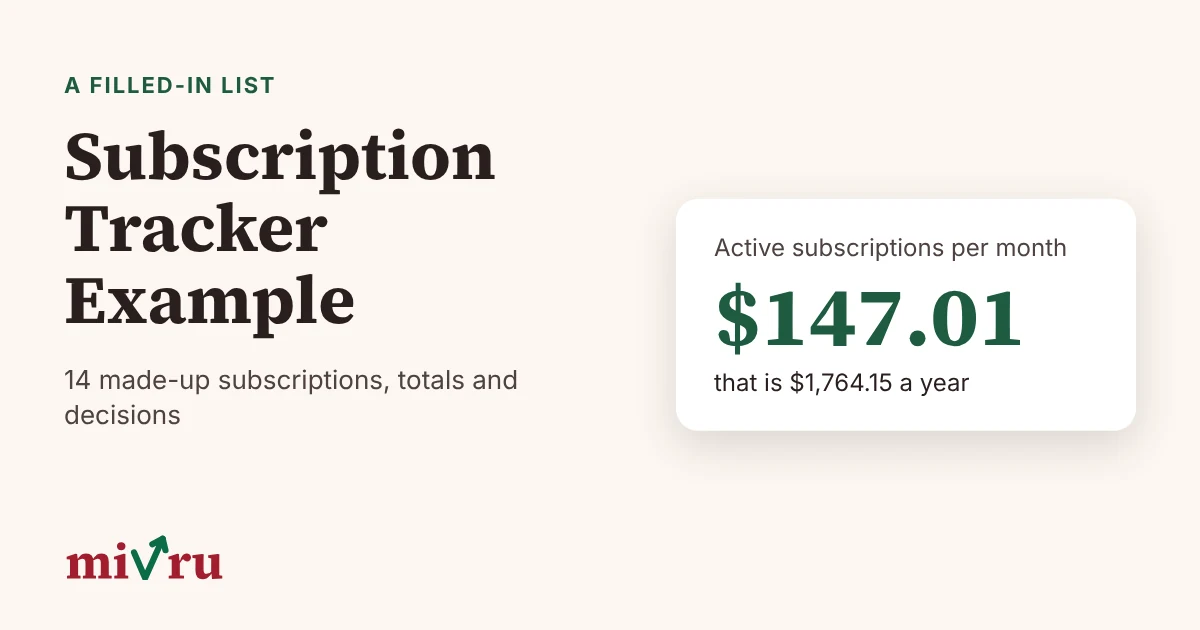
Example: The 12 active subscriptions cost $147.01 a month and $1,764.15 a year. By category, fitness and health is the largest at $29.99 a month, followed by streaming and video at $27.48 and shopping and delivery at $19.58.
Two of the 12 are not monthly. The antivirus renews once a year at $59.99, which is $5.00 a month, and the shopping membership renews once a year at $139.00, which is $11.58 a month. A pet treat box charges $24.00 every quarter, which is $8.00 a month.
Budget check
The household set a budget of $140 a month for subscriptions. At $147.01 they use about 105% of it, so they are $7.01 over. This is the kind of thing a monthly total makes visible.
The decisions
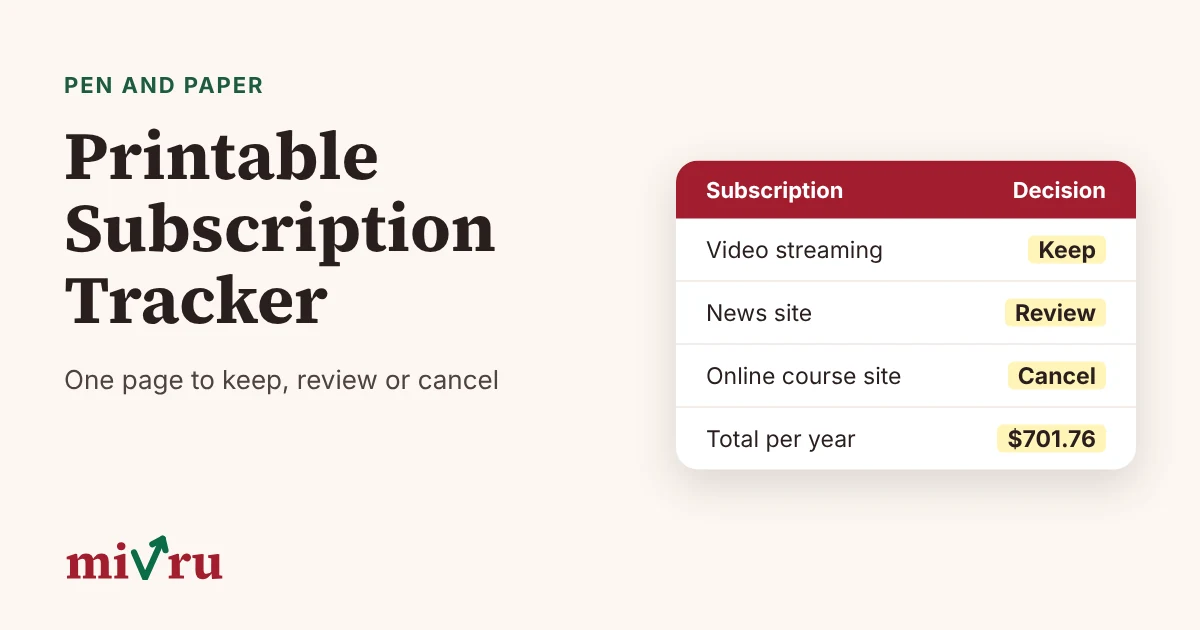
The household went through each line and marked Keep, Review or Cancel.
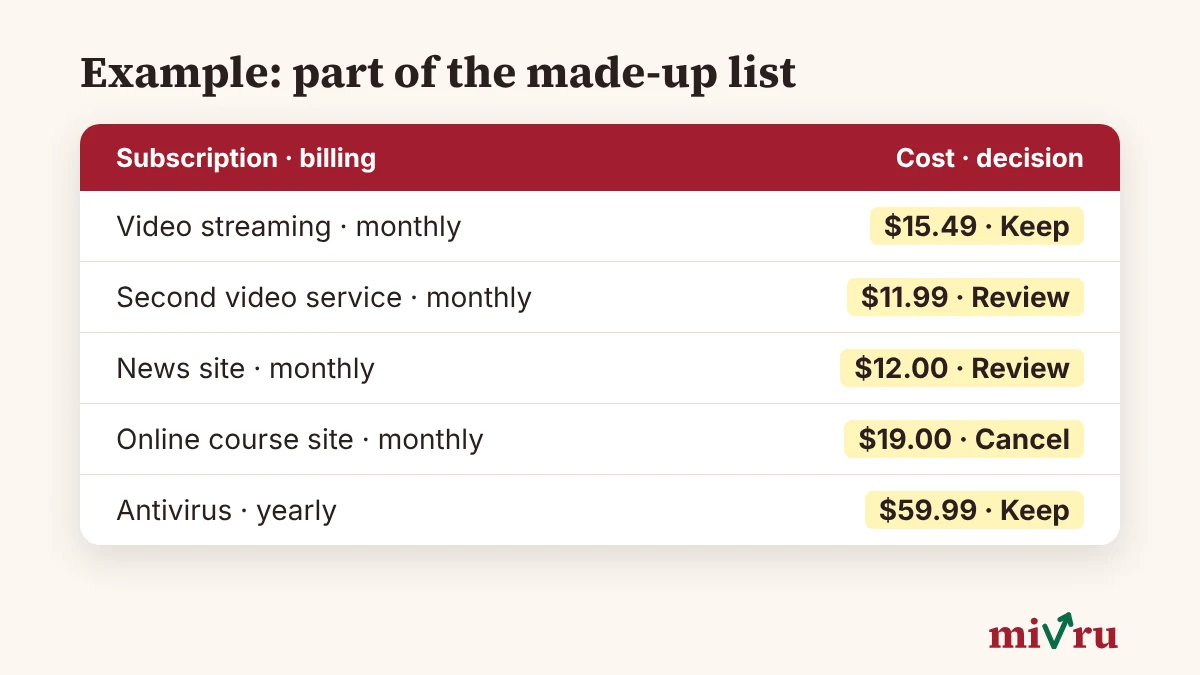
- Cancel: an online course site at $19.00 a month, because the course is finished. That is $228.00 a year.
- Review: a second video service ($11.99), a news site ($12.00) and a photo editing app ($9.99). Together $33.98 a month, or $407.76 a year.
- Keep: everything else, such as the gym, music streaming and cloud storage.
Cancelling the course alone brings the monthly total down to $128.01, which is under the $140 budget. If the three marked Review also go, the total drops to $94.03 a month.
What is due soon
A tracker also shows what is coming. The example uses a warning window of 14 days. Looking from October 23, the language app's trial ends October 28, the gym renews on November 1 and the cloud storage renews on November 3. Those three charges add up to $45.97 in the next two weeks.
Free trials are the ones most likely to turn into a charge by accident. The U.S. Federal Trade Commission advises you to mark the cancellation deadline on your calendar and keep a copy of your cancellation request. Its consumer alert on free trial offers adds that you should note when a trial ends and check your statements for charges you did not expect.
What the year looks like
Yearly renewals can hide in a month. In the example, the shopping membership renews in April, so April is the most expensive month at about $274, compared with roughly $135 to $159 in most other months. A 12-month view shows this months ahead, so the charge is no surprise.
How to make your own
- Write every subscription on one list: name, cost, billing cycle and start date.
- Work out the monthly and yearly cost of each.
- Add the next renewal date.
- Mark Keep, Review or Cancel.
- Add the totals and compare them with a budget you choose.
Our step-by-step guides show how to build the list in Excel or on paper with a printable subscription tracker. For the method behind it, read how to track subscriptions. If you also track everyday spending, see our expense tracker example.
What the decisions do to the total
Here is the budget check again, after each decision. The budget is $140 a month.
| Plan | Monthly total | Compared with the $140 budget |
|---|---|---|
| Keep everything | $147.01 | $7.01 over |
| Cancel the course site | $128.01 | $11.99 under |
| Cancel the course site and the three marked Review | $94.03 | $45.97 under |
Example: Cancelling the course site and the three marked Review saves $635.76 a year in total: $228.00 for the course and $407.76 for the other three. That is more than the cost of several months of the household's streaming services.
How to run your own audit in four steps
- Sort the list by yearly cost, highest first. Start the audit with the lines that cost the most.
- Mark each line Keep, Review or Cancel. Use the four questions: did I use it, is it worth the price, is there a cheaper plan, do I have it elsewhere?
- Cancel the clear ones this week. Do not wait for the next audit.
- Set a date for the Review ones. Add a note such as "use it twice by Dec 1 or cancel" so the decision does not drift.
Common mistakes the example avoids
- Leaving cancelled ones on the list. The old magazine stays as a row marked Cancelled. It shows what you stopped and keeps it out of the totals.
- Counting a trial as a cost. The language app is a free trial, so it is not in the monthly total until it turns into a paid plan. The cancel-by date is the reminder.
- Mixing up billing cycles. Every price is converted to a monthly figure before it is added.
- Forgetting the yearly renewals. Two of the 12 renew once a year, and one more charges every quarter, so each is written with its renewal date.
Questions the tracker helps you answer
- How much do I spend on subscriptions each year?
- Which categories take the most?
- What renews in the next two weeks?
- Am I over or under the budget I set?
- How much will I save if I cancel the ones I marked?
Want it filled in for you?
The Mivru Subscription Tracker has this layout ready: drop-downs, colored tags, the next renewal worked out for you, a dashboard, a 12-month forecast and a 12-page printable planner. The example list is included so you can see how it works, and you can clear it and start with your own. See the Subscription Tracker Spreadsheet.
Frequently asked questions
What does a filled-in subscription tracker look like?
Each subscription is one row with its name, category, cost, billing cycle, start date and status, followed by the cost per month, cost per year, next renewal date and a keep, review or cancel decision. This page shows a complete made-up example.
What should a subscription tracker include?
The name, price, billing cycle, renewal date and payment method of each subscription, a yearly cost, a status such as active, trial or cancelled, and a decision column. Totals for the month and the year complete it.
Is the example based on real people?
No. The 14 subscriptions, names and prices are made up to show how a tracker works. Use your own numbers.
How much does a typical household spend on subscriptions?
It varies widely, so use your own total rather than an average. Add up every active subscription as a monthly cost and multiply by 12.
Where can I get a template?
You can build one in Excel or Google Sheets with our step-by-step guides, print the free audit sheet, or start from a ready-made spreadsheet.