Monthly Bill Checklist: List, Tick and Total Every Bill
How to use a monthly bill checklist: list every bill, order by due date, tick each when paid and total the month. Worked example and a free printable page.
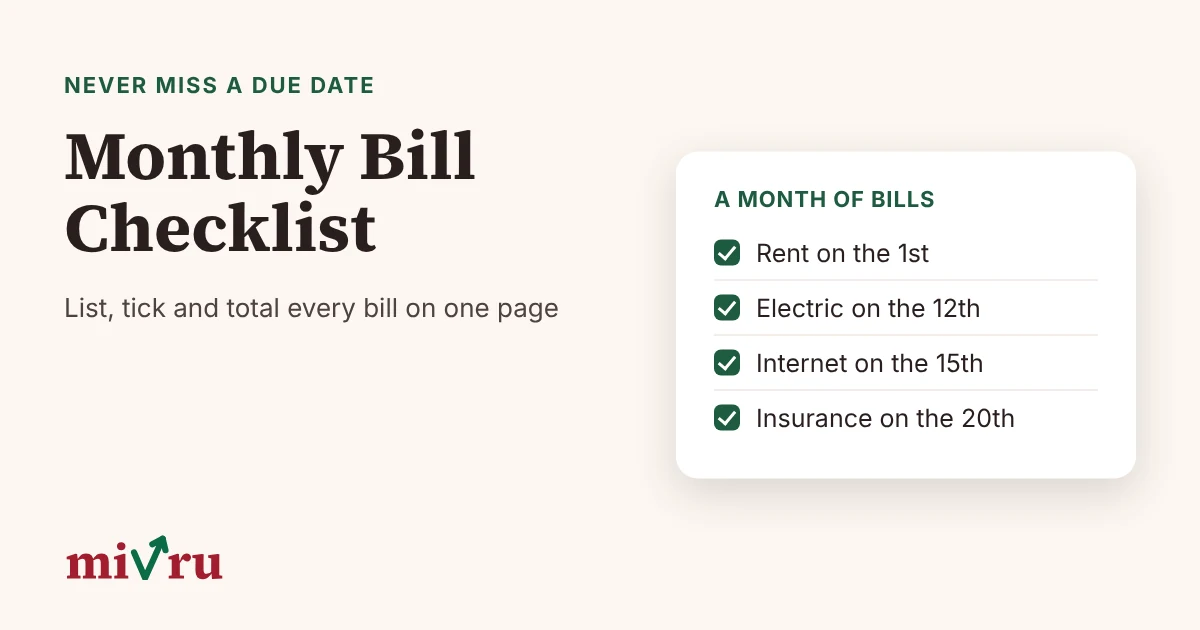
A monthly bill checklist is a single page that lists every bill you pay, the day it is due, how much it is and a box you tick when it is paid. It is the simplest way to stop late fees, because the whole month is on one sheet.
This guide shows how to build and use one, with a made-up month. You can follow it with our free one-page Monthly Bill Checklist.
What a bill checklist does
Bills arrive in different ways: paper, email, an app, a direct debit. A checklist puts them in one place so you can answer the question "what is due, and have I paid it?" in ten seconds.
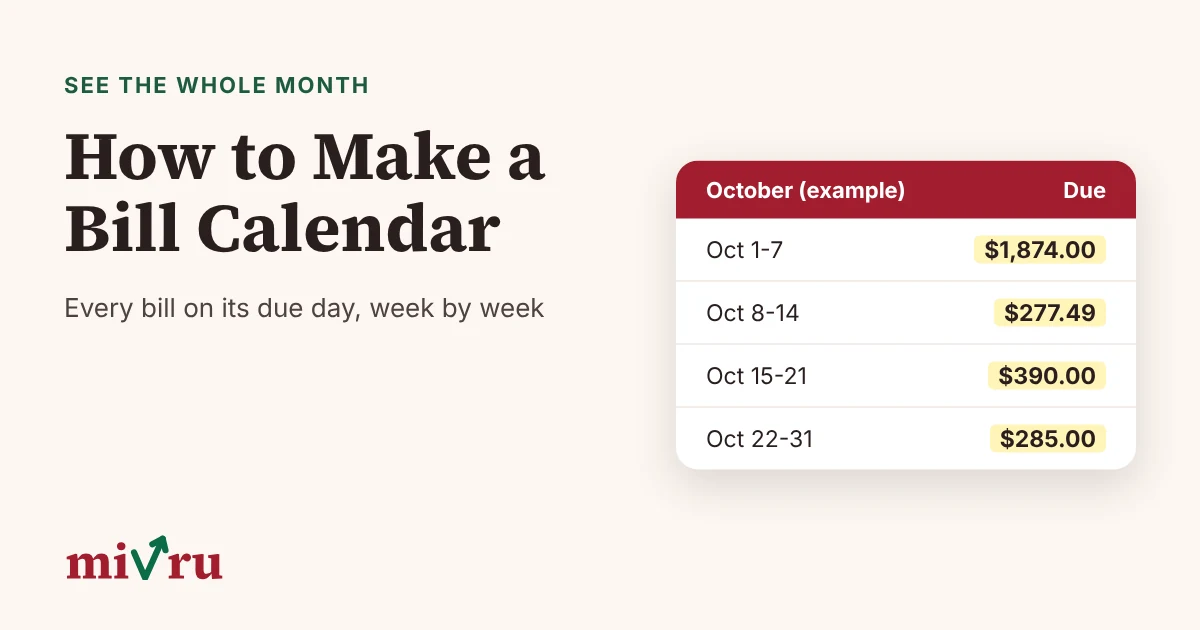
The U.S. Consumer Financial Protection Bureau suggests listing each bill with its amount and due date, and reviewing your bill calendar every week. A checklist is a bill calendar in list form, which many people find easier to read.
Step 1: List every bill once
Go through your last two months of statements and write each bill that repeats. Include:
- Rent or mortgage.
- Electric, gas, water and trash.
- Internet and phone.
- Insurance (car, health, home or renters).
- Loan and card payments.
- Subscriptions and memberships.
If a bill is yearly or quarterly, add it to the month it is due. Do not leave it off the list because it is not monthly.
Step 2: Write the due date and the amount
Write the day of the month each bill is due and the usual amount. For bills that change, write last month's amount in pencil. You will correct it when the new bill arrives.
Step 3: Put them in date order
Sort the list by due date, earliest first. This is the order you will read it in. A list in date order shows at a glance what is coming next.
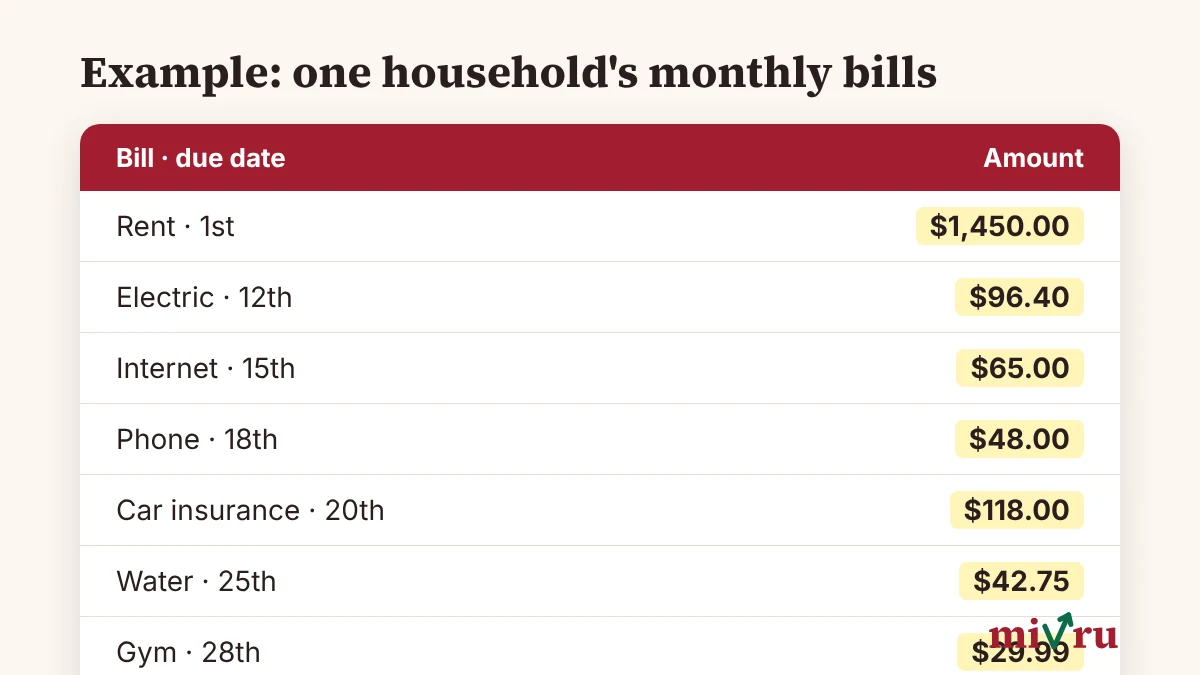
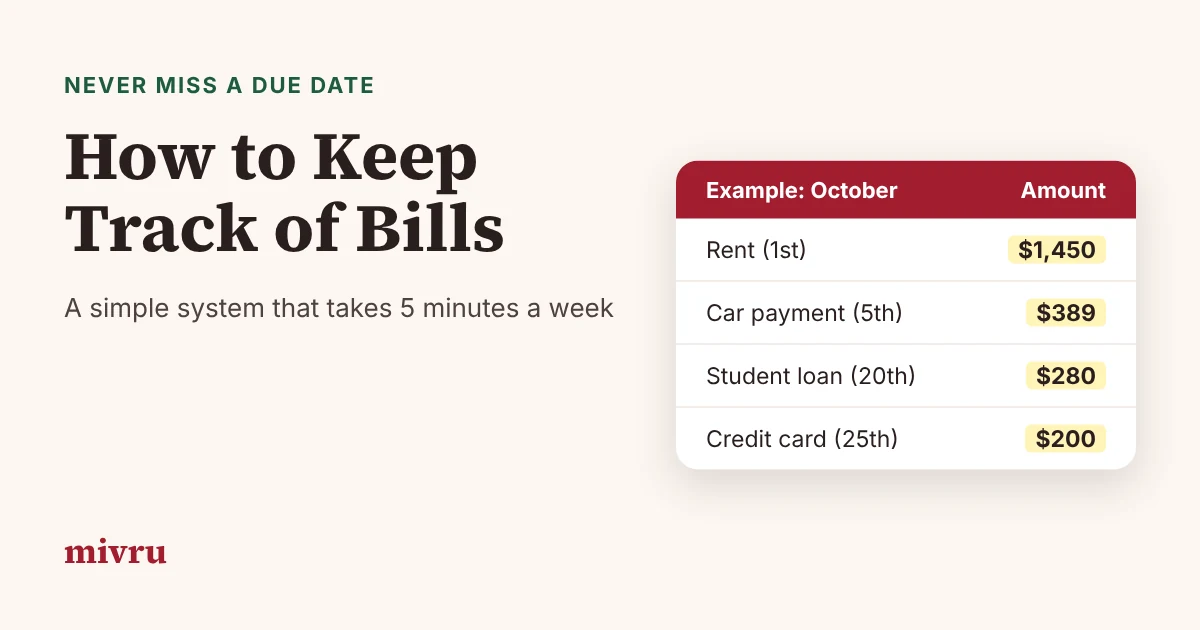
Example: Rent $1,450.00 (1st), electric $96.40 (12th), internet $65.00 (15th), phone $48.00 (18th), car insurance $118.00 (20th), water $42.75 (25th), gym $29.99 (28th) and video streaming $15.49 (28th) add up to $1,865.63. These bills are made up for illustration.
Step 4: Add a paid box and a total
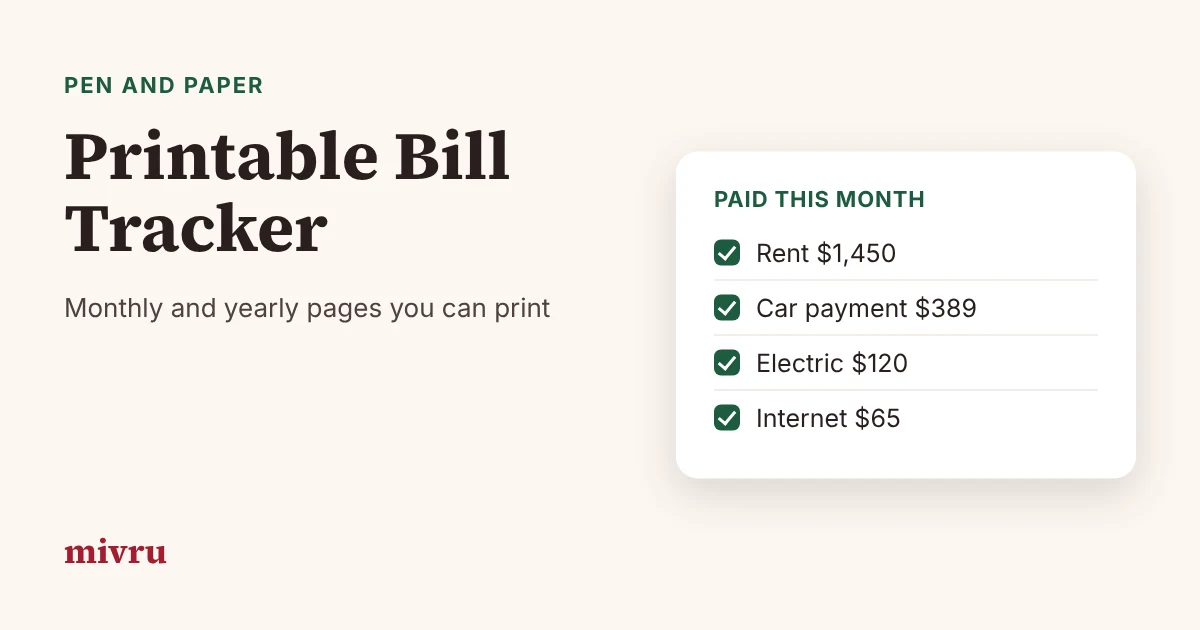
Draw a small box in front of each bill. When you pay it, tick the box, and write the date if you like. At the bottom, write the total for the month.
The total is useful for two reasons. It tells you how much your bills take each month, and it is the number your income needs to cover first.
Step 5: Split the month by paycheck
If you are paid twice a month or every two weeks, it helps to see which bills fall before which paycheck. Draw a line across the list at the day your next paycheck arrives and add up each side.
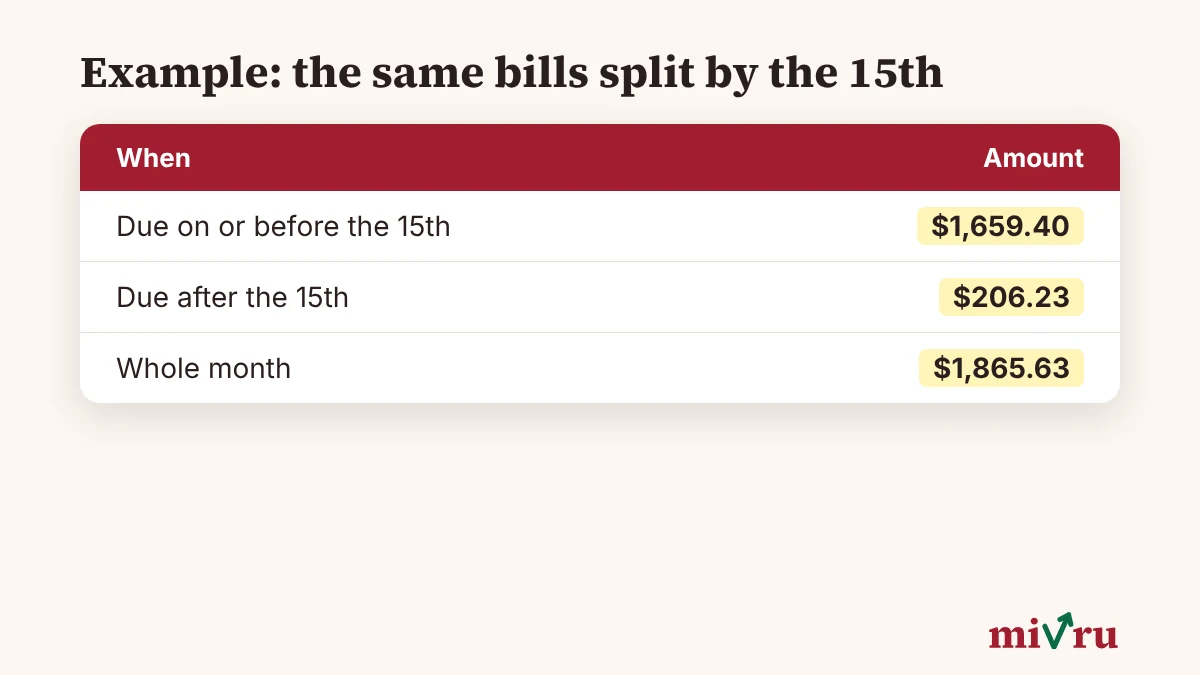
Example: Bills due on or before the 15th (rent, electric, internet and phone) come to $1,659.40. Bills due after the 15th (insurance, water, gym and streaming) come to $206.23. The whole month is $1,865.63. If your first paycheck arrives on the 1st, it needs to cover the larger half.
Step 6: Check it once a week
Pick a day, such as Sunday, and spend five minutes with the page:
- Tick any bills you have paid.
- Look at the next seven days. Is anything due?
- Check you have enough in the account for what is coming.
- Update any amounts that changed.
If you pay automatically, still look at the page. Automatic payments fail when a card expires or a balance is low, and the checklist is where you notice.
What to do when money is tight
Sometimes the total is more than your income. If that happens:
- Pay the essentials first. Housing, utilities, food, transport and insurance come before the rest.
- Call the company before you are late. Many will move a due date or set up a plan if you ask first.
- Mark the bills you cannot pay in full. Write the amount you can pay and when you will pay the rest.
If the debt feels too big, the U.S. Federal Trade Commission has a guide, Choosing a Credit Counselor, that can help you find reliable advice. This is general information, not financial advice.
Common mistakes
- Leaving off yearly bills. They show up once and hurt.
- Writing a due date that is the day you usually pay. Write the date on the bill, then decide when to pay.
- Not checking after setting up autopay. Cards expire and balances run low.
- Not keeping the old pages. A year of lists shows which bills creep up.
- Ignoring small bills. A late fee on a small bill can cost more than the bill.
Use the same list to cut costs
Once a quarter, read down the list and ask one question for each bill: do I still need this at this price? Internet, phone and insurance are often worth a call to check for a cheaper plan. Subscriptions are worth a closer look, and a subscription audit is a good way to do it.
Paper or spreadsheet?
A paper checklist is quick, needs no login and sits on the fridge. A spreadsheet works out the due dates for you, shows what is overdue in red and totals what is left to pay. See how to build a bill tracker in Excel, or read about making a bill calendar.
Want the dates and totals done for you?
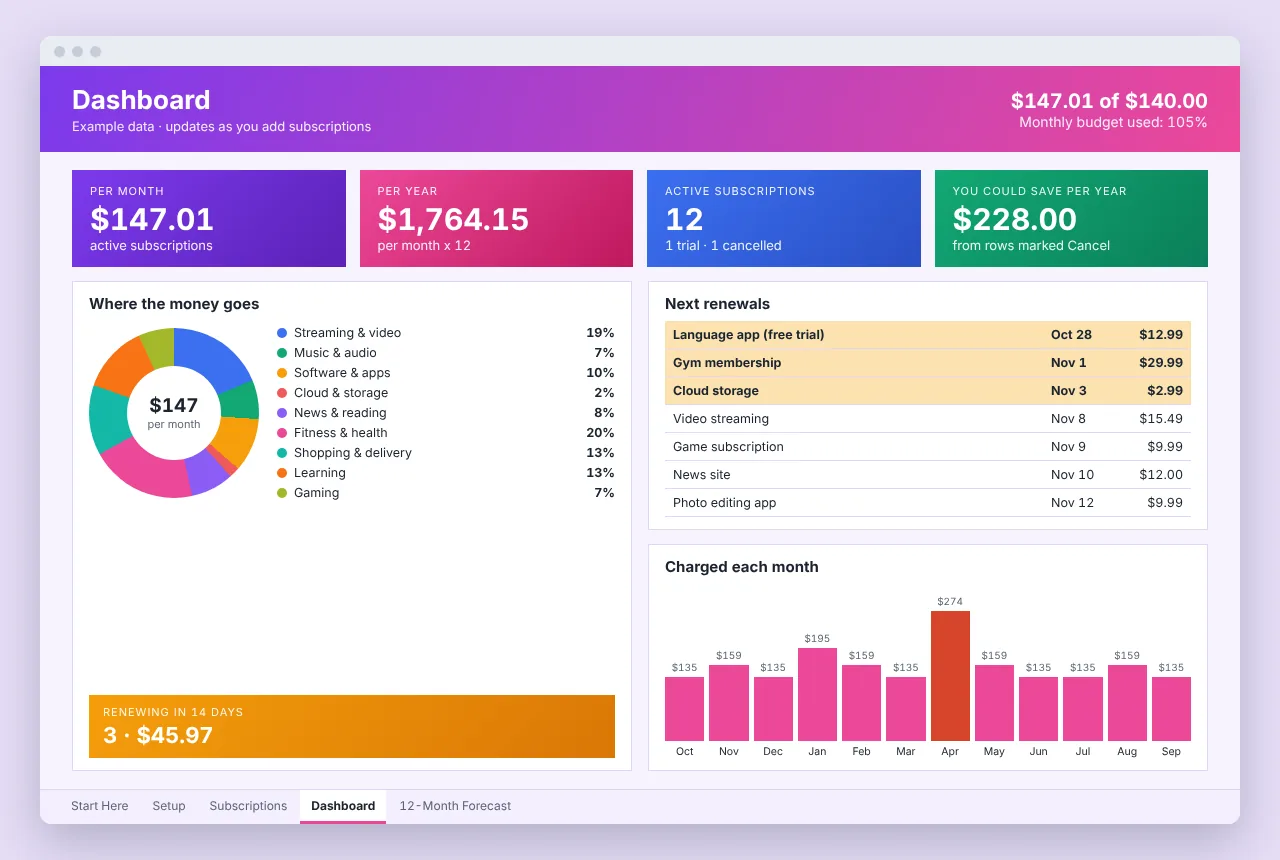
The Mivru Bill Tracker Spreadsheet has a bill list you type once, 12 month tabs where you pick a tick when a bill is paid, overdue bills that change color by themselves, a dashboard with paid, left to pay and overdue, and a bill calendar. It comes in three color themes for Excel and Google Sheets, plus a 20-page printable planner. See the Bill Tracker Spreadsheet.
Frequently asked questions
What is a monthly bill checklist?
A one-page list of every bill you pay each month, with its due date, its amount and a box to tick when it is paid.
How do I make a monthly bill checklist?
List every bill once, write the due date and amount, put them in date order and add a paid box. Total the amounts at the bottom.
What if my bills change every month?
Write the usual amount in pencil and fill in the real amount when the bill arrives. Utilities often change with the season.
Is the bill checklist free?
Yes. Enter your email on the page and you get a one-page US Letter PDF to print. There is no cost.
How often should I look at the checklist?
Once a week. A five-minute check on the same day each week catches bills that are due soon.