How to Make a Bill Calendar (So Nothing Is Ever Late)
Put every bill on its due day, see which weeks cost the most and plan paychecks around them. How to make a bill calendar on paper or in a spreadsheet.
A bill list tells you how much you owe. A bill calendar tells you when. That second part is what causes most late payments: the money was there, but not on the day the bill was due.
A bill calendar puts every bill on its due day in a normal month grid. In one look you can see the busy weeks, the quiet weeks and how each paycheck lines up with them. This guide shows how to make one in about 15 minutes, with the same example used across our bill guides: 11 bills that add up to $2,826.49 in October.
Why a bill calendar helps
The U.S. Consumer Financial Protection Bureau suggests making a bill calendar because the timing of income and bills can leave you short even when the monthly totals look fine. Its advice is simple: list each bill with its amount and due date, and review the calendar every week.
It also protects your credit. Payment history is the largest part of a FICO Score, at 35%, so paying loans and cards on time every month matters.
Step 1: Gather your bills and due days
Before you draw anything, make a list of every bill with its due day and usual amount. Look at your last two or three bank and card statements to find them all. Our guide on how to keep track of bills walks through this step in detail.
Step 2: Get a blank month calendar
Use any month grid: a printed calendar page, a planner spread, or our free Monthly Bill Checklist plus a blank calendar. The boxes need to be big enough to write two or three bills in. The CFPB also has a free bill calendar worksheet among its Your Money, Your Goals tools.
Write the dates in, starting on the right weekday. October 2026 starts on a Thursday, so the 1st goes in the Thursday box of the first row.
Step 3: Write each bill on its due day
Go down your list and write each bill in the box for its due day, with the amount. Keep the writing short: "Rent $1,450" is enough.
Mark your paydays too, in a different color. Now you can see which bills each paycheck has to cover before the next one arrives.
Step 4: Add up each week
At the end of each week's row, add up the bills due that week. This is the step most people skip, and it is the most useful one.
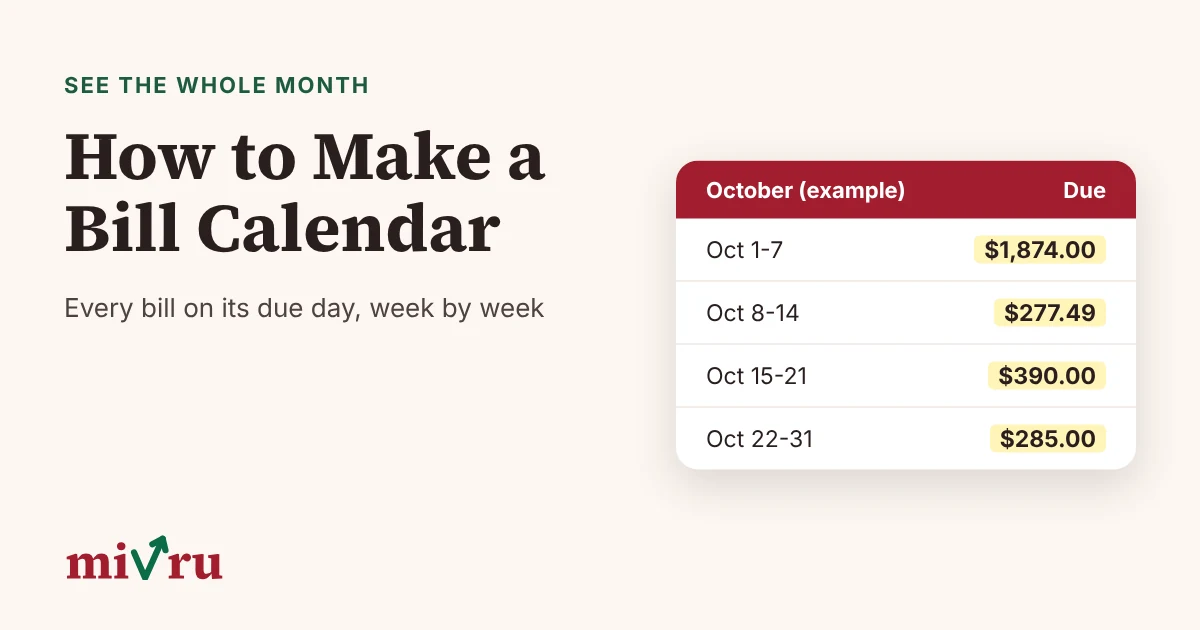
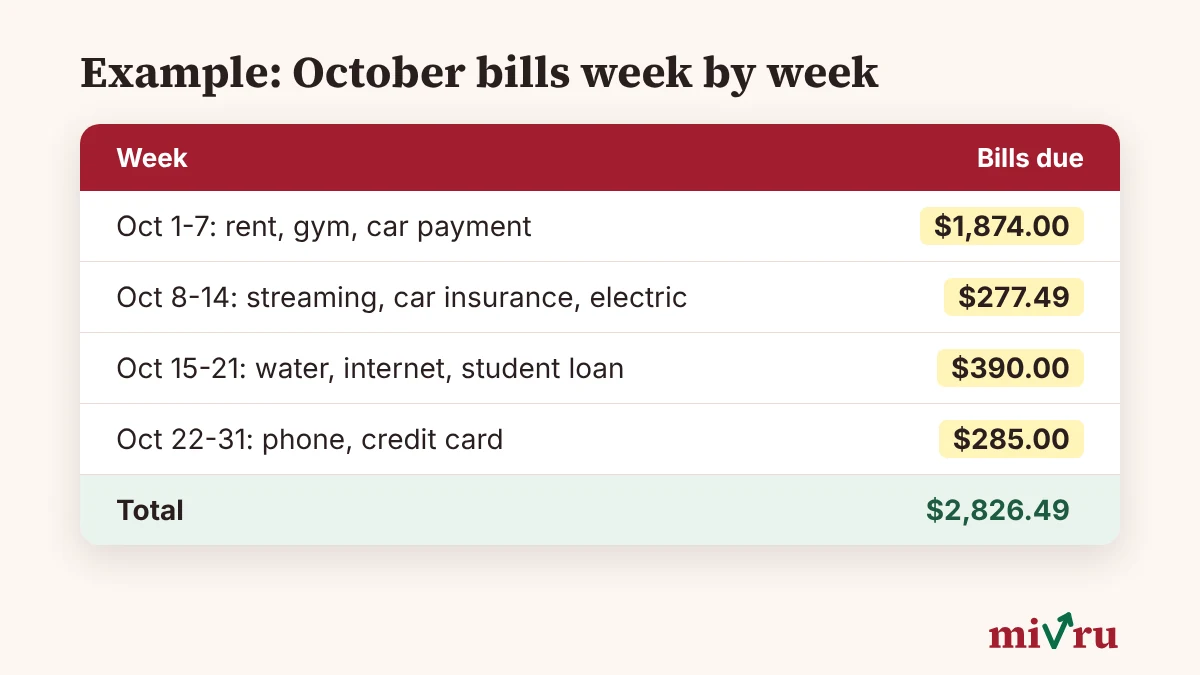
Example: In October, the first week is by far the most expensive: rent, the gym and the car payment add up to $1,874. The second week is just $277.49, the third $390 and the last ten days $285. Together that is the full $2,826.49.
Step 5: Fix the crowded weeks
When one week carries most of the bills, you have three simple options:
- Set money aside early. Move part of the previous paycheck into a separate pot so the big week is covered.
- Ask to move a due date. Some lenders and utilities will change a due date if you ask, which can spread bills across the month.
- Line up autopay with paydays. Schedule automatic payments for a day or two after you are paid, not before.
Step 6: Tick bills off and check weekly
Each time you pay a bill, tick it or cross it out on the calendar. Then, once a week, look at the coming seven days: what is due, and is the money ready? Five minutes on a Sunday evening is enough.
The example month, week by week
| Days | Bills | Total |
|---|---|---|
| 1 to 7 | Rent, gym, car payment | $1,874.00 |
| 8 to 14 | Streaming, car insurance, electric | $277.49 |
| 15 to 21 | Water, internet, student loan | $390.00 |
| 22 to 31 | Phone, credit card | $285.00 |
| October | 11 bills | $2,826.49 |
Example: The first week asks for 66% of the month's bills, which is a lot if you are paid on the 15th. The calendar shows this problem before it happens, so you can move some money or change a due date.
How to ease a crowded week
- Ask each company whether you can move the due date. Some let you pick a day that fits your pay schedule. Ask rather than assume.
- Move money earlier. If a big bill is due the day after payday, set aside the amount before you spend.
- Split a big bill. If a company allows more than one payment a month, pay half after each paycheck.
- Keep a buffer. A small amount left in your account at the end of the month makes the first week easier.
Check the calendar once a week
Look at the next seven days, check that the money is in the right account and tick off what has gone through. A calendar only works if you look at it, so put the check on the same day each week.
Paper or spreadsheet?
A paper calendar is quick and visible. It works well on the fridge, and you can start one today. Its weakness is that you rewrite it every month.
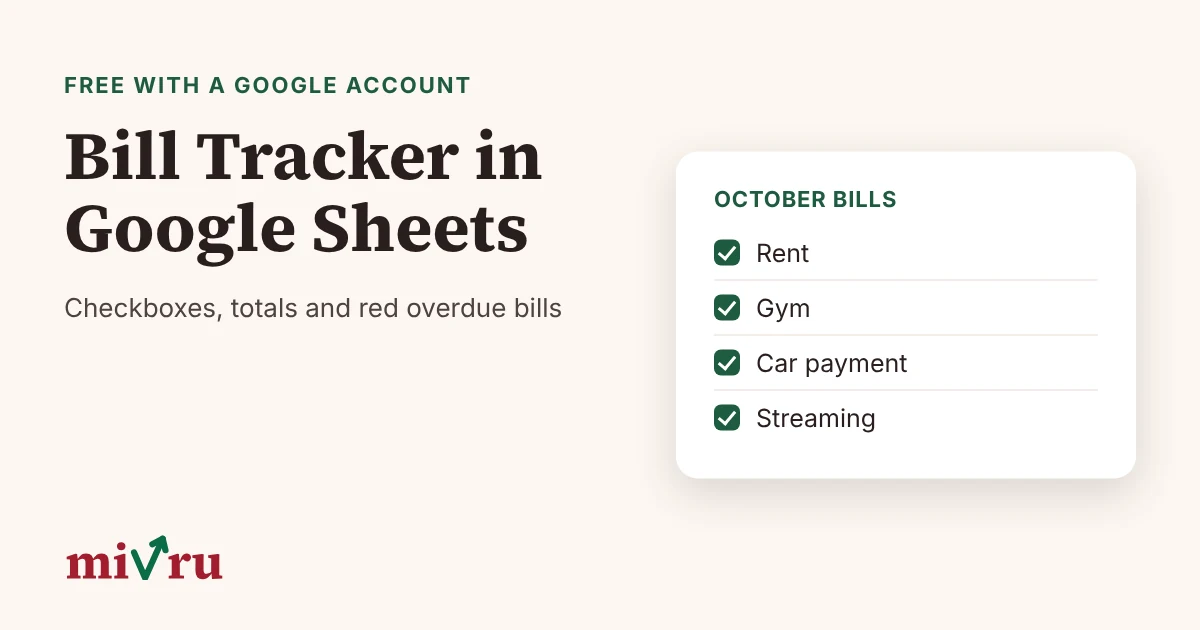
A spreadsheet can rebuild the calendar for any month by itself: you enter each bill once, and it places them on the right days, including bills that only come every few months. If you like building things, start with our Google Sheets bill tracker and add a month grid later.
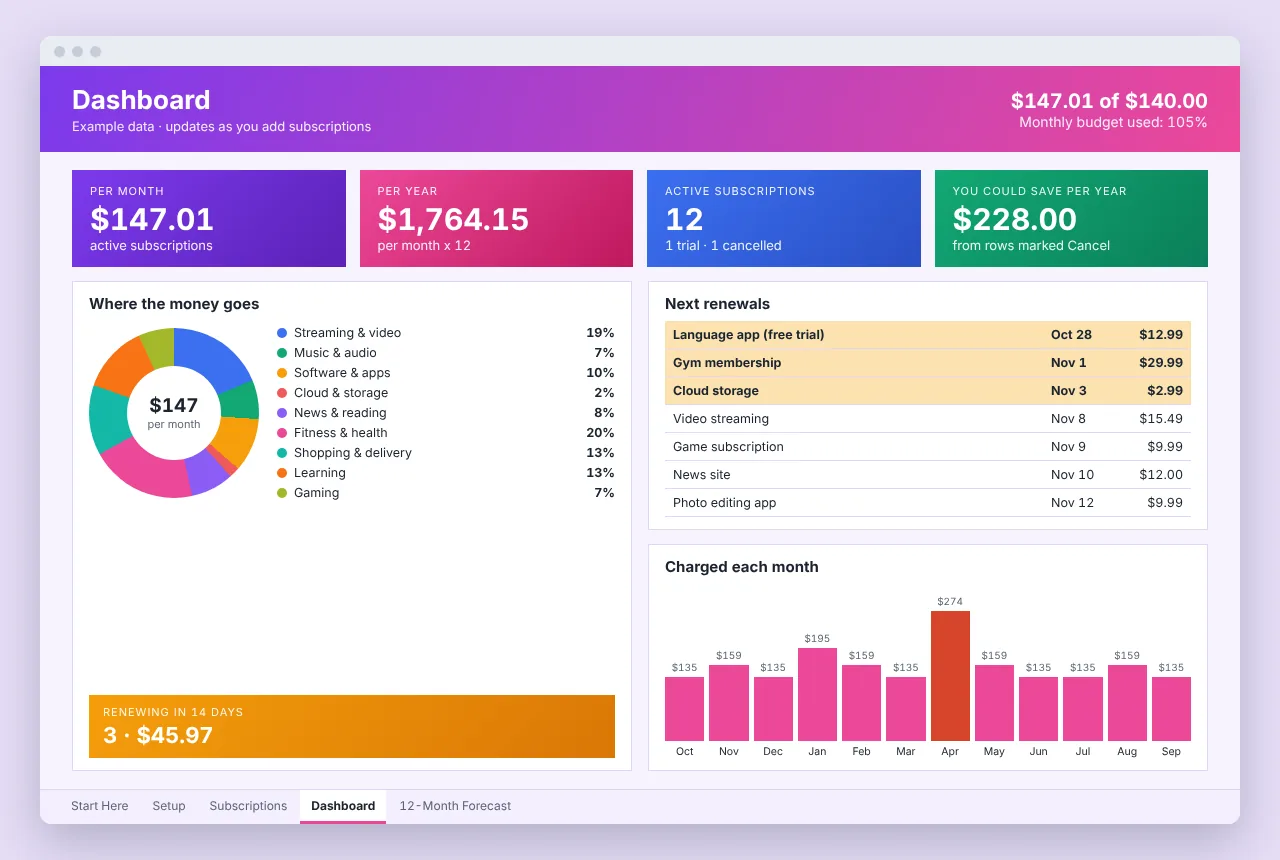
The Mivru Bill Tracker includes a ready-made Bill Calendar tab for Excel and Google Sheets: pick a month and every bill appears on its due day, today's date is highlighted, and yearly or quarterly bills only show up in the months they are due. The 20-page printable planner also has a blank bill calendar page if you prefer paper. See the Bill Tracker Spreadsheet for every tab.
Frequently asked questions
What is a bill calendar?
A bill calendar is a normal month calendar with each bill written on the day it is due, usually with the amount. It shows when money has to go out, not just how much, so you can see which weeks are expensive.
How do I make a bill calendar?
List every bill with its due day and amount, then write each one on that day of a blank month calendar. Add up each week, mark your paydays, and tick each bill when it is paid. Review it once a week.
Is a bill calendar better than a bill list?
They work best together. The list is where you keep every bill's details; the calendar shows the timing. Many people make the list once a year and a fresh calendar every month.
Can I make a bill calendar in Google Sheets or Excel?
Yes. A simple version is a table with one row per bill and a due date column you can sort by. A full month grid with bills on their days takes a few more formulas, or you can use a template that builds it for you.
What if two big bills are due in the same week?
Set money aside from the paycheck before, or ask one company if it can move your due date. Some lenders and utilities will change a due date if you ask.