Subscription Audit: Review Every Subscription in One Hour
How to do a subscription audit in one hour: find every charge, ask five questions about each, decide Keep, Review or Cancel, and keep proof of cancelling.
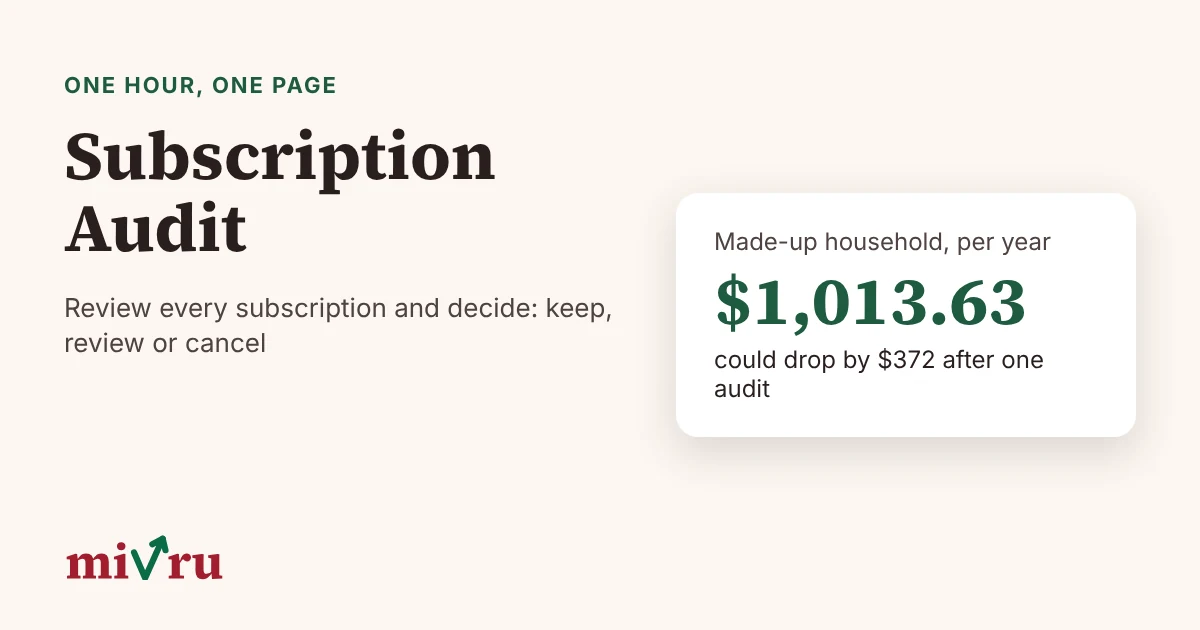
A subscription audit is a one-hour review of everything you pay for on repeat: you list each charge, work out what it costs per year and decide whether it earns its place. Most people find at least one thing they forgot they were paying for.
This guide walks through the audit in order, with a made-up example. You can follow it with our free one-page Subscription Audit Sheet and a pen.
Why a subscription audit is worth an hour
A subscription is easy to start and easy to forget. The charge is small, it comes out on its own and nothing reminds you it is there. Added up over a year, the small amounts are not small.
Free trials make it worse. The U.S. Federal Trade Commission points out that free trials often continue as paid plans, and advises you to mark the cancellation deadline on your calendar. An audit is the moment to catch the ones that slipped past that deadline.
What you need
- About an hour with no interruptions.
- Two or three months of bank and card statements (paper or online).
- Your phone, to check the app store subscription list.
- A pen and the audit sheet, or a blank page with five columns.
Step 1: Find every charge (20 minutes)
Go through the statements and mark every charge that repeats. Look for the same name and amount in more than one month. Then check three more places, because some charges hide:
- The app store on your phone. Subscriptions bought inside apps are listed in your account settings.
- Your email. Search for words such as receipt, renewal, trial and invoice.
- Payment services. If you pay through a wallet or a payment app, check its list of automatic payments.
Write each one down as you find it. Do not decide anything yet.
Step 2: Fill in the sheet
For each subscription, write five things:
| Column | What to write |
|---|---|
| Name | What it is called on the statement |
| Cost and cycle | The amount and whether it charges monthly or yearly |
| Cost per year | Monthly cost x 12, or the yearly price |
| Last used | Roughly when you last opened it |
| Decision | Keep, Review or Cancel (leave blank for now) |
A yearly price is easy to miss, because it only appears once. To compare it with the monthly ones, divide it by 12. A $59.99 yearly plan is about $5.00 a month.
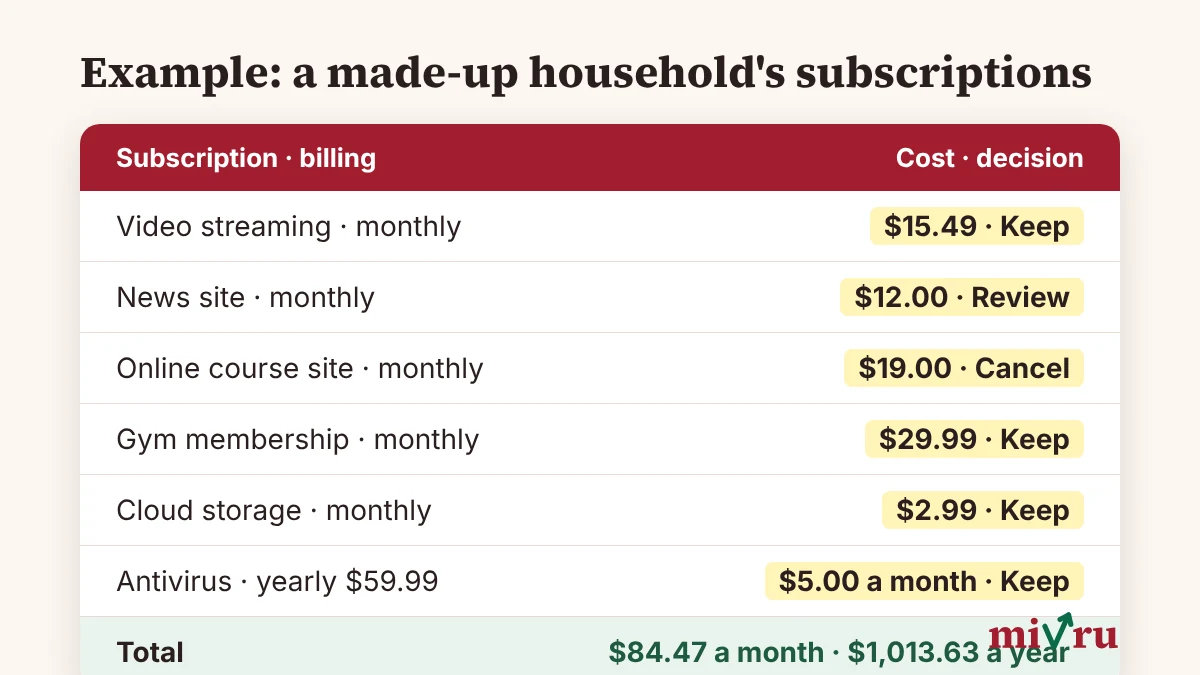
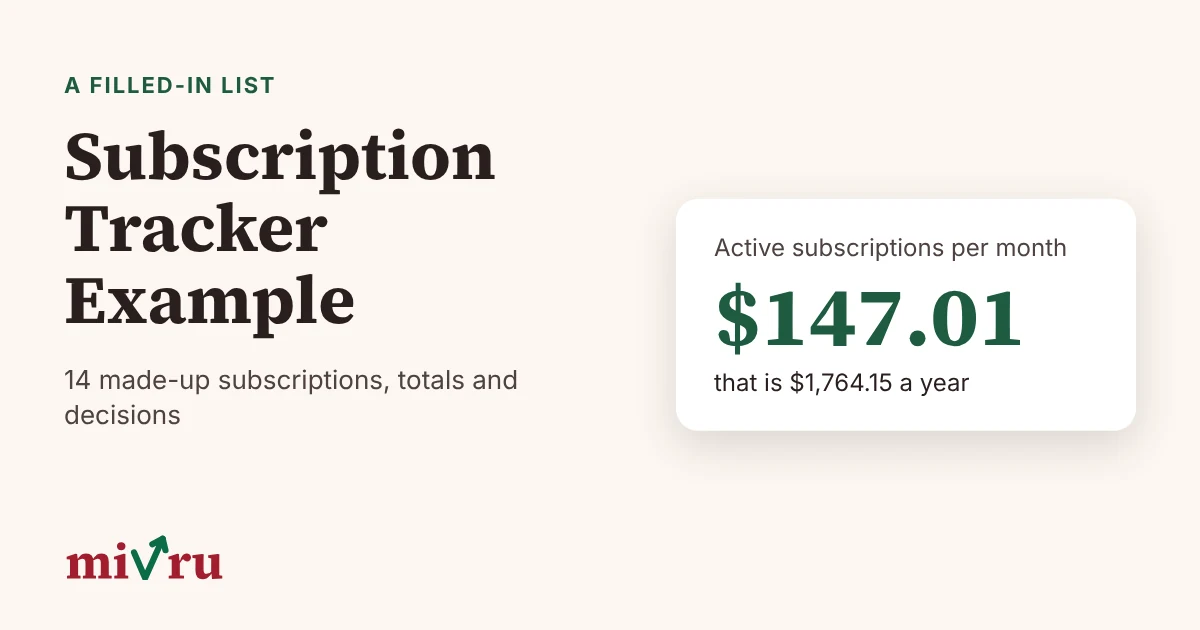
Example: Five monthly charges come to $79.47 and one yearly antivirus plan adds about $5.00 a month. In total that is $84.47 a month, or $1,013.63 a year. This is a made-up list for illustration.
Step 3: Ask five questions about each one (20 minutes)
Read down the list and ask these questions. Write the answer next to each line.
- Did I use it in the last 30 days? If not, it is a candidate to cancel.
- Would I buy it again today at this price? Be honest. If the answer is no, you are paying for habit.
- Does something else I already pay for do the same job? Two video services or two storage plans often overlap.
- Is there a cheaper plan, or a yearly price that costs less than twelve months? Check before you cancel, because a lower tier may be enough.
- Who else uses it? If a family member does, ask before you cancel.
Step 4: Decide Keep, Review or Cancel
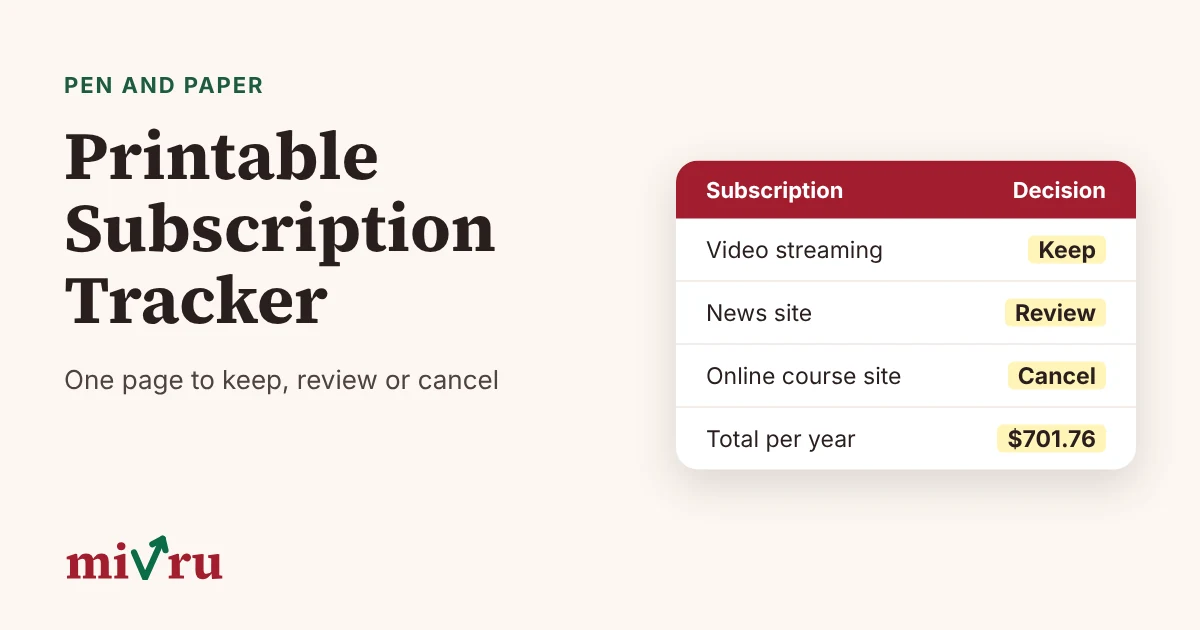
Use three marks, not two. Keep is for things you use and would buy again. Cancel is for things you do not use. Review is for the middle: you use it, but not much, or you are not sure. Give each Review item a date, such as one month from now, and look at it again.
The third mark matters. If you only have Keep and Cancel, hard decisions get postponed forever, and the item stays on the list.
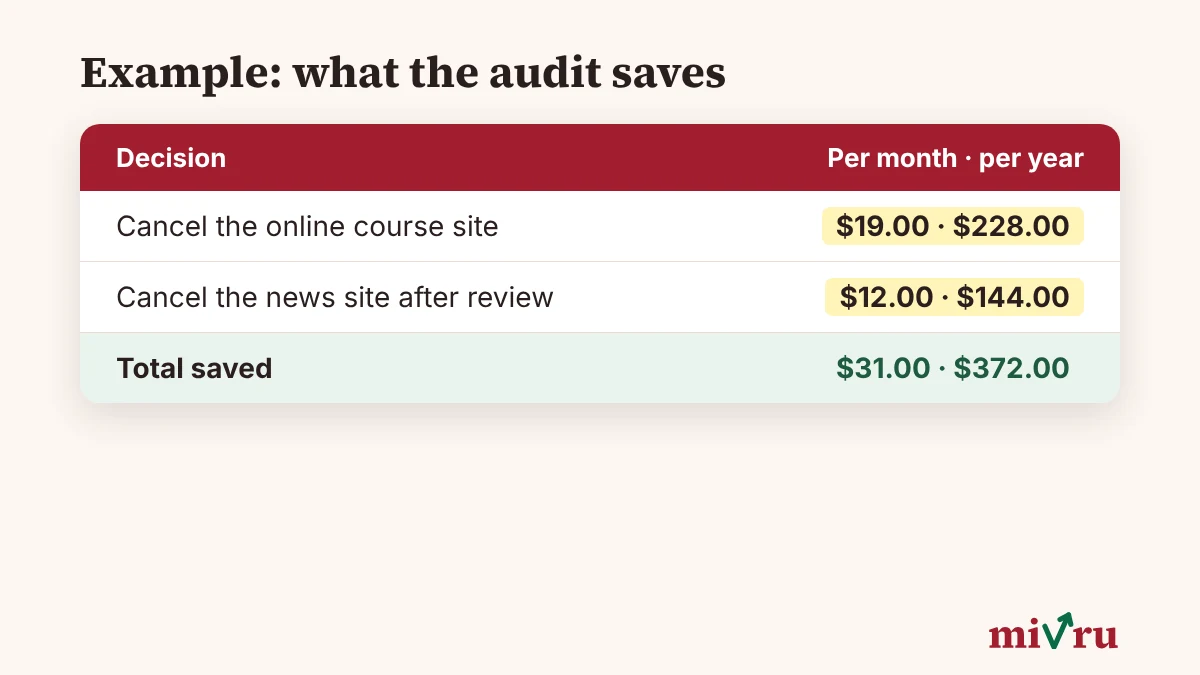
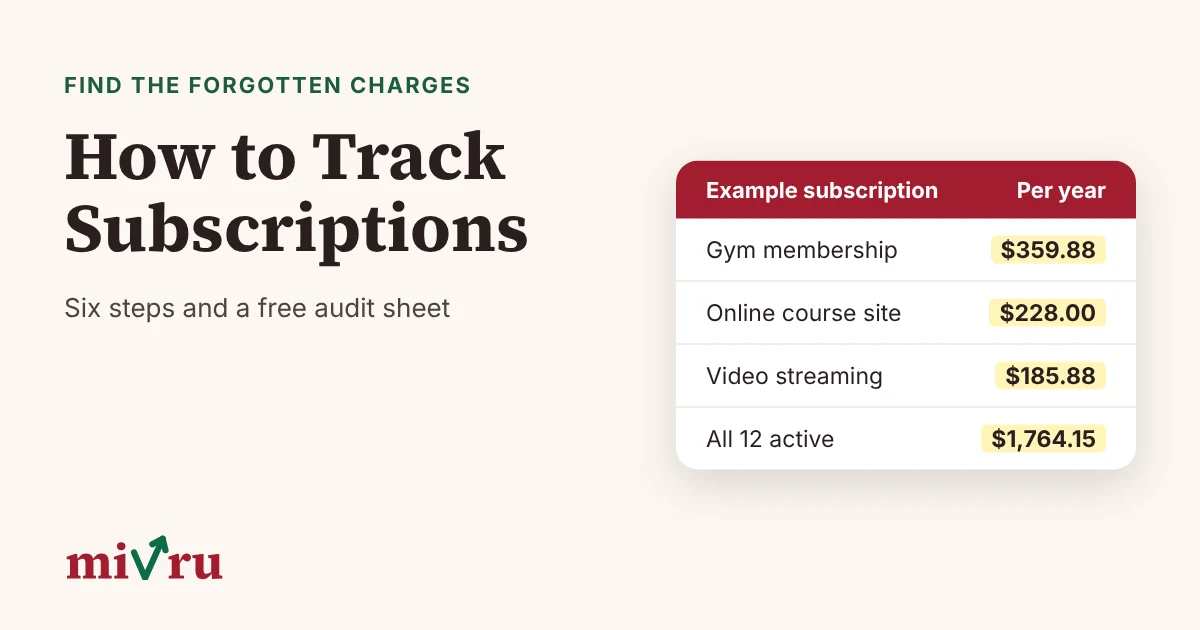
Example: The online course site ($19.00 a month) has not been opened in months, so it is a Cancel. The news site ($12.00) is a Review. Cancelling both saves $31.00 a month, or $372.00 a year. Cancelling only the course site saves $228.00 a year.
Step 5: Cancel properly (20 minutes)
Cancelling is where subscriptions fight back, so take it step by step:
- Cancel in the place you signed up. A subscription bought in an app store is cancelled there, not on the company's website.
- Save proof. Take a screenshot of the confirmation page, or save the confirmation email. The FTC advises you to keep records of your cancellation.
- Write the cancel date on the sheet. Next to it write when the last charge should appear.
- Check your statement next month. If a charge still appears, you have the proof to dispute it with the company or your card provider.
Do not delete the app until the cancellation is confirmed. Some services keep charging until you finish the steps.
After the audit: keep it from creeping back
An audit is a snapshot. To keep the list short:
- Put a date on every free trial. Write the day it ends and a cancel-by date one or two days earlier.
- Print a new sheet every three months. Compare it with the last one. If the total is going up, ask why.
- Use one card for subscriptions. The statement then shows them all in one place.
- Add new ones to the list the day you sign up. A minute now saves an hour later.
The FTC also suggests checking your statements for charges you did not expect. That is Step 1 of this audit, so it fits.
Common mistakes in a subscription audit
- Stopping at the monthly total. The yearly number is the one that changes minds. Always write both.
- Counting only the big ones. A $2.99 storage plan is not much, but it is also easy to cancel if you do not need it.
- Cancelling something a family member uses. Ask first.
- Forgetting yearly charges. They appear once a year. Check the last twelve months if you can.
- Not saving proof. If you cannot show you cancelled, you cannot easily dispute a charge.
Paper, spreadsheet or both?
Paper is quick. It needs no login, and writing a number by hand makes you look at it. A spreadsheet adds the next renewal date, the days left and the totals for you, and can warn you before a renewal. Many people do the audit on paper once a quarter and keep the live list in a spreadsheet. To build your own, see how to build a subscription tracker in Excel or follow the simple subscription tracking method.
Want the list kept up to date for you?
The Mivru Subscription Tracker Spreadsheet works out the cost per month and per year, shows the next renewal date and the days left, and adds up what cancelling would save. It comes in five color themes for Excel and Google Sheets, with a 12-page printable planner. See the Subscription Tracker Spreadsheet.
Frequently asked questions
What is a subscription audit?
A one-time review where you list every subscription you pay for, check what each costs per year and decide whether to keep, review or cancel it.
How long does a subscription audit take?
About an hour for most households: 20 minutes to find the charges, 20 minutes to fill in the sheet and 20 minutes to decide and cancel.
How do I find all my subscriptions?
Read two or three months of bank and card statements, check the subscription list in your phone's app store, and search your email for words like receipt, renewal and trial.
Is the audit sheet free?
Yes. Enter your email on the page and you get a one-page US Letter PDF to print. There is no cost.
How often should I audit my subscriptions?
Every three months is a good rhythm. Add a reminder for it, and check whenever a free trial is about to end.