How Much to Save Each Month for a Goal (Simple Formula)
Work out how much to save each month for any goal: target minus saved, divided by months. Worked example with three goals and a free printable tracker.
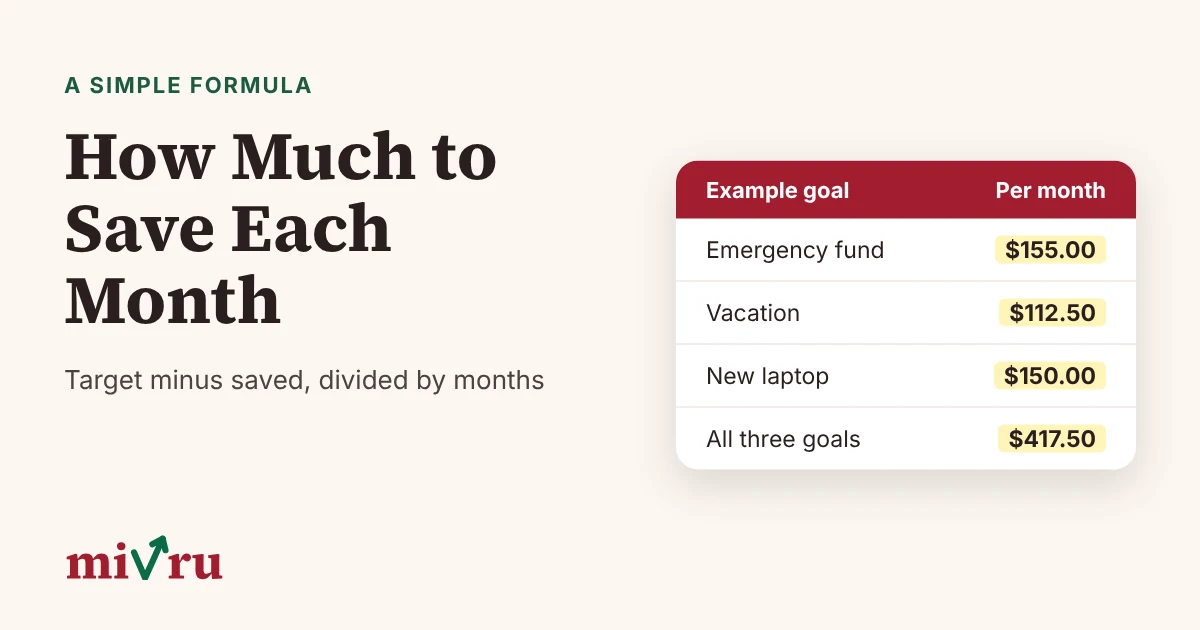
To work out how much to save each month, subtract what you have already saved from your target, then divide by the number of months until the date you need the money. The answer is your monthly amount.
This guide shows the formula with three made-up goals, then how to check the total against your budget. You can follow it with our free one-page Savings Goal Tracker.
The formula
Monthly amount = (target - already saved) / months left
That is all. Three numbers give you a fourth. If the result is a number you can live with, you have a plan. If it is not, you change the date or the target, not the formula.
Step 1: Name the goal and set the target
Write what you are saving for and how much it costs. Be specific: "emergency fund" is a goal, but "$2,000 emergency fund" is a plan. If you are not sure of the cost, look up a real price or use a round number slightly above your guess.
Step 2: Pick a date
A goal without a date is a wish. Choose a month when you need the money, and count the months from now. For a holiday, use the month you will book. For an emergency fund, pick a date that feels reachable, such as ten months.
Step 3: Write what you already have
If you have started, write the amount saved so far. If you have not, write zero. This is the number people forget, and it can change the answer a lot.
Step 4: Do the sum
Subtract, then divide. Round up to a number that is easy to move, such as a whole dollar.
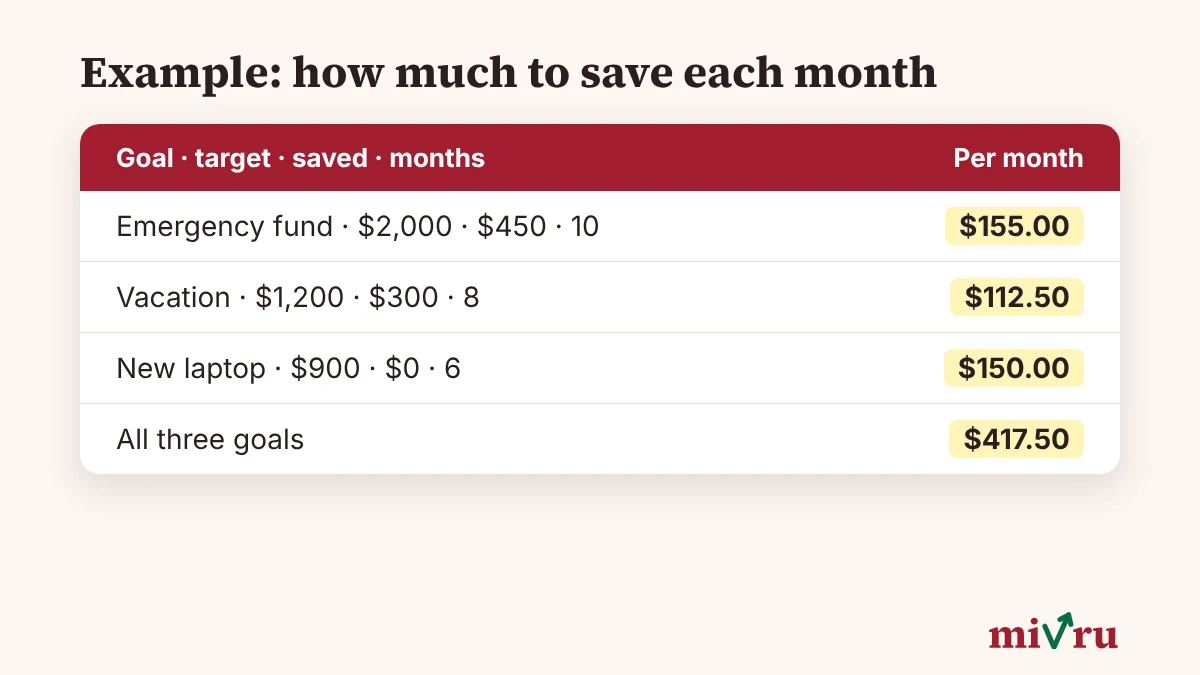
Example: An emergency fund of $2,000 with $450 saved and 10 months left needs (2,000 - 450) / 10 = $155.00 a month. A vacation of $1,200 with $300 saved and 8 months left needs $112.50. A laptop of $900 with $0 saved and 6 months left needs $150.00. All three together are $417.50 a month. These goals are made up for illustration.
Step 5: Check it against your budget
Add up the monthly amounts for every goal. Then ask: does this fit in what I have left after bills and essentials? If it does not, you have three options:
- Move a date. Adding two months to the laptop goal drops its monthly amount from $150.00 to $112.50.
- Lower a target. A cheaper model or a shorter trip may be enough.
- Save for one goal at a time. Finish the shortest goal first, then move its monthly amount to the next.
Choose the option that you can keep up. A smaller amount you really save is better than a bigger one you stop after two months.
Step 6: Move the money first
The U.S. Consumer Financial Protection Bureau suggests scheduling transfers for right after payday, so saving happens before spending. The CFPB also describes a simple plan: set a goal, test it for a month, then save automatically. Testing for a month is a good idea. If the monthly amount feels too tight, you find out early and can change it.
Step 7: Track progress
Each month, write the deposit on the tracker and colour in the progress bar. The percent done is saved divided by target.
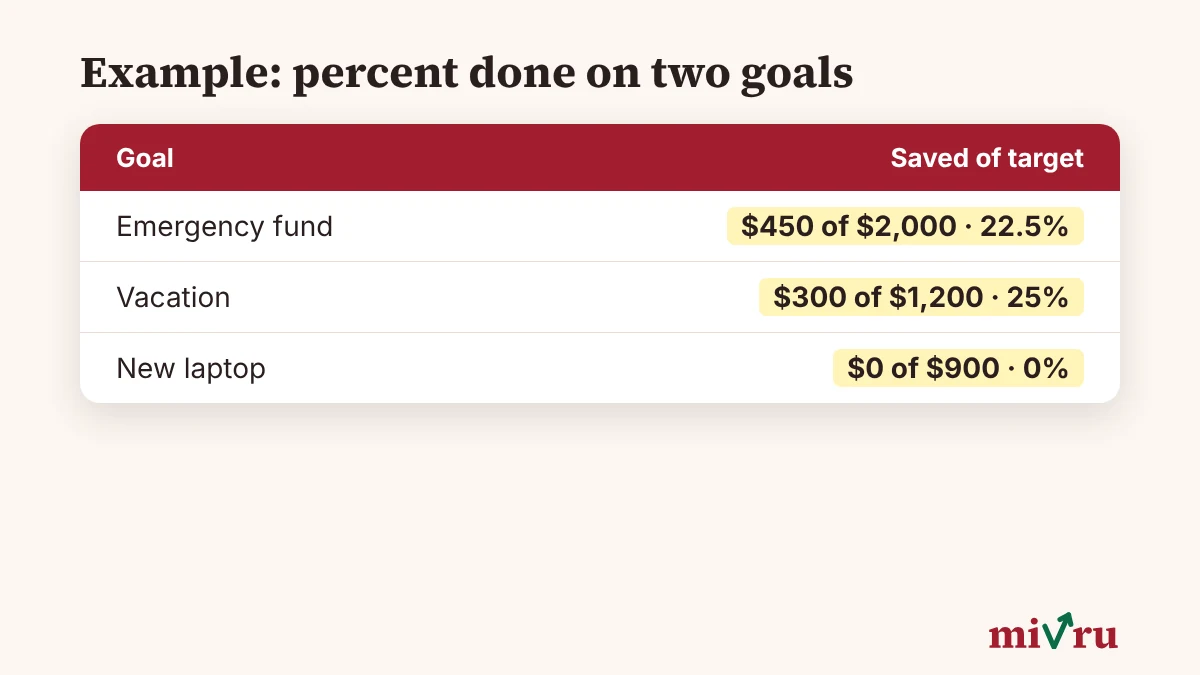
Example: $450 of $2,000 is 22.5% done. $300 of $1,200 is 25% done. The laptop has not started, so it shows 0%. Seeing the bars grow is often what keeps people going.
What if you get ahead or behind?
Recalculate. Use the same formula with the new numbers:
- Ahead: a bonus or a good month means you can lower the monthly amount, or finish early.
- Behind: a missed month means your amount saved is lower than planned, so each remaining month needs a little more. Put the real saved amount into the formula and run it again.
The formula works at any point because it only looks at what is left, not what has happened before.
Common mistakes
- Ignoring what is already saved. This makes the monthly amount look bigger than it is.
- Choosing a date that is too soon. Then the amount feels impossible and people give up.
- Saving for many goals at once with no check. Add up the monthly amounts first.
- Keeping the goal money in your spending account. It is easier to spend what you can see.
- Never looking at progress. Check the tracker once a month and colour in the bar.
A quick way to check your answer
Multiply the monthly amount by the number of months and add what you have already saved. The result should equal the target. For the emergency fund, $155 x 10 months is $1,550, and adding the $450 already saved gives $2,000. If the sum does not match, one of the three numbers is wrong. Checking takes ten seconds and saves a month of saving the wrong amount.
Do not forget interest
This guide ignores interest, which keeps the sum simple. If your savings account pays interest, you will reach the target a little sooner. If it pays none, the formula is exact. Either way, the monthly amount is a good starting point you can adjust.
Paper or spreadsheet?
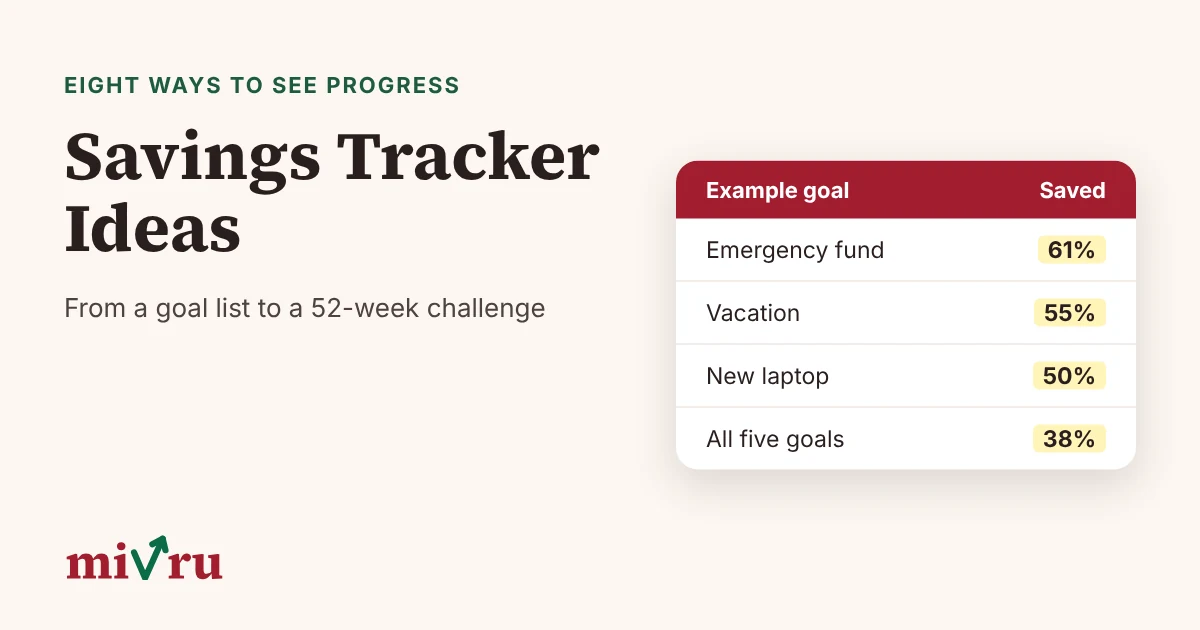
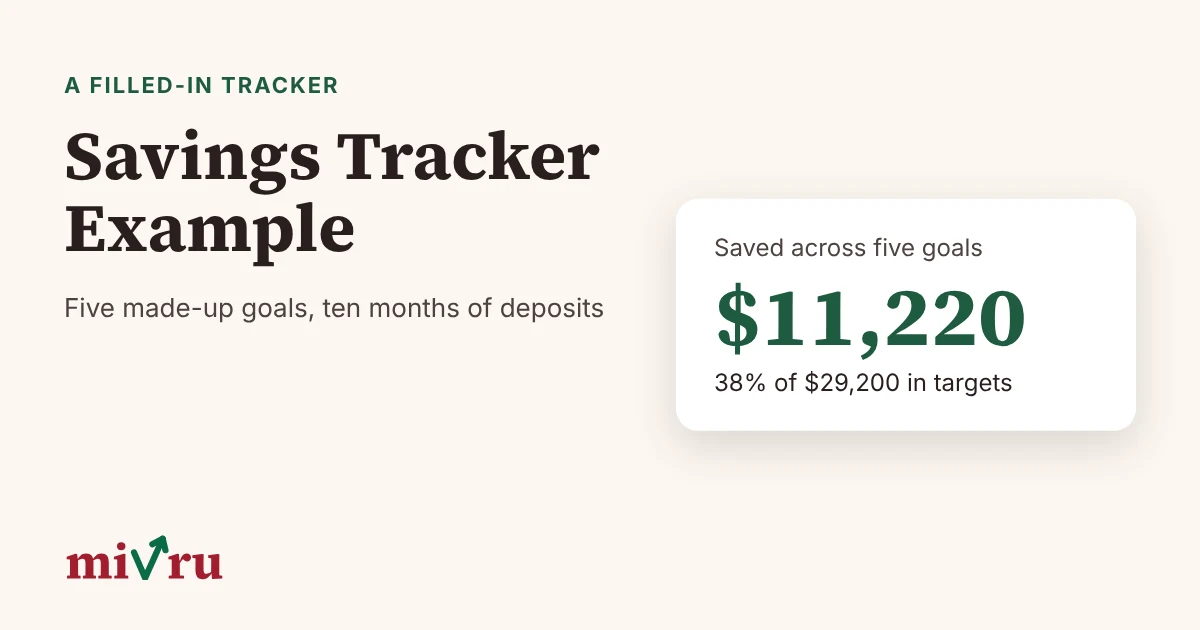
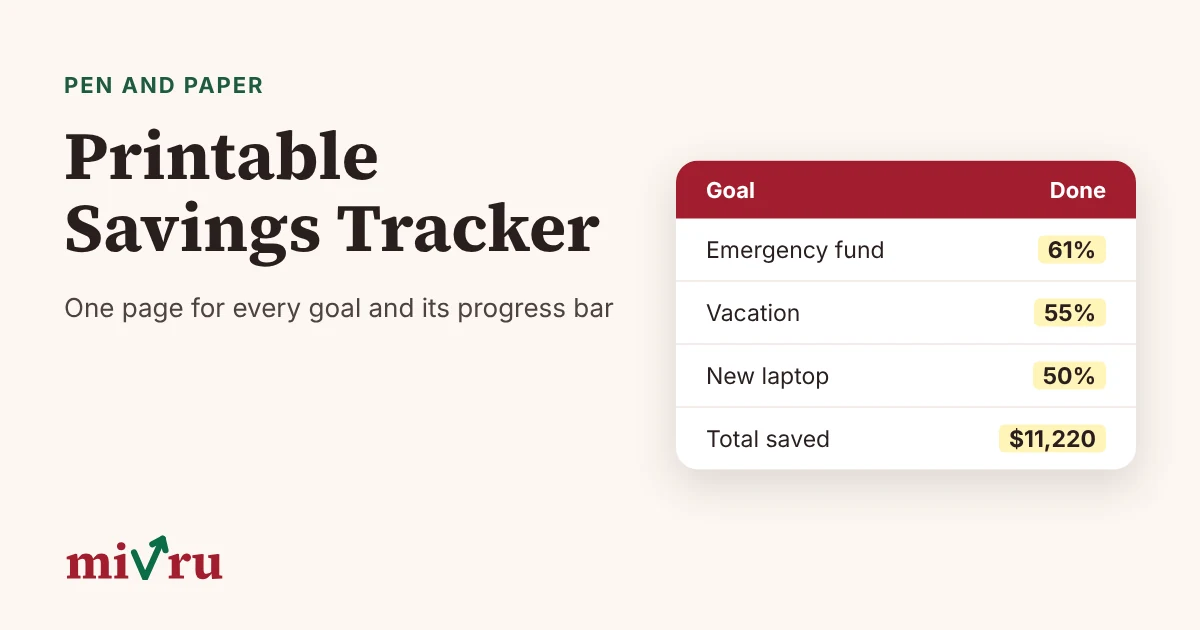
A paper tracker is quick to start and easy to look at on the fridge. A spreadsheet works out the monthly amount, the percent done and the date you will finish for you. See savings tracker ideas for ways to track, or look at a filled-in savings tracker example.
Want the sums done for you?
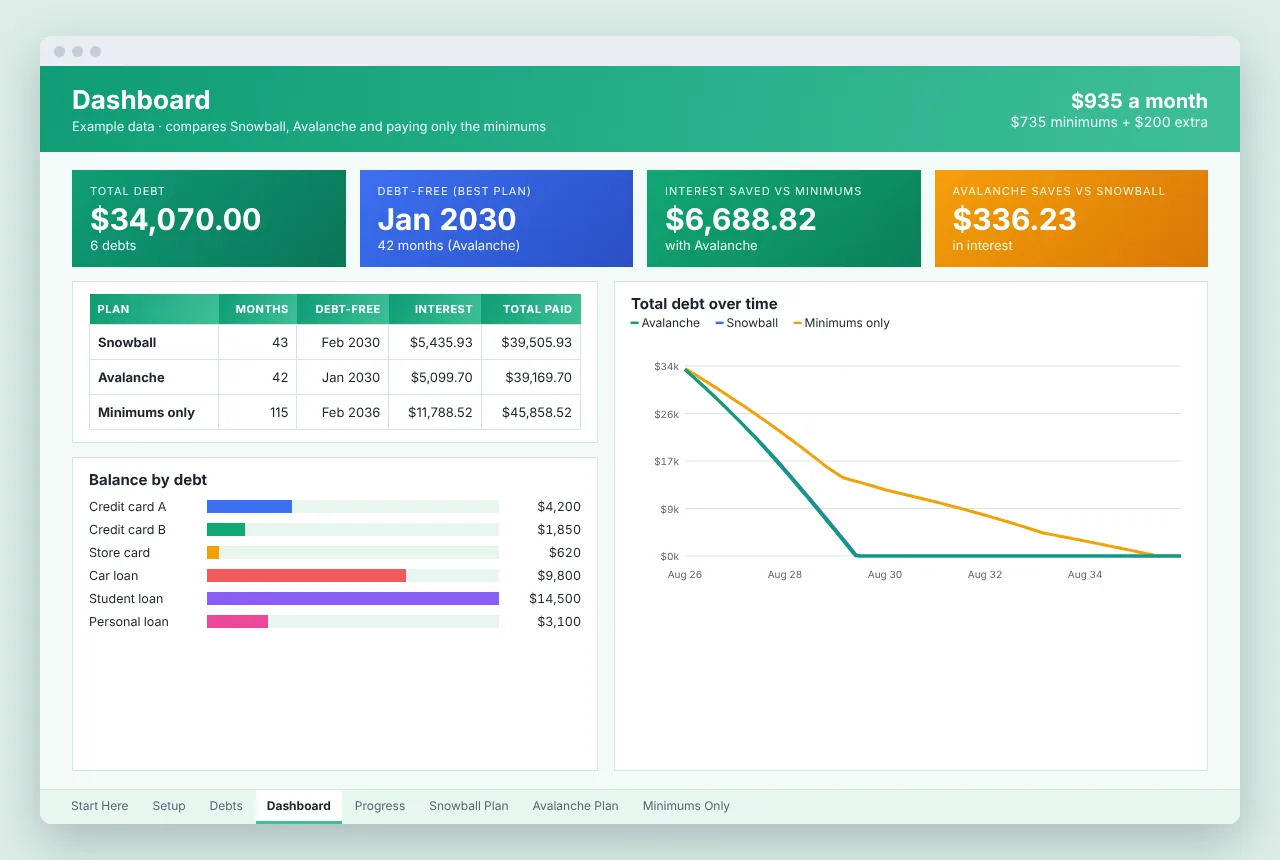
The Mivru Savings Tracker Spreadsheet keeps your goals, deposits, percent done and the monthly amount in seven sheets, in five color themes for Excel and Google Sheets, plus a 12-page printable planner. See the Savings Tracker Spreadsheet.
Frequently asked questions
How do I work out how much to save each month?
Subtract what you have already saved from your target, then divide by the number of months you have. The answer is the amount to put aside each month.
What if the monthly amount is too high?
Move the date later, lower the target or pay for part of the goal another way. Changing the date is usually the easiest.
Should I save for several goals at once?
You can. Add up the monthly amounts for all goals and check that the total fits in your budget before you start.
Is the savings goal tracker free?
Yes. Enter your email on the page and you get a one-page US Letter PDF to print. There is no cost.
Should I keep my savings in a separate account?
Many people find it easier. Money in a separate account is harder to spend by accident, and you can see the goal growing.