Home Inventory Spreadsheet Google Docs: Use Google Sheets
A home inventory spreadsheet in Google Docs' own Sheets: list items by room, total value and track photos from your phone. Free step-by-step guide.
A home inventory spreadsheet in Google Docs means Google Sheets, the free spreadsheet app that sits next to Google Docs. It works on your phone, so you can walk through each room, add items as you go and take photos with the same device. This guide builds a simple inventory in about 30 minutes, with made-up items.
The formulas match Excel, so this guide is short. For more detail, see the home inventory Excel template guide. The data comes from our Excel inventory spreadsheet examples.
Step 1: Create the sheets
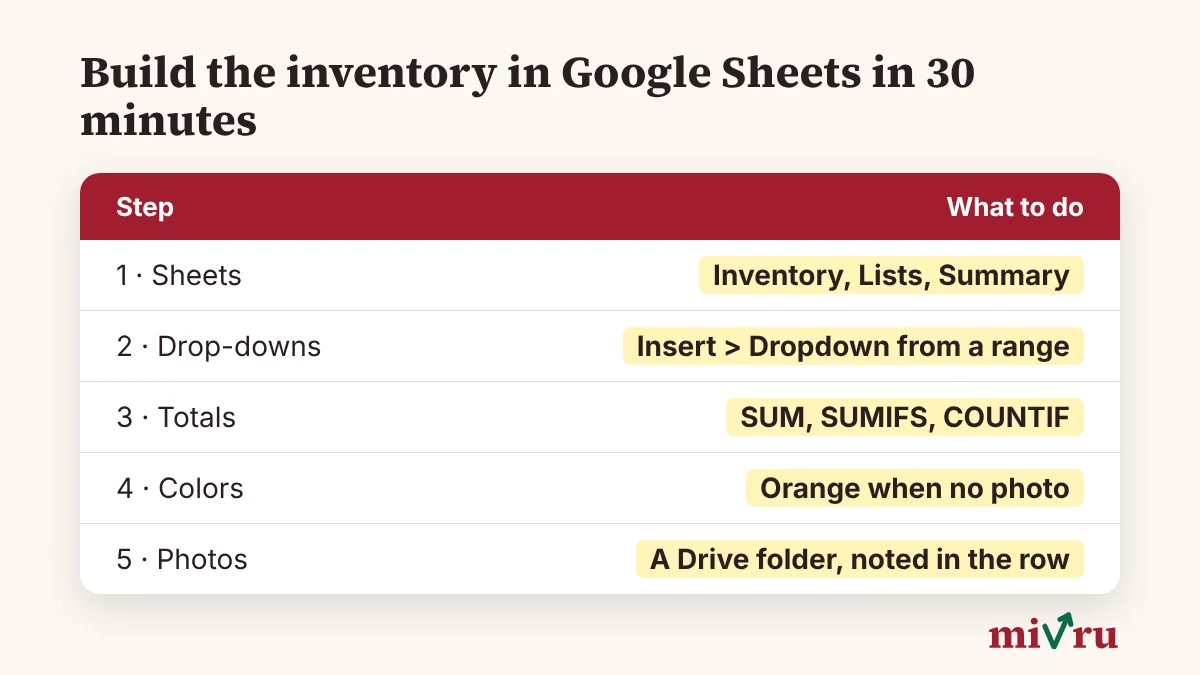
Open Google Sheets and start a blank spreadsheet. Name the first tab Inventory, then add Lists and Summary.
On Inventory type in row 1: Item, Room, Category, Brand or model, Bought, Value, Condition, Photo taken, Serial (last 4), Notes. On Lists put the rooms in column A, the categories in column B and Good, Fair and Needs repair in column C.
Step 2: Add drop-downs
Select the Room column on Inventory, choose Insert > Dropdown, set the option to Dropdown (from a range) and enter Lists!A2:A10. Repeat for Category (Lists!B2:B10) and Condition (Lists!C2:C4). For Photo taken, create a dropdown with Yes and No. Google's page on creating dropdown lists shows each step. Chips in color make the sheet easier to read on a small screen.
Step 3: Example rows
Example (made up): Television 55 in, Living room, Electronics, BrightView 55, 11/24/2023, 480, Good, Yes, 7721. Printer, Home office, Electronics, InkWell 300, 11/26/2021, 130, Needs repair, No, 4417.
Step 4: Totals
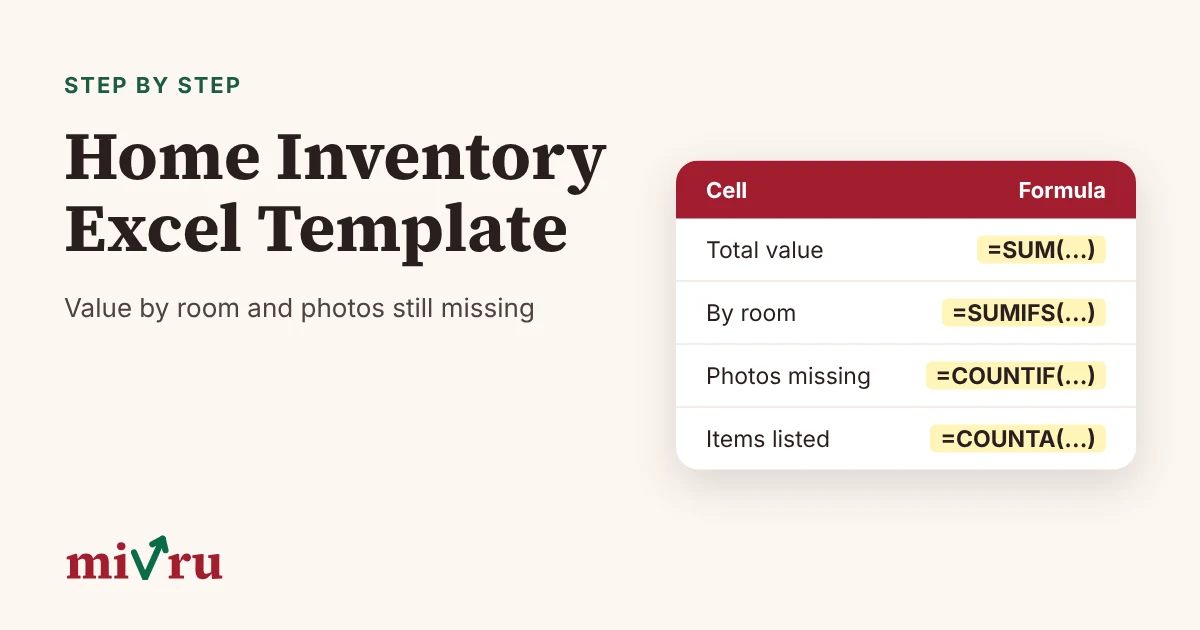
On Summary:
| Label | Formula |
|---|---|
| Items listed | =COUNTA(Inventory!A2:A700) |
| Total value | =SUM(Inventory!F2:F700) |
| Value of the living room | =SUMIFS(Inventory!$F$2:$F$700,Inventory!$B$2:$B$700,"Living room") |
| Photos missing | =COUNTIF(Inventory!H2:H700,"No") |
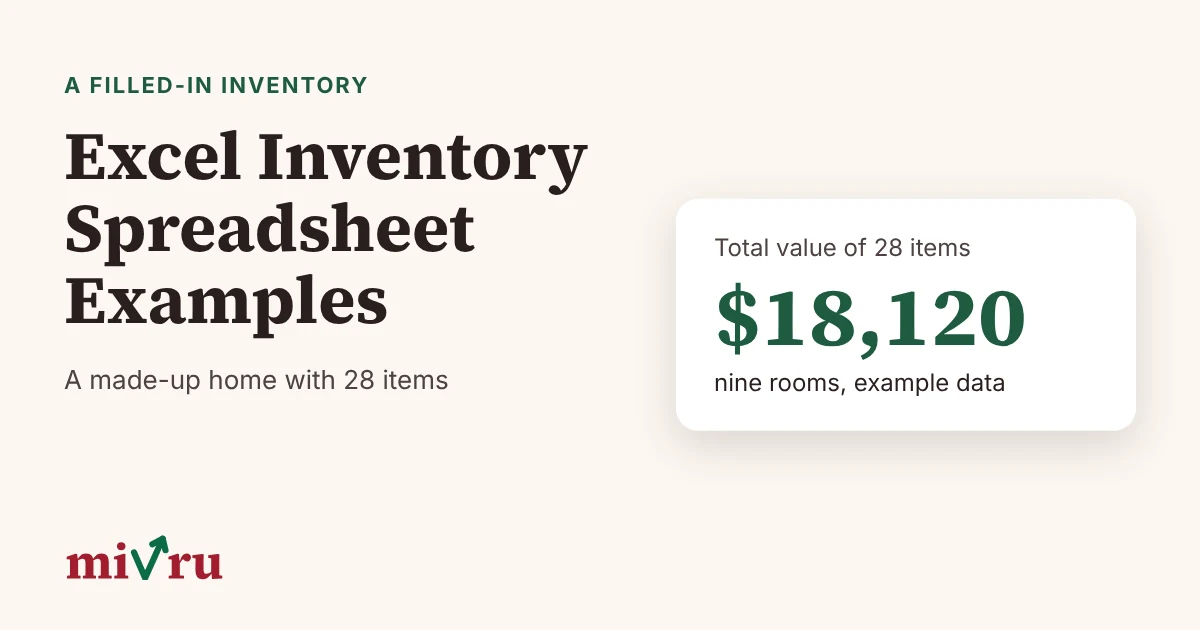
Google's help page for SUMIFS and COUNTIF explain how the criteria work. In the made-up home: 28 items, $18,120 in total, the living room at $3,070 and 14 photos missing.
Step 5: Value by room
List the rooms in a column and use =SUMIFS(Inventory!$F$2:$F$700,Inventory!$B$2:$B$700,A5) next to each. Select the results and choose Insert > Chart to turn them into a bar chart. The bedroom, with a jewelry box, mattress and clothing, comes out highest at $5,570.
Step 6: Highlight what needs work
Select the Photo taken column and choose Format > Conditional formatting > Custom formula is. Enter =H2="No" and pick an orange fill. Add a second rule with =G2="Needs repair" and red text on the Condition column. Google explains the dialog on its page about conditional formatting.
Step 7: Photos from your phone
Open the Google Sheets app and the Google Photos or Drive app. Make a Drive folder called "Home inventory 2026". As you walk through each room, take photos and videos, then upload them to the folder. In the Notes column of the item, write the folder name. If you like, add a link to a photo with Insert > Link.
Step 8: Keep it safe and reachable
Ready.gov's guidance on documenting and insuring your property says to store your inventory away from the home, where you can reach it after a disaster, and to review your coverage every year. Google Drive is a good home for the sheet and the photos. Print the Summary and the high-value rows once a year and put them with your other household papers. Do not put policy numbers or passwords in the sheet.
Related guides
For a pen-and-paper start, use our home inventory list template guide. For other household records, see the household binder in Google Sheets guide, and for bills the bill tracker in Google Sheets. This is general information, not insurance advice.
What the Summary should show
| Label | Value in the made-up home |
|---|---|
| Items listed | 28 |
| Total value | $18,120 |
| Value of the living room | $3,070 |
| Photos missing | 14 |
If your numbers match when you type the same example rows, the formulas are right.
If something does not work
- A room shows zero. The room name in Inventory does not match Lists. Use the drop-down.
- The total is too low. A value may be stored as text. Re-enter it as a number.
- The photo count is off. A cell in the Photo taken column is blank.
- The chart does not update. Select the data range again and choose Insert > Chart.
Items that need attention
The printer in the home office is marked "Needs repair" and has no photo, so it shows red and orange in the sheet. That is the point of the colors: they show at a glance what to fix. Fix the item or update its value, and the colors go away.
Sharing
If a partner helps with the walkthrough, give them Editor access to the file. Review the sharing list once a year, and remove anyone who no longer needs it. The sheet lists your belongings, so do not make the link public.
A yearly review in four steps
- Add what you bought this year.
- Remove what you sold or gave away.
- Update any value that has changed a lot.
- Save a copy with the year in the file name.
Skip the setup
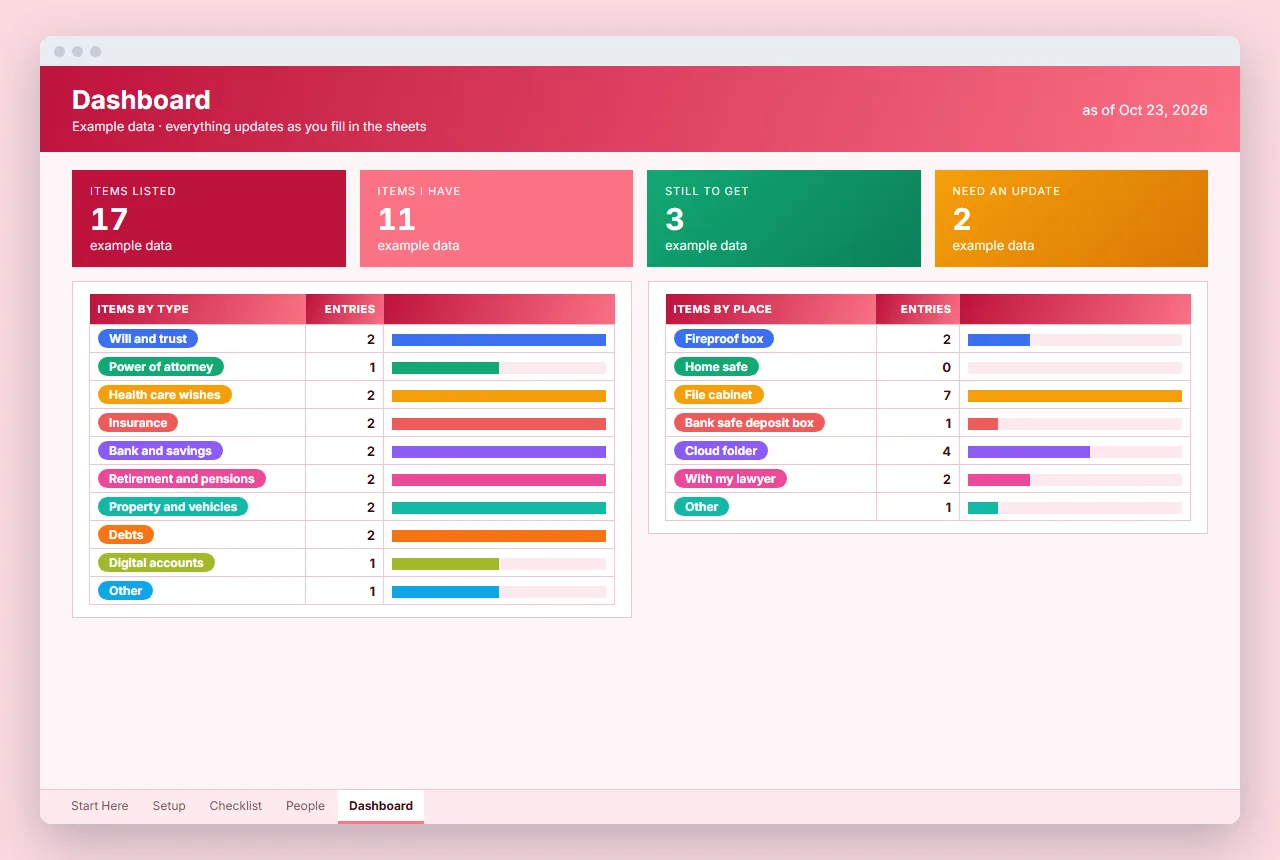
The Mivru Home Inventory Spreadsheet works in Google Sheets and Excel. Upload the file to Google Drive, open it with Sheets and type in the yellow cells. It has an Inventory log, a Dashboard with value by room and photo checks and a 12-page printable. See the Home Inventory Spreadsheet (Room by Room).
Frequently asked questions
Is there a home inventory spreadsheet in Google Docs?
The spreadsheet part of Google Docs is called Google Sheets. It is free, works on your phone and has the SUMIFS and COUNTIF formulas an inventory needs.
Can I add photos to a Google Sheets inventory?
You can insert images into cells or keep photos in a Google Drive folder and put the folder name in a notes column. Folders keep the sheet fast.
How do I add a drop-down in Google Sheets?
Select the cells, choose Insert > Dropdown, pick Dropdown (from a range) and select the list on your Lists sheet.
Can I inventory my home from my phone?
Yes. Open the Google Sheets app in each room, add rows and take photos with your phone camera.
Can I use the Mivru spreadsheet in Google Sheets?
Yes. Upload the .xlsx file to Google Drive and open it with Google Sheets. The drop-downs and formulas keep working.