Excel Inventory Spreadsheet Examples: A Home Inventory
Excel inventory spreadsheet examples: a made-up home inventory with 28 items, $18,120 of value, photos taken and missing, value by room. Free printable.
These Excel inventory spreadsheet examples use one made-up home: 28 items, $18,120 of value, nine rooms and a clear list of what still needs a photo. Every item and number is invented. Use it as a pattern for your own inventory.
The home
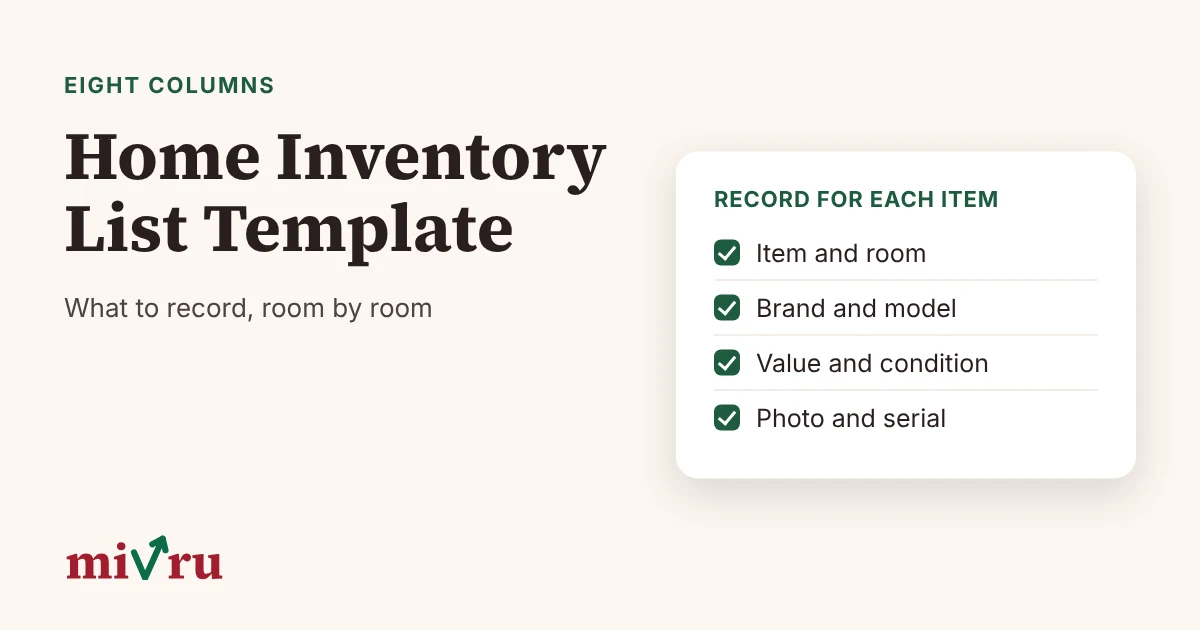
The example is a three-bedroom house. The inventory has a row for each item with its room, category, brand or model, purchase date, value, condition, whether a photo has been taken and the last 4 digits of a serial number if it has one.
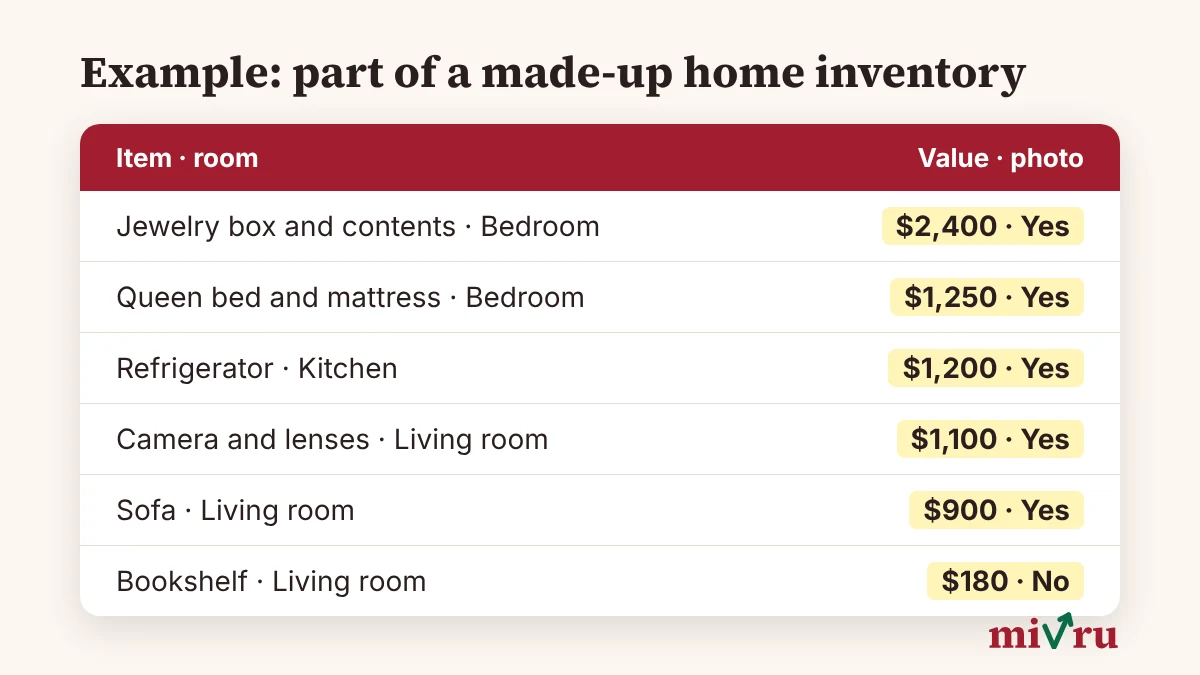
Value by room
| Room | Items | Value |
|---|---|---|
| Bedroom | 4 | $5,570 |
| Living room | 6 | $3,070 |
| Kitchen | 4 | $2,240 |
| Home office | 4 | $1,860 |
| Outdoors | 3 | $1,530 |
| Garage and storage | 2 | $1,120 |
| Kids' room | 2 | $1,090 |
| Dining room | 2 | $1,550 |
| Bathroom | 1 | $90 |
| Total | 28 | $18,120 |
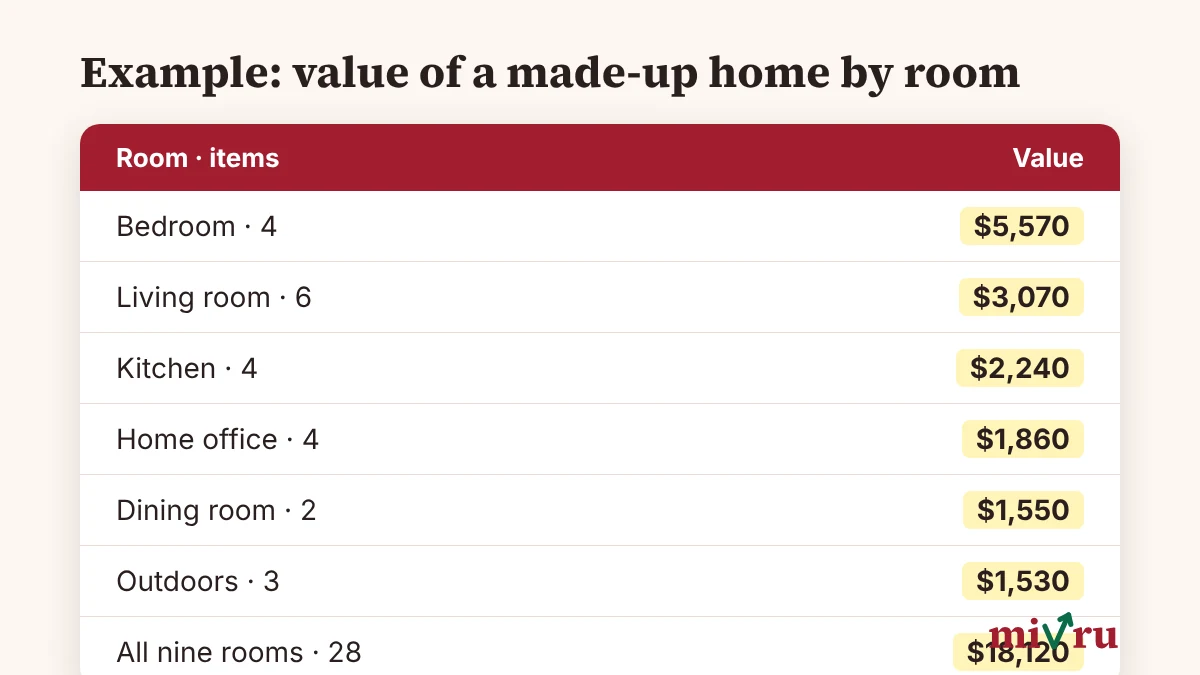
Example: The bedroom is the most valuable room at $5,570 because of a $2,400 jewelry box with an appraisal, $1,500 for clothing and shoes (an estimate) and a $1,250 bed. The bathroom is the least, at $90.
Items by category
Furniture has the most items (9), then electronics (7) and appliances (5). Tools have 2 items, and jewelry and valuables, clothing, sports and hobbies, decor and other have 1 each. Counting by category shows where your belongings are concentrated, which helps if your insurer asks about electronics or valuables separately.
Photos and serial numbers
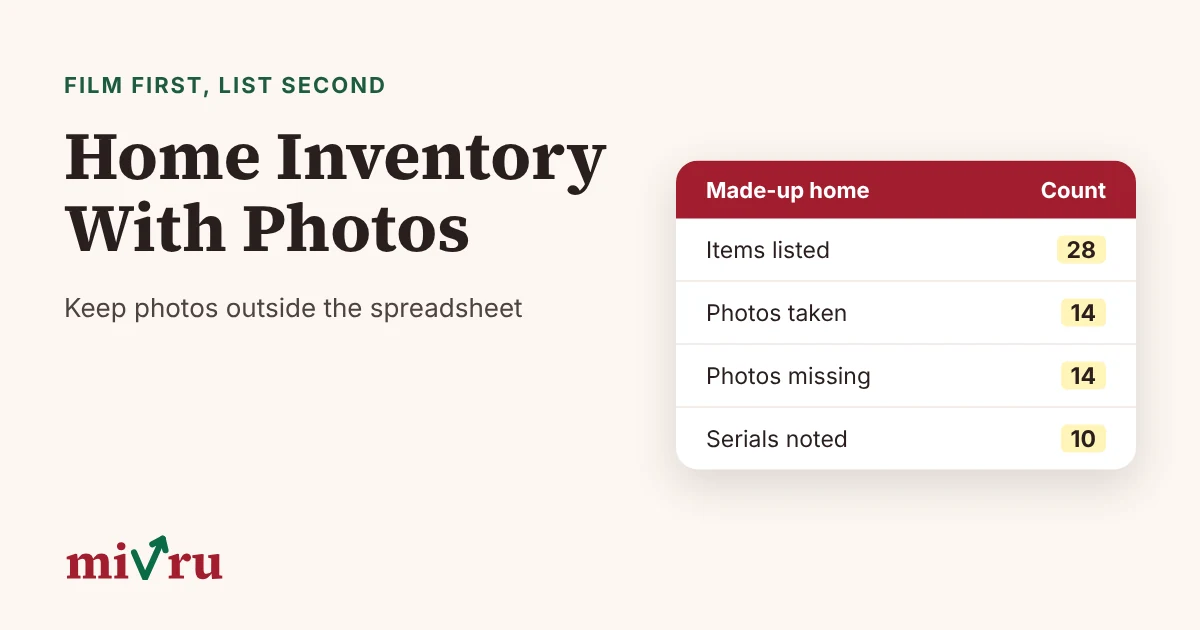
Fourteen items have a photo and fourteen do not. The 14 without photos are mostly furniture and household items, such as the bookshelf, the rug, the microwave and the patio set. Ten items have the last 4 digits of a serial number noted, including the TV, the laptop, the fridge and the camera.
Ready.gov's guidance on documenting and insuring your property recommends taking photos or video of your belongings and writing descriptions with year, make and model numbers. The "photo taken" column makes it easy to see what is left to do.
Condition
Twenty-five items are in good condition, two are fair (the microwave and the lawn mower) and one needs repair (the printer, which jams). Values are what it would cost to replace each item, so a repair note matters: an insurer may treat a broken item differently from one in good condition.
What the example teaches
- A few items hold most of the value. The jewelry box is 13% of the total.
- Estimates are fine for groups. Clothing is a single $1,500 estimate rather than a line per shirt.
- Photos can lag. Half the items have photos, and the dashboard shows which ones.
- Serial numbers help for electronics. All 7 electronics in the example have a serial number noted.
- The list is a living document. Items are added, sold and replaced, so the example would be updated once a year.
Keep copies away from home
Ready.gov suggests storing records where you can reach them after a disaster. Safeguarding critical documents and valuables includes keeping copies in a safe place and digital copies in the cloud. Do the same with the inventory and the photos.
Build your own
Start with the home inventory list template guide, then build the sheet in Excel. To add photos, see how to add photos to a home inventory spreadsheet. For the rest of your household papers, read the household binder example. This is general information, not insurance advice.
Items by category in a table
| Category | Items |
|---|---|
| Furniture | 9 |
| Electronics | 7 |
| Appliances | 5 |
| Tools | 2 |
| Jewelry and valuables | 1 |
| Clothing | 1 |
| Sports and hobbies | 1 |
| Decor | 1 |
| Other | 1 |
| Total | 28 |
The counts add up: 9 + 7 + 5 + 2 + 1 + 1 + 1 + 1 + 1 = 28.
Photos and condition at a glance
| Check | Count |
|---|---|
| Items with a photo | 14 |
| Items without a photo | 14 |
| Good condition | 25 |
| Fair condition | 2 |
| Needs repair | 1 |
Half the items still need a photo, so that is the job for the next free weekend. A good way to do it is room by room: finish the bedroom, then the living room, until the "photo taken" count reaches 28.
How to build the same summaries in Excel
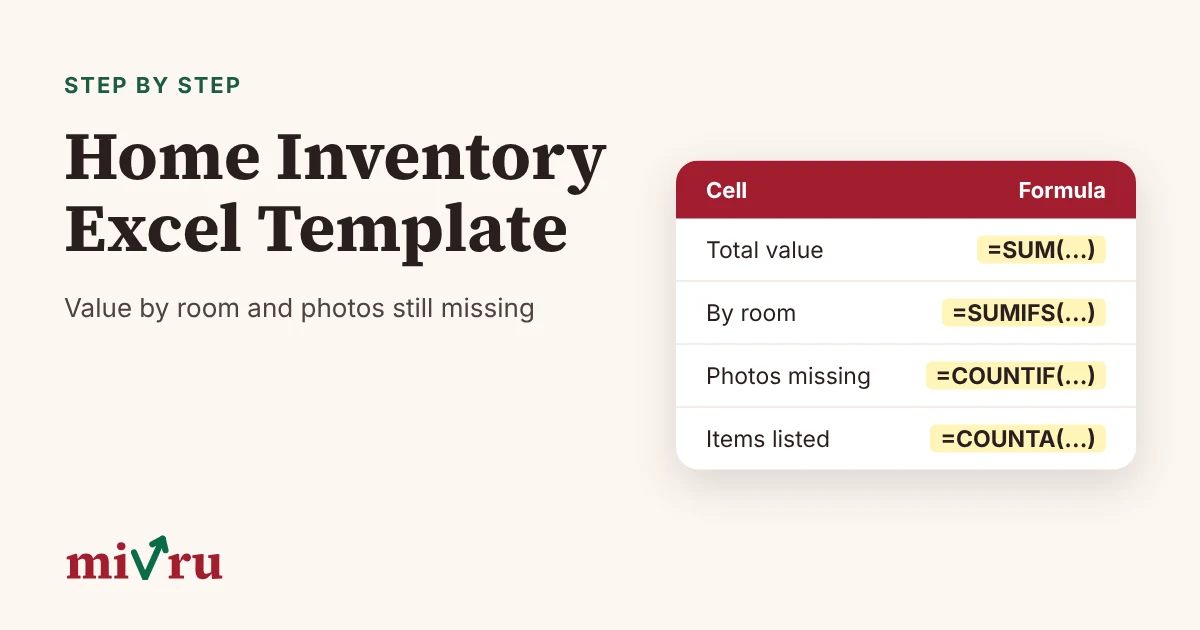
- Value by room: a SUMIFS formula that adds the value column when the room column matches the room name.
- Items by category: a COUNTIF formula that counts the rows with that category.
- Photos still to take: a COUNTIF on the photo column for "No".
- Condition: another COUNTIF on the condition column.
Put the room names, categories and condition words in a list sheet and use drop-downs, so each name is always spelled the same way. If a name differs by even a space, the totals will miss it.
How often to update it
Update the inventory when you buy or sell something big, and review it once a year. A yearly review is also the time to check that the values still make sense and that the photos are saved somewhere other than your home.
Checking your own sheet against the example
If you build the same sheet, these numbers tell you it works: 28 items, $18,120 in total, 14 photos taken and 14 missing, and one item that needs repair.
Want the example ready-made?
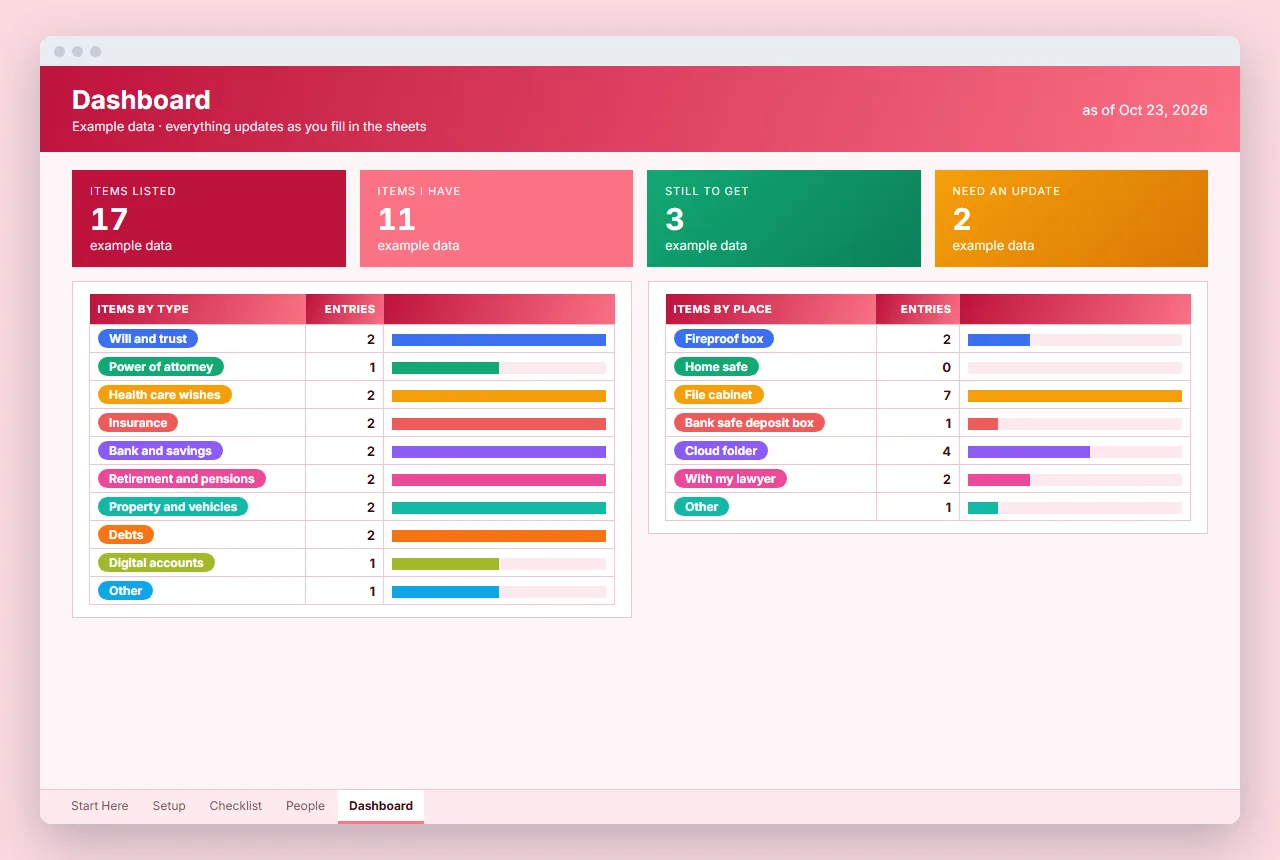
The Mivru Home Inventory Spreadsheet includes this example, so you can click around before you clear it and add your own items. It has an Inventory log and a Dashboard with value by room, photo checks and counts by category, in five color themes for Excel and Google Sheets, plus a 12-page printable. See the Home Inventory Spreadsheet (Room by Room).
Frequently asked questions
What does a home inventory spreadsheet example look like?
It is a table with one row per item and columns for room, category, brand, purchase date, value, condition, photo and serial. This page walks through a made-up one with 28 items.
Are the items and values in this example real?
No. Every item, brand and value is made up to show how an inventory works. Use your own.
What is the total value in the example?
$18,120 across 28 items in nine rooms.
Why list photos taken?
It shows what still needs documenting. In the example, 14 items have a photo and 14 do not.
Can I copy this example?
Yes. The Mivru home inventory spreadsheet includes this example data, so you can click around, then clear it and add your own.