Estate Planning Spreadsheet Google Sheets: Free Guide
Build an estate planning spreadsheet in Google Sheets: a checklist with statuses, a people sheet and counts of what is missing. Free guide.
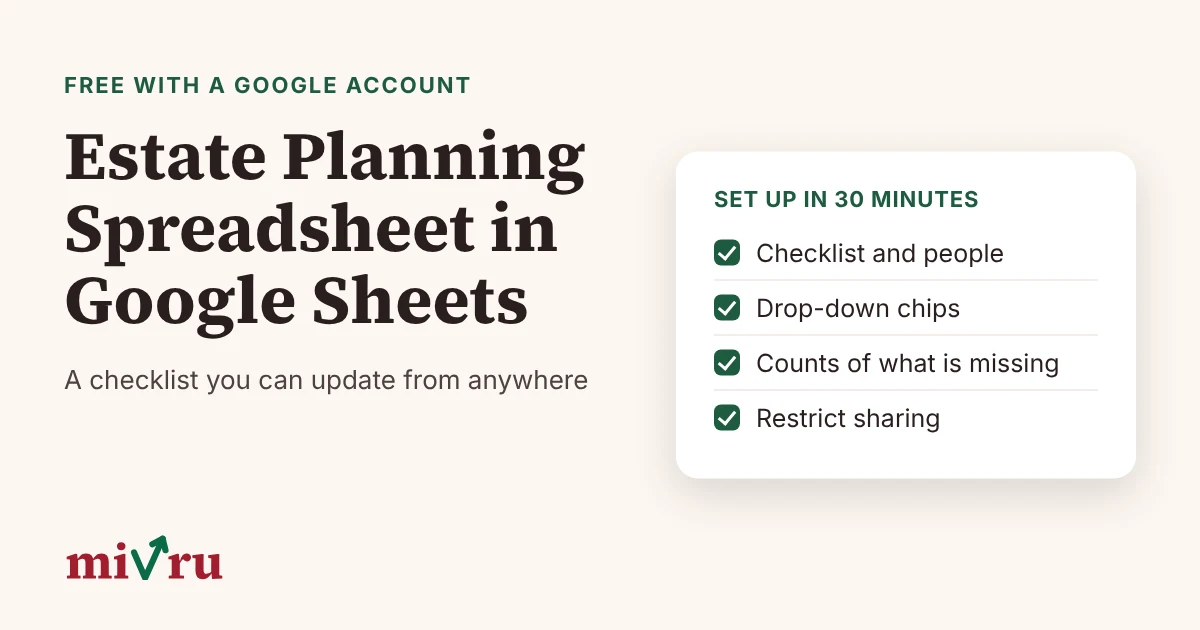
An estate planning spreadsheet in Google Sheets is free, lives in the cloud and takes about 30 minutes to set up. It organizes your will, powers of attorney, insurance, accounts and the people in charge, and counts what is still missing. It is not legal advice: a lawyer can help with the documents themselves, and the rules differ by state.
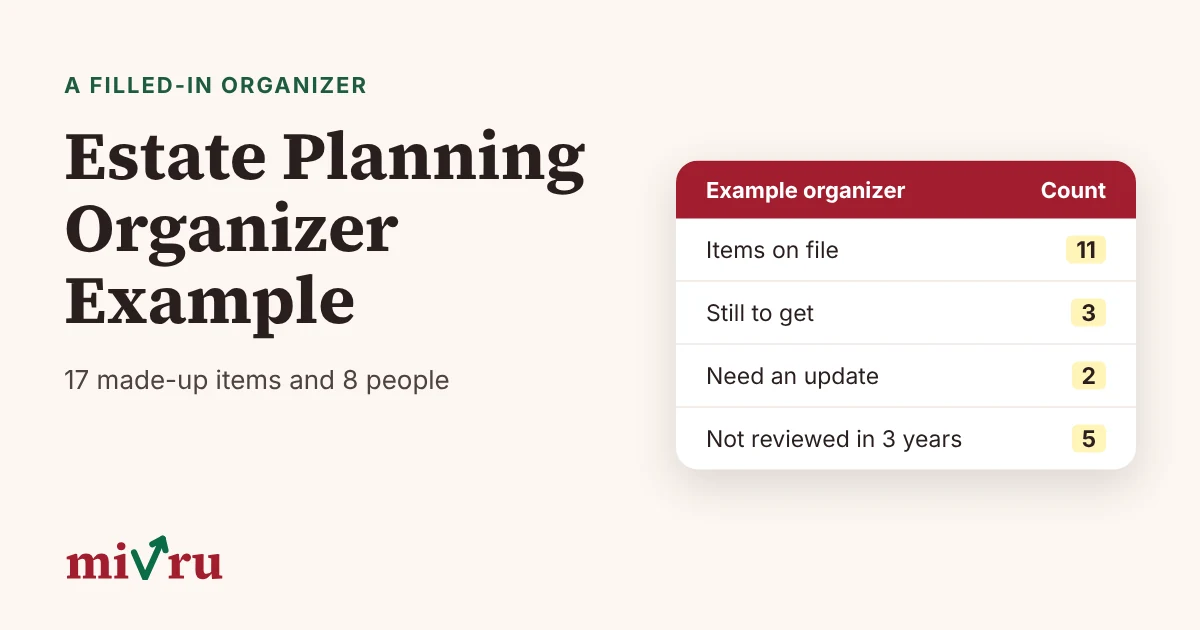
The data is the made-up household from our estate planning organizer example. For the Excel version, see the estate planning spreadsheet in Excel.
Step 1: Create the sheets
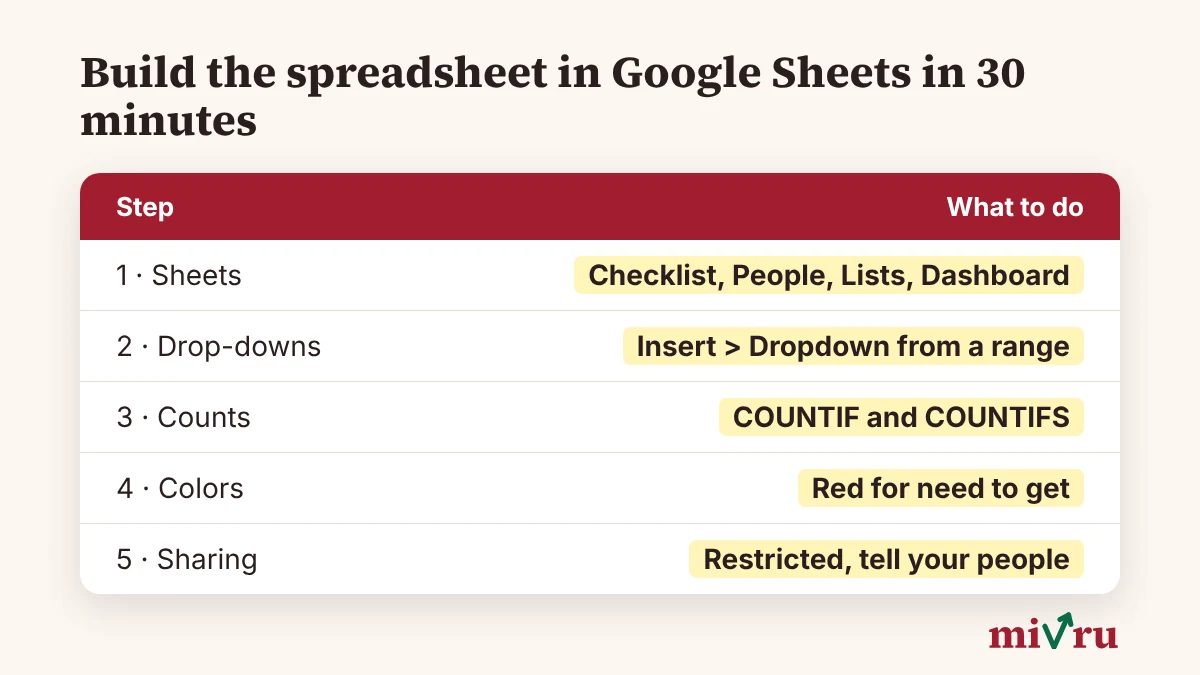
Start a blank spreadsheet. Name the first tab Checklist and add People, Lists and Dashboard.
On Checklist type in row 1: Item, Type, Kept where, Status, Last reviewed, Notes. On People: Name, Role, Phone, Notes. On Lists put the types in column A, the places in column B and the four statuses (Have it, Need to get, Needs update, Not needed) in column C.
Step 2: Add drop-downs
Select the Type column on Checklist, choose Insert > Dropdown, set the option to Dropdown (from a range) and enter Lists!A2:A11. Repeat for Kept where (Lists!B2:B8) and Status (Lists!C2:C5). Google's page on creating dropdown lists shows the steps. Give each status a color chip.
Step 3: Example rows
Example: Will, Will and trust, With my lawyer, Have it, 5/12/2023. Durable power of attorney (money), Power of attorney, Fireproof box, Need to get.
Step 4: Dashboard counts
On Dashboard put labels in column A and formulas in column B:
| Label | Formula |
|---|---|
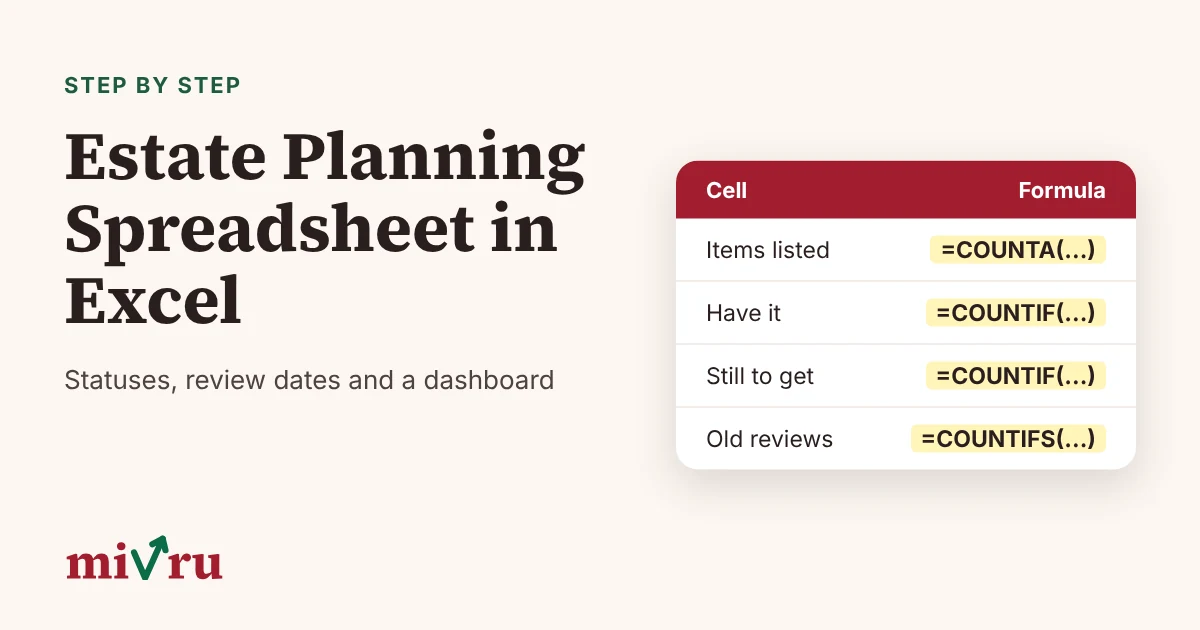
| Items listed | =COUNTA(Checklist!A2:A300) |
| Items I have | =COUNTIF(Checklist!D2:D300,"Have it") |
| Still to get | =COUNTIF(Checklist!D2:D300,"Need to get") |
| Need an update | =COUNTIF(Checklist!D2:D300,"Needs update") |
| Not reviewed in 3 years | =COUNTIFS(Checklist!E2:E300,">0",Checklist!E2:E300,"<"&(TODAY()-1095)) |
Google's help page for COUNTIF explains how criteria work. With the made-up data the numbers are 17, 11, 3, 2 and 5 on October 23, 2026. TODAY() recalculates every time the file opens.
Step 5: Color the problems
Select the Status column and choose Format > Conditional formatting > Custom formula is. Enter =D2="Need to get" with a red fill, and add =D2="Needs update" in orange. Google explains the dialog on its page about conditional formatting.
Step 6: Sharing and access
Click Share and set general access to Restricted. Add the person who is in charge as a Viewer, and only add more people if you want them to edit. The Consumer Financial Protection Bureau says to tell family, friends and financial advisers about a power of attorney so the same idea applies here: the right people should know where your information is.
Step 7: What to keep out
Do not put account numbers, passwords or PINs in the sheet. Record where things are and, if you must, the last 4 digits. For logins use a password manager and tell a trusted person where to find it. Our password log in Google Sheets guide shows a safe way to track accounts.
Review it twice a year
Add two reminders to your calendar. On each one, open the dashboard, look at the items that need to be got or updated, and update the "last reviewed" date for anything you checked. The National Institute on Aging's pages on advance care planning explain why keeping wishes up to date matters.
Related guides
For the rest of your household papers, read the household binder in Google Sheets guide. For the thinking behind the sections, see the estate planning checklist template guide. This is general information, not legal advice.
What the dashboard should show
| Label | Value on October 23, 2026 |
|---|---|
| Items listed | 17 |
| Items I have | 11 |
| Still to get | 3 |
| Need an update | 2 |
| Not reviewed in 3 years | 5 |
Items I have, still to get and need an update come to 11 + 3 + 2 = 16. The seventeenth item is marked "Not needed", which has no count on the dashboard.
If something does not work
- A count is zero. The words in the Status column must match the formula exactly. Use the drop-down.
- The not-reviewed count is wrong. Check that the dates are real dates. Google Sheets right-aligns dates, and text stays on the left.
- A drop-down is missing. Select the cells and open Data > Data validation.
- The color rule does not appear. Open Format > Conditional formatting and check the range.
A first hour with the sheet
- List what you think exists. Do not worry about being exact.
- Set a status for each item.
- Write where each one is kept.
- Look at the red and orange rows. They are your list for a lawyer or for a phone call.
- Tell the person in charge that the sheet exists and where to find it.
This sheet organizes information. It is not legal advice, and a lawyer can help with wills, trusts and powers of attorney.
Keeping the sheet current
When something changes, such as a new account, a new contact or a renewed policy, update the row the same day and set the last reviewed date. A sheet that is a year out of date is worse than none, because your family will trust it.
Skip the setup
The Mivru Estate Planning Organizer & Checklist works in Google Sheets and Excel. Upload the file to Google Drive, open it with Sheets and type in the yellow cells. It has a checklist, a people sheet, a dashboard and an 11-page printable. See the Estate Planning Organizer & Checklist.
Frequently asked questions
Can I make an estate planning spreadsheet in Google Sheets?
Yes. Google Sheets is free, works on a phone and has the COUNTIF formulas you need. It organizes information and is not legal advice.
Is it safe to keep this in Google Sheets?
Keep sharing restricted, do not put account numbers or passwords in it and think about who needs access. A printed copy of the key pages is a good backup.
How do I add a drop-down in Google Sheets?
Select the cells, choose Insert > Dropdown, pick Dropdown (from a range) and select the list on your Lists sheet.
Can my family see it if something happens?
Only if they have access. Share it with the person in charge, or tell them where a printed copy is. Ask a lawyer how to handle digital access in your state.
Can I use the Mivru spreadsheet in Google Sheets?
Yes. Upload the .xlsx file to Google Drive and open it with Google Sheets. The drop-downs and formulas keep working.