Debt Snowball Worksheet: How to Fill It In (Free Printable)
How to fill in a debt snowball worksheet: list your debts, number them smallest first, set your extra payment and roll it on. Example and free printable.
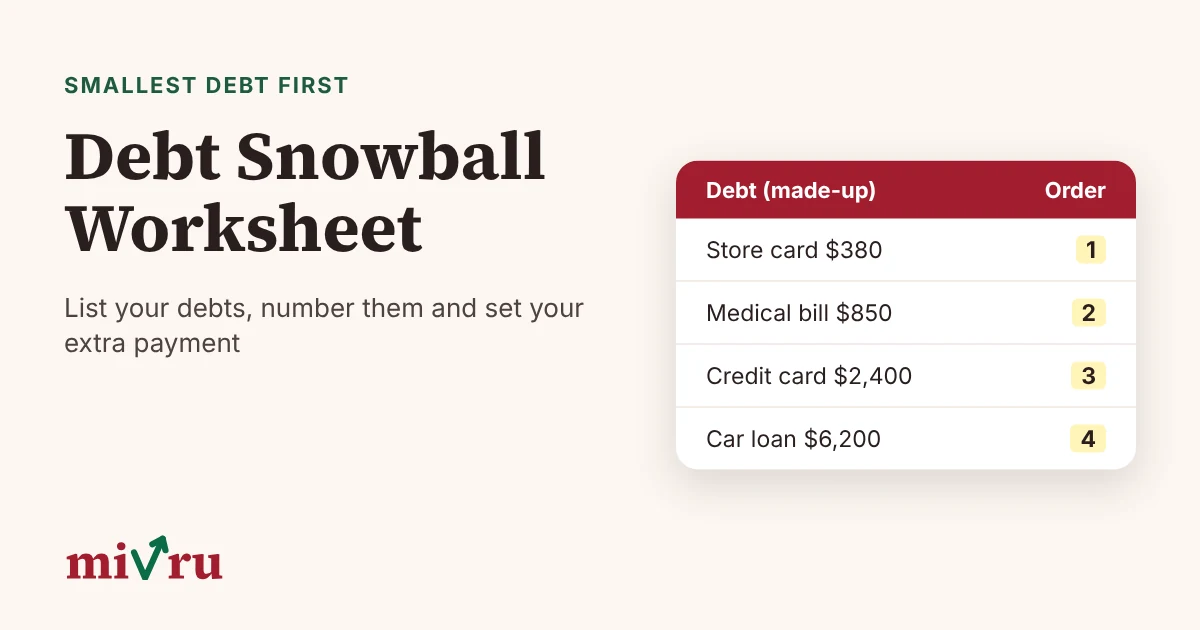
A debt snowball worksheet is a one-page form where you list every debt, number them from the smallest balance to the largest and decide how much extra you can pay each month. It turns a pile of bills into a plan with a first step.
This guide shows how to fill it in, with four made-up debts. You can follow it with our free one-page Debt Snowball Starter Sheet.
How the snowball works
The snowball method has three rules:
- Pay the minimum on every debt. This keeps each account in good standing.
- Put all extra money on the smallest balance. It is paid off first.
- Roll the freed-up payment to the next debt. The payment grows with each debt you clear, like a snowball.
Seeing finished debts is a motivator. A study in the Journal of Consumer Research found that concentrating repayments on fewer accounts increased consumers' motivation to get out of debt. The worksheet makes that visible.
Step 1: List every debt
Write each debt on its own line. Include credit cards, store cards, medical bills, personal loans, car loans and student loans. Leave off your mortgage if you plan to treat it separately. For each debt, write:
- Name. What it is called on the statement.
- Balance. What you owe today.
- Minimum payment. The smallest amount you must pay each month.
You can find these on your latest statements. If you are not sure of a balance, log in or call and ask.
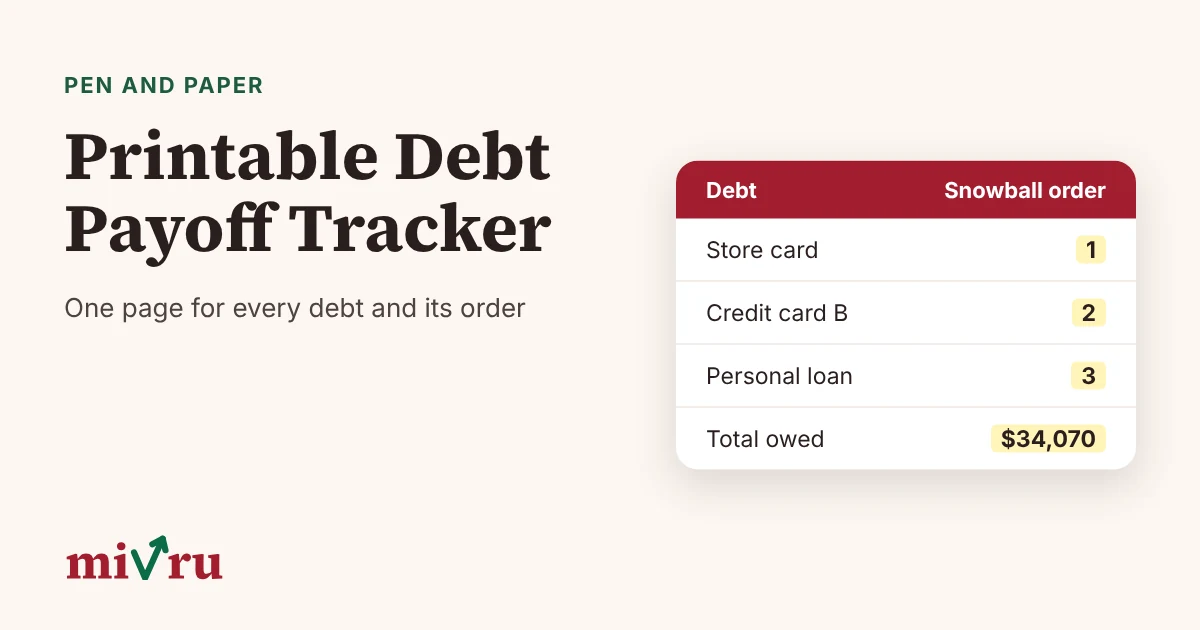
Step 2: Number them smallest first
Look at the balances and write a number next to each: 1 for the smallest balance, 2 for the next and so on. This is the order you will pay them off. Do not sort by interest rate for the snowball. That is the avalanche method, and the difference between the two is worth reading before you decide.
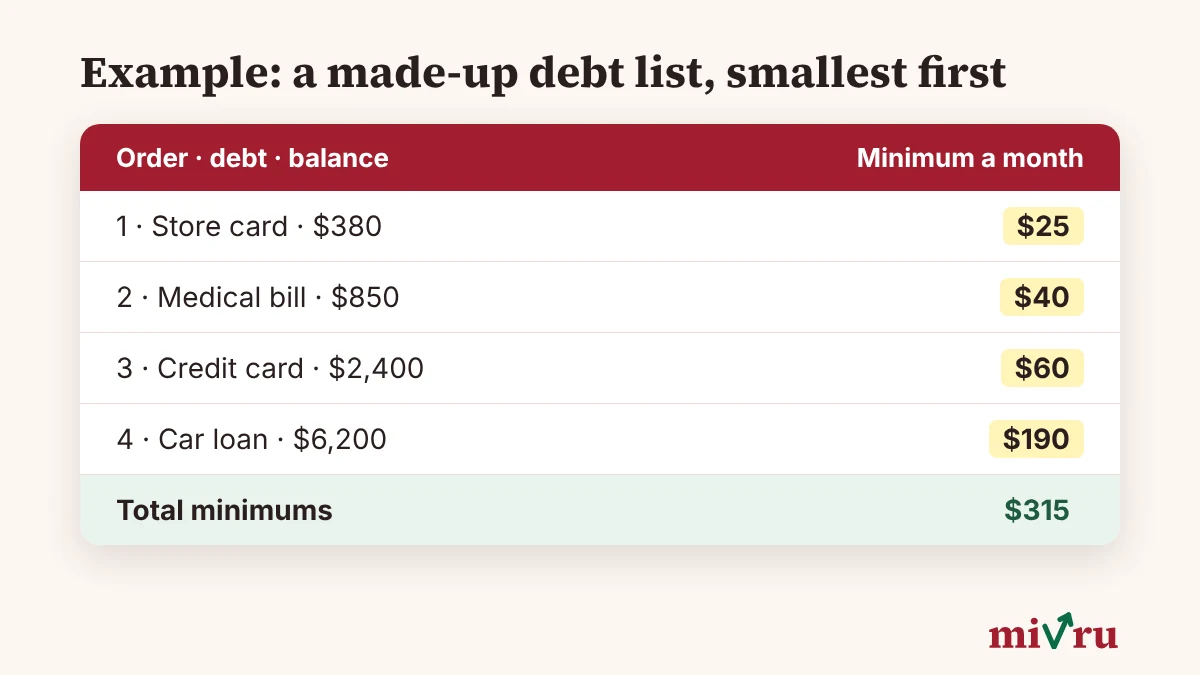
Example: A store card of $380 is number 1. A medical bill of $850 is number 2. A credit card of $2,400 is number 3. A car loan of $6,200 is number 4. Minimums are $25, $40, $60 and $190, which total $315 a month. These debts are made up for illustration.
Step 3: Set your extra payment
The snowball needs extra money to start rolling. Look at your budget and decide what you can add on top of the minimums each month. It can be small. $25 is a start, and $150 in this example is just one choice.
If you have no spare money, look for some: a subscription audit often finds $20 to $40 a month. Selling things you no longer use can add a one-time payment.
Step 4: Pay the first debt
Each month:
- Pay the minimum on debts 2, 3 and 4.
- Pay the minimum plus your extra on debt 1.
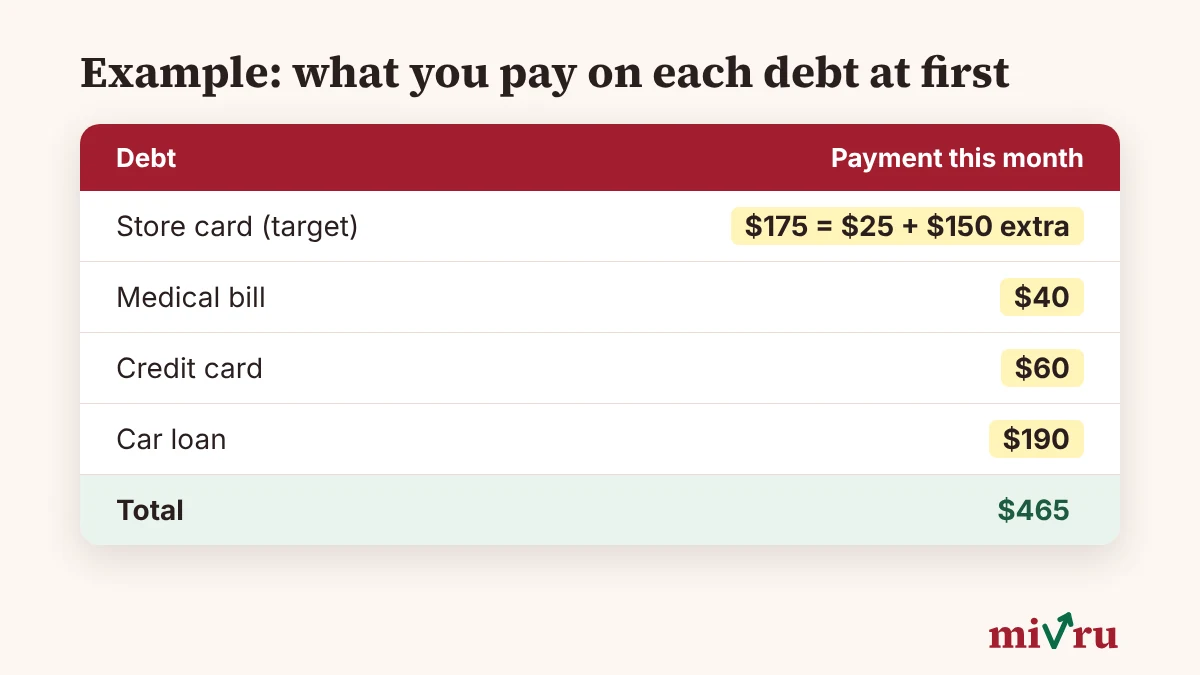
Example: The store card gets $25 + $150 = $175. The other three stay at their minimums: $40, $60 and $190. In total you pay $465 a month, which is the $315 in minimums plus $150 extra. Ignoring interest, the $380 store card is paid off in a little over two months, so three payments.
Interest adds a little to each balance every month, so a real plan takes slightly longer than a sum that ignores it. Use your statements to check the actual balance as you go.
Step 5: Roll the payment forward
When debt 1 is paid off, do not spend the freed-up money. Add its whole payment to debt 2. In the example, that is $175 plus the $40 minimum, so $215 a month goes to the medical bill. When that is paid off, $215 plus the $60 minimum goes to the credit card, and so on.
This is the snowball. The payment on the target debt gets bigger each time, so each debt is cleared faster than the one before.
Step 6: Tick off each debt
When a debt reaches zero, write the date and draw a line through it. It is a small ceremony, but it works. A page with lines drawn through the first rows is encouraging.
Keep it going
- Pay on the same day each month. Set a reminder or automate the minimums.
- Do not add new debt. If you use the cards, the list grows as fast as you pay it down.
- Update the balances every month. Interest and new charges change them.
- Use windfalls. A tax refund or a bonus can go straight onto the target debt.
- Print a fresh sheet when things change. A new debt, a new rate or a new extra amount all need an update.
When to ask for help
If the minimums are more than you can pay, or the debt is growing, you may need more than a worksheet. The U.S. Federal Trade Commission's guide Choosing a Credit Counselor explains how to find a reliable counselor. This is general information, not financial advice, and every situation is different.
Common mistakes
- Skipping a minimum. Late fees and credit damage can undo the progress.
- Putting extra money on a different debt each month. Pick the target and stay with it.
- Forgetting to roll the payment forward. The freed-up money is what builds the snowball.
- Not counting small debts. A $90 bill is still a debt, and it may be number 1.
- Giving up after a slow month. One bad month does not end the plan. Update the sheet and carry on.
Paper or spreadsheet?
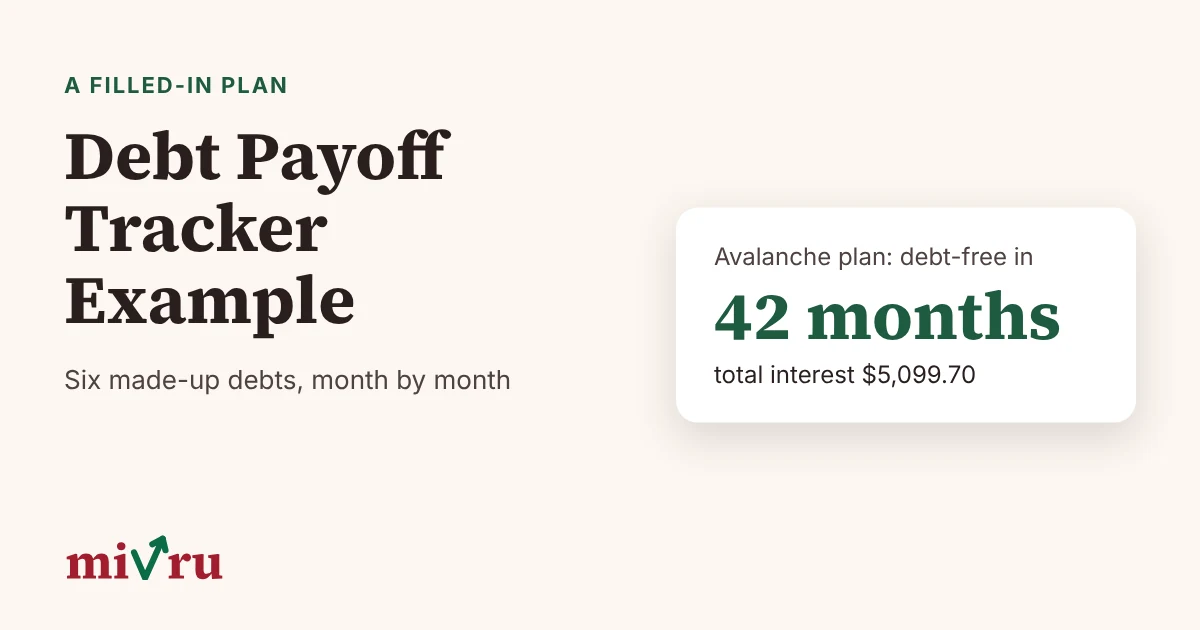
A worksheet is a great way to start. It makes you look at each balance and write it down. A spreadsheet adds interest, shows the month you will be debt-free and compares the snowball with the avalanche. See a filled-in debt payoff tracker example, or learn how to build a debt payoff tracker in Excel.
Want the sums done for you?
The Mivru Debt Payoff Tracker Spreadsheet has eight sheets with snowball and avalanche plans, a month-by-month schedule, the debt-free month and the total interest for each plan, in five color themes for Excel and Google Sheets, plus a 12-page printable. See the Debt Payoff Tracker Spreadsheet.
Frequently asked questions
What is a debt snowball worksheet?
A one-page form where you list each debt with its balance and minimum payment, number the debts from smallest to largest and write how much extra you can pay each month.
How do I fill in a debt snowball worksheet?
List every debt, write the balance and the minimum payment, number the debts smallest balance first, then add your extra payment to the first debt's minimum.
What happens when the first debt is paid off?
You move its whole payment, minimum plus extra, to the next debt on the list. The payment grows like a snowball.
Is the debt snowball worksheet free?
Yes. Enter your email on the page and you get a one-page US Letter PDF to print. There is no cost.
Is the snowball better than the avalanche?
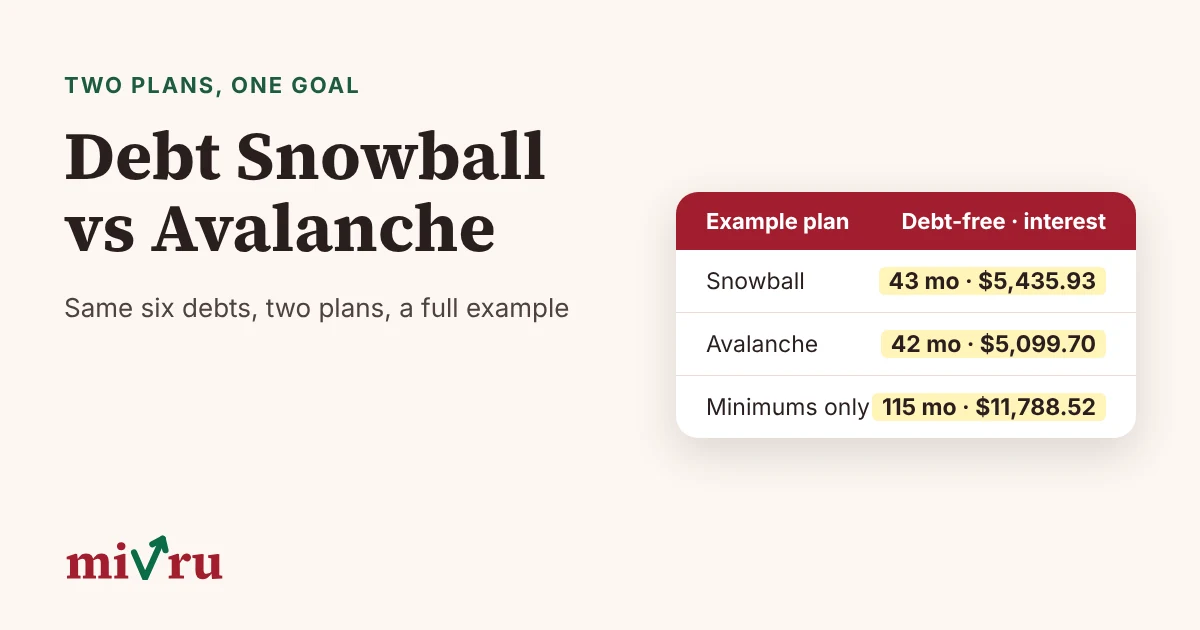
The avalanche, which pays the highest interest rate first, usually costs less in interest. The snowball gives quicker wins. The best method is the one you will stick to.