HSA Expense Tracking Spreadsheet Template Free Guide
An HSA expense tracking spreadsheet template guide: what to record for each payment, how to track receipts and what the IRS says about keeping records.
An HSA expense tracking spreadsheet is a simple log that records each payment, where the money came from and where the receipt is. The goal is tidy records if you ever need to show what an HSA withdrawal was for. This guide explains what to record, what the IRS says about keeping records and how to set up the columns. It is general information, not tax, medical or insurance advice.
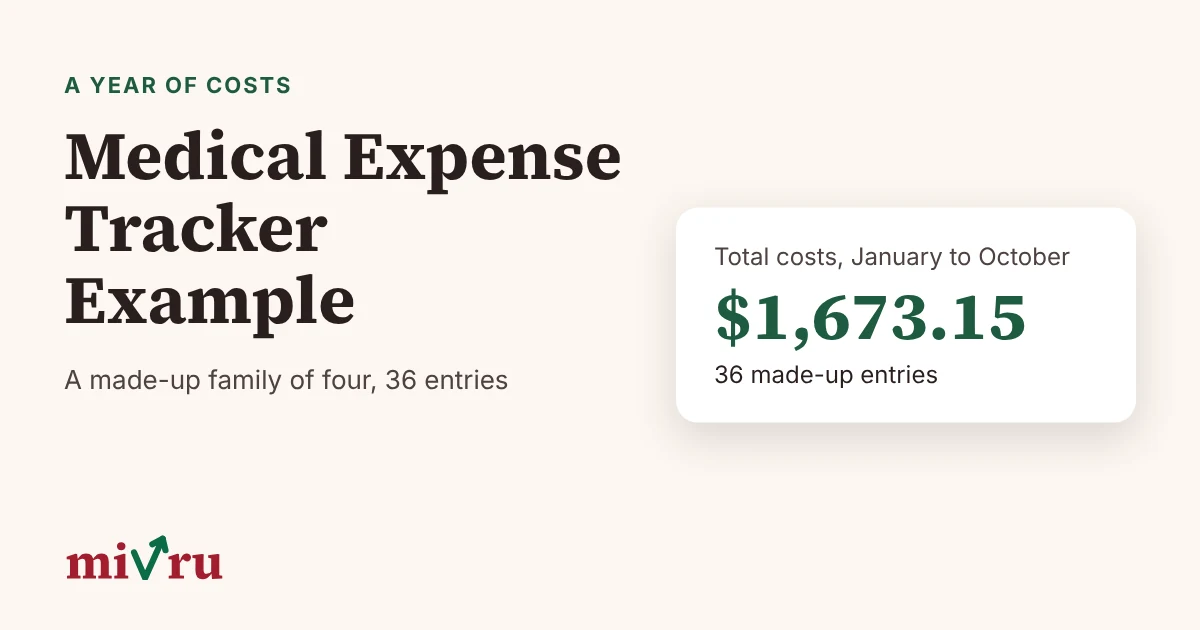
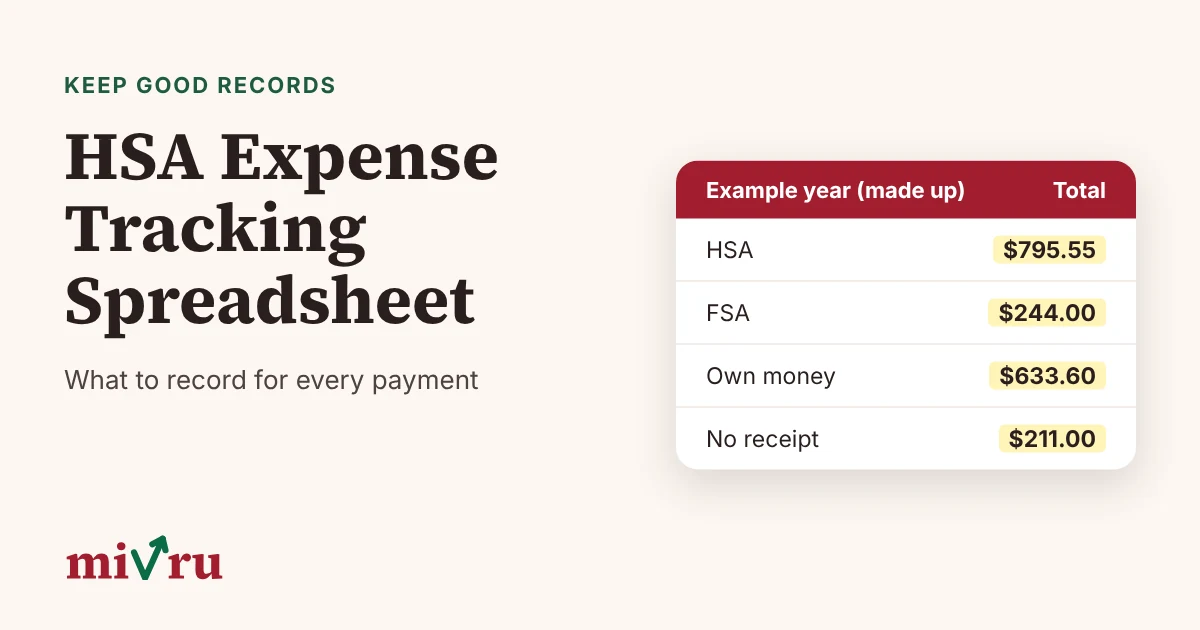
The numbers are made up and come from our medical expense tracker example.
What the IRS says about records
The IRS publication on health savings accounts says an HSA is a tax-exempt trust or custodial account set up with a qualified HSA trustee to pay or reimburse certain medical costs. On records, it says to keep:
- records showing that distributions were used only for qualified medical expenses,
- records showing that those expenses were not paid or reimbursed from another source, and
- records showing that they were not claimed as an itemized deduction in any year.
It also says not to send these records with your tax return, but to keep them with your tax records. The publication explains what counts as a qualified medical expense, and the answer depends on the rules, so check the current text or ask a tax professional.
The columns to use
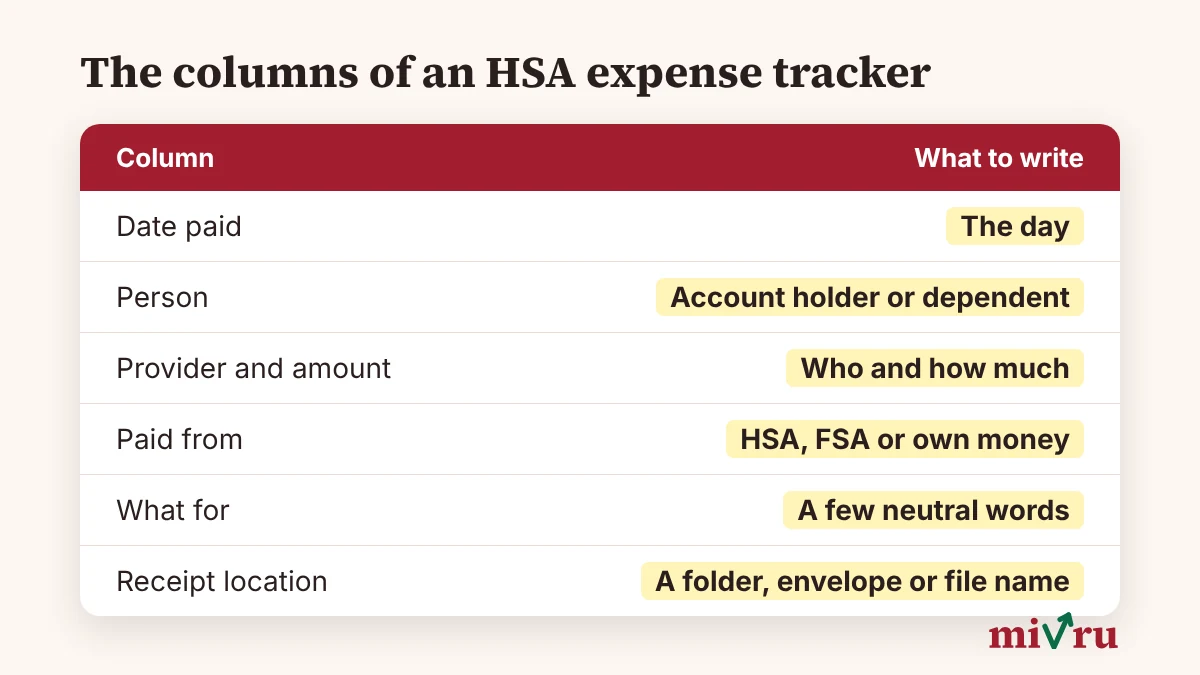
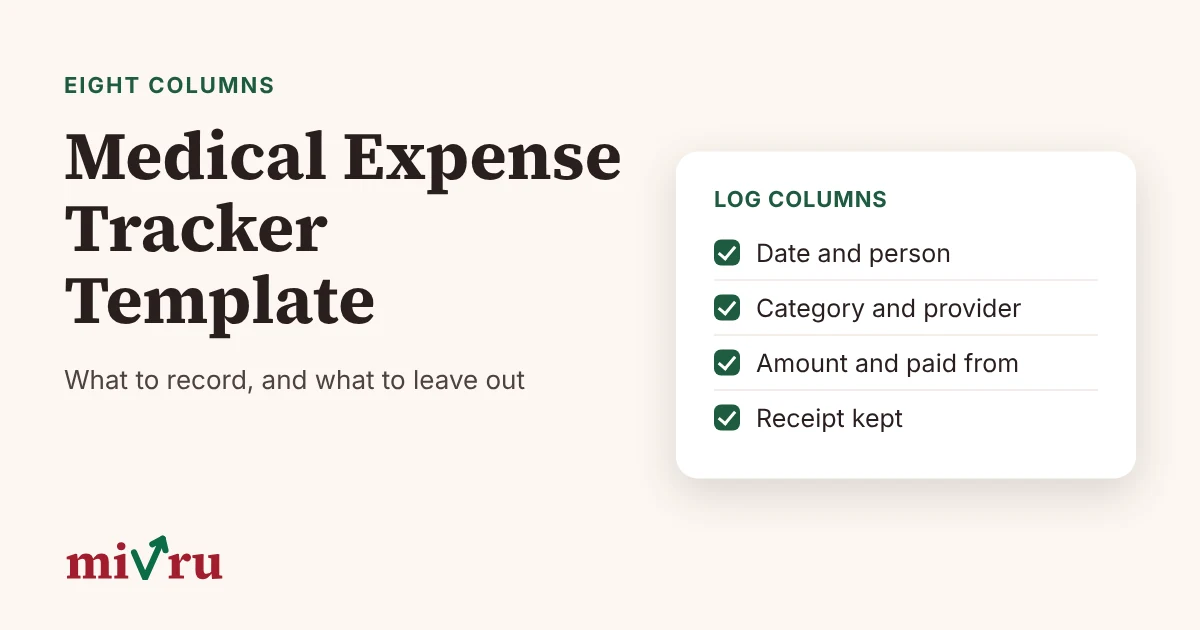
- Date paid.
- Person. The account holder, spouse or dependent the cost was for.
- Provider. The doctor, dentist, pharmacy or clinic.
- Amount. What you paid.
- Paid from. HSA, FSA or own money.
- What for. A few neutral words such as "check-up", "glasses" or "refill". Not a diagnosis.
- Receipt kept. Yes or No.
- Receipt location. A folder name, an envelope or a file name.
An example
Example (made up): Aug 19, 2026, Child 1, Clear View Optical, $125.00, HSA, eye exam and glasses, receipt kept, folder "2026 medical". Oct 7, 2026, Child 2, Bright Smiles Dental, $150.00, HSA, filling, receipt not kept, receipt to find.
In the made-up year, 22 payments totaling $795.55 came from the HSA, 2 payments totaling $244.00 from an FSA and 12 payments totaling $633.60 from the family's own money. Of 36 entries, 4 have no receipt, worth $211.00. The one to chase is the $150 dental filling.
How to make it work in a spreadsheet
Use drop-downs for the person, the category and "paid from", so the words are the same every time. Then totals are simple:
| What | Formula |
|---|---|
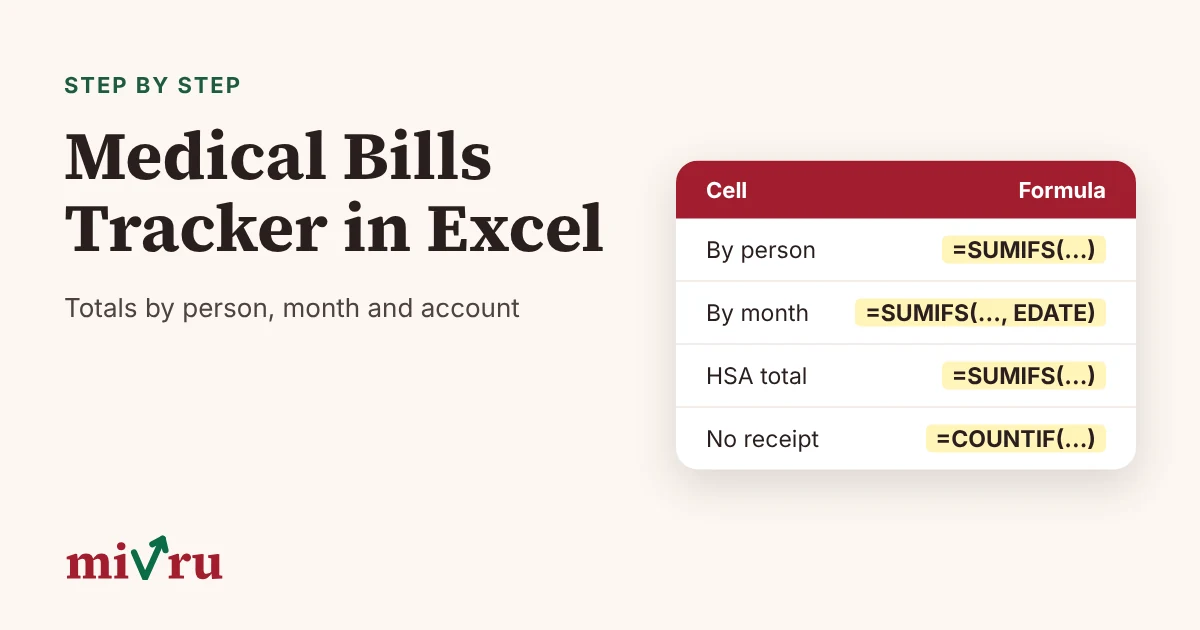
| HSA total | =SUMIFS(Amount,PaidFrom,"HSA") |
| Missing receipts | =COUNTIF(Receipt,"No") |
| Amount without a receipt | =SUMIFS(Amount,Receipt,"No") |
Replace Amount, PaidFrom and Receipt with your column ranges, such as Log!$E$2:$E$700. Our guides for Excel and Google Sheets show the full steps.
Receipts: a simple system
- Take a photo right away. Name it with the date and provider, for example
2026-10-07 dental.jpg. - Put photos in one folder named for the year, in storage you trust.
- Write the folder name in the receipt location column.
- Keep paper receipts in a monthly envelope until you have checked the photo.
- Do a monthly check: filter the log for "No" and chase each one.
What not to track in the sheet
- Diagnoses or detailed medical information.
- Full account or policy numbers (the last 4 digits are enough).
- Passwords to your HSA or patient portals.
Questions to ask
Your plan administrator or a tax professional can tell you what counts as a qualified medical expense, how long to keep records and how your state treats HSAs. The IRS says in its page on medical and dental expenses that expenses reimbursed by insurance or otherwise do not count toward the medical expense deduction. A log that records who paid what makes these questions easier to answer.
Related guides
For the full list of what to record, read the medical expense tracker template guide. For everyday spending, see our guide on how to track expenses. This is general information, not tax, medical or insurance advice.
The year by "paid from"
| Paid from | Payments | Total |
|---|---|---|
| HSA | 22 | $795.55 |
| FSA | 2 | $244.00 |
| Own money | 12 | $633.60 |
| Total | 36 | $1,673.15 |
The totals add up: 795.55 + 244.00 + 633.60 = 1,673.15, and 22 + 2 + 12 = 36.
Receipts at a glance
| Receipt | Payments | Amount |
|---|---|---|
| Kept | 32 | $1,462.15 |
| Not kept | 4 | $211.00 |
The four missing receipts are 13% of the year's amount. The biggest is a $150.00 dental payment, which is the first one to chase.
A year-end routine
- Filter the log by "HSA" and add up the amount.
- Filter by "No" in the receipt column and chase each one.
- Check each HSA payment has a receipt location written on it.
- Save the log and the receipts in the same folder, with the year in its name.
- Ask your plan administrator or a tax professional any question about what qualifies.
What to do when a receipt is lost
Write a note in the log that the receipt is missing and why. Ask the provider for a copy or a statement. If you cannot get one, your plan administrator or a tax professional can tell you what to do. Do not guess about what qualifies.
Want it ready-made?
The Mivru Medical & HSA Expense Tracker has a Medical Log with a Paid from column and a Receipt kept column, plus a Paid From & Receipts sheet that totals HSA, FSA and own-money payments and shows the amount without a receipt. It works in Excel and Google Sheets and has an 12-page printable. See the Medical & HSA Expense Tracker.
Frequently asked questions
What should an HSA expense tracking spreadsheet record?
For each payment: the date, the person, the provider, the amount, where the money came from, a short note about what it was for and where the receipt is.
Does the tracker tell me what is a qualified expense?
No. What counts depends on the rules for your account. Ask your plan administrator or a tax professional. This guide is general information, not tax advice.
Should I send my receipts with my tax return?
The IRS says not to send HSA records with your return and to keep them with your tax records.
Can I track an FSA the same way?
Yes. Add FSA to the paid from list and keep receipts for each payment, following the rules of your plan.
Is there a free printable?
Yes. Mivru has a free one-page medical bills tracker printable with a receipt box for each cost.