Medical Expense Tracker Template: What to Record
A medical expense tracker template guide: the columns to use, what to keep, how to track HSA and FSA payments and receipts. Free printable log included.
A medical expense tracker template is a simple log for what your family spends on health care: the date, who it was for, the provider, the amount and whether you kept the receipt. This guide explains which columns to use, how to track HSA and FSA payments, and what to leave out. It is general information, not medical, tax or insurance advice.
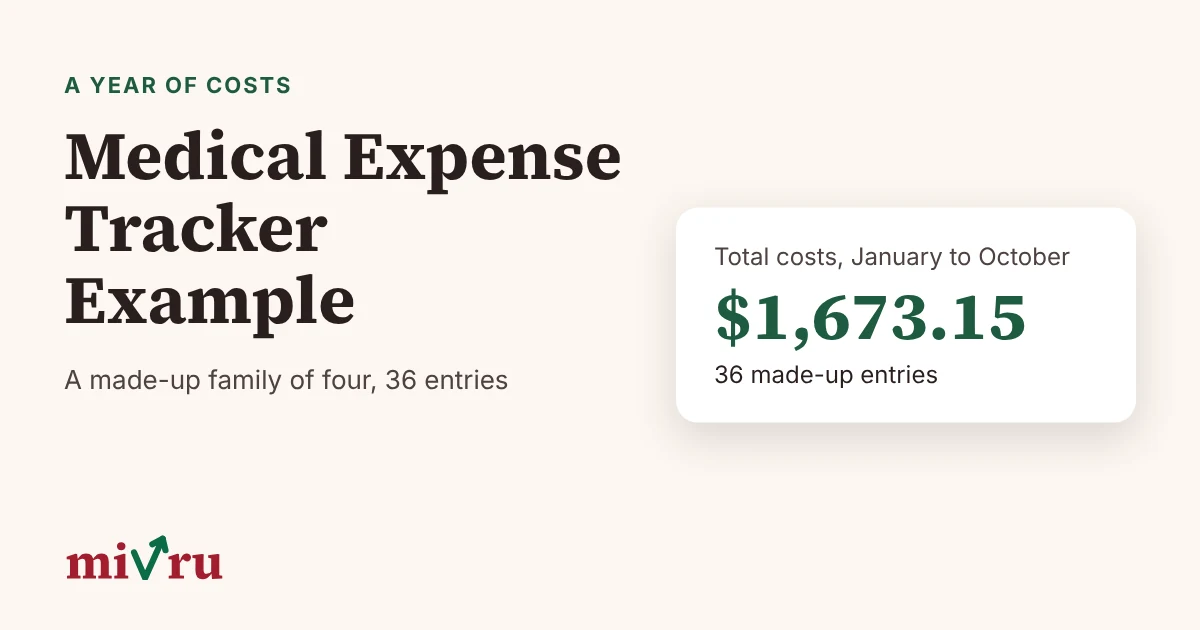
The numbers in the examples are made up. See our medical expense tracker example for a filled-in version.
Why a tracker helps
Medical costs arrive in small pieces: a copay in February, a prescription every month, a dental bill in March. Without a log it is hard to say what the year cost. A tracker adds the pieces up, shows who and what costs the most, and gives you one place to look when you want to ask a plan administrator or a tax professional a question.
The IRS explains in its page on medical and dental expenses that expenses reimbursed by insurance or otherwise do not count toward the medical expense deduction. A log that records what you actually paid, and what was paid by someone else, makes that distinction easy to see.
The 8 columns to use
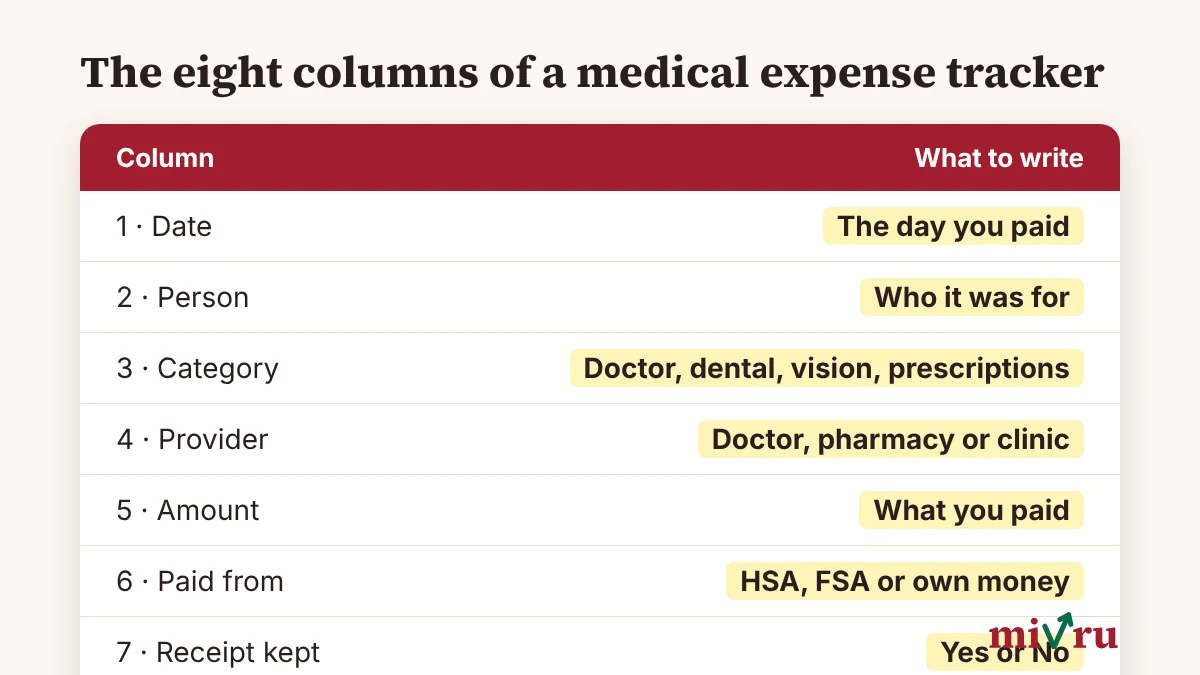
- Date. The day you paid.
- Person. Who the cost was for. This lets you see what each family member costs.
- Category. Doctor visits, dental, vision, prescriptions, hospital and lab, therapy, equipment and supplies, travel to care, other.
- Provider. The doctor, pharmacy or clinic.
- Amount. What you paid out of pocket.
- Paid from. HSA, FSA or your own money.
- Receipt kept. Yes or No.
- Notes. Short, such as "check-up" or "refill". Never a diagnosis.
Tracking an HSA or FSA
If you have a Health Savings Account, the IRS says to keep records showing that distributions were used only for qualified medical expenses, that the expenses were not paid or reimbursed from another source and that they were not claimed as an itemized deduction in any year. A "paid from" column and a "receipt kept" column give you the basics. The IRS also notes that you should not send these records with your tax return; keep them with your tax records.
What counts as a qualified expense is decided by the rules for your account, so ask your plan administrator or a tax professional. This guide does not say what qualifies.
What to leave out
- Diagnoses and detailed medical information. A spreadsheet or a sheet of paper is not private enough.
- Full policy or account numbers. The last 4 digits are enough.
- Passwords to insurance or patient portals.
Add a claims column or page
When insurance is involved, a second table helps: date, provider, amount billed, amount insurance paid and amount you owe. Keep each explanation of benefits with it. If the amount you owe on the claim page does not match what you paid in the main log, you have a bill to question.
Paper or spreadsheet
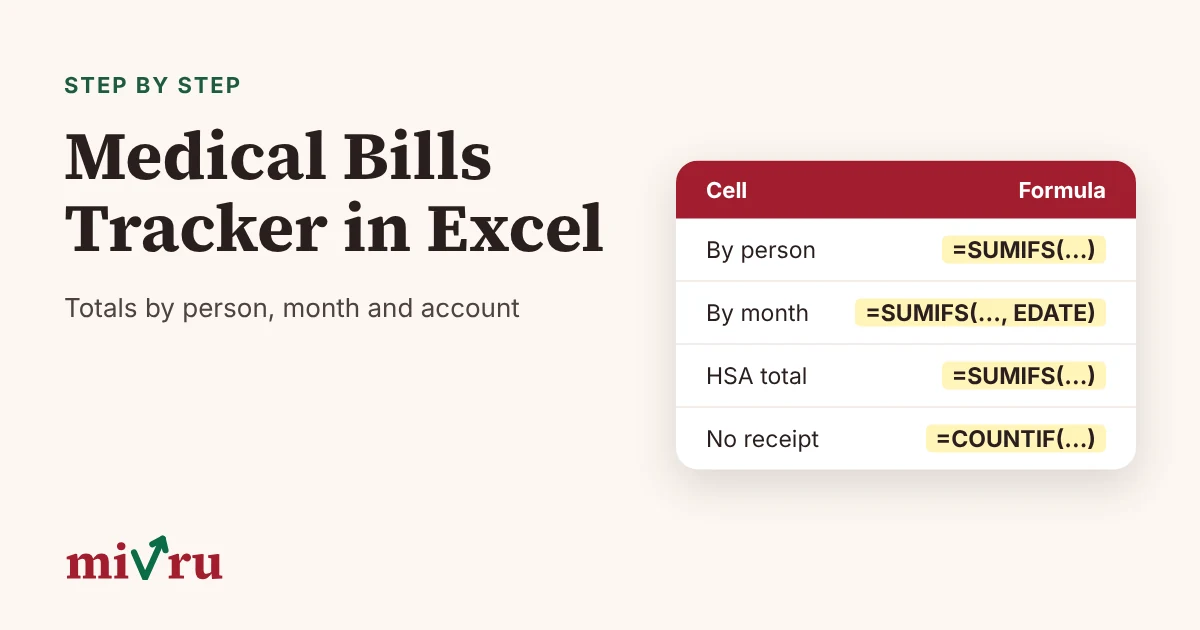
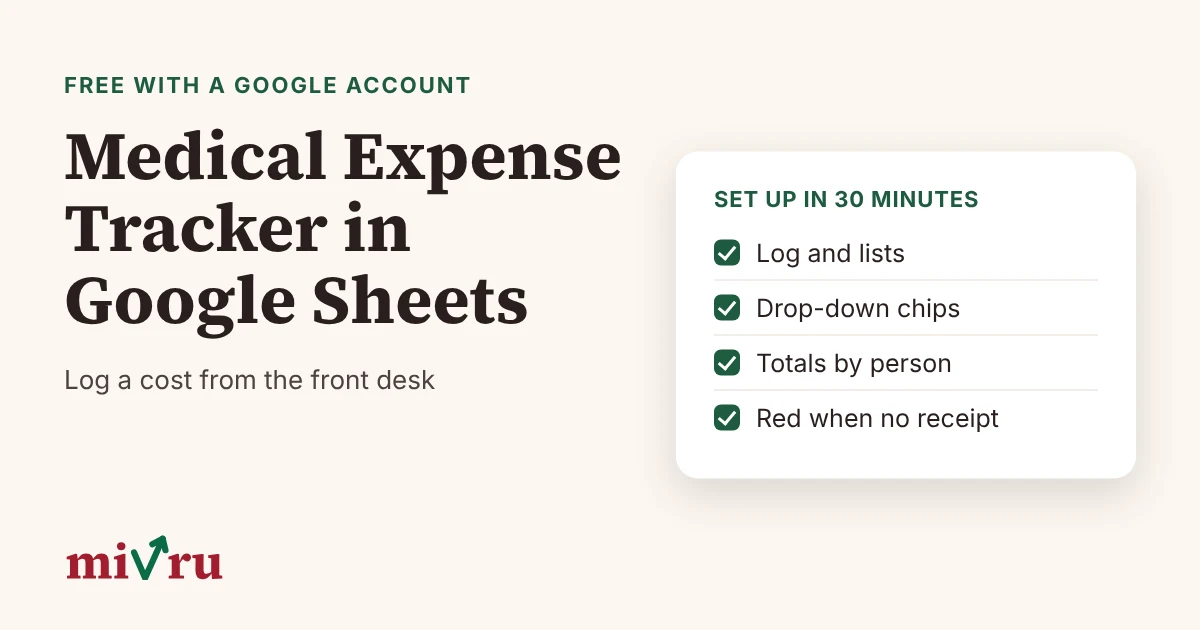
A printed log is quick and works in the waiting room. A spreadsheet adds up costs by month, person and category and counts missing receipts. If you want to build one, follow our medical bills tracker spreadsheet guide for Excel or the Google Sheets version. For a printable start, use our free medical bills tracker.
A simple routine
- Keep a folder or envelope for receipts and explanations of benefits.
- Log each cost the day you pay it.
- Once a month, match the log to your statements.
- At year end, add up by person and category and note what came from each account.
For tracking everyday spending the same way, see our guide on how to track expenses. This is general information, not medical, tax or insurance advice.
A made-up month in the log
| Date | Person | Category | Provider | Amount | Paid from | Receipt |
|---|---|---|---|---|---|---|
| Feb 3 | Person A | Doctor visits | Clinic | $30.00 | Own money | Yes |
| Feb 10 | Person B | Prescriptions | Pharmacy | $12.50 | HSA | Yes |
| Mar 5 | Person A | Dental | Dentist | $85.00 | FSA | Yes |
| Mar 18 | Person B | Lab and hospital | Lab | $42.00 | Own money | No |
The four lines add up to $30.00 + $12.50 + $85.00 + $42.00 = $169.50.
The same lines by "paid from"
| Paid from | Amount |
|---|---|
| Own money | $72.00 |
| HSA | $12.50 |
| FSA | $85.00 |
| Total | $169.50 |
One receipt is missing, the lab bill on March 18. That is the first thing to chase. Splitting the total by "paid from" shows at a glance how much came from each account, which helps when you answer a question from a plan administrator.
Questions the log can answer
- What did each person cost this year? Add up the amount column for each name.
- What was the biggest category? Add up by category.
- How much came from the HSA or FSA? Add up by paid from.
- Which receipts are missing? Count the rows marked No.
A year-end check
At the end of the year, add up each column and match the totals with your statements. Then put the log and the receipts in one folder with the year on it. If you want to talk to a tax professional, bring the folder.
Want it ready-made?
The Mivru Medical & HSA Expense Tracker has one log for every cost, a dashboard with a month picker, a Monthly sheet, a Paid From & Receipts sheet and an 12-page printable in color and black and white. See the Medical & HSA Expense Tracker.
Frequently asked questions
What should a medical expense tracker include?
The date, who the cost was for, the provider, a short note about what it was for, the amount, where the money came from (HSA, FSA or your own money) and whether you kept the receipt.
Should I write diagnoses in my tracker?
No. Use short notes like check-up, lab work or refill. Keep detailed medical information out of a spreadsheet or printed log.
Why track medical expenses?
To see what health care really costs your family, keep records for an HSA or FSA, and have tidy information if you need to ask your plan or a tax professional a question.
Do I track what insurance paid?
Track what you paid out of pocket in the main log. A separate claims page or column can show what was billed and what insurance paid.
How long should I keep receipts?
Ask your plan administrator or a tax professional. This guide is general information, not tax or insurance advice.