Home Inventory Spreadsheet With Photos: How to Add Them
A home inventory spreadsheet with photos: how to film each room, name files, link them to rows and store them safely, plus a free printable page.
A home inventory spreadsheet with photos is easier to trust, and easier to use in a claim, than a list of words. The trick is to keep the photos outside the spreadsheet and use the sheet as an index that tells you what has a photo and where it is. This guide shows how to film each room, name the files and link everything together, without making a giant file.
The items in the examples are made up. Our free printable home inventory has a photo box for each line.
Why photos help
A list says "TV, $480". A photo shows the make, the size and the condition, and a close-up of the label shows the model and serial number. Ready.gov's guidance on documenting and insuring your property recommends taking photos or videos of the inside and outside of your home, including closets and cabinets, and pairing them with written details such as the year, make and model numbers.
Step 1: Prepare
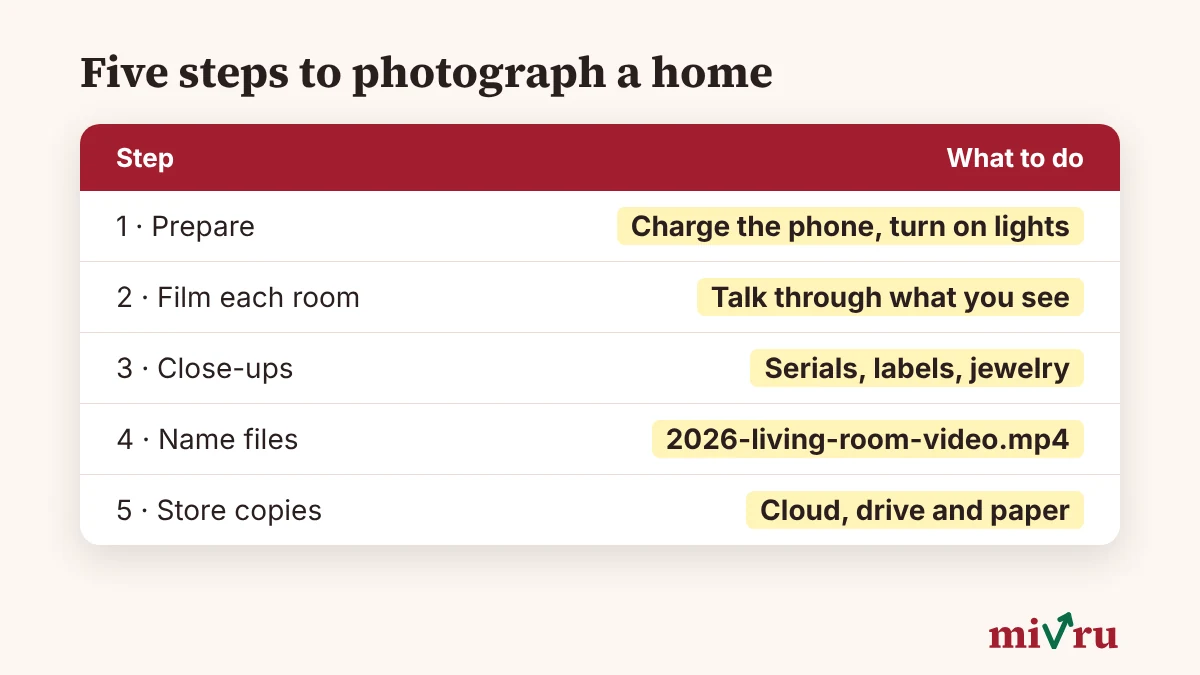
Charge your phone. Open blinds and turn on lights. Clear counters if you can, but do not spend hours tidying. Decide on a folder name, such as "Home inventory 2026".
Step 2: Film each room
Walk slowly through one room and describe what you see out loud: "Living room, 55-inch TV, gray sofa, bookshelf with books." Open closets, cabinets and drawers. Film the front and back of the home and any outbuildings. A one-minute video per room is plenty.
Step 3: Close-ups
Take still photos of anything where details matter:
- serial numbers and model labels on electronics and appliances,
- jewelry, watches and art, with a ruler or coin for size,
- tools, instruments and collections,
- receipts and appraisals.
Step 4: Name the files
Use names that sort in order and say what they are: 2026-living-room-video.mp4, tv-model-label.jpg, jewelry-ring-1.jpg. In the spreadsheet's Notes column, write the file name or just the room if the video covers it.
Example (made up): Row: Television 55 in, Living room, $480, Photo taken: Yes, Serial 7721, Notes: video 2026-living-room-video.mp4, label tv-model-label.jpg. Row: Bookshelf, Living room, $180, Photo taken: No. The second row shows up on the "photos missing" count.
Step 5: Add a Photo taken column
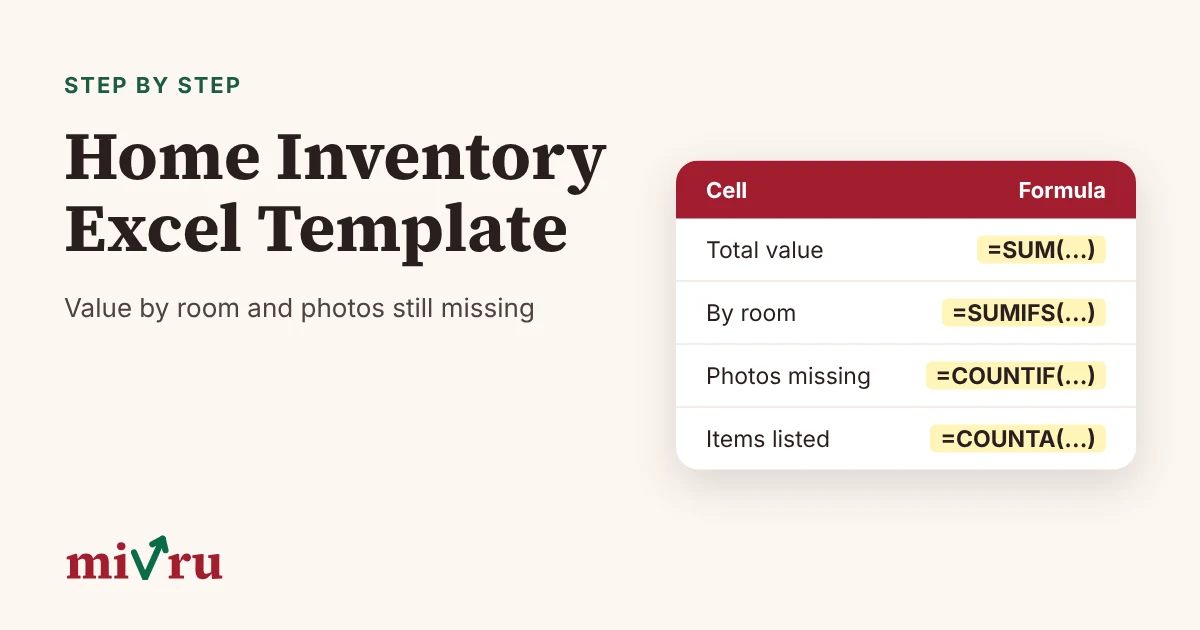
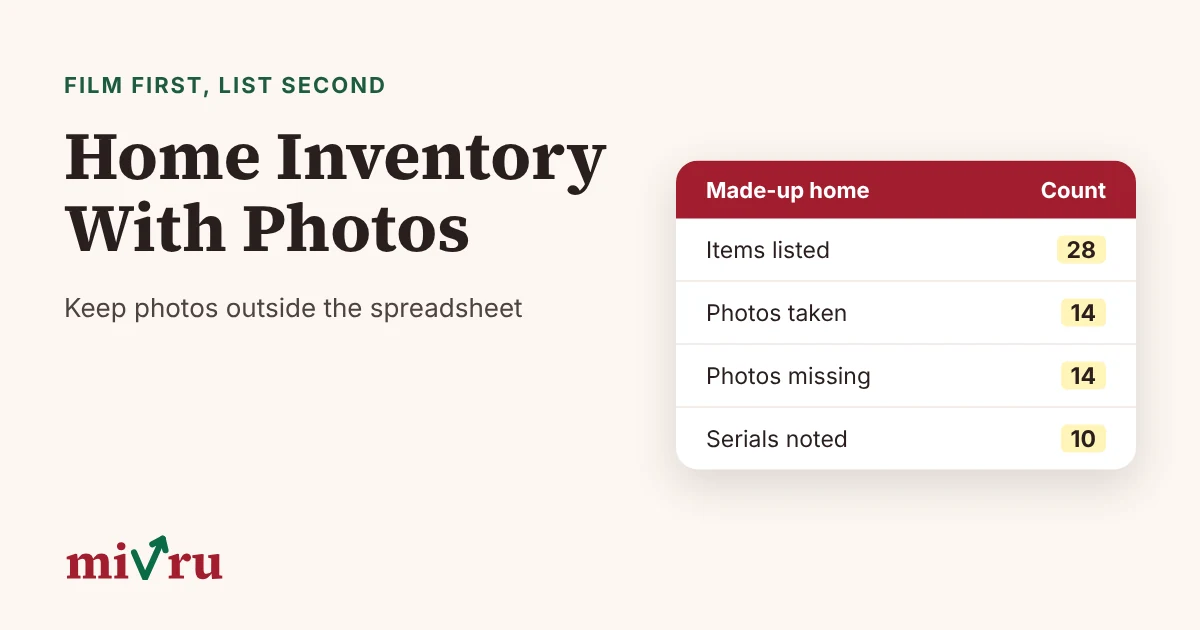
In your spreadsheet, add a column called Photo taken with a drop-down of Yes and No. A COUNTIF formula, =COUNTIF(H2:H700,"No"), shows how many items are left. In the made-up home, 14 of 28 items have photos and 14 do not, so the next job is clear.
Step 6: Store copies safely
Ready.gov says to keep your inventory where you can reach it after a disaster and away from the home. Its guidance on safeguarding critical documents and valuables suggests digital copies on a drive or in cloud storage with paper copies in a waterproof, fireproof container. For an inventory that means:
- the spreadsheet and photos in cloud storage,
- a copy on an external drive kept somewhere else,
- a printed summary with your other household papers.
Linking photos to rows (optional)
If you want a clickable link, copy the share link of a photo or folder and paste it into the Notes cell. In Excel, choose Insert > Link. In Google Sheets, choose Insert > Link. Links break when files move, so keep the file names in the notes too.
What to do each year
Every year, add new purchases, remove what you sold and re-film any room that changed. Ready.gov says to review your insurance policy annually and update coverage after new purchases, renovations or rising rebuild costs. Ask your insurer how it wants a claim documented. This guide is general information, not insurance advice.
Related guides
See the home inventory list template guide for what to write in each column, and the home inventory Excel template to build the sheet. For the rest of your papers, read the printable household binder guide.
What to photograph, and why
| What | Photo type | Why it helps |
|---|---|---|
| A whole room | Video | Shows everything at once |
| Model and serial labels | Close-up still | Identifies the exact item |
| Jewelry and watches | Close-up with a coin for size | Shows detail and size |
| Receipts and appraisals | Still | Shows what it cost |
| Items inside closets | Video | Shows what is stored |
Progress in the made-up home
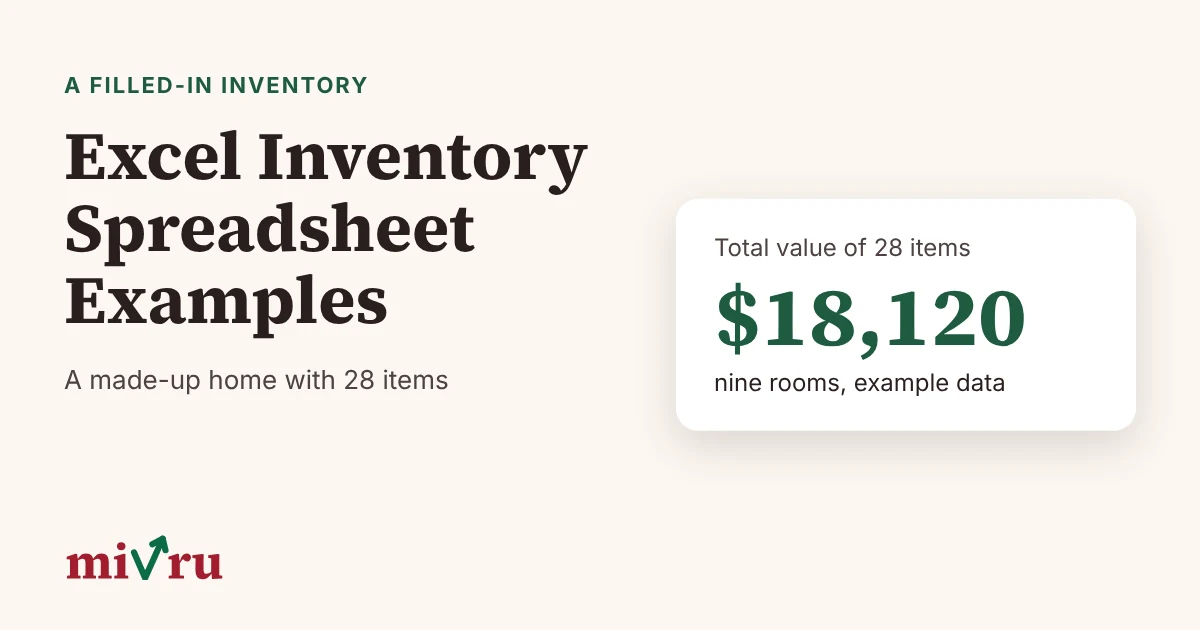
In the made-up home, 14 of 28 items have photos, which is 50%. The 14 without a photo are listed by the Photo taken column, so the job for the weekend is clear. Do one room at a time and watch the count fall.
File names that sort
| File name | What it shows |
|---|---|
| 2026-living-room-video.mp4 | The living room video |
| tv-model-label.jpg | The TV's model label |
| jewelry-ring-1.jpg | A ring |
Names that start with the year sort in order, and names that say what the file shows are easy to find later.
Keeping the files small
Photos and video can take up space. Keep them in cloud storage or on an external drive, not inside the spreadsheet. The spreadsheet only needs a Yes or No and a file name, so it stays small and quick to open.
A ten-minute test
Pick one item in the sheet and try to find its photo from the Notes column alone. If you can find it in under a minute, the system works. If not, fix the file names now, while there are only a few.
Want it ready-made?
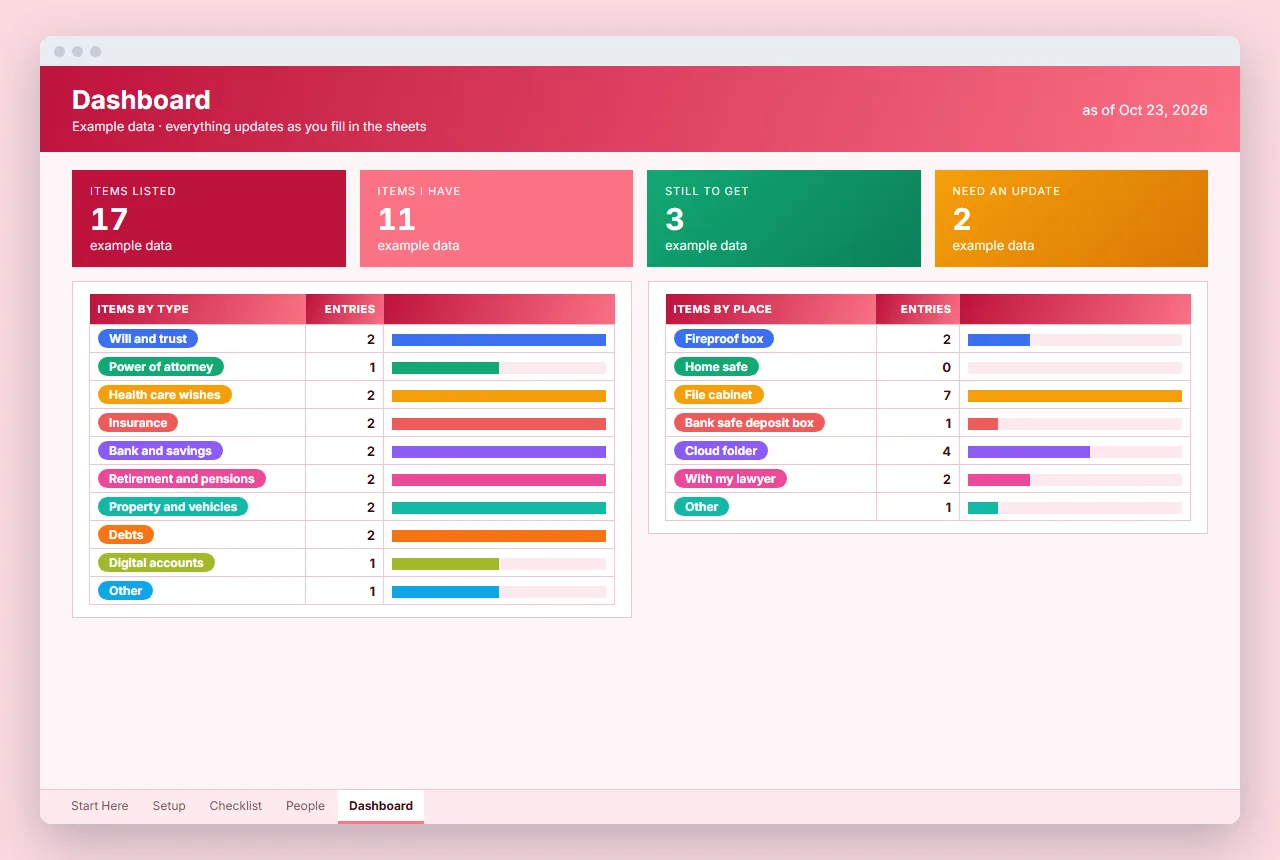
The Mivru Home Inventory Spreadsheet has an Inventory log with a Photo taken column and a dashboard that counts the photos you still need, plus a 12-page printable with a photo and video checklist. It works in Excel and Google Sheets. See the Home Inventory Spreadsheet (Room by Room).
Frequently asked questions
How do I add photos to a home inventory spreadsheet?
Keep the photos and video in a folder and note the folder or file name in the row. A Photo taken column tells you which items still need one. Pasting every photo into the sheet makes the file large.
Should I take photos or video?
Both work. Ready.gov recommends photos or videos of the inside and outside of your home. A video of each room, with the closets and cabinets open, is fast.
What should I photograph close up?
Serial numbers, model labels, jewelry and valuables, and anything with a receipt or an appraisal.
Where should I store the photos?
Keep a copy away from home, such as in cloud storage, and a copy on a drive. Ready.gov says to store records where you can reach them after a disaster.
How do I know which items still need a photo?
Add a Photo taken column with Yes and No, then count the No answers or color them orange.