Donation Tracker Google Sheets: Free Setup Guide
Build a donation tracker in Google Sheets: log gifts from your phone, total by charity, cause and month and see which receipts are missing. Free guide.
A donation tracker in Google Sheets is free, lives on your phone and takes about 30 minutes to set up. You add a row after you give, and the sheet totals your giving by charity, cause and month and counts the receipts you still need. It is a record-keeping tool, not tax advice. The numbers are made up.
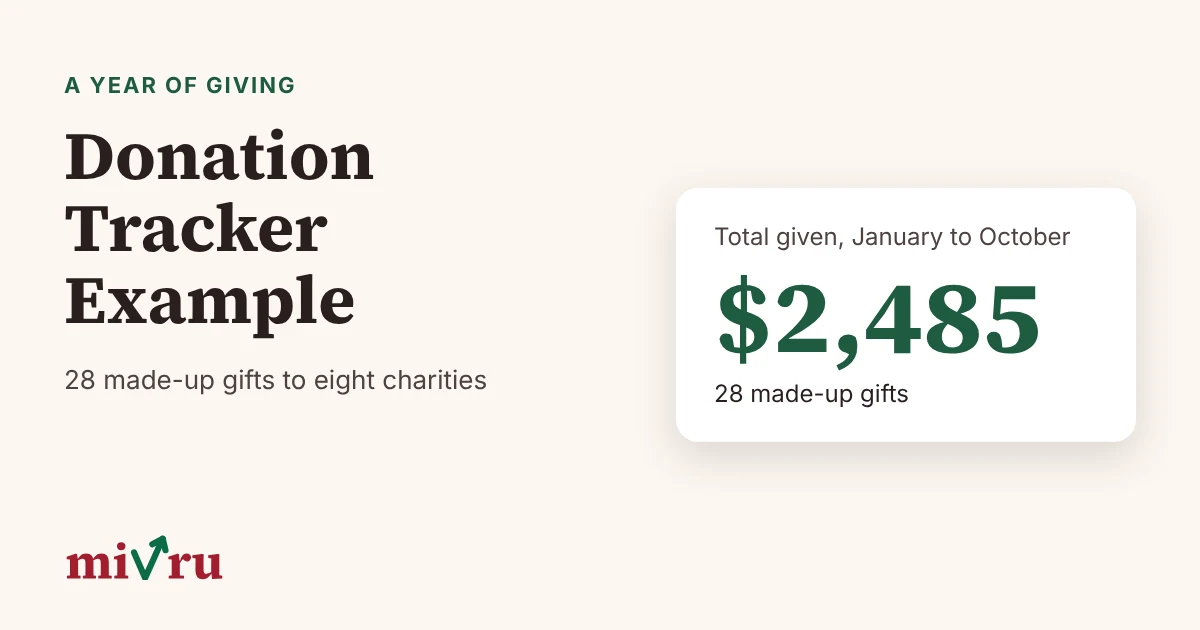
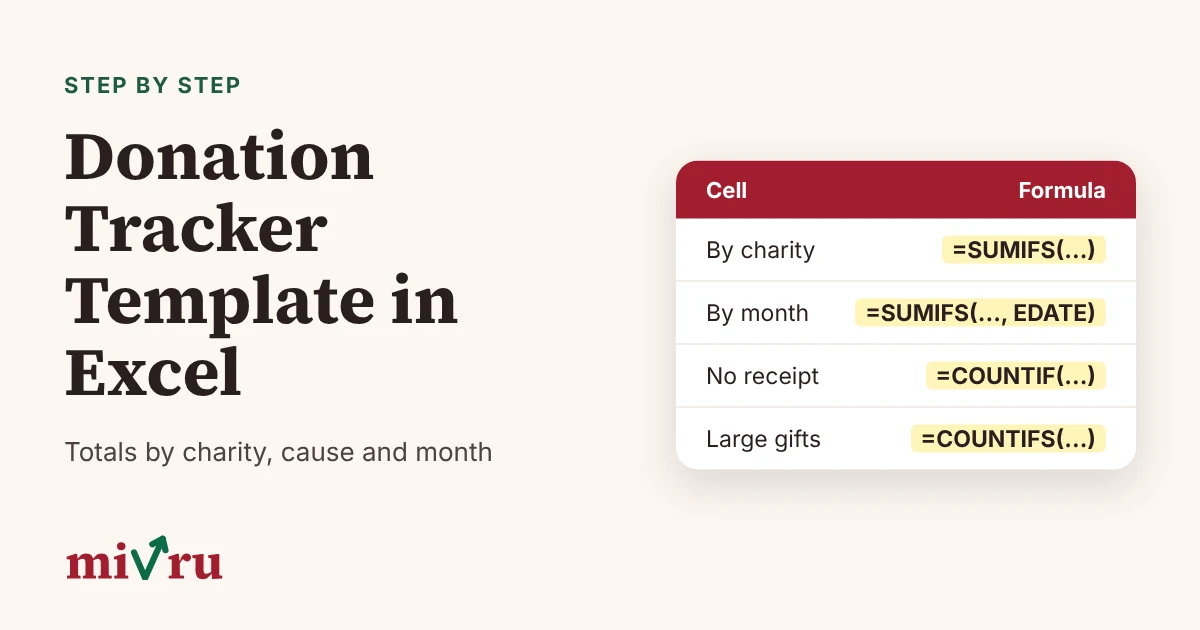
The formulas match Excel, so this guide is short. For more detail, see the donation tracker template in Excel. The data comes from the donation tracker example.
Step 1: Create the sheets
Start a blank spreadsheet. Name the first tab Log, then add Lists and Summary.
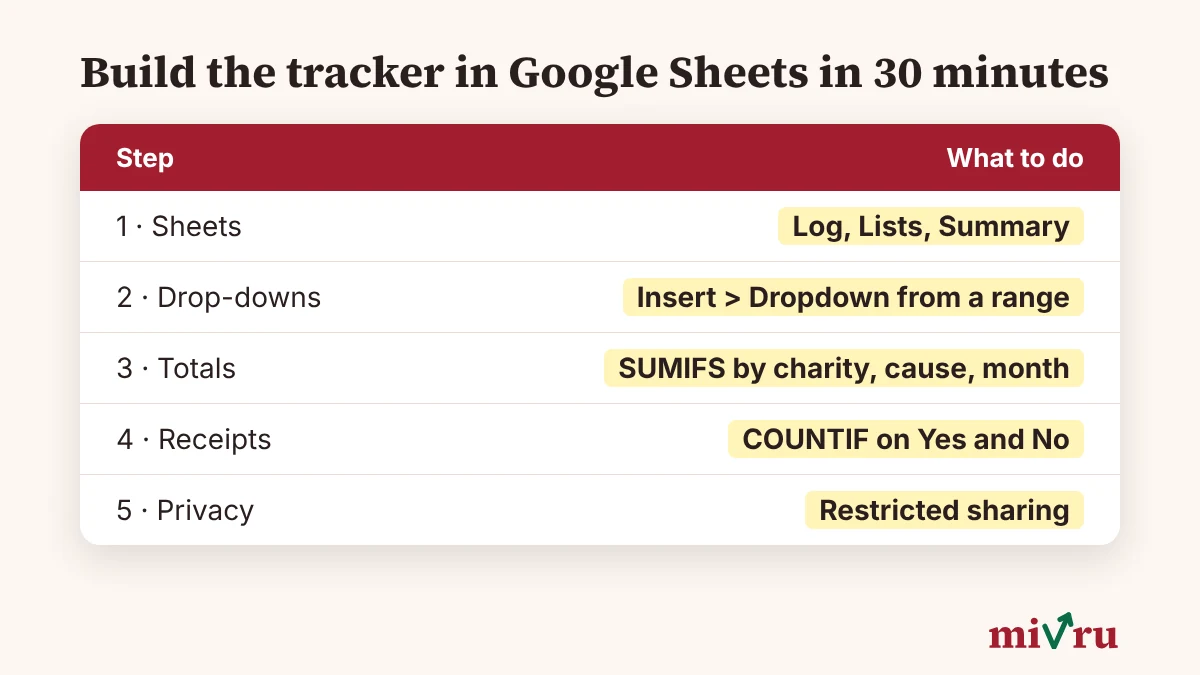
On Log type in row 1: Date, Charity, Cause, Type, Amount, Paid by, Receipt kept, Notes. On Lists put your charities in column A, the causes in column B and the payment methods in column C.
Step 2: Add drop-downs
Select the Charity column on Log, choose Insert > Dropdown, set the option to Dropdown (from a range) and enter Lists!A2:A9. Repeat for Cause (Lists!B2:B10) and Paid by (Lists!C2:C6). Use a dropdown with Yes and No for Receipt kept. Google's page on creating dropdown lists shows the steps. Give No a red chip.
Step 3: Example rows
Example (made up): 1/1/2026, Community food bank, Hunger and housing, Money, 60, Card, Yes. 10/3/2026, Neighborhood library, Community, Money, 25, Cash, No.
Step 4: Totals by charity, cause and month
On Summary list the charities in A2:A9 and use in B2:
=SUMIFS(Log!$E$2:$E$600,Log!$B$2:$B$600,A2)
For causes use column C of the log. For months, put the first day of each month across a row and use:
=SUMIFS(Log!$E$2:$E$600,Log!$A$2:$A$600,">="&C1,Log!$A$2:$A$600,"<"&EDATE(C1,1))
Google's help page for SUMIFS explains the conditions. In the example the church is $1,000, the food bank $600 and June $460, for $2,485 in all.
Step 5: Receipts
| Label | Formula |
|---|---|
| Receipts kept | =COUNTIF(Log!$G$2:$G$600,"Yes") |
| Receipts missing | =COUNTIF(Log!$G$2:$G$600,"No") |
| Amount without a receipt | =SUMIFS(Log!$E$2:$E$600,Log!$G$2:$G$600,"No") |
Google's page on COUNTIF covers the criteria. The example gives 25 receipts kept, 3 missing and $100 without a receipt.
Step 6: Color what needs work
Select the Receipt kept column and choose Format > Conditional formatting > Custom formula is. Enter =G2="No" with a red fill. Google explains the dialog on its page about conditional formatting.
Step 7: Use it on your phone
Install the Google Sheets app and star the file. When you give, even a small cash gift, add the row. If the charity emails a receipt, save it in a Drive folder for the year and write the folder name in Notes.
Step 8: Privacy and safety
Giving is personal, so set general access to Restricted and share only with people you trust. The FTC advises donors to research charities, pay by credit card or check and keep a record of every donation, and to check statements to be sure you were charged only what you agreed to. A log makes that check quick: compare it with your statement each month.
The IRS explains in its page on charitable contribution deductions that contributions are generally deductible only for qualified organizations and if you itemize, so the sheet is only a record. Ask the charity or a tax professional what you need.
Related guides
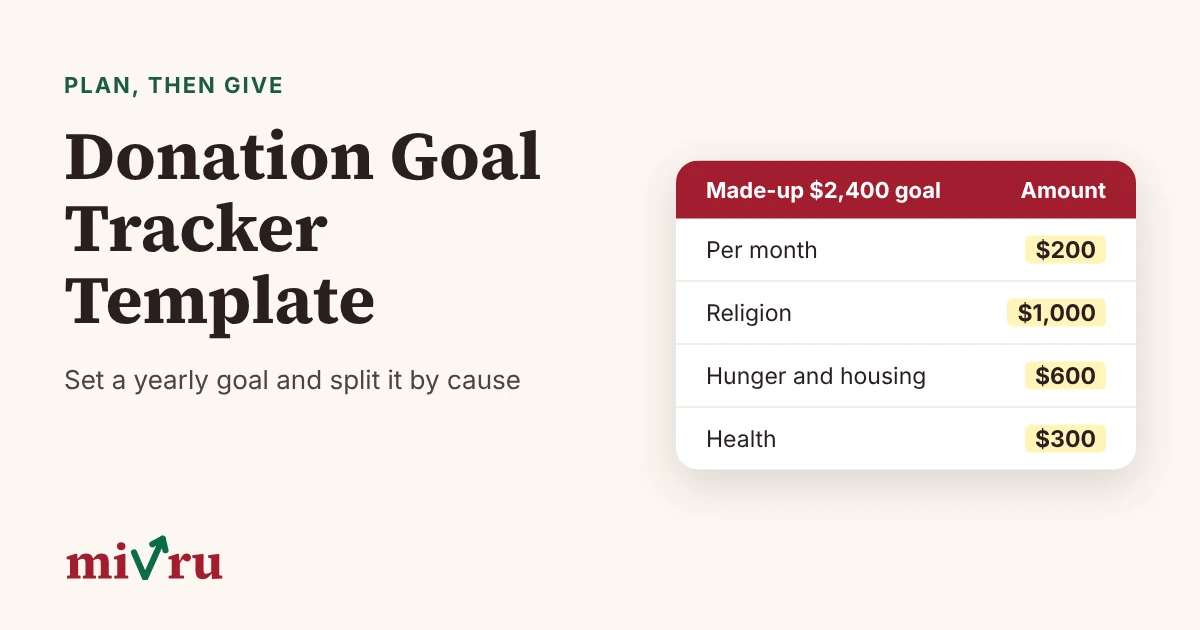
For setting a goal first, read the donation goal tracker template guide. For records, see donation tracker for taxes. For bills, the bill tracker in Google Sheets. This is general information, not tax advice.
What the Summary should show
| Check | Value |
|---|---|
| Local church | $1,000 |
| Community food bank | $600 |
| June | $460 |
| All gifts | $2,485 |
| Receipts kept | 25 |
| Receipts missing | 3 |
| Amount without a receipt | $100 |
Use these as a test. If your sheet gives the same numbers for the example data, the formulas are right.
If something does not work
- A charity shows zero. The name on Log does not match the name on Lists. Use the drop-down.
- The month total is empty. Check that the first day of each month is a real date.
- The receipt counts are wrong. The Receipt kept column must say exactly Yes or No.
- The color rule does not appear. Open Format > Conditional formatting and check the range.
A once-a-month habit
Open the file on the first of the month, add up the last month's gifts and look at the red rows. A red row is a gift with no receipt. Ask the charity for one, or write a note about why there is none.
Sharing
Giving is personal, so keep the link private. If you share the file with a spouse or a tax preparer, use Viewer unless they need to add rows.
What to do with the totals
At the end of the year, look at the cause totals and ask whether they match what you meant to support. If they do not, change next year's plan. A tracker turns "I think I gave about this much" into a number you can act on.
A quick test
Enter three test gifts and check that the charity total, the cause total and the month total all go up by the same amount. Then delete the test rows.
Skip the setup
The Mivru Donation & Charitable Giving Tracker works in Google Sheets and Excel. Upload the file to Google Drive, open it with Sheets and type in the yellow cells. It has a Donations log, a Dashboard, a Monthly sheet, a Receipts sheet and an 11-page printable. See the Donation & Charitable Giving Tracker.
Frequently asked questions
Can I make a donation tracker in Google Sheets for free?
Yes. Google Sheets is free, works on your phone and has SUMIFS and COUNTIF, which is all a donation tracker needs.
Can I log a gift from my phone?
Yes. Open the Google Sheets app, add a row and the totals update. Take a photo of any paper receipt and note where it is saved.
How do I add a drop-down in Google Sheets?
Select the cells, choose Insert > Dropdown, pick Dropdown (from a range) and select your list on the Lists sheet.
Can my partner and I share the sheet?
Yes. Share it with edit access so both of you can add gifts. Only share it with people you trust, as it shows your giving.
Can I use the Mivru spreadsheet in Google Sheets?
Yes. Upload the .xlsx file to Google Drive and open it with Google Sheets. The drop-downs and formulas keep working.