Donation Tracker Template Excel: Build One Step by Step
Build a donation tracker template in Excel: a gift log, SUMIFS totals by charity, cause and month, and a missing receipts check. Formulas explained.
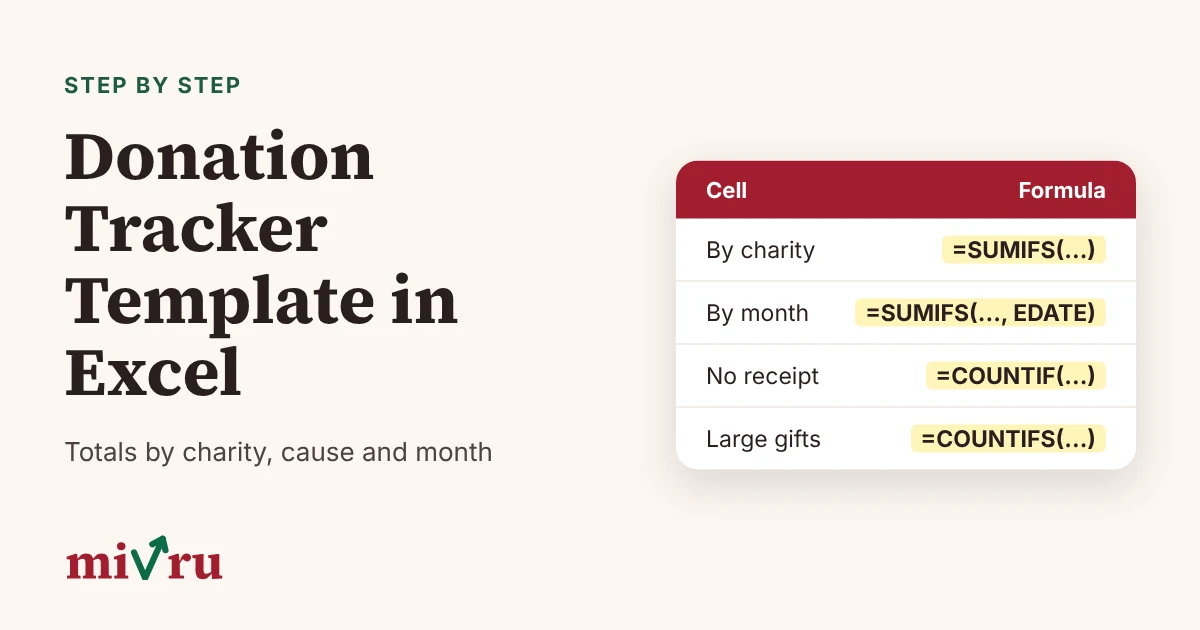
A donation tracker template in Excel takes about 40 minutes to build and shows what you gave, to whom, in which month and which gifts still need a receipt. This guide builds it step by step with made-up gifts. It is a record-keeping tool, not tax advice.
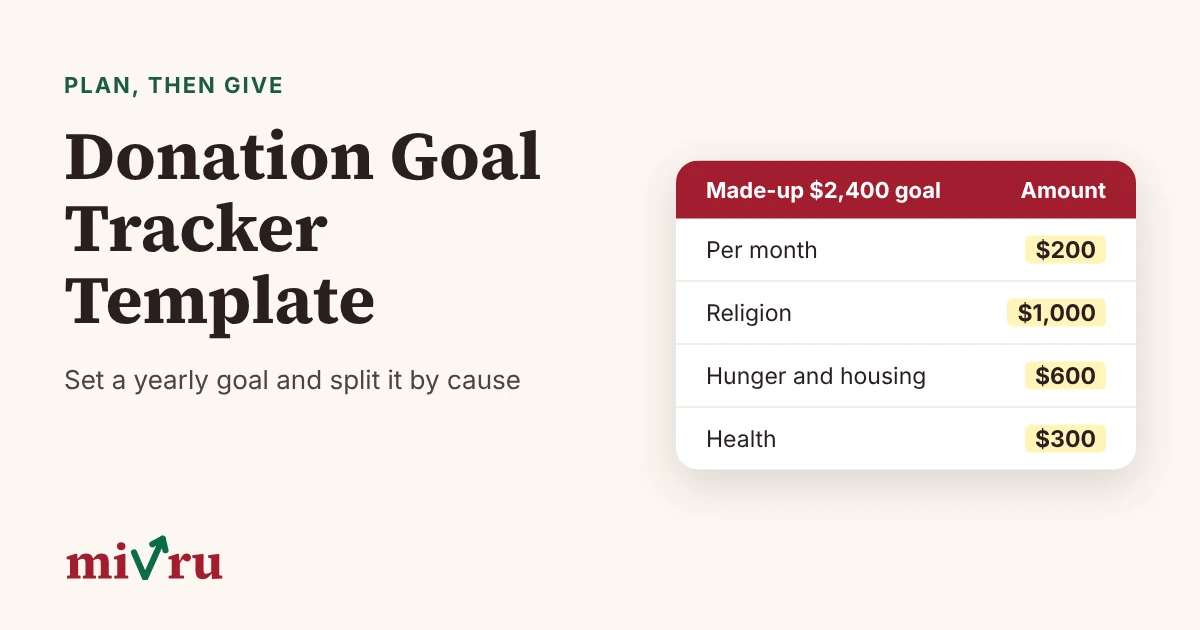
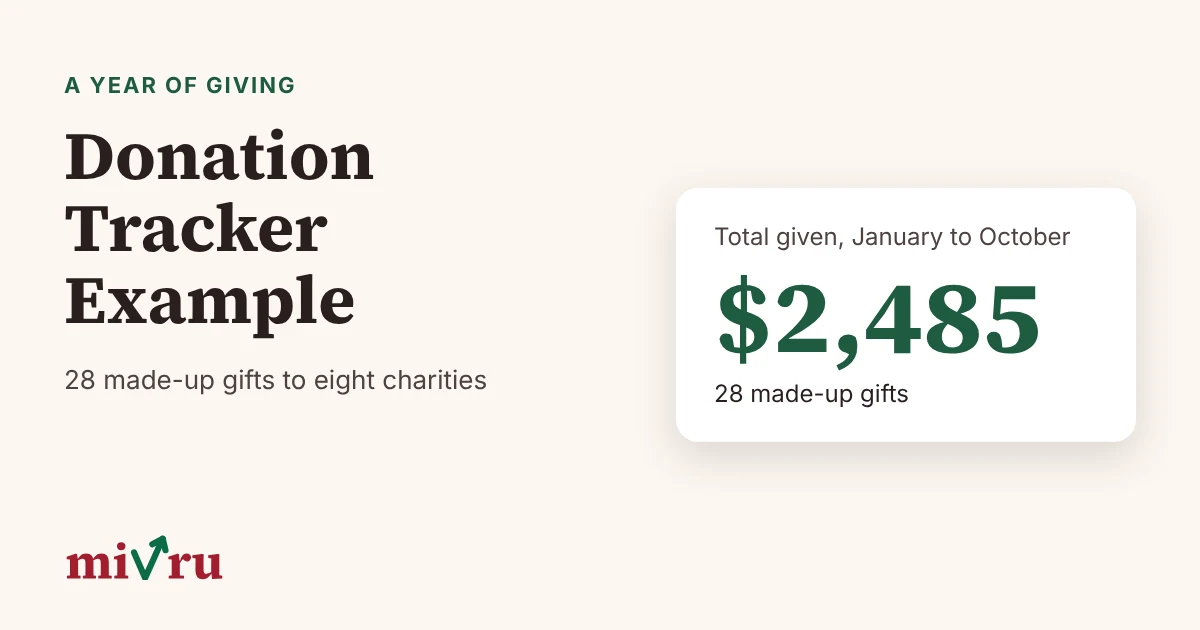
The data matches our donation tracker example. If you want to set a goal first, read the donation goal tracker template guide.
What you will build
- A Log sheet: Date, Charity, Cause, Type, Amount, Paid by, Receipt kept.
- A Lists sheet for the drop-downs.
- A Summary sheet with totals by charity, cause, month and receipt status.
Step 1: Lists
On Lists, type your charities in A2:A9, the causes in B2:B10 and the payment methods (Card, Check, Cash, Online, Other) in C2:C6.
Step 2: The Log
On Log type in row 1: Date, Charity, Cause, Type, Amount, Paid by, Receipt kept, Notes. Add a few made-up rows, for example 1/1/2026, Community food bank, Hunger and housing, Money, 60, Card, Yes.
Step 3: Drop-downs
Select B2:B600, choose Data > Data Validation, set Allow to List and Source to =Lists!$A$2:$A$9. Do the same for Cause (=Lists!$B$2:$B$10) and Paid by (=Lists!$C$2:$C$6). For Type use the list Money,Goods or items,Other, and for Receipt kept use Yes,No. Microsoft explains the dialog on its page about applying data validation to cells.
Step 4: Totals by charity
On Summary list the charities in A2:A9 and enter in B2:
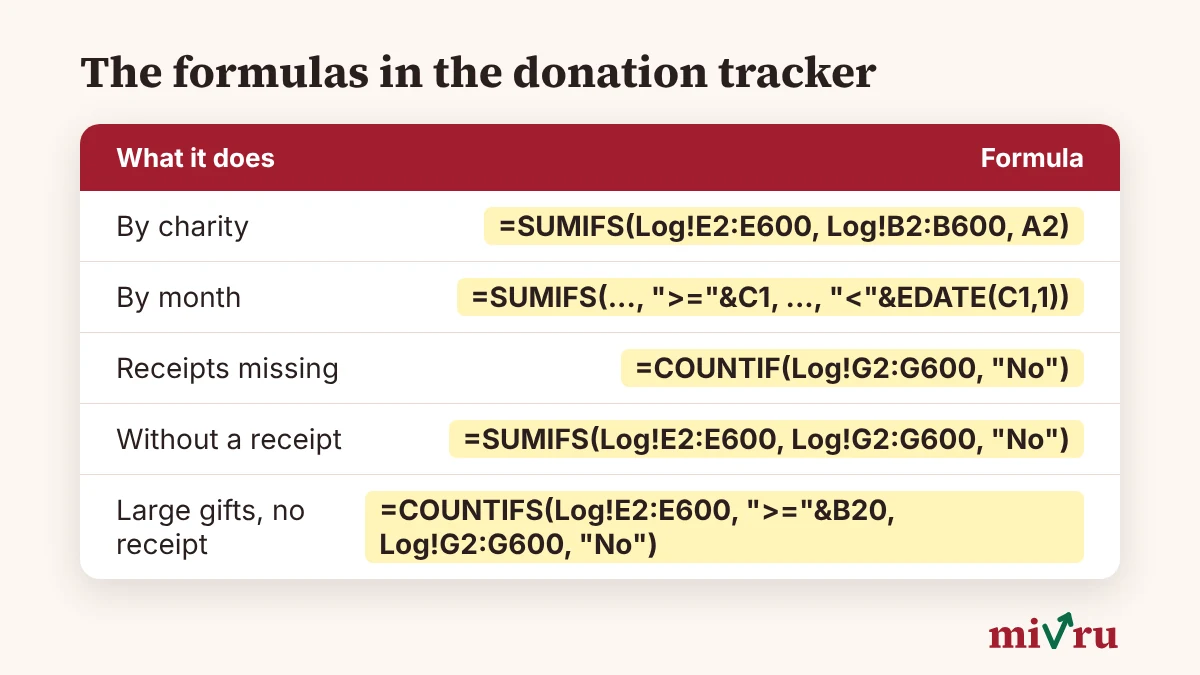
=SUMIFS(Log!$E$2:$E$600,Log!$B$2:$B$600,A2)
Copy it down. SUMIFS adds the amounts where the charity matches. In the example, the local church comes to $1,000 and the food bank to $600. Do the same by cause with column C of the log.
Step 5: Totals by month
Put the first day of each month across a row, then under each enter:
=SUMIFS(Log!$E$2:$E$600,Log!$A$2:$A$600,">="&C1,Log!$A$2:$A$600,"<"&EDATE(C1,1))
EDATE returns the same day one month later, so the formula adds everything from the start of the month up to the start of the next. June comes to $460 in the example and January to $160.
Step 6: Receipts
| Label | Formula |
|---|---|
| Receipts kept | =COUNTIF(Log!$G$2:$G$600,"Yes") |
| Receipts missing | =COUNTIF(Log!$G$2:$G$600,"No") |
| Amount without a receipt | =SUMIFS(Log!$E$2:$E$600,Log!$G$2:$G$600,"No") |
Microsoft's COUNTIF page explains the criteria. In the example: 25 kept, 3 missing and $100 without a receipt.
Example: 25 + 3 = 28, the number of gifts. The three missing receipts are cash gifts of $30, $45 and $25.
Step 7: Flag large gifts
In a cell, for example Summary!B20, type a flag amount such as 250. Then:
=COUNTIFS(Log!$E$2:$E$600,">="&B20,Log!$G$2:$G$600,"No")
counts large gifts with no receipt. Keep the flag amount in a cell so you can change it. Ask the charity or a tax professional what acknowledgment larger gifts need; the IRS points to Publication 1771 for the substantiation rules in its page on charitable contribution deductions. In the example, two gifts are $250 or more and both have receipts, so the count is 0.
Step 8: Highlight what needs attention
Select the Receipt kept column, choose Home > Conditional Formatting > New Rule > Use a formula and enter =G2="No" with a red fill. Microsoft's page on conditional formatting walks through the dialog.
Tips
- Log the day you give. Cash gifts are the easiest to forget.
- Use card or check when you can. The FTC says it leaves a record and is the recommended way to donate safely.
- Keep receipts in a folder named for the year and note the folder in the Notes column.
Related guides
For the Google version, see the donation tracker in Google Sheets. For the records side, read donation tracker for taxes. For everyday spending, see the expense tracker in Excel. This is general information, not tax advice.
What the Summary should show
| Check | Value in the made-up year |
|---|---|
| Local church | $1,000 |
| Community food bank | $600 |
| June | $460 |
| September | $455 |
| All gifts | $2,485 |
| Receipts kept / missing | 25 / 3 |
| Amount without a receipt | $100 |
| Large gifts ($250 or more) without a receipt | 0 |
Two gifts are $250 or more, the hospital fund and the disaster relief fund, and both have receipts. The three missing receipts are small cash gifts.
If something does not work
- A charity shows zero. The name on Log does not match the name on Lists. Use the drop-down.
- A month is empty. Check that the first day of each month is a real date.
- The receipt counts do not add up to the number of gifts. A cell in the Receipt kept column is blank.
- The flag count is zero when it should not be. Check the flag amount cell holds a number.
Keep it going
A donation log only helps if you fill it in. Add each gift the day you give, and look at the Summary once a month. When a red row appears, ask for a receipt while the gift is fresh.
Questions the workbook answers
- Where did my giving go? The charity and cause totals.
- When did I give most? The monthly view, where June and September stand out.
- Which gifts need a receipt? The red rows in the Log.
- Did I reach my goal? Compare the total with your plan from the goal tracker.
A yearly routine
At the end of the year, add up the totals, chase any missing receipts and save the file and the receipts in one folder. Start a new copy for the new year, and keep the old one as your record.
Skip the build
The Mivru Donation & Charitable Giving Tracker has all of this ready: the log, drop-downs, a dashboard with a month picker, a Monthly sheet, a Receipts sheet, five color themes and an 11-page printable. See the Donation & Charitable Giving Tracker.
Frequently asked questions
Can I make a donation tracker in Excel?
Yes. A log with drop-downs and a few SUMIFS and COUNTIF formulas gives you totals by charity, cause and month and a count of gifts without a receipt.
Which formulas do I need?
SUMIFS for totals by charity, cause and month, COUNTIF for receipts, EDATE to get the start of the next month and SUM for the grand total.
How do I add a drop-down in Excel?
Select the cells, choose Data > Data Validation, set Allow to List and point Source at the cells with your list items.
How do I flag large gifts without a receipt?
Use COUNTIFS with the amount ">=" a flag cell and the receipt column equal to No. Keep the flag amount in a cell you can change.
Is there a ready-made version?
Yes. The Mivru Donation & Charitable Giving Tracker has the log, dashboard, monthly sheet and receipts sheet built in, in five color themes, plus an 11-page printable.