Birthday Budget Template Excel: Build One Step by Step
Build a birthday budget template in Excel: categories, budget vs actual with SUMIFS, a guest list and RSVP counts. Formulas explained, printable included.
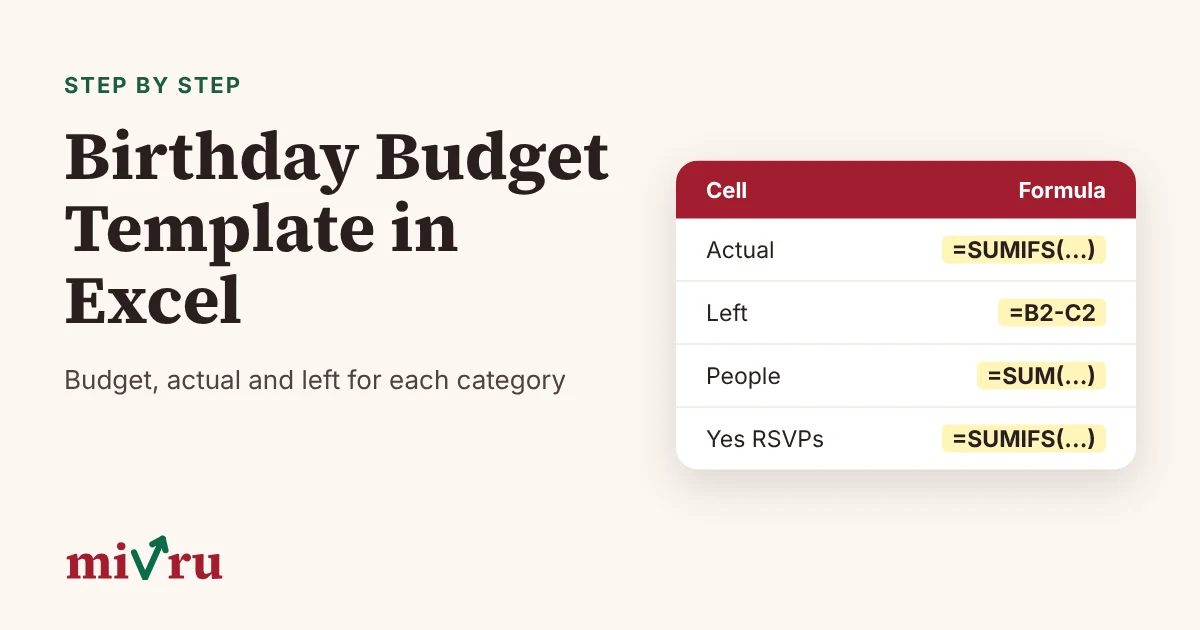
A birthday budget template in Excel takes about 40 minutes to build and shows three things at a glance: what you planned to spend, what you actually spent and what is left in each category. A guest list with an RSVP column gives you the headcount. This guide builds it step by step with made-up numbers.
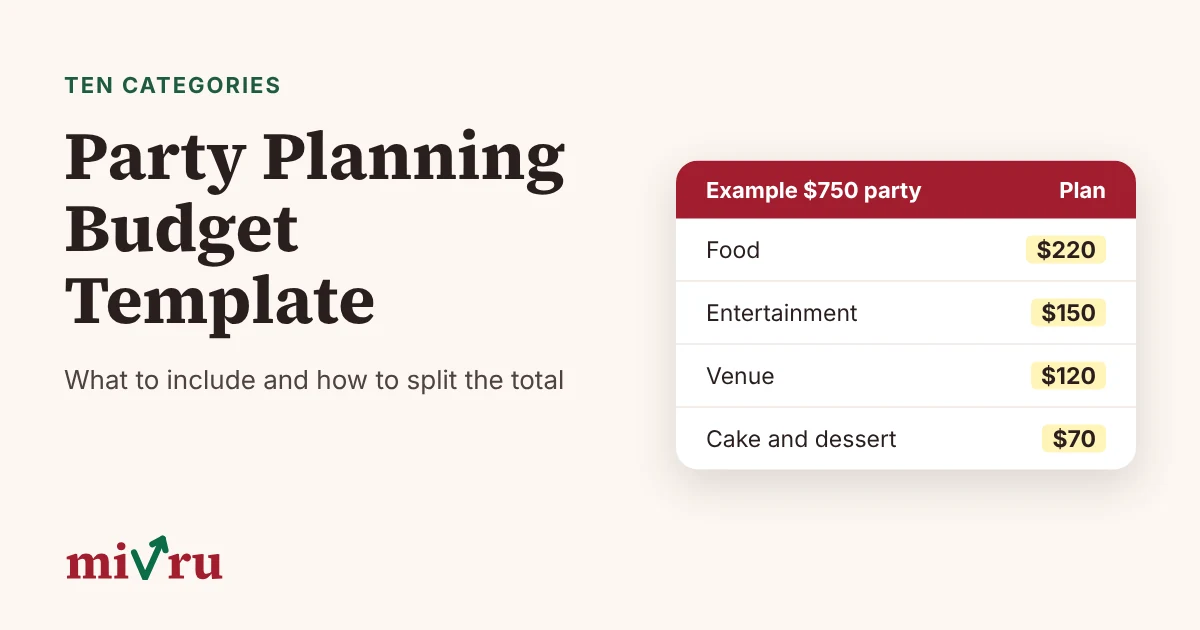
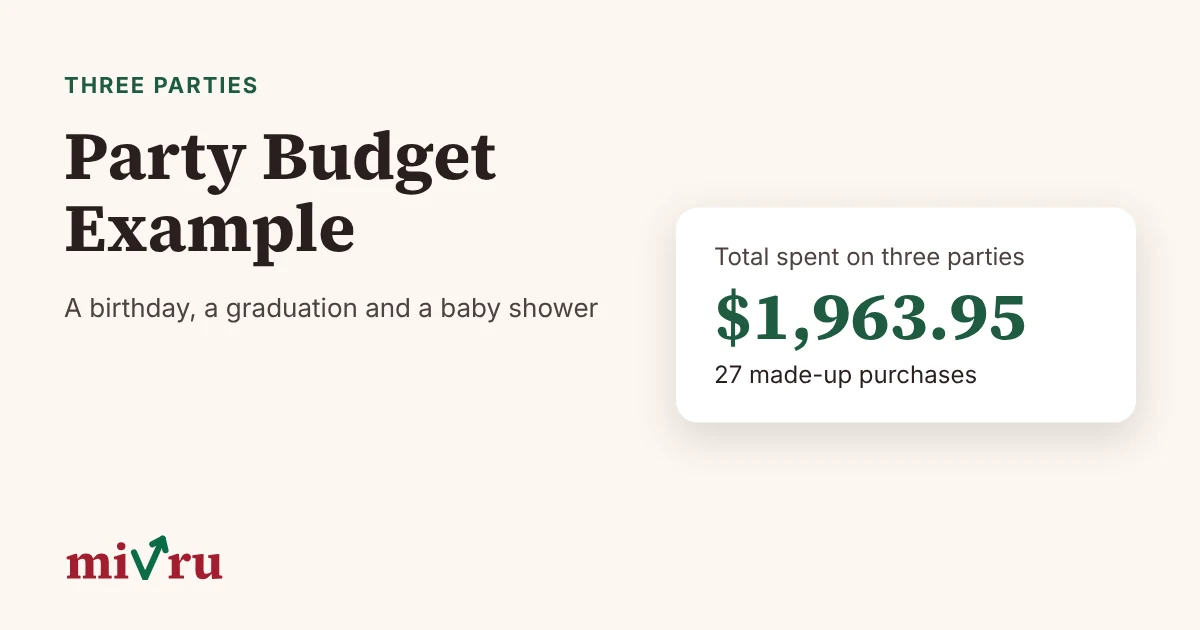
The data matches our party budget example. For what to include, read the party planning budget template guide.
What you will build
- An Expenses sheet: Date, Category, Item, Amount.
- A Budget sheet: Category, Budget, Actual, Left.
- A Guests sheet: Name, Party size, RSVP.
Step 1: Expenses
On Expenses type in row 1: Date, Category, Item, Amount, Paid. Add a few made-up rows: 3/1/2026, Venue, Park pavilion rental, 120, Yes; 3/12/2026, Food, Pizza for 14, 70, Yes; 3/10/2026, Cake and dessert, Birthday cake, 65, Yes.
Step 2: The Budget sheet
On Budget type in row 1: Category, Budget, Actual, Left. In A2:A11 list the ten categories: Venue, Food, Drinks, Cake and dessert, Decorations, Invitations and postage, Entertainment and games, Party favors, Gifts, Other. Type your plan in B2:B11. Made-up numbers: 120, 220, 30, 70, 50, 25, 150, 60, 0, 25, which add up to $750.
Step 3: Drop-down for categories
Select the Category column on Expenses (B2:B500), choose Data > Data Validation, set Allow to List and Source to =Budget!$A$2:$A$11. Microsoft explains the dialog on its page about applying data validation to cells. The drop-down makes sure each category is spelled exactly as on the Budget sheet, which SUMIFS needs.
Step 4: Actual spending
In Budget!C2 enter:
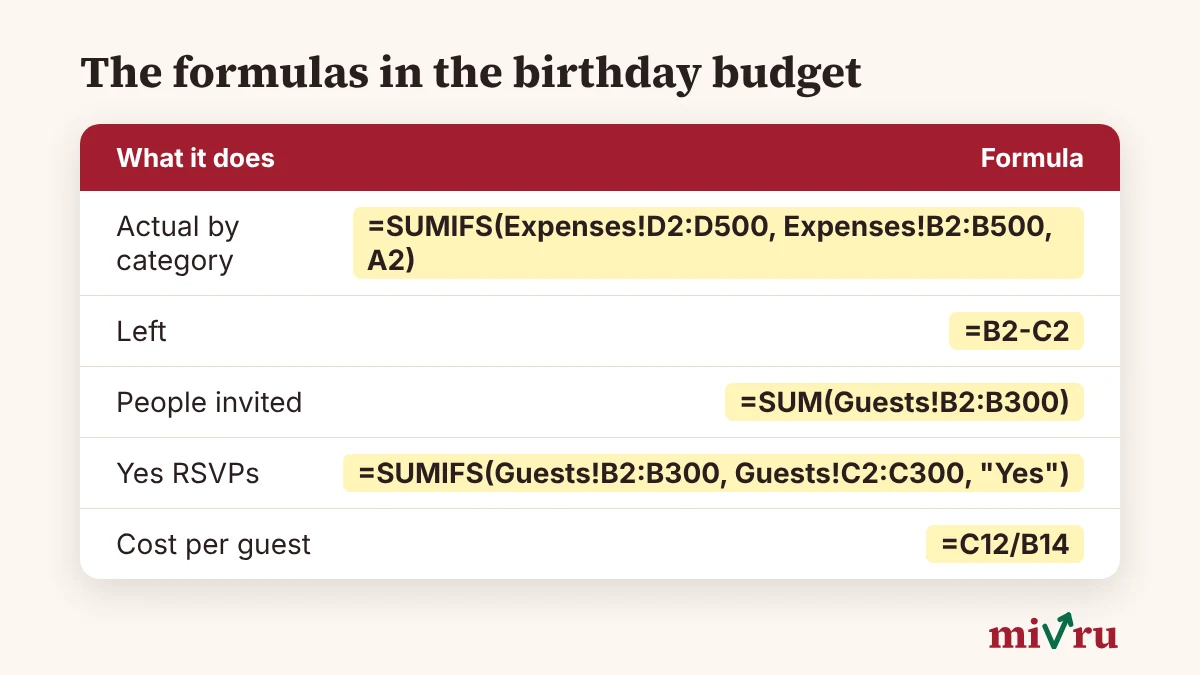
=SUMIFS(Expenses!$D$2:$D$500,Expenses!$B$2:$B$500,A2)
Copy it down. SUMIFS adds the amounts in column D where the category in column B matches A2. In the made-up birthday, food comes to $210.35 and entertainment to $150.00.
Step 5: What is left
In D2 enter =B2-C2 and copy it down. At the bottom add totals: =SUM(B2:B11), =SUM(C2:C11) and =SUM(D2:D11). The example's totals are $750.00 budget, $718.80 actual and $31.20 left.
Example: Food: $220 - $210.35 = $9.65 left. Drinks: $30 - $28.40 = $1.60 left. Venue: $120 - $120 = $0. Every category is within budget in the birthday example, which is why the total shows $31.20 left.
Step 6: Show over-budget in red
Select D2:D12 and choose Home > Conditional Formatting > New Rule > Use a formula. Enter =D2<0 and pick a red font. A negative number now stands out. Microsoft's page on conditional formatting walks through the dialog.
Step 7: Guests and RSVPs
On Guests type: Name, Party size, RSVP. Add a drop-down to RSVP with the list Yes,Maybe,No,Not asked. Then on Budget add:
| Label | Formula |
|---|---|
| People invited | =SUM(Guests!B2:B300) |
| Yes | =SUMIFS(Guests!B2:B300,Guests!C2:C300,"Yes") |
| Maybe | =SUMIFS(Guests!B2:B300,Guests!C2:C300,"Maybe") |
| No | =SUMIFS(Guests!B2:B300,Guests!C2:C300,"No") |
The made-up birthday has 12 invited: 9 yes, 2 maybe and 1 no. Cost per invited guest is =C12/B14, which is $718.80 / 12 = $59.90.
Step 8: Plan food by headcount
Food is the category that moves with the guest count. A simple rule: decide a food amount per person and multiply by the yes and maybe count. If you plan $12 per person for 11 people (9 yes plus 2 maybe), the food line is $132. Adjust when RSVPs change.
Keep the party safe
Plan food with safety in mind. The USDA says perishable food should not sit out for more than two hours, or one hour above 90°F, in its guidance on the danger zone between 40°F and 140°F. That may affect how much you set out at once.
Related guides
For a Google version, see the birthday party budget template in Google Sheets, and for a graduation the graduation party budget guide. For everyday spending, read the expense tracker in Excel. This is general information, not financial advice.
Three categories in a table
| Category | Budget | Actual | Left |
|---|---|---|---|
| Food | $220.00 | $210.35 | $9.65 |
| Drinks | $30.00 | $28.40 | $1.60 |
| Venue | $120.00 | $120.00 | $0.00 |
| All ten categories | $750.00 | $718.80 | $31.20 |
Checks for the guest sheet
| Check | Value |
|---|---|
| People invited | 12 |
| Yes | 9 |
| Maybe | 2 |
| No | 1 |
| Cost per invited guest | $59.90 |
9 + 2 + 1 = 12, and $718.80 / 12 = $59.90.
If something does not work
- A category shows zero. The name on Expenses does not match the name on Budget. Use the drop-down.
- Left does not turn red. Check that the formula refers to the first cell of the range.
- The RSVP counts are off. Check the spelling in the Guests sheet.
- The cost per guest shows an error. The invited count is empty or zero.
Saving a copy
Save a copy of the finished file with the date of the party in the name. Next year, copy it, clear the Expenses and Guests sheets and change the budget. You start with a plan that has already worked.
Reusing the file
The same workbook works for any party. Change the date and the category budgets, clear the old rows and start again. Keep a copy of each finished party, so you can compare cost per guest from year to year.
Share the plan
If someone helps with the party, send them a copy of the Budget sheet only. They can see the plan and what is left without editing your formulas.
Skip the build
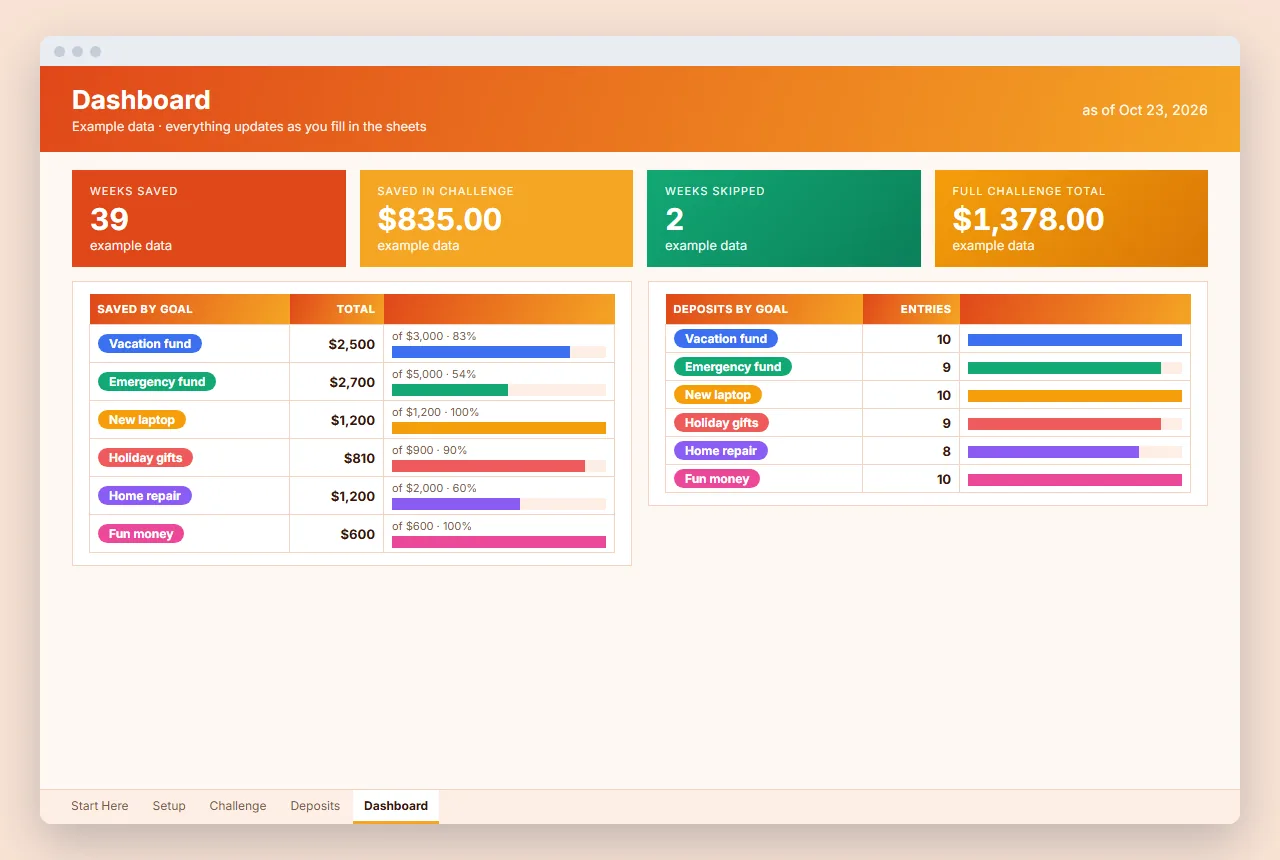
The Mivru Party Budget Planner & Guest List has all of this ready: an Expenses log, a Guests sheet, Budget vs Actual for up to three parties side by side, a dashboard, five color themes and an 12-page printable. See the Party Budget Planner & Guest List.
Frequently asked questions
Can I make a birthday budget in Excel?
Yes. A budget table, an expenses log and a SUMIFS formula give you budget, actual and left for every category, and a guest list gives you RSVP counts.
Which formulas do I need?
SUMIFS for actual spending by category, a subtraction for what is left, SUMIFS on party size for RSVP counts and SUM for totals.
How do I show when a category is over budget?
Use conditional formatting with a formula such as =D2<0 and a red fill or red font on the Left column.
How do I add a drop-down in Excel?
Select the cells, choose Data > Data Validation, set Allow to List and point Source at the cells with your list items.
Is there a ready-made version?
Yes. The Mivru Party Budget Planner & Guest List has the sheets, drop-downs, budget vs actual and RSVP counts built in, in five color themes, plus an 12-page printable.