Printable Budget Planner: Pages for the Whole Month
A printable budget planner for pen and paper: monthly budget, bills and due dates, expense logs, savings goals and a yearly summary. How to use each page.
A printable budget planner puts your whole month on paper: a budget page with planned and actual columns, a bills list with due dates, a spending log and savings goals. You write once or twice a week, and at the end of the month you can see exactly where your money went.
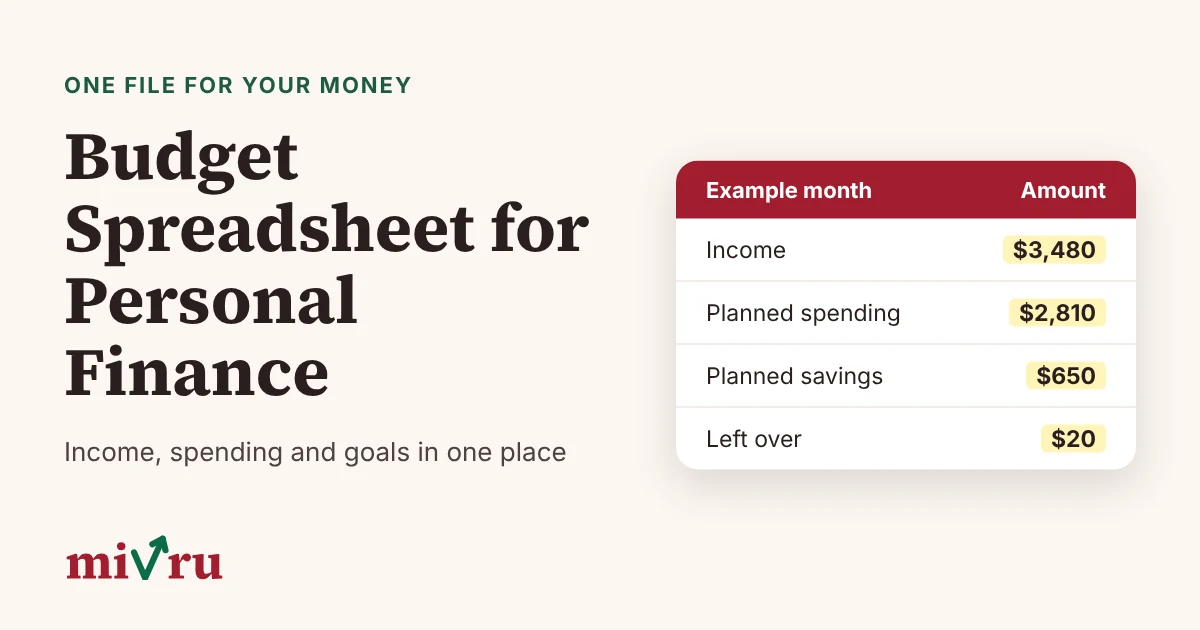
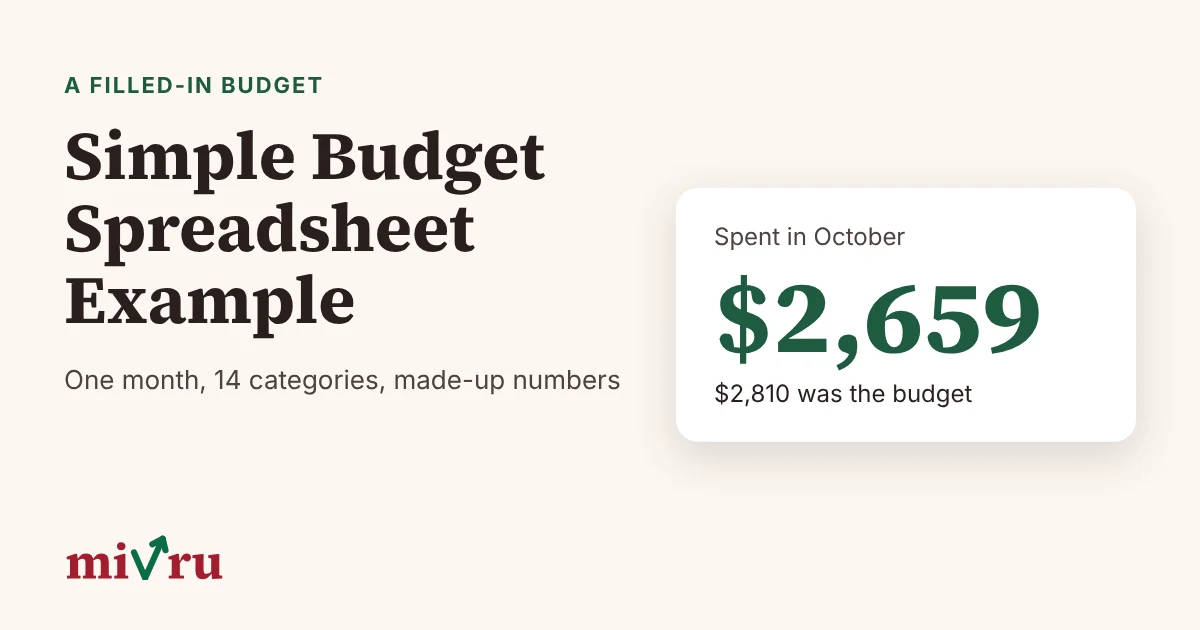
This guide walks through each page of a 13-page planner and how to use it. The figures are the made-up household from our simple budget spreadsheet example: $3,480 of income and a $2,810 plan.
Why use paper for a budget
Paper is quick. There is nothing to open, and writing a number by hand makes you notice it. A printed budget on the fridge or in a binder is hard to ignore. The trade-off is that you add up the totals yourself, which a spreadsheet does for you. If you like paper, a planner keeps it simple.
The U.S. Consumer Financial Protection Bureau suggests tracking a month of spending and sorting it into categories. A printed log is a good way to do that.
The pages
Monthly income and goals (page 3)
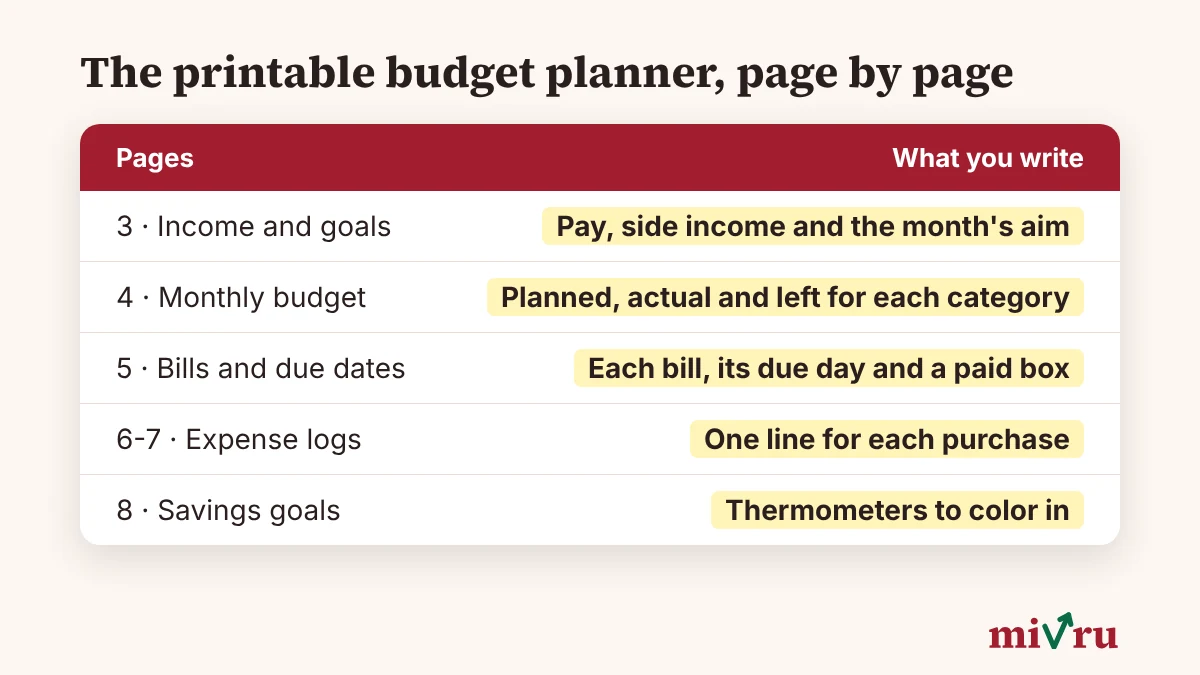
Write each paycheck, side income and the total. Then write what you want the month to look like: how much to save, whether to put extra toward debt and the big thing you are working toward.
Example: Two paychecks of $1,740 make $3,480. The goal is to save $650 and keep spending near $2,810.
Monthly budget (page 4)
List each category and plan an amount. At month end, write the actual and work out the difference: planned minus actual. A negative number means you went over.
Example: Groceries planned $440, actual $410.23, left $29.77. Shopping planned $100, actual $102.50, left -$2.50.
Bills and due dates (page 5)
List every bill, the day it is due and the amount, and tick the box when it is paid. Look at the page every week. If you want a calendar view, see our printable bill tracker.
Expense logs (pages 6 and 7)
Write each purchase on one line: the date, the category, what it was for, the account and the amount. Two pages give you about 44 lines, enough for a typical month if you log everything.
Savings goals (page 8)
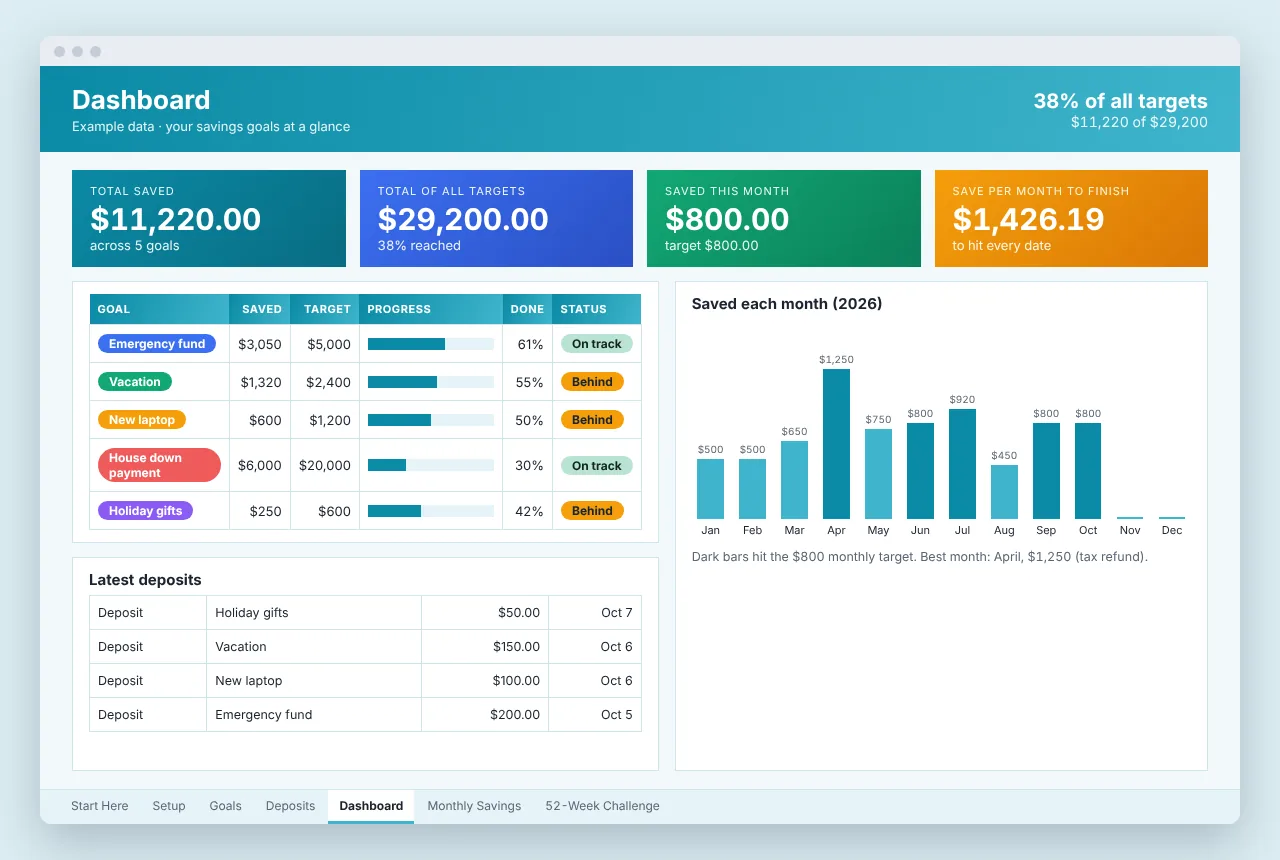
Write each goal and its amount on a thermometer, then color in a box each time you move money toward it. It is a small thing, but seeing the color grow helps you keep going. The CFPB suggests setting a goal, making a plan and saving automatically. Our printable savings tracker has more ideas.
Debt snapshot (page 9)
List what you owe: the balance, the interest rate and the minimum. Pay all the minimums, then choose one debt for any extra money.
Month by month (page 10), money check-in (page 11) and yearly summary (page 12)
The month-by-month grid holds your totals for each month. The check-in lists what to do at the start, middle and end of the month. The yearly summary adds up the year and asks what you will do differently.
A simple routine
- Start of the month: fill in income, plan each category, list bills and move savings on payday.
- Every week: log purchases, glance at the budget page, pay upcoming bills.
- End of the month: fill in the actual column, note what went over and why, and plan the next month.
That is about 10 minutes a week and 30 at month end.
Tips
- Copy the monthly pages every month. Planned amounts rarely change much.
- Keep the log where you spend. A pen in your bag or a photo of the receipt works.
- Use a binder. One place for the whole year.
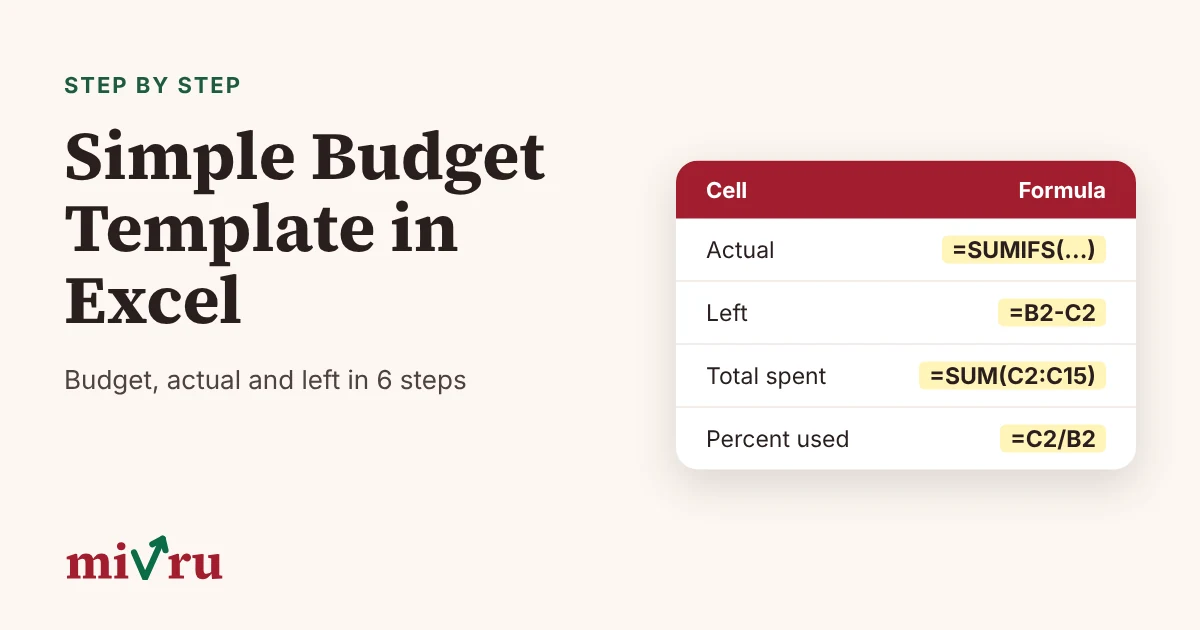
- Pair it with a spreadsheet if you want the adding done for you. See our simple budget template in Excel.
This is general information, not financial advice.
The pages and when you use them
| Page | What you write | When |
|---|---|---|
| Monthly budget | Planned amount for each category, then the actual | Start and end of the month |
| Bills and due dates | Each bill with its due day, and a tick when paid | When a bill arrives or is paid |
| Expense logs | One line for each purchase | Once or twice a week |
| Savings goals | Color in a thermometer as you save | On payday |
| Debt snapshot | What you owe, the rate and the minimum | Once a month |
| Month by month | Totals for each month of the year | End of each month |
| Money check-in | A tick list for the start, middle and end of the month | Weekly |
| Yearly summary | Income, savings and spending for the year | At year end |
Paper or spreadsheet?
| Paper | Spreadsheet | |
|---|---|---|
| Adds up for you | No | Yes |
| Works without a screen | Yes | No |
| Easy to see a missing page | Yes | Less so |
| Good for sharing with a partner | Needs a shared spot | Easy to share online |
| Good for charts | No | Yes |
Many people start on paper to build the habit and move to a spreadsheet when they want the totals done for them. Others stay on paper, and that works well too, as long as the habit sticks.
Making the printable work for you
- Print a few extra copies of the monthly page. Then a fresh one is ready on the first.
- Keep it somewhere you will see it. A binder on the kitchen counter beats a drawer.
- Use pencil for planned amounts and pen for actuals. Plans change.
- Check the math. Add the columns twice, or use a calculator. A small error can hide a real overspend.
Want the printable ready-made?
The Mivru All-in-One Budget Planner includes a 13-page printable planner in color and in black and white: the pages above, plus a cover, how-to and notes. It also comes with a spreadsheet in five color themes for Excel and Google Sheets that adds everything up for you. See the All-in-One Budget Planner.
Frequently asked questions
What should a printable budget planner include?
A monthly budget with planned and actual columns, a list of bills with due dates, a spending log, savings goals and a place to review the month. A yearly summary helps too.
How do I use a printable budget planner?
Plan the month on the budget page, list your bills, write each purchase on the log and fill in the actual column at month end. A weekly check-in keeps it current.
Is paper or a spreadsheet better for a budget?
It depends on the person. Paper is quick and has no screen. A spreadsheet adds things up for you. Many people use both: paper for the plan, a spreadsheet for the totals.
Should I print in color or black and white?
Either works. Black and white saves ink. Color makes the pages easier to tell apart and nicer to look at.
How many copies of each page do I need?
Print one budget page and one bills page for each month, and as many expense logs as you fill. A binder or folder keeps them together.