Monthly Expense Log: What to Write on Every Line
How to fill in a monthly expense log: what goes on each line, how to pick categories, add up a week and spot patterns. Example and a free printable.
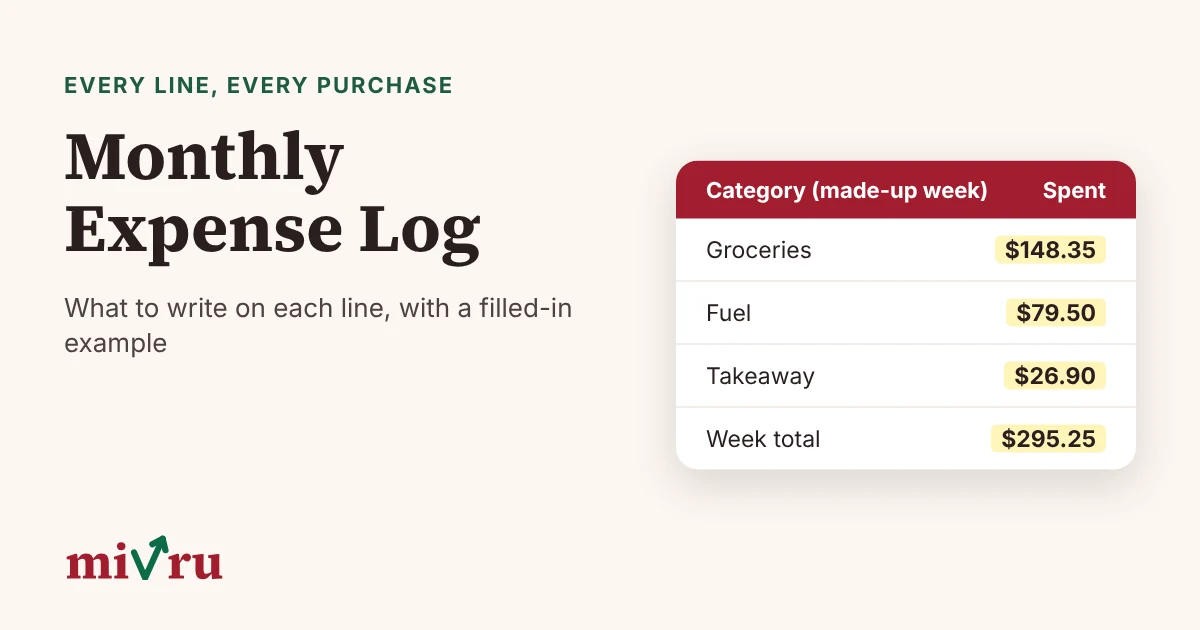
A monthly expense log is a page where you write down each purchase: the date, what it was, a category and the amount. It does not ask you to budget or to change anything. It only asks you to look at where the money goes.
This guide shows what to write on every line, with a made-up week as an example. You can follow it with our free one-page Monthly Expense Log, which has room for 22 purchases and totals.
Why a log works
Most people can name their rent and not much else. A log fills the gap. After a month of writing things down, you can answer questions you could not before: how much did coffee cost, how much did takeaway cost, did fuel go up?
The U.S. Consumer Financial Protection Bureau suggests keeping a container or envelope for every receipt and sorting them into categories each week in its spending tracker worksheet. The log is the place where that sorting happens.
What to write on each line
Every line has four parts:
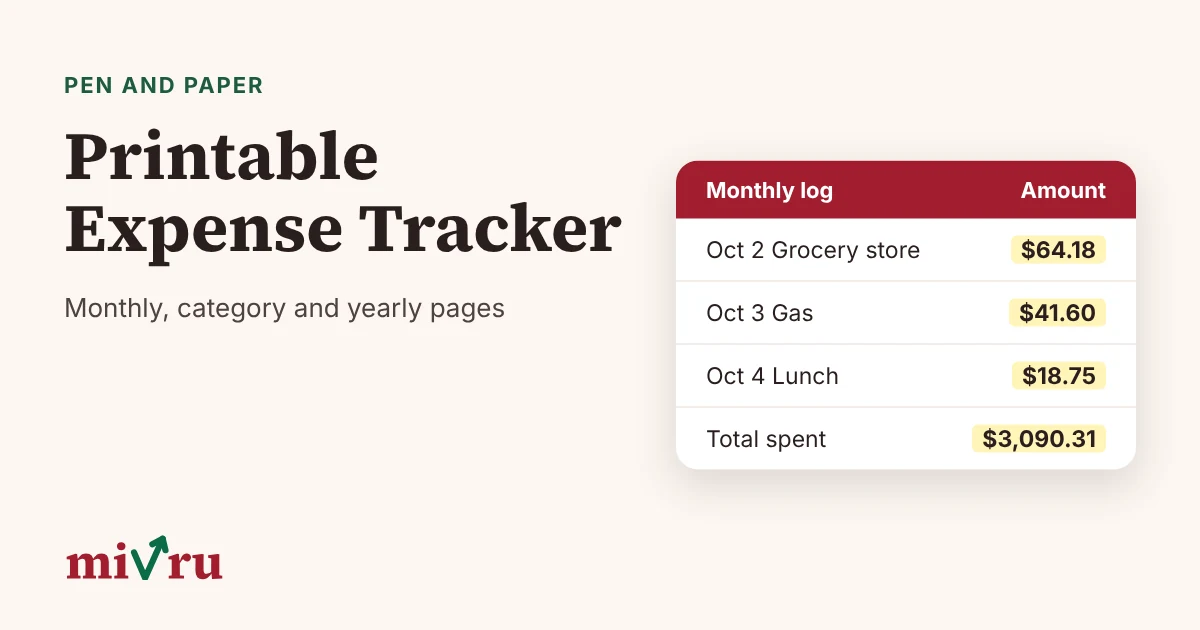
| Column | What to write | Example |
|---|---|---|
| Date | The day you paid | Mon |
| What | A few words | Supermarket |
| Category | One word from your list | Groceries |
| Amount | What you paid | $54.20 |
If you use more than one card or cash, add a fifth column for how you paid. That makes it easier to match the log to a statement.
Step 1: Choose your categories
Write your categories once, at the top, so you do not invent a new one every time. A short list works best:
- Housing and bills
- Groceries
- Fuel and transport
- Eating out and coffee
- Health and pharmacy
- Clothes and shopping
- Fun and subscriptions
- Everything else
You can split a category later if one gets big. Starting small keeps each line quick.
Step 2: Write each purchase
Write the line when the purchase happens, or at the end of the day from your receipts. A quick note on your phone works as a bridge if the log is at home. Round nothing: write the real amount, with cents.
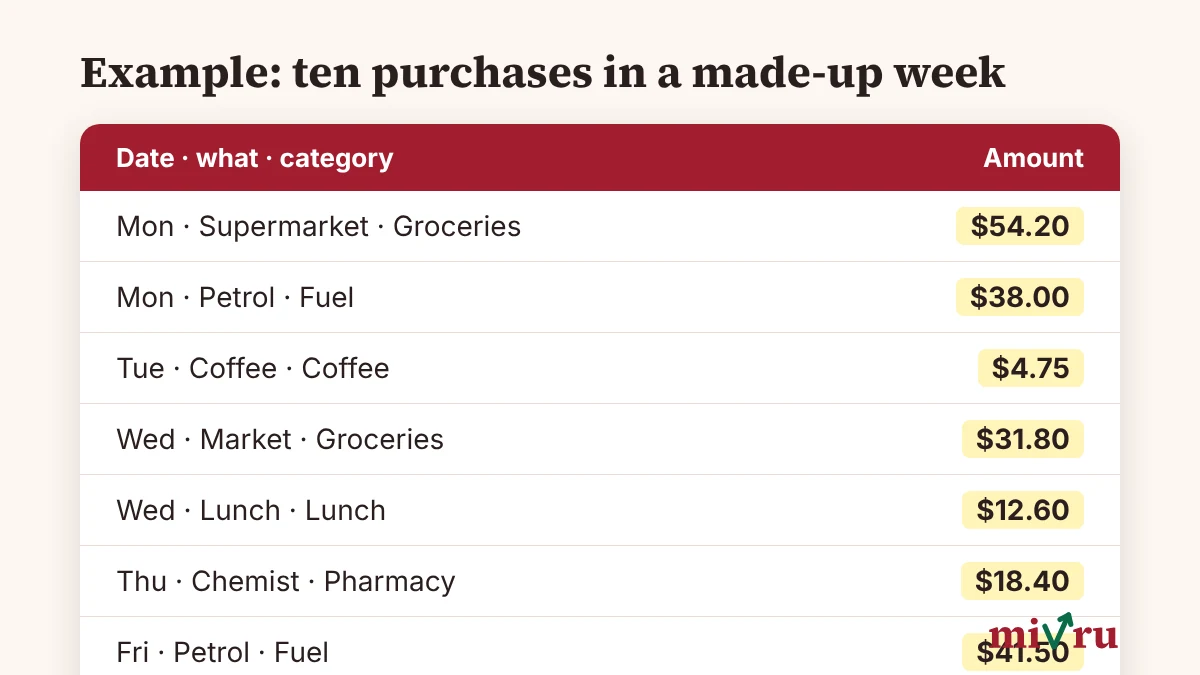
Step 3: Add up each category
Once a week, add up each category. Write the totals at the bottom of the page. This takes five minutes and shows you where the week went.
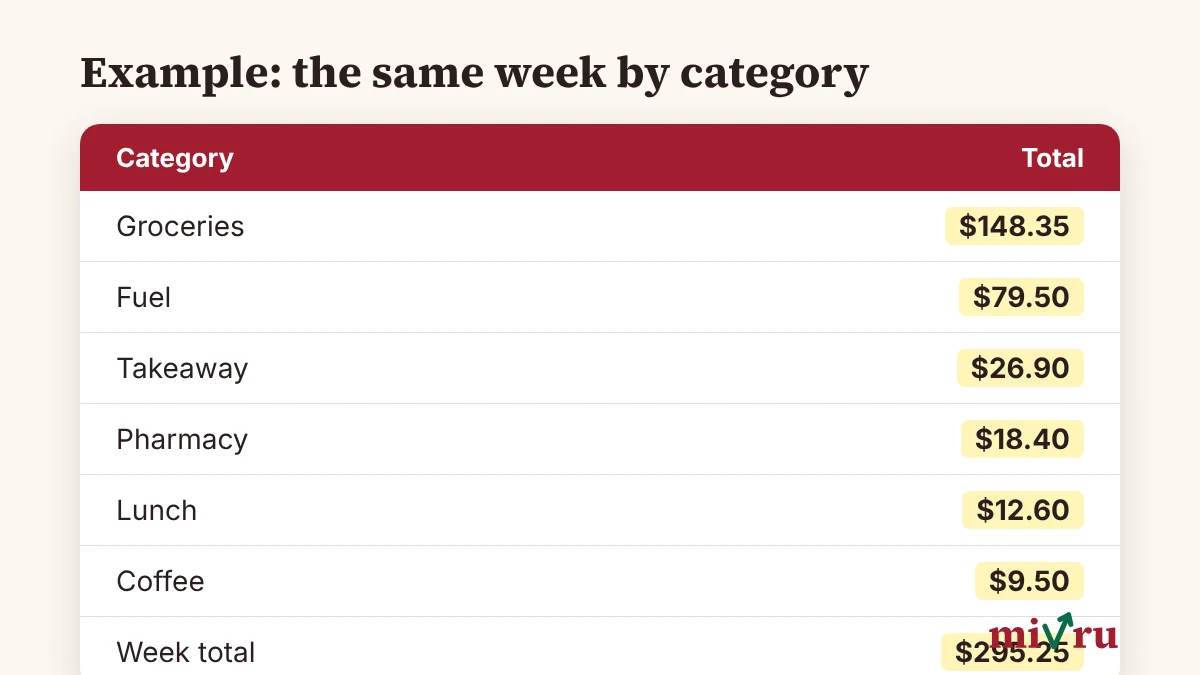
Example: Groceries come to $148.35 (54.20 + 31.80 + 62.35). Fuel comes to $79.50 (38.00 + 41.50). Takeaway is $26.90, pharmacy $18.40, lunch $12.60 and coffee $9.50 (two visits). The week total is $295.25. This is a made-up week for illustration.
Step 4: Look for patterns
At the end of the month, add the four weekly totals. Then ask three questions:
- Which category is the biggest? Is that what you expected?
- Which category surprised you? Small items such as coffee often add up faster than people think.
- Is there a day or week that stands out? A big one-off or a habit that grows on weekends are both worth a note.
You do not have to change anything. Knowing is the first step. If you want to act, pick one category and aim to lower it a little next month.
For a sense of how big categories compare nationally, the U.S. Bureau of Labor Statistics publishes the Consumer Expenditure Surveys. Your numbers will differ, and that is fine: the log is about your own spending.
Step 5: Start the next page
Print a fresh log for the next month. Keep the old ones together and compare them every few months. A trend over three months tells you much more than one month.
A quick check that the log is right
At the end of the month, compare the total on your log with the total on your card and bank statements for the same period. They will rarely match to the cent, because of cash and timing, but they should be close. If the log is much lower, you are missing purchases, and the gap is a good place to look for the habit you are not writing down. If it is higher, you may have written a purchase twice or included something paid by someone else.
Tips for keeping the log going
- Keep it where you will see it. Next to the receipt envelope, or by the door.
- Write the line before you forget. A quick note is better than a perfect log you never fill in.
- Do not judge the numbers. The log is a tool for noticing, not for feeling bad.
- Use the same categories every month. Then months are easy to compare.
- Keep cash receipts too. Cash is the easiest spending to forget.
Common mistakes
- Waiting until the end of the month. Details are lost, and the log feels like homework.
- Using too many categories. Eight to twelve is enough.
- Leaving out small purchases. They are often the surprise.
- Mixing business and personal spending. Keep a separate log if you have a side hustle.
- Not adding up the page. The totals are the point. A log with no totals is only a list.
When one page is not enough
A single page holds 22 purchases, so a busy month may need two or three. If that feels like too much, a spreadsheet adds up the categories for you and shows the whole year. See how to build an expense tracker in Excel, a filled-in expense tracker example or the simple method in how to track your expenses.
Want the adding done for you?
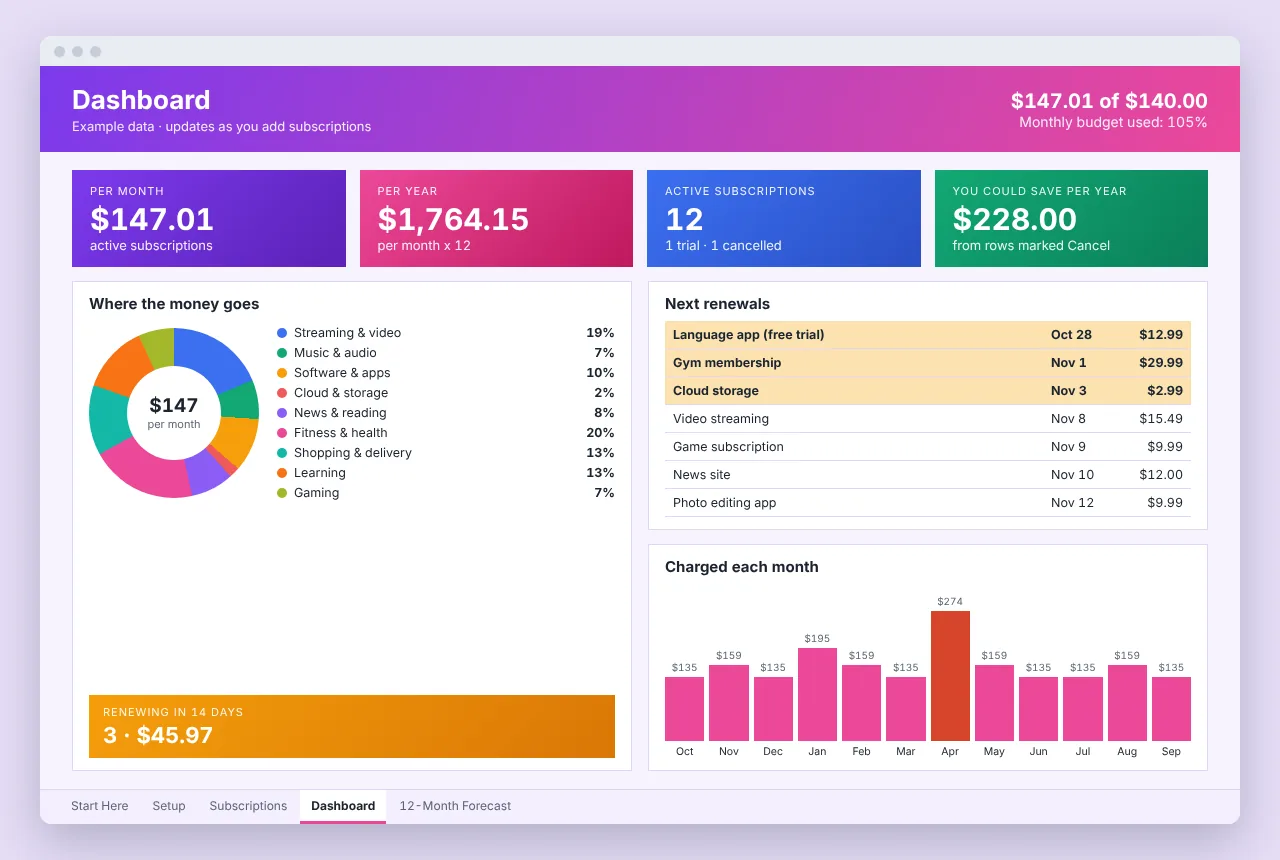
The Mivru Expense Tracker Spreadsheet has an expense log with category drop-downs, a dashboard with a month picker and budget bars that turn red when you go over, in five color themes for Excel and Google Sheets, plus a 20-page printable planner. See the Expense Tracker Spreadsheet.
Frequently asked questions
What is a monthly expense log?
A page where you write each purchase as it happens: the date, what it was, a category and the amount. At the end of the month you add up each category.
What should I write on each line of an expense log?
Four things: the date, what you bought, a category and the amount. A fifth column for how you paid is useful if you use more than one card.
How many categories should I use?
Eight to twelve is enough for most people. Too few hides where the money goes, and too many makes each line a decision.
Is the expense log free?
Yes. Enter your email on the page and you get a one-page US Letter PDF with 22 lines per page. There is no cost.
How often should I fill in the log?
Write each purchase when it happens or at the end of each day. Add up the page once a week.