Fuel Log Template Excel Free Download Guide
A fuel log template for Excel you can build in 15 minutes, with MPG and cost per mile formulas, plus a free printable fuel and maintenance log (PDF).
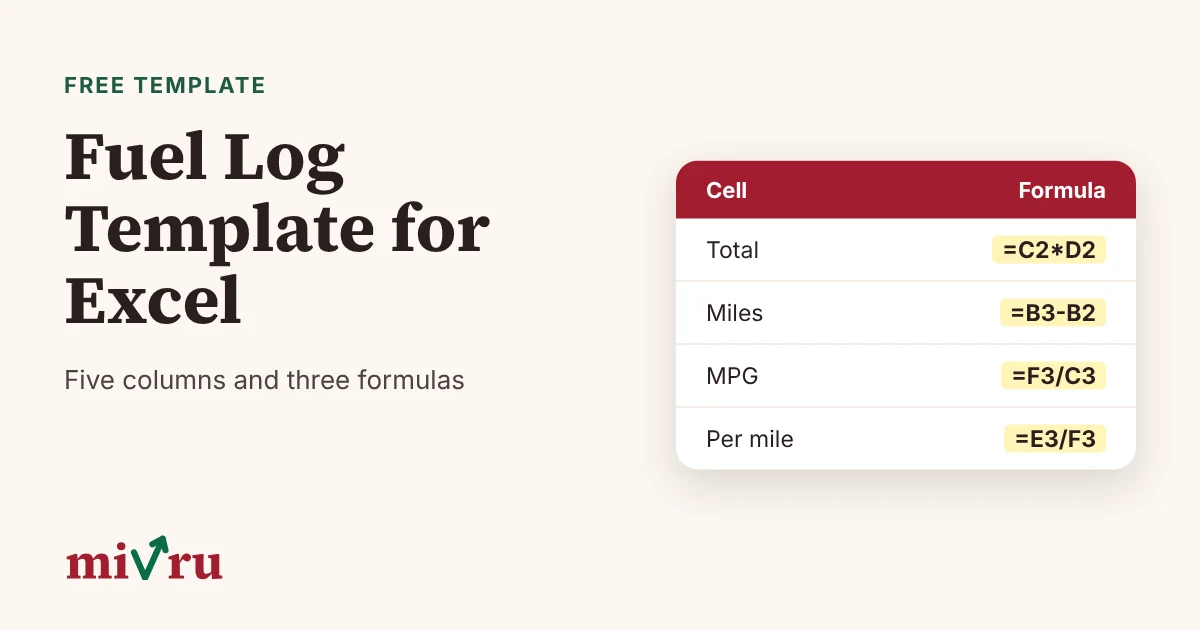
A fuel log template for Excel needs only five columns and three formulas: miles, MPG and cost per mile. You can build it in about 15 minutes, or print a free one-page fuel and maintenance log if you would rather start on paper.
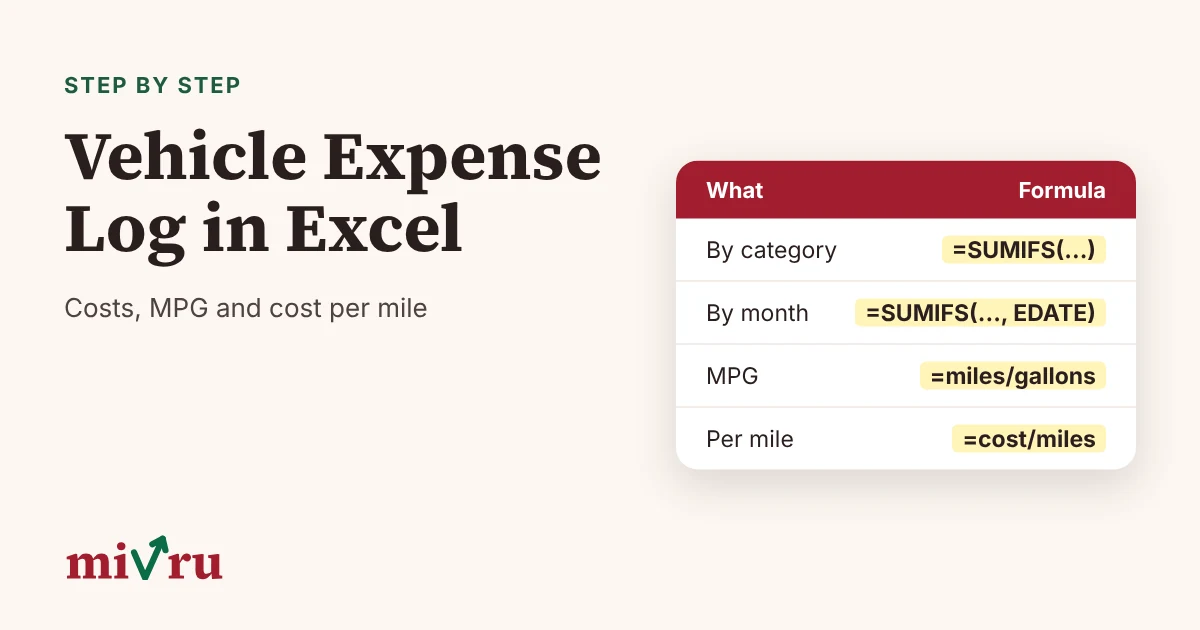
This guide builds the sheet step by step with made-up numbers. For a version that also tracks every other vehicle cost, see our vehicle expense log in Excel guide.
The columns
Open Excel and type these headings in row 1:
| A | B | C | D | E | F | G | H |
|---|---|---|---|---|---|---|---|
| Date | Odometer | Gallons | Price per gallon | Total | Miles | MPG | Cost per mile |
Columns A to D are what you type. E to H are calculated.
Step 1: Add fill-ups
Add two made-up fill-ups. Row 2: 10/4/2026, 56426, 11.8, 3.84. Row 3: 10/16/2026, 56797, 12.1, 3.91.
Step 2: Total cost
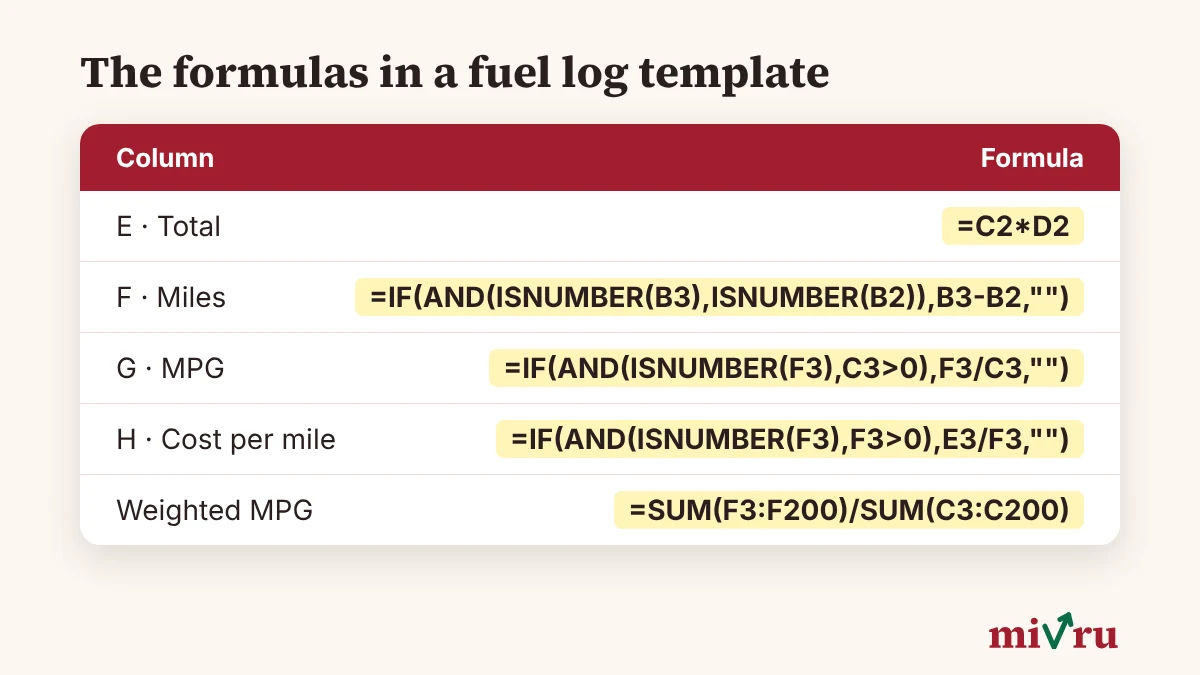
In E2 enter =C2*D2 and copy it down. For row 3 that gives $47.31. If you type the total from the receipt instead of the price per gallon, skip the price column and type the total directly.
Step 3: Miles
The first row has no earlier reading, so leave F2 blank. In F3 enter:
=IF(AND(ISNUMBER(B3),ISNUMBER(B2)),B3-B2,"")
Copy it down. Row 3 gives 56,797 - 56,426 = 371 miles.
Step 4: MPG
In G3 enter:
=IF(AND(ISNUMBER(F3),C3>0),F3/C3,"")
Format the cell with one decimal place. 371 / 12.1 gives 30.7 MPG. For a fair figure, fill the tank each time. If you only top up, miles and gallons do not match.
Step 5: Cost per mile
In H3 enter:
=IF(AND(ISNUMBER(F3),F3>0),E3/F3,"")
Format it as currency with three decimals. $47.31 / 371 gives $0.128 per mile.
Example: A made-up Honda Civic logged 25 fill-ups from January to October 2026, drove 8,597 miles and averaged about 31.8 MPG. Its fuel cost $1,013.32, or $0.118 per mile. See the full vehicle maintenance log example.
Step 6: A running average
An average of one fill-up is noisy. At the bottom of the MPG column add =AVERAGE(G3:G200), which ignores blank cells. For a weighted figure that matches how fuel is really used, use total miles divided by total gallons: =SUM(F3:F200)/SUM(C3:C200). The weighted version is the better number because a short fill-up counts for less.
Step 7: Freeze the header and format
Select row 2 and choose View > Freeze Panes so the headings stay put. Format column A as a date and D, E and H as currency. Use conditional formatting to color MPG cells red when they fall well below your average, which can hint at low tire pressure or a problem to check.
The US government's fuel economy site says correct tire pressure improves gas mileage by about 0.6% on average and that a drop of 1 psi in average tire pressure lowers mileage by about 0.2%. A fuel log is a good way to notice when something has changed.
What a fuel log does not track
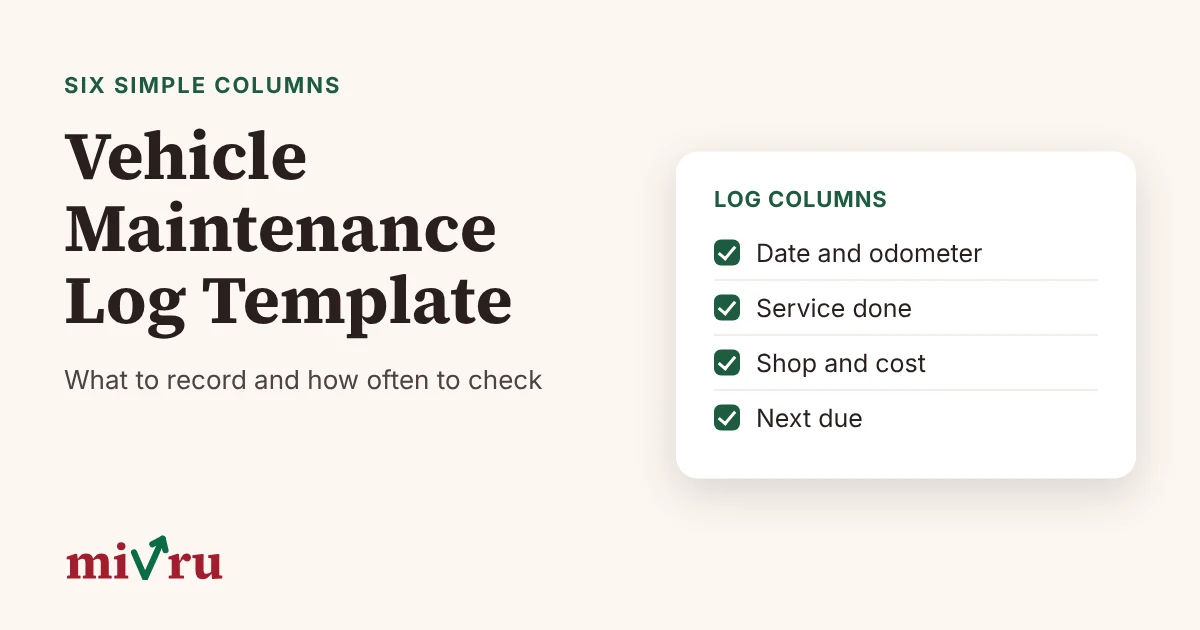
A fuel log covers fuel only. Oil changes, tires, repairs, insurance and registration are separate costs that add up. AAA's 2025 Your Driving Costs study put the average cost of owning and operating a new vehicle at $11,577 a year, so tracking only fuel misses most of the picture. Our vehicle maintenance log template guide covers the rest.
Download the free printable
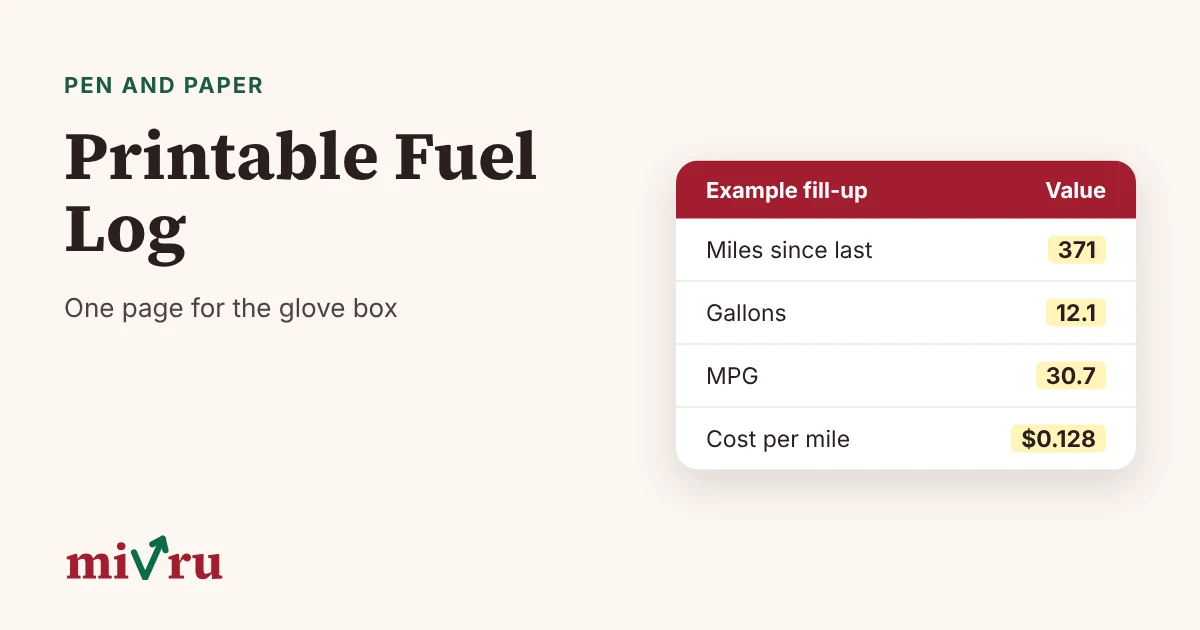
Prefer paper? The free fuel and maintenance log is one US Letter page with a fuel table and a routine maintenance checklist. See also our printable fuel log guide.
A worked fill-up
Here is one made-up fill-up, so you can check your formulas against it.
| Column | Value |
|---|---|
| Date | Example date |
| Odometer | 56,797 |
| Gallons | 12.1 |
| Total cost | $47.31 |
| Last fill-up odometer | 56,426 |
| Result | Formula idea | Value |
|---|---|---|
| Miles | This odometer minus the last | 371 |
| MPG | Miles divided by gallons | 30.7 |
| Price per gallon | Cost divided by gallons | $3.91 |
| Cost per mile | Cost divided by miles | $0.128 |
If your sheet gives the same four numbers for these inputs, the formulas are right.
If something does not work
- MPG shows an error on the first row. The first fill-up has no earlier reading. Leave the MPG cell empty, or wrap the formula in IF.
- MPG is much too high or low. Check that you entered the odometer, not the trip meter, and that you did not skip a fill-up.
- The running average looks wrong. Average the MPG column, or better, divide total miles by total gallons, which weights each fill-up fairly.
- The cost per mile shows an error. If the miles cell is empty, the formula divides by zero. Wrap it in IF.
Tips
- Fill the tank to the same point each time. It makes each reading more accurate.
- Record the odometer, not the trip meter. The odometer does not reset.
- Keep the log with other vehicle costs. Fuel is only one part of what a car costs to run, so see our vehicle maintenance log example for the full picture.
What to do with the numbers
Look at the MPG column once a month. A sudden drop is worth checking: low tire pressure, a different route or a mechanical problem can all show up there first. Write a short note in the Notes column when something changes.
Skip the build
The Mivru Vehicle Expense, Fuel & Maintenance Log tracks fuel and every other cost in one log, with a dashboard, a Monthly sheet, a Fuel & Mileage sheet for each vehicle, five color themes and an 11-page printable. See the Vehicle Expense, Fuel & Maintenance Log.
Frequently asked questions
Where can I get a fuel log template for Excel?
You can build one in about 15 minutes with the columns in this guide, or download a free printable fuel and maintenance log from Mivru and use the ready-made spreadsheet if you want everything calculated.
What columns does a fuel log template need?
Date, odometer, gallons, price per gallon and total cost. Add miles, MPG and cost per mile as calculated columns.
What formula gives MPG in Excel?
=IF(AND(C3>0,B3>B2),(B3-B2)/C3,"") where B is the odometer and C is the gallons, with the formula in the row of the newer fill-up.
How do I get cost per mile?
Divide the total cost of the fill-up by the miles since the last fill-up: =F3/(B3-B2).
Is the free download really free?
Yes. The one-page printable fuel and maintenance log is free. You get the link when you join the email list. The full spreadsheet is a paid product.