Free Monthly Budget Worksheet: How to Fill It In
Get a free monthly budget worksheet to print and learn how to fill it in: income, planned amounts, actual spending and what is left, with a worked example.
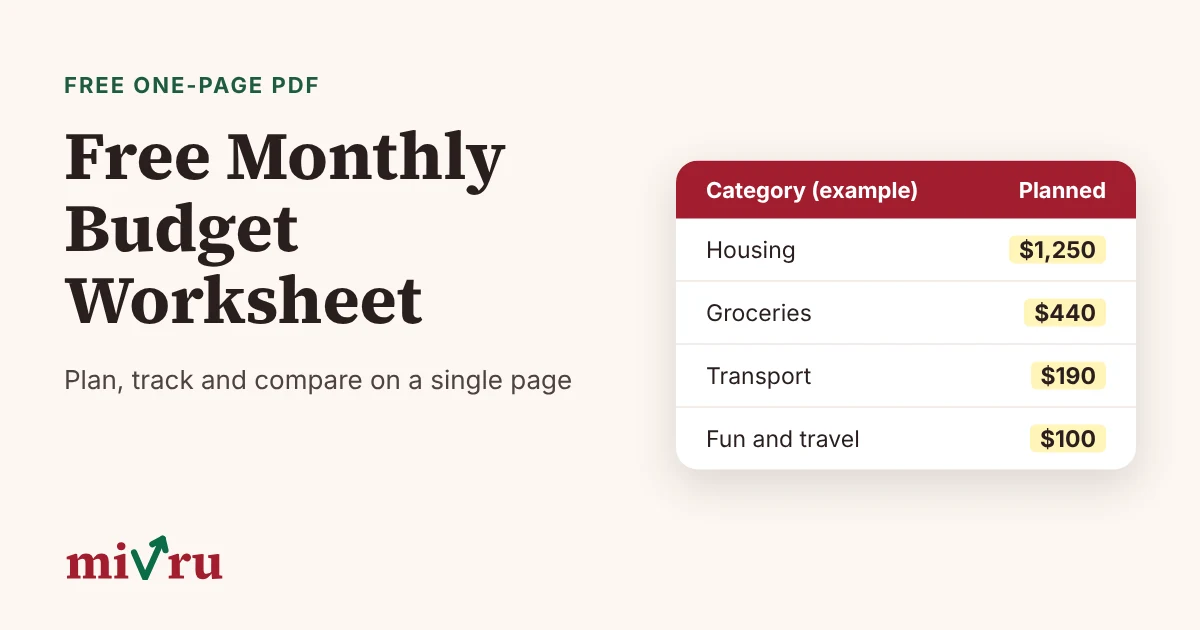
A free monthly budget worksheet is one printed page where you write your income, plan an amount for each category and, at month end, fill in what you really spent. The gap between the two shows where your plan and your month disagreed.
Our free monthly budget worksheet is a one-page US Letter PDF with planned, actual and left columns. This guide shows how to fill it in, with a worked example.
What the worksheet has
- A box for your income at the top.
- A table of categories with columns for planned, actual and left.
- Totals at the bottom.
- Notes for what went over and why.
Print one for each month, or print a few and keep them in a folder.
Step 1: Write your income
Write what you expect to receive this month. If your pay varies, use a low month and treat the extra as a bonus.
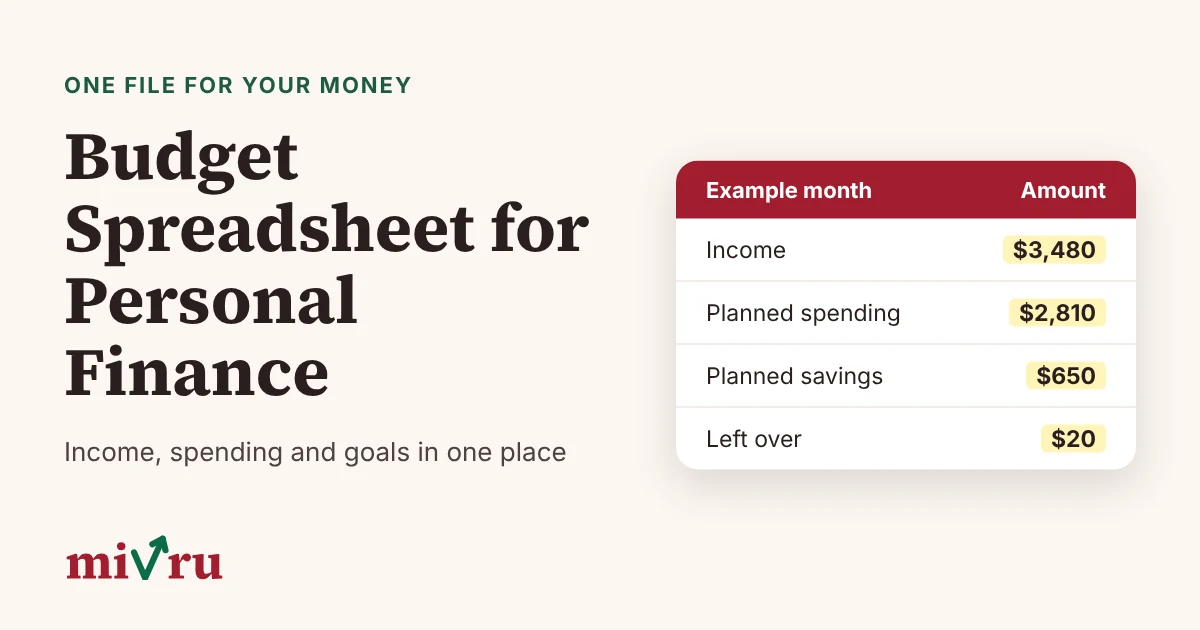
Example: Two paychecks of $1,740 make $3,480 for the month.
Step 2: Write your categories
Start with the bills you cannot skip: housing, utilities, insurance, phone. Then food and transport. Then the rest. Leave a line for savings, so it is planned and not an afterthought.
Step 3: Plan an amount for each
Use last month's real spending as a guide, not a wish. For fixed bills, write the exact amount. For flexible ones such as groceries, use last month's total and trim a little.
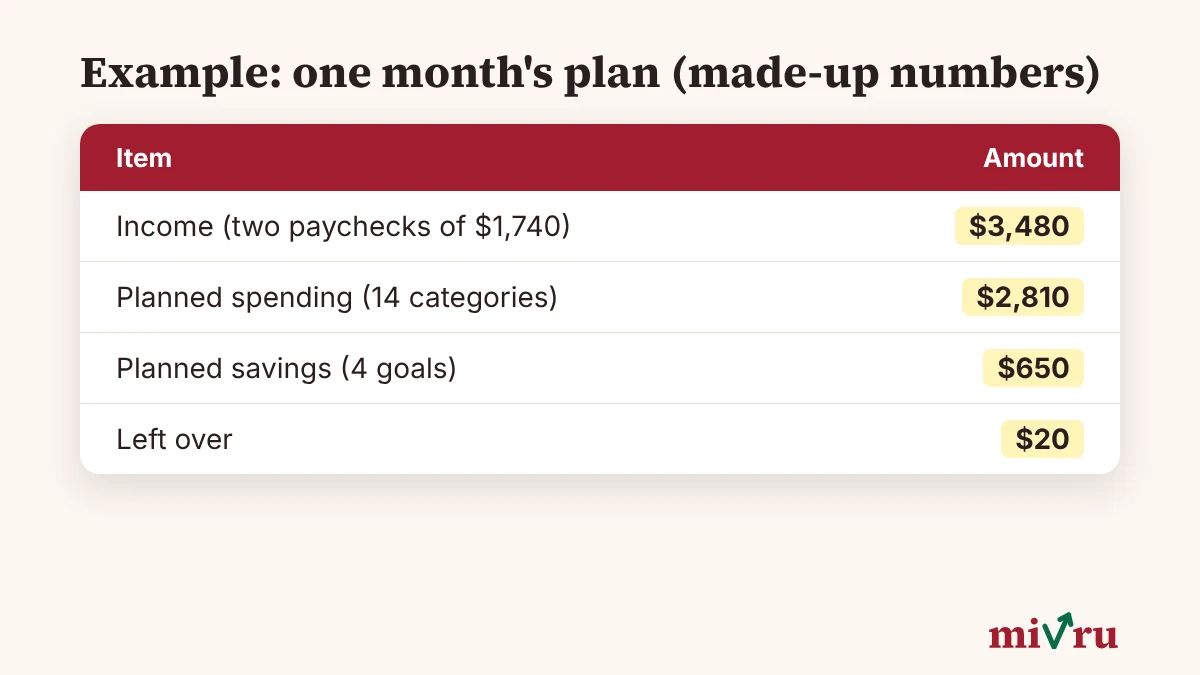
Example: Housing $1,250, groceries $440, transport $190, dining out $100 and ten more lines add up to $2,810. With $650 of savings, $20 is left.
Step 4: Track the month
During the month, keep your receipts or write each purchase in a notes app or a log. You do not need to fill in the worksheet every day. The U.S. Consumer Financial Protection Bureau suggests tracking a month of spending and sorting it into categories, which is what this step does.
Step 5: Fill in the actual column
At month end, add up each category and write it in the actual column. Then work out the left column: planned minus actual. A negative number means you went over.
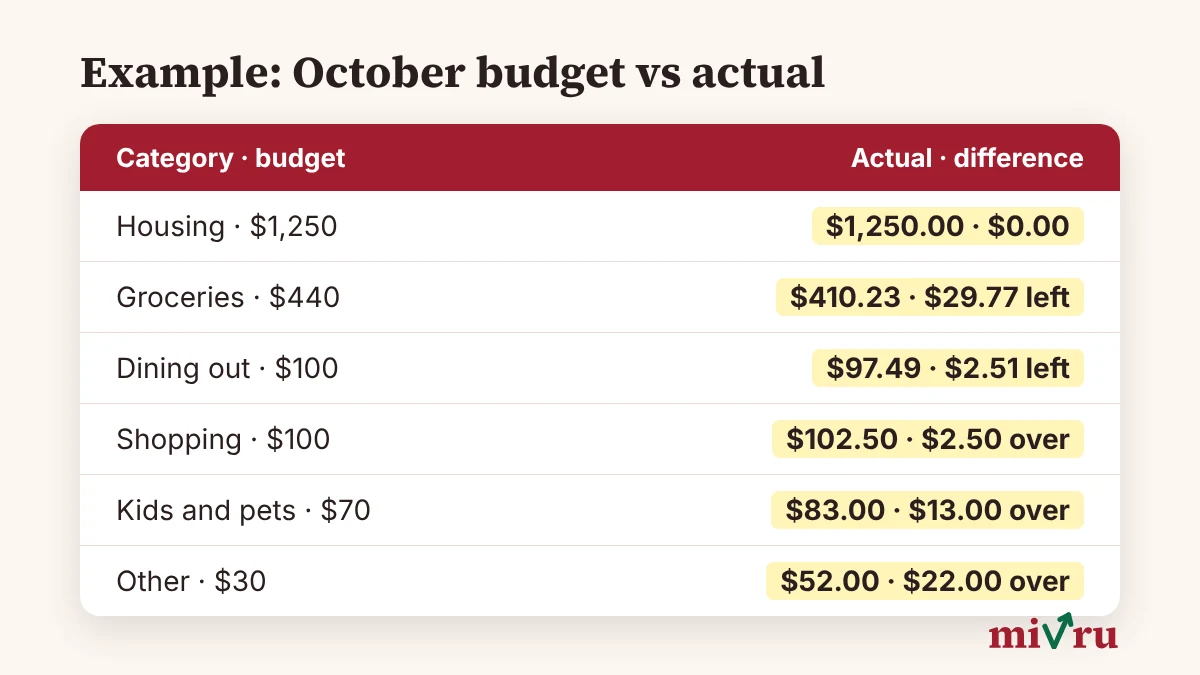
Example: Groceries came to $410.23 against $440, so $29.77 is left. Shopping came to $102.50 against $100, so it is $2.50 over.
Step 6: Learn from it
Look at the biggest gaps. A category that is over once is a blip. One that is over most months needs a bigger plan or a smaller habit. Either is fine, as long as it is a choice. Then plan next month from what you learned.
The CFPB also suggests setting a goal and saving automatically. If you have money left, move it to a goal on payday next month, before you spend.
Tips
- Be honest about the small stuff. Coffee and snacks add up.
- Keep one worksheet per month. Compare them side by side after three months.
- Do not aim for zero overruns. Aim for a plan that matches your real life.
When one page is not enough
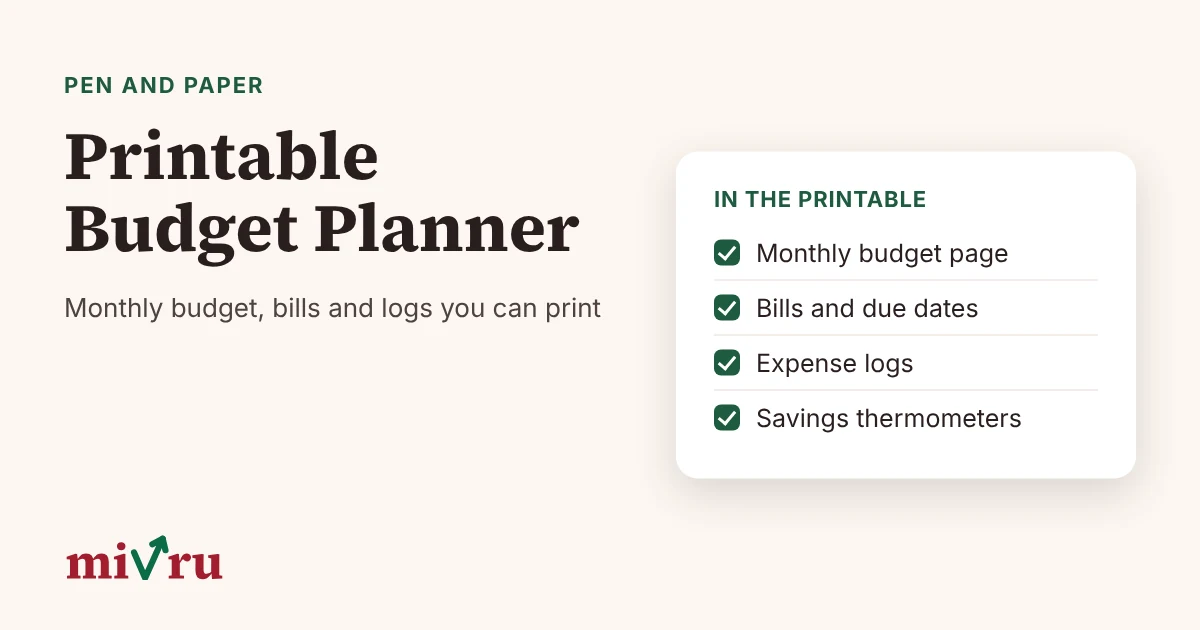
A single sheet is a good start, but it does not add up the log for you, show a year at a glance or track savings goals. If you want that, a spreadsheet does the adding. Try our simple budget template in Excel guide to build one, or see the printable budget planner for a 13-page paper version with bills, logs and goals. This is general information, not financial advice.
An example worksheet, filled in
Here are the lines of a made-up worksheet. The first column is the plan, and the last is what is left.
| Category | Planned | Actual | Left |
|---|---|---|---|
| Housing | $1,250.00 | $1,250.00 | $0.00 |
| Groceries | $440.00 | $410.23 | $29.77 |
| Shopping | $100.00 | $102.50 | -$2.50 |
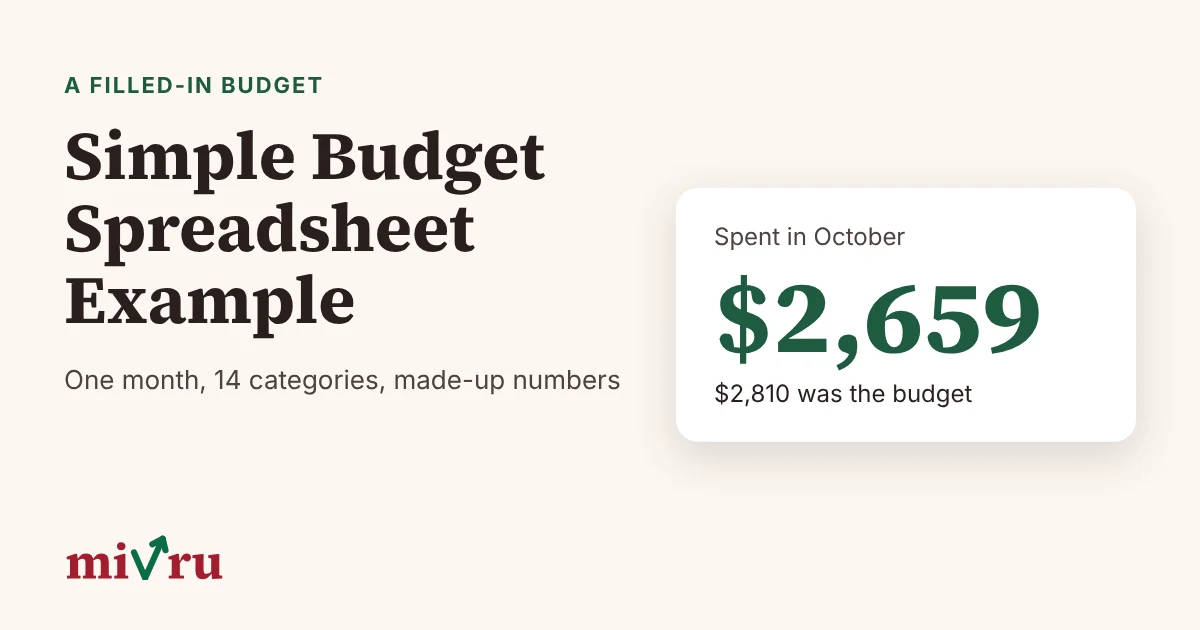
| All categories (14) | $2,810.00 | $2,658.92 | $151.08 |
The table shows three of the 14 lines and the total for all of them. A minus sign in the Left column means the category went over.
What to do when your income changes
If your pay differs from month to month, a monthly worksheet still works:
- Plan on a low month. Use the lowest income you have had recently.
- Treat the extra as a bonus. When a bigger month arrives, decide where the extra goes before you spend it.
- Fill in each month's worksheet with that month's real income. The planned and actual columns still work.
Worksheet or spreadsheet?
A worksheet is a good place to start. It makes you write down each number, which helps you notice them. A spreadsheet is better once you want the adding done for you, a view of the whole year or a log of purchases. Many people use both: the worksheet for the plan and the spreadsheet for the details.
Common mistakes on a monthly worksheet
- Planning for a month you wish you had. Plan from last month's real spending.
- Leaving out yearly costs. Add a line for things like insurance or gifts, and set a little aside each month.
- Forgetting to fill in the actual column. Set a date at the end of the month, so the worksheet is finished.
- Throwing the page away. Keep a month's worksheet, so you can compare it with the next one.
Want the adding done for you?
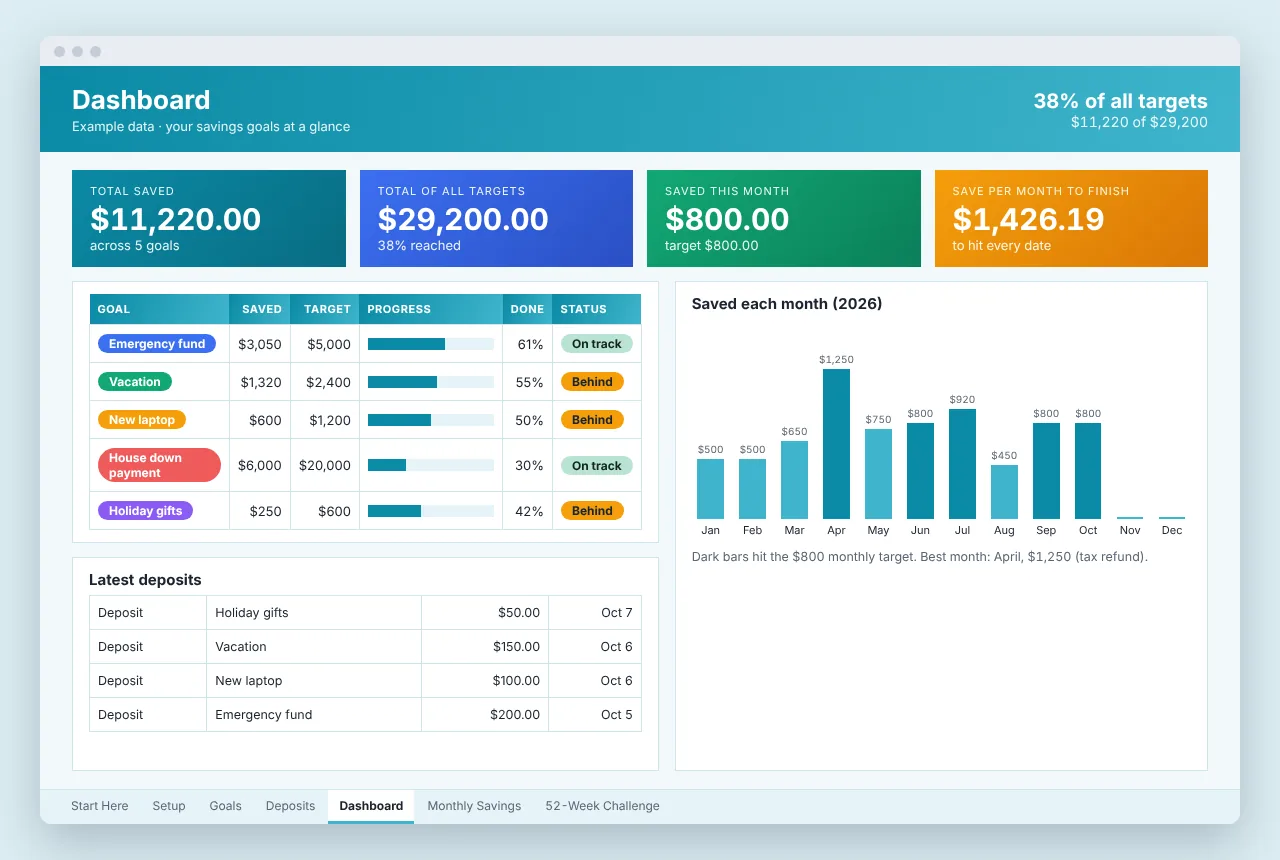
The Mivru All-in-One Budget Planner has a budget for 14 categories, spending, income and savings logs, a dashboard with a month picker, budget vs actual and savings goals, in five color themes for Excel and Google Sheets, plus a 13-page printable. See the All-in-One Budget Planner.
Frequently asked questions
What is a monthly budget worksheet?
A one-page form where you write your income, plan an amount for each spending category and later fill in what you really spent. The difference shows where the plan and the month disagreed.
How do I fill in a monthly budget worksheet?
Write your income, plan each category starting with fixed bills, then add the actual spending at the end of the month and subtract it from the plan.
How many categories should I use?
Ten to fifteen is enough for most people. Fewer than that hides where the money goes and more makes the page hard to fill.
Is the worksheet really free?
Yes. Enter your email on the page and you get the one-page PDF to print. There is no cost.
What do I do if I go over in a category?
Look at why. If it was a one-off, move on. If it happens most months, raise the plan or change the habit, and take the money from another category.