Rental Property Spreadsheet Google Sheets: Free Guide
Build a rental property spreadsheet in Google Sheets: log rent and expenses from your phone, see profit by property and month. Free step-by-step guide.
A rental property spreadsheet in Google Sheets is free, lives on your phone and takes about 30 minutes to set up. You add a row when rent arrives or a bill is paid, and the sheet shows what each property earns and where the money goes. It is a record-keeping tool, not tax advice. The numbers are made up.
The formulas match Excel, so this guide is short. The detail is in the rental property spreadsheet template for Excel. The data matches our rental spreadsheet examples.
Step 1: Create the sheets
Start a blank spreadsheet. Name the first tab Rent, then add Expenses, Lists and Summary.
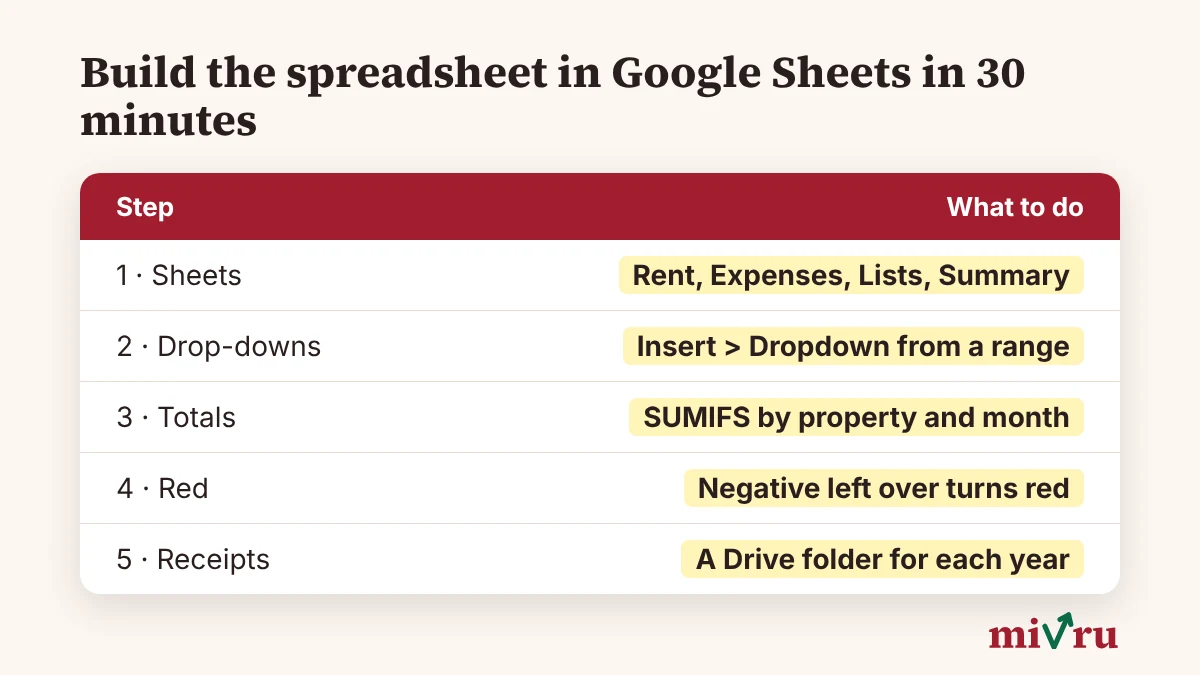
On Rent type in row 1: Date, Property, Tenant, Amount, Paid by. On Expenses: Date, Property, Category, Vendor, Amount. On Lists put the properties in column A and the categories in column B.
Step 2: Add drop-downs
Select the Property column on Rent, choose Insert > Dropdown, set the option to Dropdown (from a range) and enter Lists!A2:A5. Repeat for Property and Category on Expenses (Lists!B2:B13). Google's page on creating dropdown lists shows each step. Colored chips make the categories easy to scan on a phone.
Step 3: Example rows
Example (made up): Rent: 1/1/2026, Maple St duplex A, Garcia, 1150, Bank transfer. Expenses: 4/12/2026, Maple St duplex B, Cleaning and maintenance, Fresh Start Cleaning, 780.
Step 4: Totals by property
On Summary, list the properties in A2:A4 and use:
- Rent:
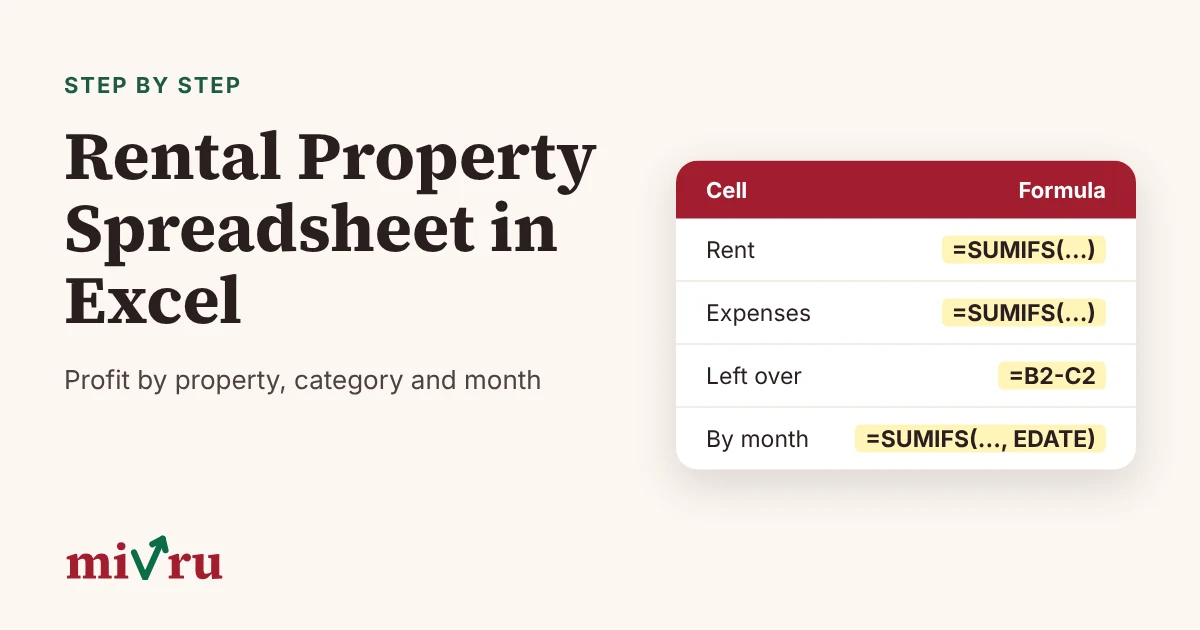
=SUMIFS(Rent!$D$2:$D$500,Rent!$B$2:$B$500,A2) - Expenses:
=SUMIFS(Expenses!$E$2:$E$800,Expenses!$B$2:$B$800,A2) - Left over: rent minus expenses
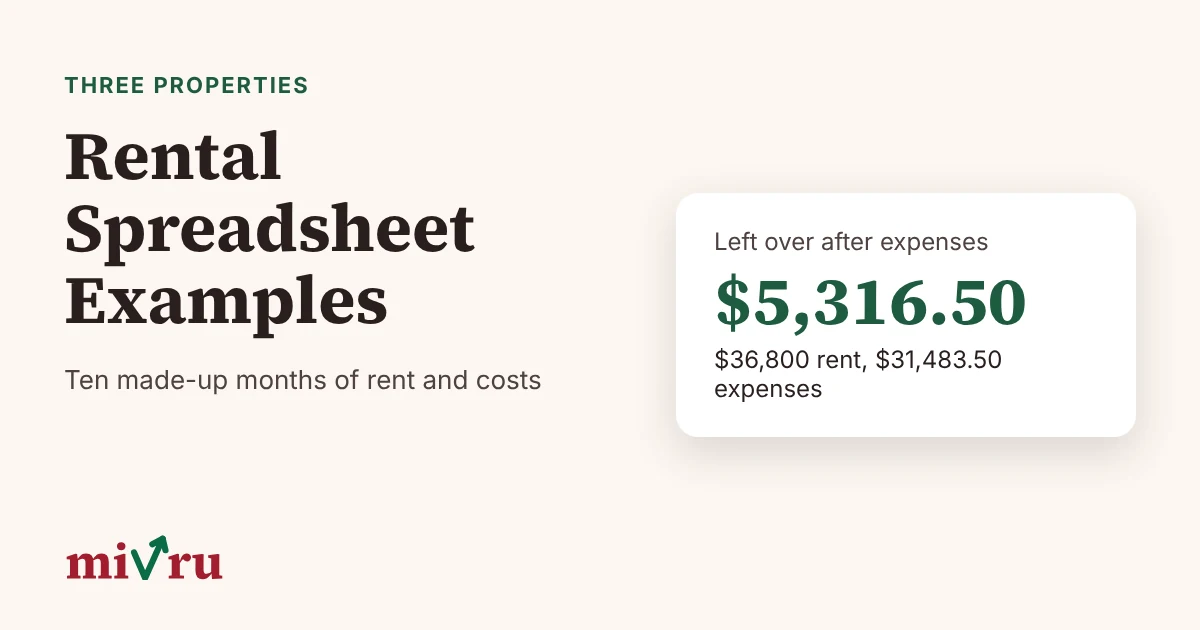
Google's help page for SUMIFS explains the conditions. In the made-up data: duplex A $2,940 left, duplex B -$225, the condo $2,601.50, and $5,316.50 in total.
Step 5: Totals by month
Put the first day of each month across a row and use:
=SUMIFS(Rent!$D$2:$D$500,Rent!$A$2:$A$500,">="&C1,Rent!$A$2:$A$500,"<"&EDATE(C1,1))
with the same pattern on Expenses. April and May are the low rent months ($2,800) in the example because duplex B was empty.
Step 6: Turn problems red
Select the left-over cells and choose Format > Conditional formatting > Custom formula is. Enter =D2<0 and pick a red font. Google explains the dialog on its page about conditional formatting.
Step 7: Photos of receipts
Make a Drive folder for each year, with a subfolder for each property. After a repair, take a photo of the invoice, save it in the folder and write the file name in a Notes column. Do the same for the lease and the move-in photos. The IRS says in Publication 527 on residential rental property to keep separate records of repair costs and improvement costs, so note which one each job is.
Step 8: Share carefully
Click Share and give a partner or property manager Editor access if they will add rows, and Viewer if they only need to see. Set general access to Restricted. A rental sheet shows your income and your tenants' names, so share only with people you trust and do not put full account numbers or passwords in it.
Related guides
For a paper start, read the rent collection log template guide. For the records side, see rental property spreadsheet for taxes. For bills, the bill tracker in Google Sheets. This is general information, not tax or legal advice.
What the Summary should show
With the made-up data, the Summary sheet ends up like this for the three properties.
| Property | Left over |
|---|---|
| Maple St duplex A | $2,940.00 |
| Maple St duplex B | -$225.00 |
| Condo | $2,601.50 |
| Total | $5,316.50 |
The check: $2,940.00 - $225.00 + $2,601.50 = $5,316.50. Duplex B is negative because it was empty in April and May while repair costs still came in. The red conditional format from step 6 makes that visible at a glance.
If something does not work
- A property shows zero. The name on the Rent sheet does not match the name on Summary. A drop-down prevents this.
- The month totals are empty. Check that the first day of each month is a real date, not text.
- A drop-down is missing. Select the cells and open Data > Data validation to check the range.
- The sheet is slow. Limit the ranges to the rows you use, as the formulas above do, and start a new file each year.
Who should have access
Share with as few people as possible, and use Viewer for anyone who only reads. If a property manager adds rows, give them Editor. Check the sharing list once a year and remove anyone who no longer needs it.
A monthly routine
- Add the rent that arrived.
- Add the bills you paid.
- Look at the left-over column. Any red cell needs a closer look.
- Save the receipt photos in the property's folder.
Keep personal and rental money apart
Log only what belongs to the rentals. A grocery trip or a personal subscription in the Expenses sheet makes every left-over number wrong. If a cost is shared, such as a hardware store trip for two properties, split it across two rows so each property carries its own part.
What this sheet does not do
It does not collect rent, send reminders or work out taxes. It records what happened, so a question from a tax professional is quick to answer. Ask one about what counts as income and what you can deduct, because that depends on where you live.
Skip the setup
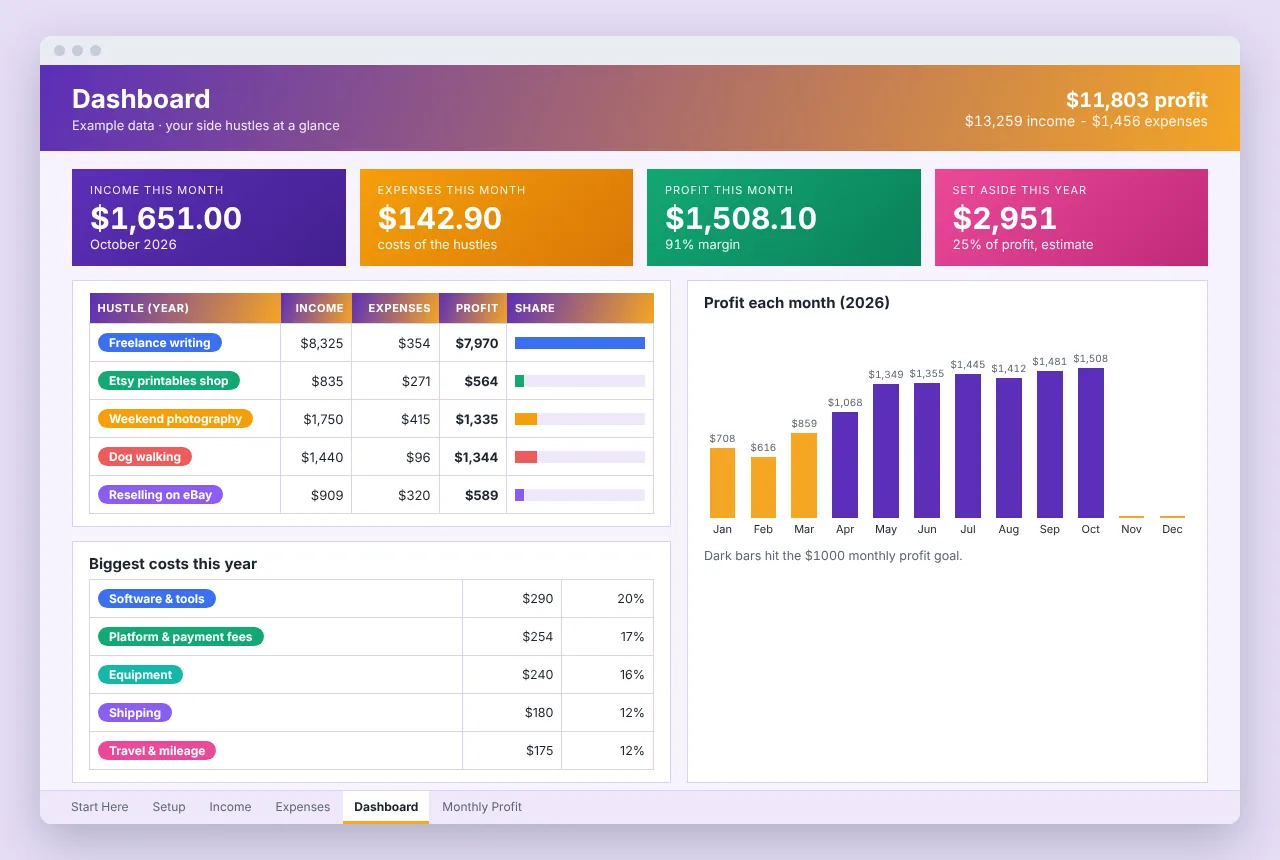
The Mivru Rental Property Income & Expense Tracker works in Google Sheets and Excel. Upload the file to Google Drive, open it with Sheets and type in the yellow cells. It has Rent Received and Expenses logs, a Dashboard, a By Property sheet, a Monthly sheet and a 13-page printable. See the Rental Property Income & Expense Tracker.
Frequently asked questions
Can I make a rental property spreadsheet in Google Sheets for free?
Yes. Google Sheets is free, works on your phone and has SUMIFS, which adds up rent and expenses by property, category and month.
Can I log a repair from my phone?
Yes. Open the Google Sheets app, add a row with the date, property, category and amount, and take a photo of the receipt.
Can my partner or property manager use it?
Yes. Share the sheet with edit access. Only share it with people you trust, as it shows your income.
How do I add a drop-down in Google Sheets?
Select the cells, choose Insert > Dropdown, pick Dropdown (from a range) and select the list on your Lists sheet.
Can I use the Mivru spreadsheet in Google Sheets?
Yes. Upload the .xlsx file to Google Drive and open it with Google Sheets. The drop-downs and formulas keep working.