Free Reseller Sales Log Printable: How to Fill It In
Get a free reseller sales log printable and learn to fill it in: date, item, platform, sold for, costs and profit, with a worked example and totals.
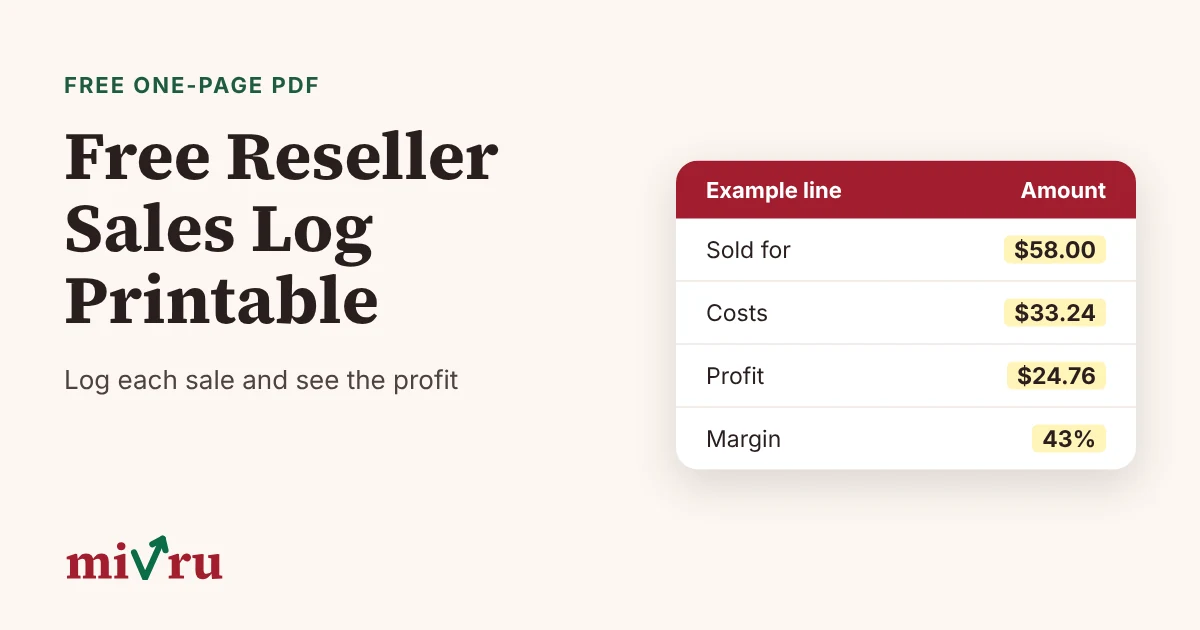
A free reseller sales log printable is a one-page record of your sales. For each sale you write the date, the item, the platform, what it sold for, what it cost you and the profit, and at the bottom you add up the month.
Our free reseller sales log is a one-page US Letter PDF with fourteen lines, totals and a place for notes. This guide shows how to fill it in, with a worked example.
What the page has
- A month box at the top, so each month gets its own page.
- Fourteen lines with columns for date, item, platform, sold for, costs and profit.
- A totals line for the month.
- Boxes for best sellers and notes.
Print one page for each month. If you sell more than fourteen items, print a second.
Step 1: Write the date and the item
When an item sells, add a line. Write the date and a short name for the item, such as "Leather boots". If you keep several of the same thing, add a size or a color, so you can tell them apart later.
Step 2: Write the platform and the sale price
Write where it sold: an online marketplace, your own shop or local pickup. Then write what the buyer paid for the item, not counting any postage the buyer pays on top. The platform column is what lets you compare places at the end of the month.
Step 3: Write the costs
The costs column holds everything the sale cost you:
- what you paid for the item
- the platform fee
- shipping
- packaging
Add them up and write the total on the line. If your fees and postage come on a statement later, fill them in then.
Step 4: Work out the profit
Profit is the sold-for amount minus the costs. A negative number means the sale lost money.
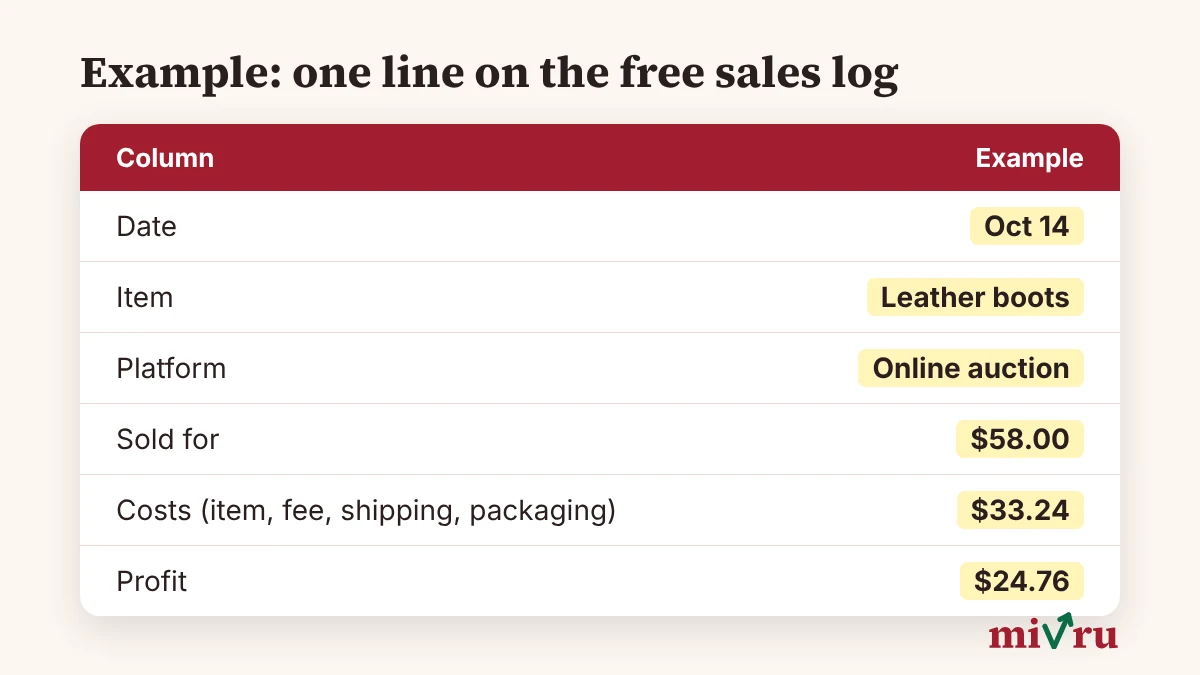
Example: A pair of leather boots sells on an online auction site for $58.00. The costs are the item at $16.00, a 13% platform fee of $7.54, shipping of $8.20 and packaging of $1.50: $33.24 in all. Profit: $58.00 - $33.24 = $24.76. The margin is $24.76 / $58.00 = 43%.
The 13% is a made-up figure. Use the fee on your own statement.
Step 5: Add up the month
At the end of the month add up the sold-for column, the costs column and the profit column, and write the totals on the bottom line. Check your work: sold for minus costs should equal profit.
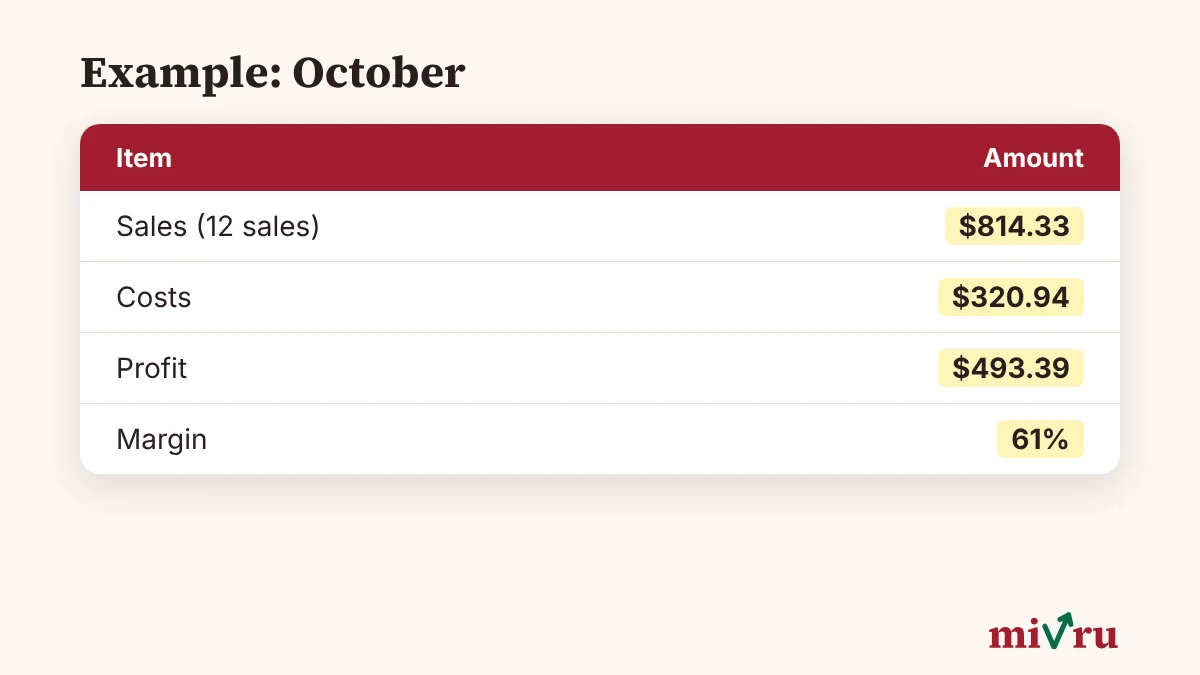
Example: In a made-up October there were 12 sales for $814.33. Costs were $320.94, so the profit was $493.39, a margin of 61%.
Step 6: Learn from it
Look at the month and ask three questions:
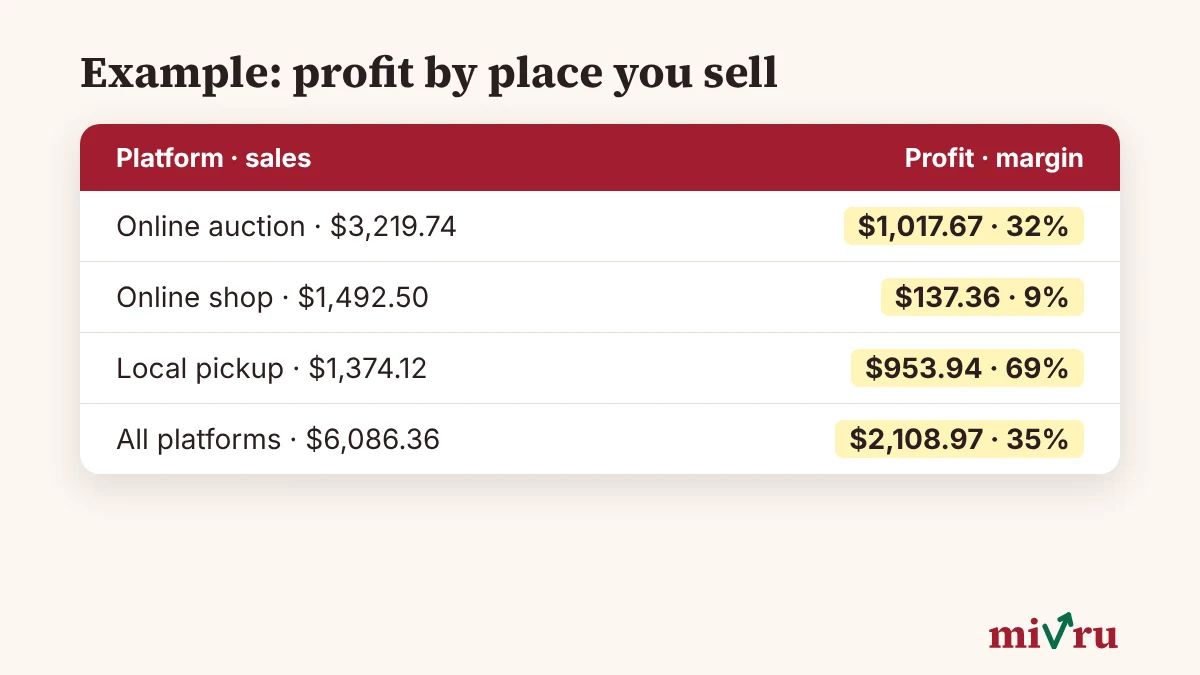
- Which platform kept the most of each dollar? A place with high fees or postage may not be worth a low-priced item.
- Which items earned the most? Write them in the best sellers box and look for more like them.
- Which items lost money? Note why. A bad photo, a damaged item or a price set too low are all fixable.
Then plan the next month from what you learned.
Common mistakes
- Leaving out small costs. A $1.50 mailer and a $3 label feel too small to write down, but over a month they add up.
- Counting only the item cost. If you subtract only what you paid for the item, profit looks higher than it is. Fees and shipping belong in the costs column.
- Waiting until the end of the month. Fill in a line when the item sells, while you still remember the details.
- Not writing refunds. A refund is a negative sale. Give it its own line with a minus sign so the month adds up correctly.
Tips for a page you will really use
- Keep the log where you pack orders, with a pen on a string or in a clip.
- Print twelve pages at once and put them in a folder by month.
- Use a different pen color for refunds, so they stand out.
- Write the month's best and worst item in the notes box. After three months you will see a pattern.
Keep the receipts too
The log is a summary. The IRS says that gross receipts, purchases and expenses are separate kinds of business records and lists documents that support them, such as invoices, receipts and account statements. The IRS also says that recording expenses when they happen keeps you from forgetting them. Keep an envelope for each month, and write the page number of the log on it. How to report your sales depends on where you live, so ask a tax professional.
Is there a free downloadable reseller inventory spreadsheet?
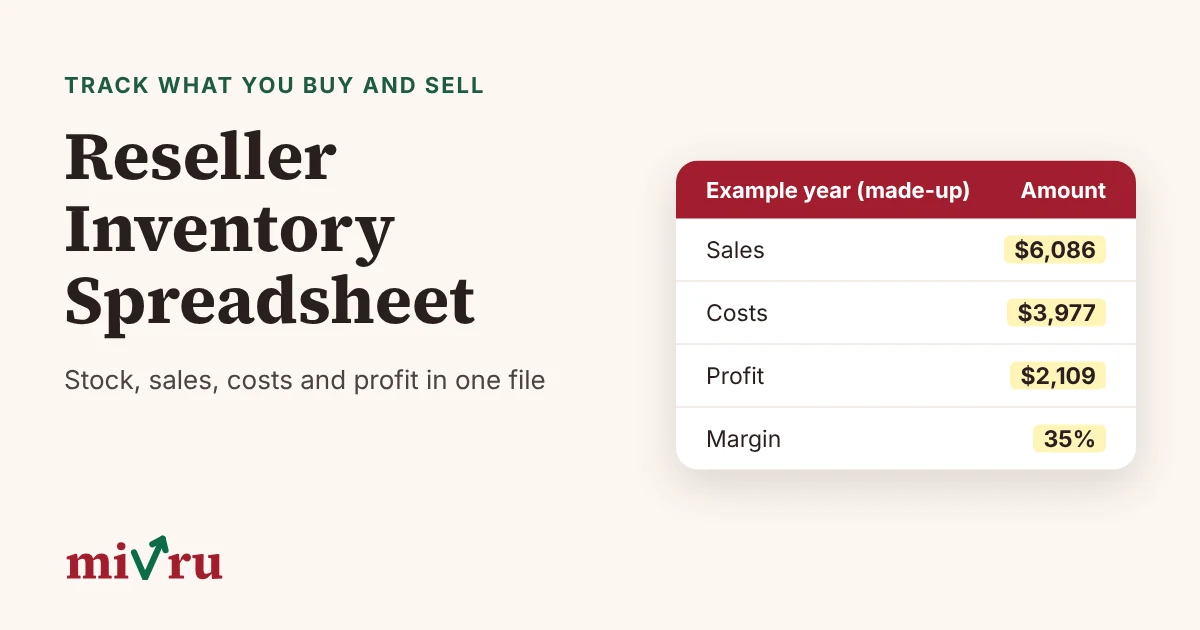
The free download here is the printable sales log. It does not have an inventory list or formulas, because a single page cannot add up for you. If you want a free spreadsheet, you can build one: our guide to a reseller inventory spreadsheet lists the three sheets and the formulas, and there are step-by-step versions for Excel and Google Sheets. If you would rather have it ready, the paid tracker is below.
When one page is not enough
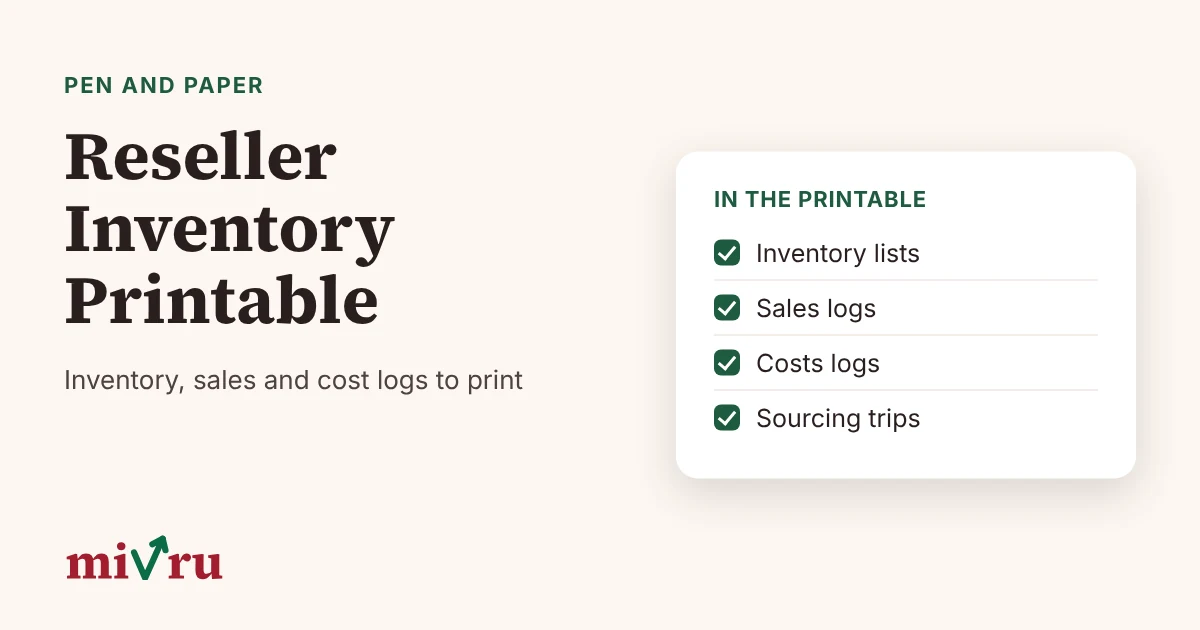
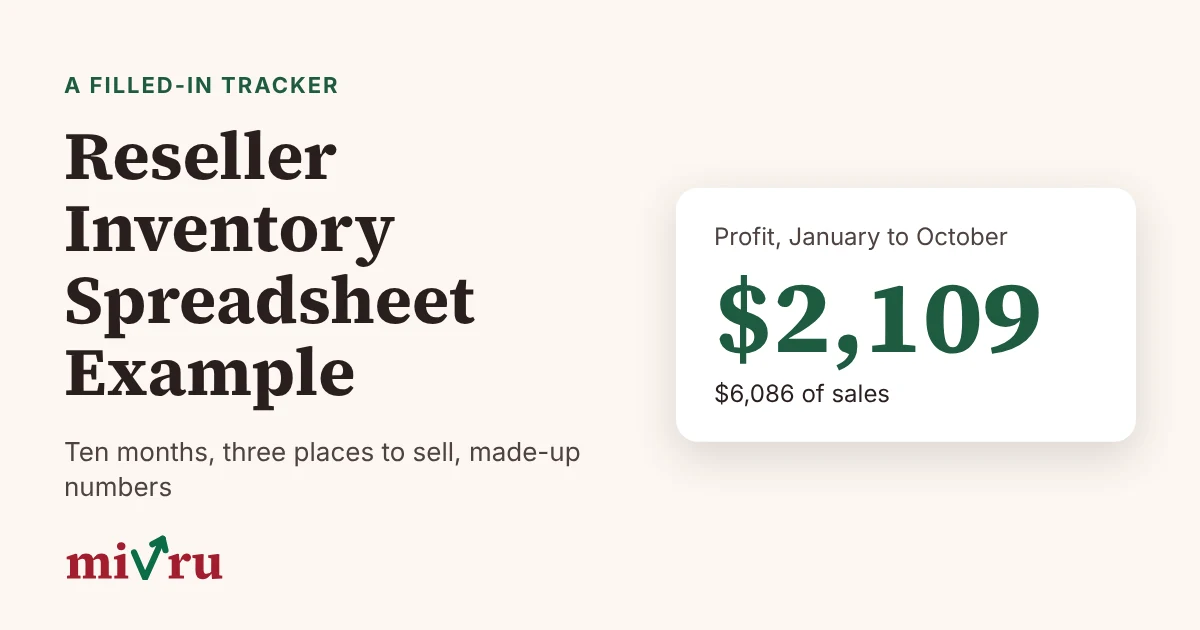
A single sheet is a good start, but it does not track what is still in stock, show profit by platform or add up a year. For a longer paper version, see our reseller inventory printable guide, with inventory lists, cost logs, a sourcing-trip log and summaries. To see what a filled-in spreadsheet looks like, read the reseller inventory spreadsheet example. If your reselling sits next to other income, our printable side hustle tracker can show the whole picture. This is general information, not tax or financial advice.
Want the adding done for you?
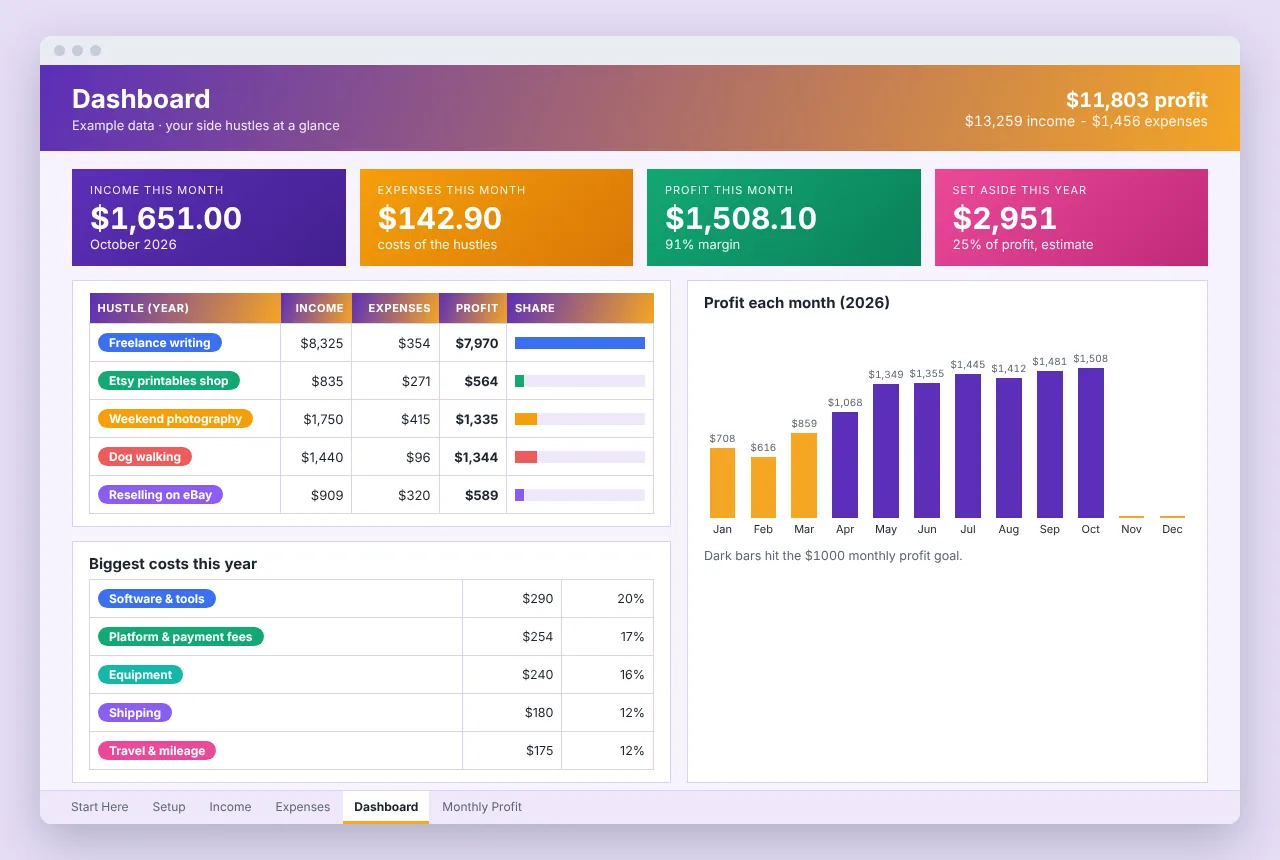
The Mivru Reseller Inventory & Profit Tracker has inventory, sales and costs logs, a dashboard with a month picker, profit by platform and a stock sheet, in five color themes for Excel and Google Sheets, plus a printable inventory and sales log. See the Reseller Inventory & Profit Tracker.
Frequently asked questions
What is a reseller sales log?
A page where you write each sale with the date, item, platform, what it sold for, what it cost you and the profit. Adding up the columns at the end of the month shows what you really earned.
How do I fill in a reseller sales log?
Add a line when an item sells. Write the date, item, platform and sale price, then the costs: what you paid, the fee, shipping and packaging. Profit is sold for minus costs.
How many sales fit on one page?
The free page has fourteen lines. Print one for each month, or print two if you sell a lot.
Is the sales log really free?
Yes. Enter your email on the page and you get the one-page US Letter PDF to print. There is no cost.
Is there a free downloadable reseller inventory spreadsheet?
The free download is a one-page printable sales log. The full tracker with inventory, formulas and profit by platform is a paid spreadsheet, and you can also build your own with our free guides.