eBay Sales Tracker Template in Google Sheets: Steps
Set up an eBay sales tracker template in Google Sheets: drop-downs, SUMIFS totals, stock counts and profit by platform. Free printable log included.
An eBay sales tracker template in Google Sheets is a free-to-use file you fill in yourself: one sheet for what you buy, one for what you sell and one for what it costs. Because it lives in Google Drive, you can update it from your phone at a flea market or share it with a partner.
This guide sets one up step by step. It works for any place you sell, and the numbers come from a made-up reseller used in our reseller inventory spreadsheet example. Mivru is not affiliated with eBay or any other selling site.
Why Google Sheets suits resellers
You often find stock away from a desk. Google Sheets saves as you type, opens on a phone and keeps one copy in the cloud. It also makes sharing easy, which helps if a partner packs the orders or buys stock. Google's guide to sharing files from Google Drive explains the roles, and for a shared tracker both people should be editors.
The three sheets
| Sheet | One row for | Columns |
|---|---|---|
| Inventory | An item you bought | Item, Where, Bought on, Source, Status, Asking price |
| Sales | A sale | Date, Platform, Item, Amount |
| Costs | A cost | Date, Platform, Category, Amount, Note |
A fourth sheet, Summary, holds the formulas. Your Summary and Stock sheets are never typed into.
Step 1: Add drop-down lists
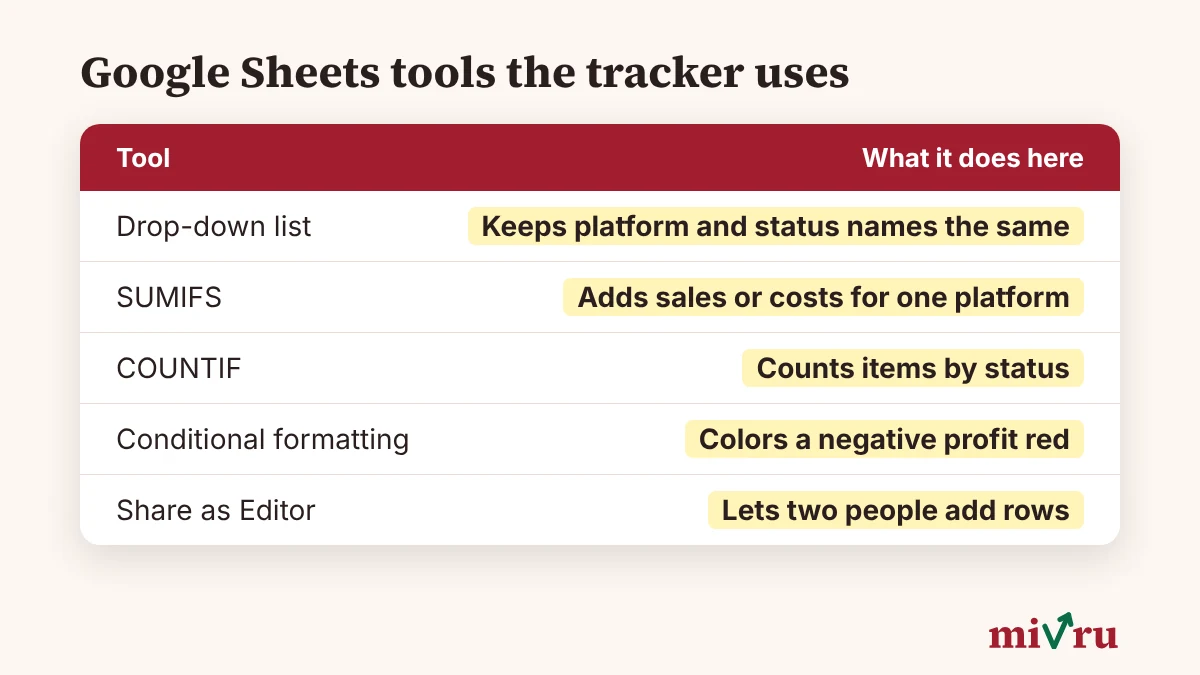
Make a Lists sheet with your platforms, cost categories and three statuses: In stock, Listed and Sold. Then select the Platform column on Sales and Costs and choose Data > Data validation, add a rule and pick Dropdown (from a range). Do the same for Category and Status. Google's page on how to create dropdown lists walks through it.
Step 2: Log each sale
Add a row to Sales for every sale. Type the date, pick the platform and write the item and the amount. If your selling site lets you download a sales report, you can paste its rows in, but check that the platform name matches your list.
Step 3: Log each cost
Add a row to Costs for every cost: what you paid for the item, platform fees, postage, packaging, supplies and mileage. Log the item cost on the day you buy it, and fees and postage when you sell.
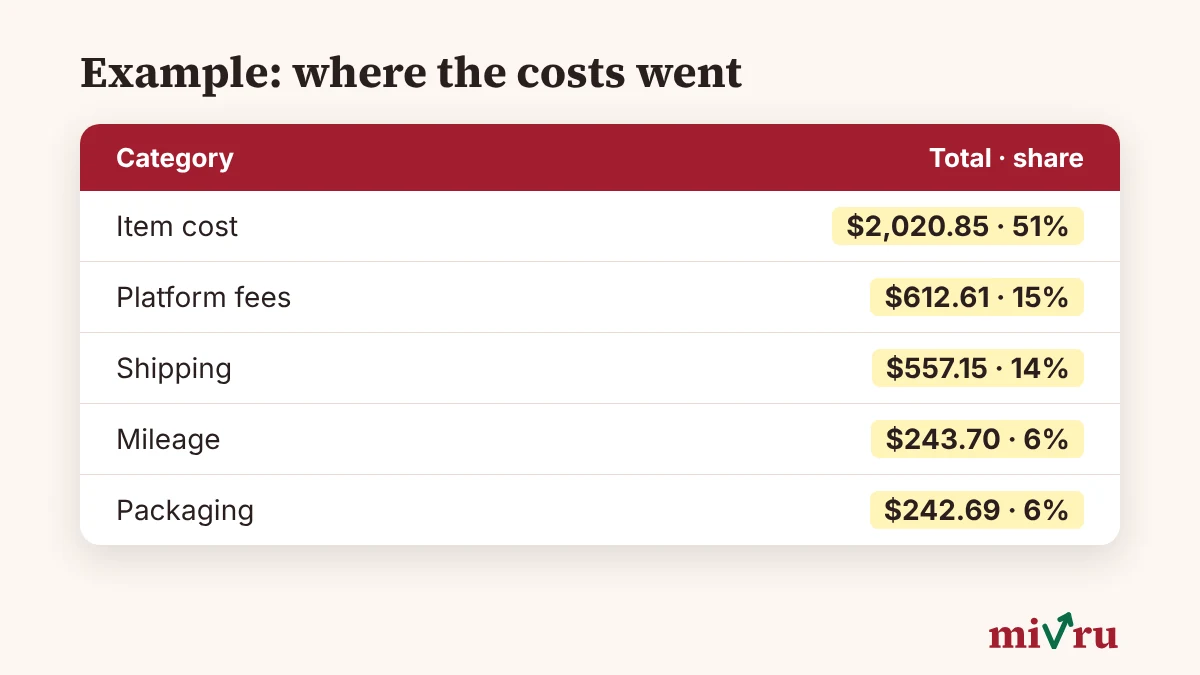
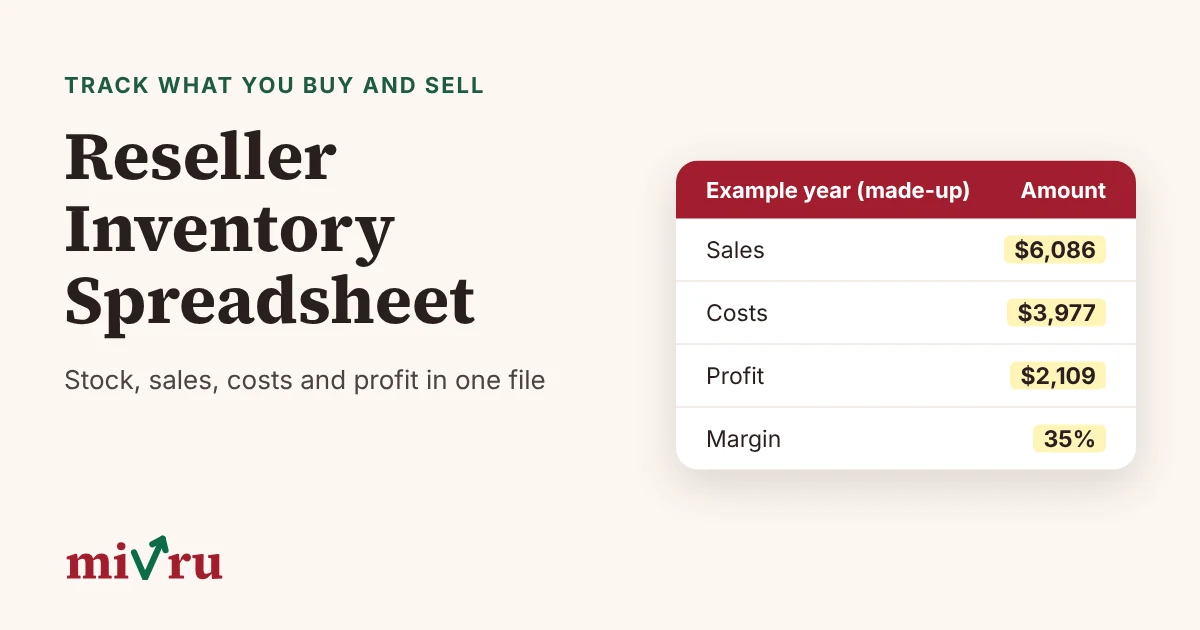
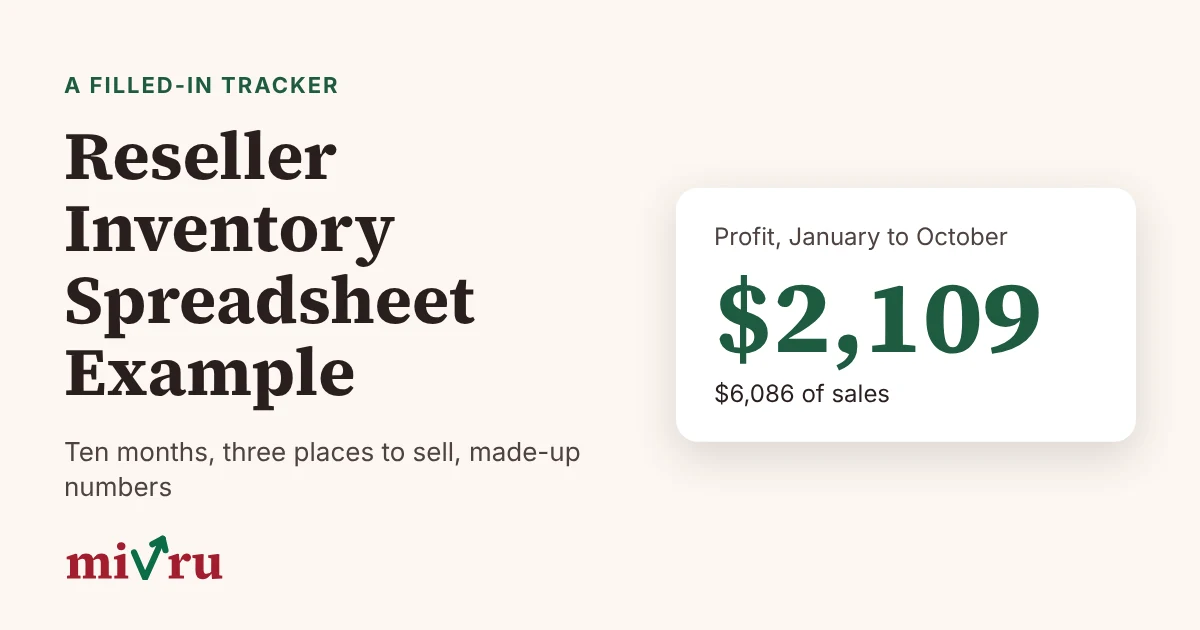
Example: The made-up reseller's costs were $3,977.39 in ten months. Item cost was $2,020.85, platform fees $612.61 and shipping $557.15.
Step 4: Total each platform with SUMIFS
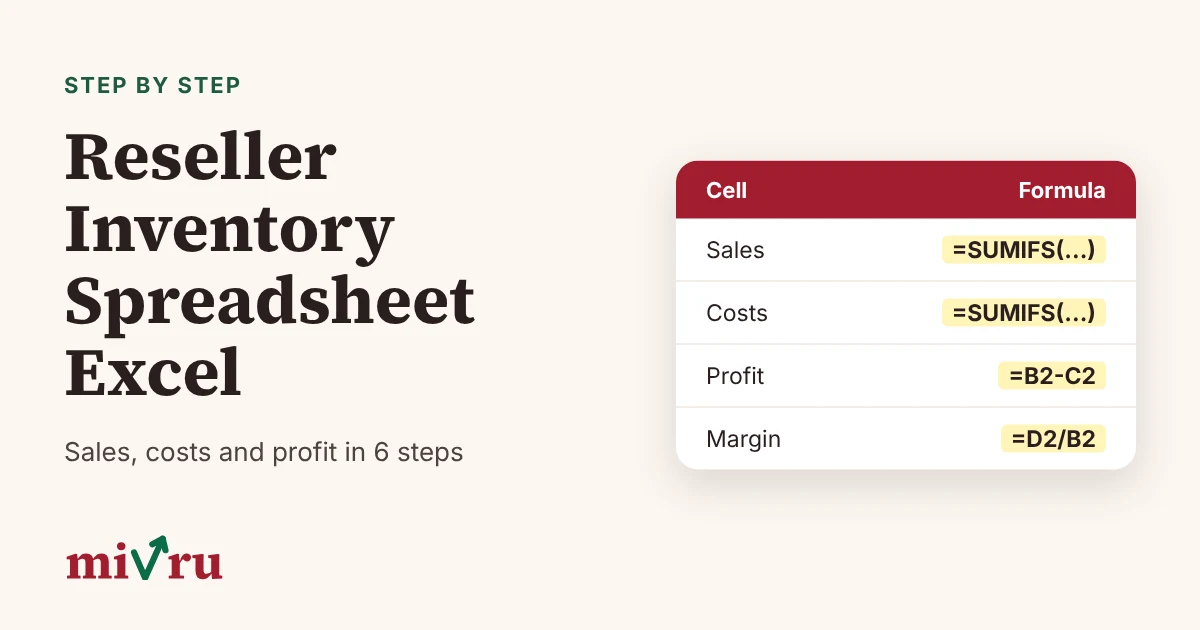
On Summary, list your platforms in column A. In B2 add up the sales for the platform in A2:
=SUMIFS(Sales!$D:$D,Sales!$B:$B,$A2)
In C2 do the same for costs with the Costs sheet. Then D2 is =B2-C2 for profit and E2 is =IF(B2=0,"",D2/B2) for margin. Google explains the arguments on its SUMIFS function page, and the formula works the same as in Excel.
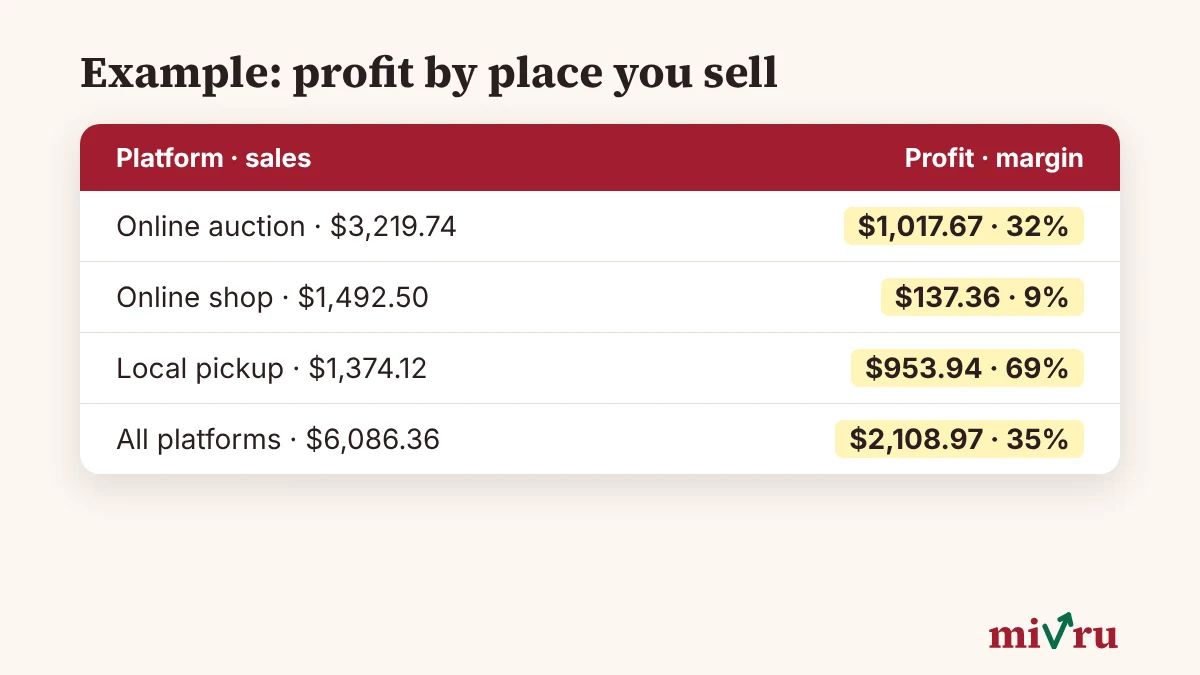
Example: The online auction platform sold $3,219.74 and kept $1,017.67 (32%). The online shop kept just $137.36 of $1,492.50 (9%). Local pickup kept $953.94 of $1,374.12 (69%).
Step 5: Count your stock with COUNTIF
On a Stock sheet, list the three statuses in column A. Count the items in B2 with COUNTIF:
=COUNTIF(Inventory!$E:$E,$A2)
Google describes the COUNTIF function on its help site. Add asking prices with =SUMIFS(Inventory!$F:$F,Inventory!$E:$E,$A2).
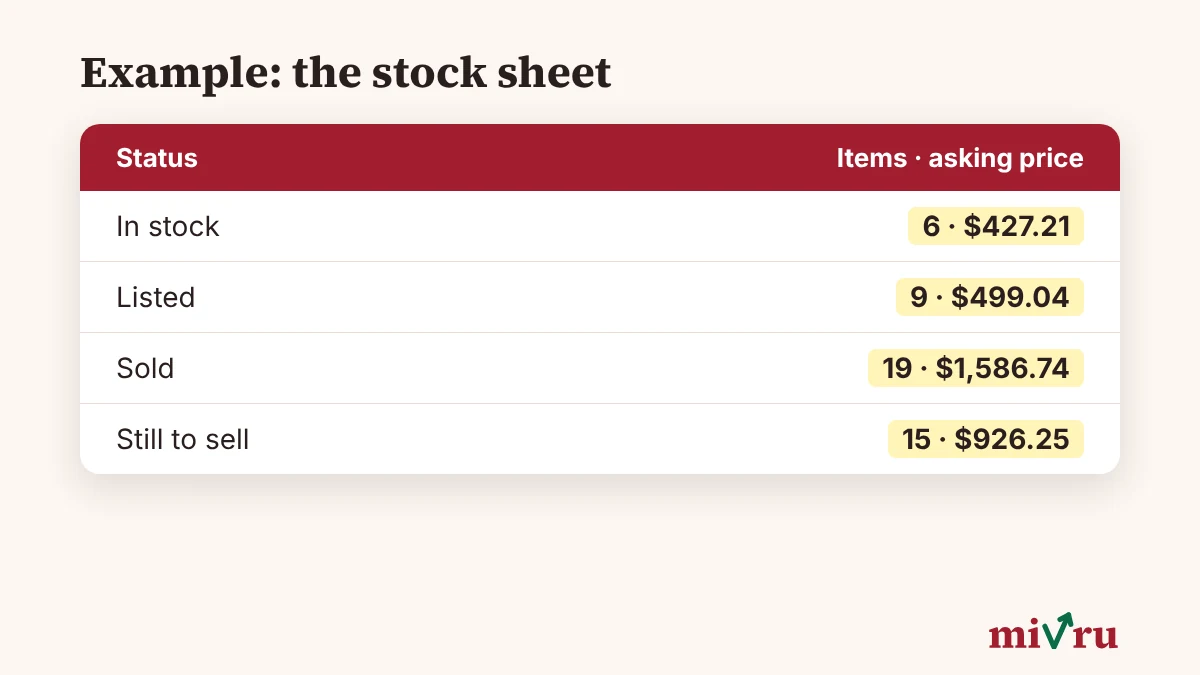
Example: The made-up inventory has 34 items: 6 in stock, 9 listed and 19 sold. The 15 still to sell are priced at $926.25 in total.
Step 6: Color the losses
Select the Profit column on Summary, choose Format > Conditional formatting and add a rule that colors a number less than zero red. Google's page on conditional formatting has the steps. A red cell is a prompt to look at a platform's fees and postage.
Share the file
Select the file in Google Drive, choose Share, type the other person's email and set the role to Editor. A viewer can only look, and a commenter can only leave comments. Agree on who adds rows, so each sale is logged once.
Tips for a phone
- Open the file from the Sheets app and add a row right after a purchase.
- Keep one row per item so the stock count stays right.
- Use short names so the drop-down is easy to tap.
- Add costs the same day. A receipt left in a bag is a cost you forget.
What this tracker does not do
It is not connected to your selling account, so it does not pull in sales by itself. It also does not calculate taxes. How to report income and costs depends on where you live, so ask a tax professional. The IRS says that good records help a business show which products sell and avoid forgetting expenses, which is what a tracker is for.
For the thinking behind the sheets, read our guide to a reseller inventory spreadsheet. If you prefer Excel, see the reseller inventory spreadsheet in Excel, or print the reseller inventory printable. To track a side income of any kind in Sheets, try our side hustle tracker in Google Sheets. This is general information, not tax or financial advice.
Want it ready-made?
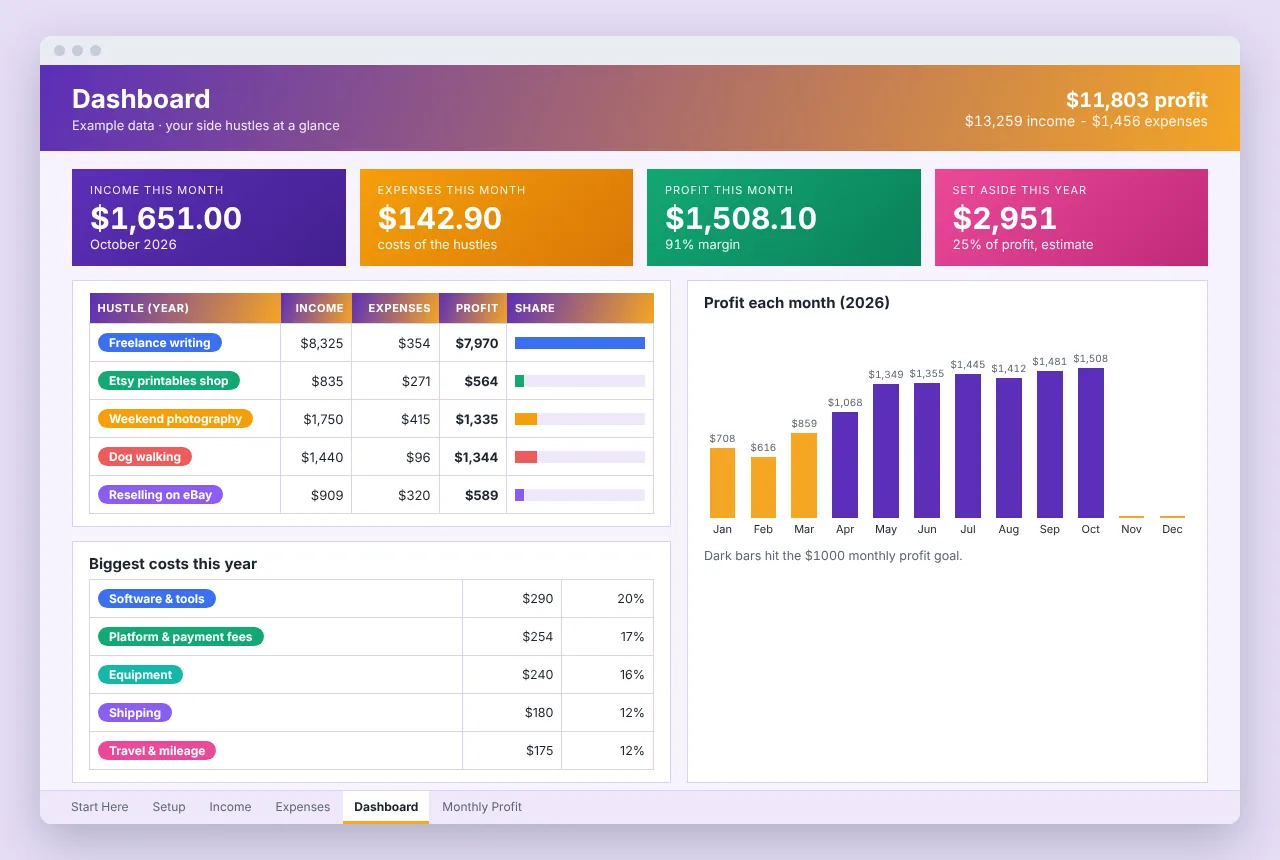
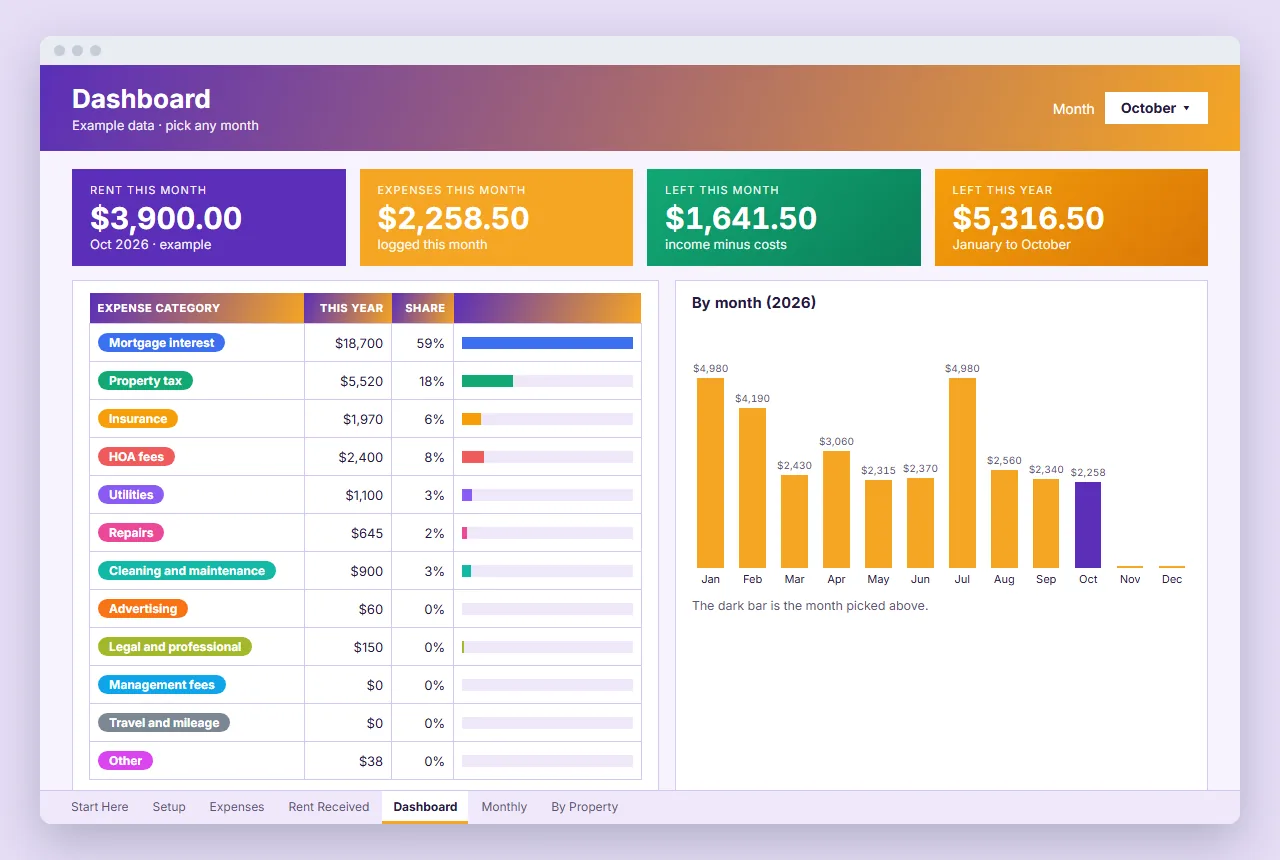
The Mivru Reseller Inventory & Profit Tracker is a file you can upload to Google Drive and share. It has inventory, sales and costs logs with drop-downs, a dashboard with a month picker, profit by platform and a stock sheet, in five color themes. It works in Excel and Google Sheets and comes with a printable log. See the Reseller Inventory & Profit Tracker.
Frequently asked questions
How do I make an eBay sales tracker in Google Sheets?
Make an Inventory sheet, a Sales sheet and a Costs sheet, then use SUMIFS on a Summary sheet to add up sales and costs for each platform and month. Profit is sales minus costs.
Does a sales tracker template work for other selling sites?
Yes. Platform is a list you edit, so the same sheet works for any online marketplace, your own shop or local sales.
Is the tracker connected to my selling account?
No. A Google Sheets tracker is a separate file you fill in. Some selling sites let you download a sales report, and you can copy rows from it into your Sales sheet.
Can two people use one tracker?
Yes. Put the file in Google Drive, choose Share and give the other person the Editor role. Both of you can add rows.
Can I use the Excel version in Google Sheets?
Yes. Upload the .xlsx file to Google Drive and open it with Google Sheets. The formulas and drop-downs work in both.